


Use APKPure App
Get Device ID old version APK for Android

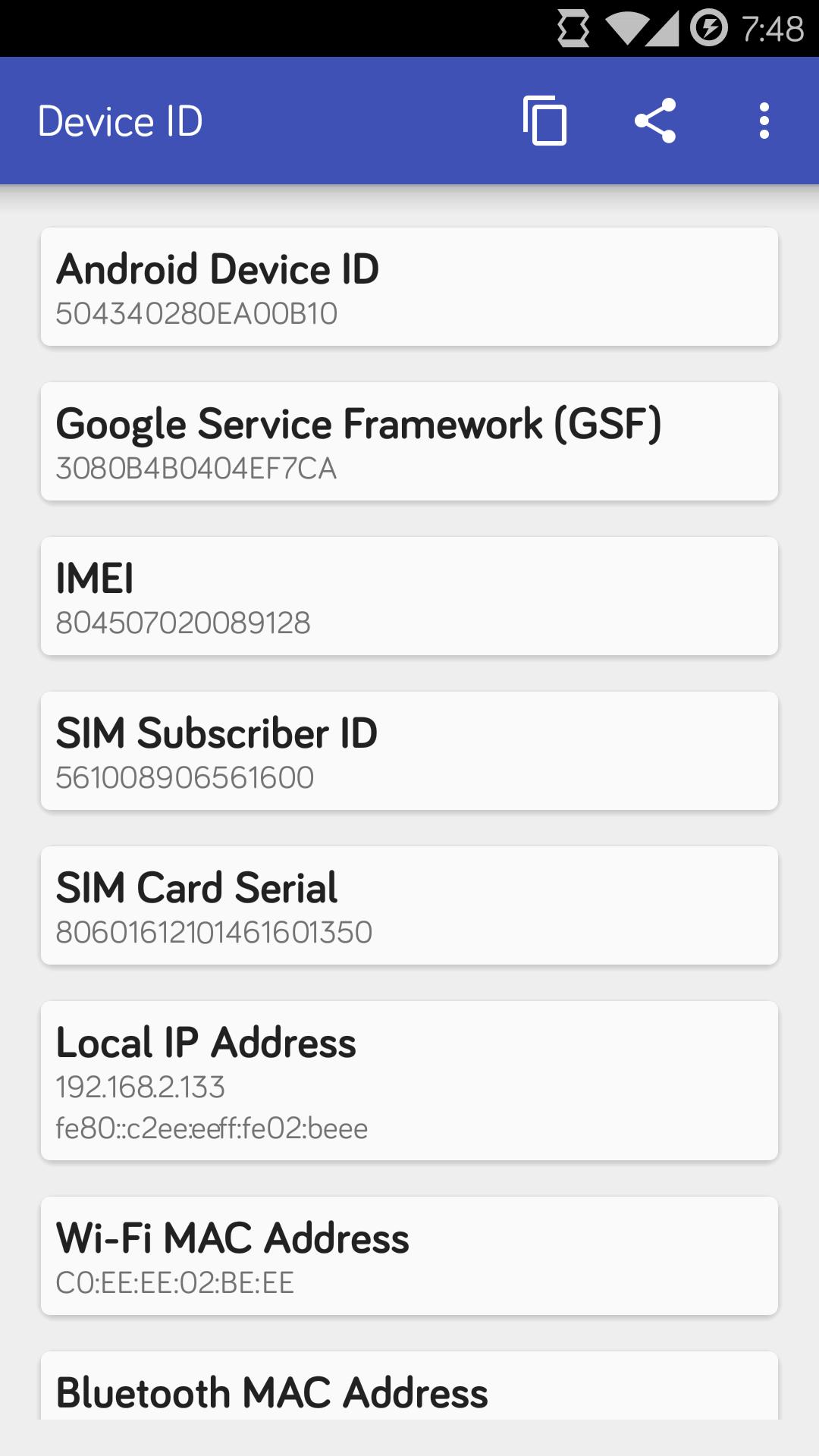
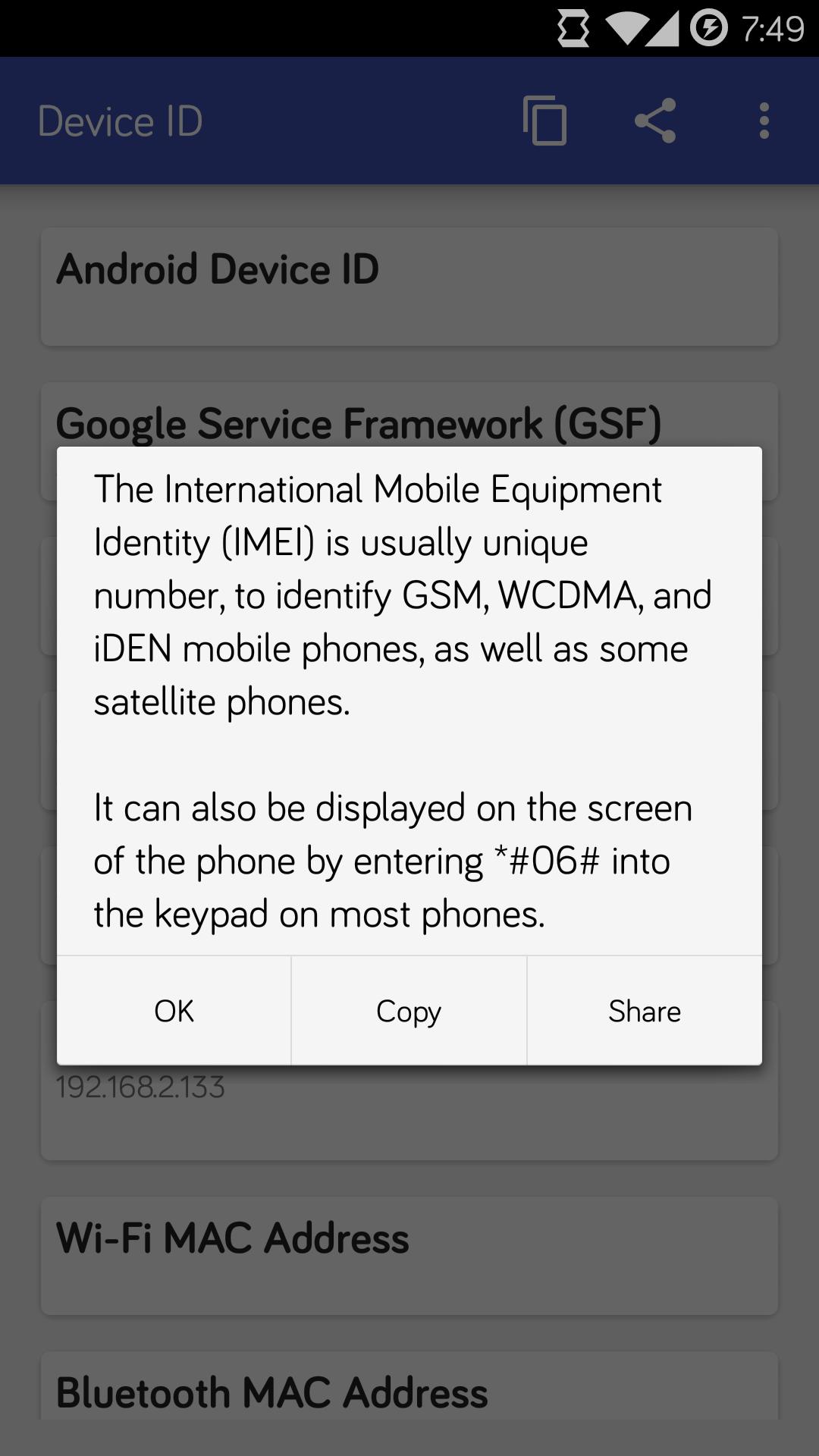
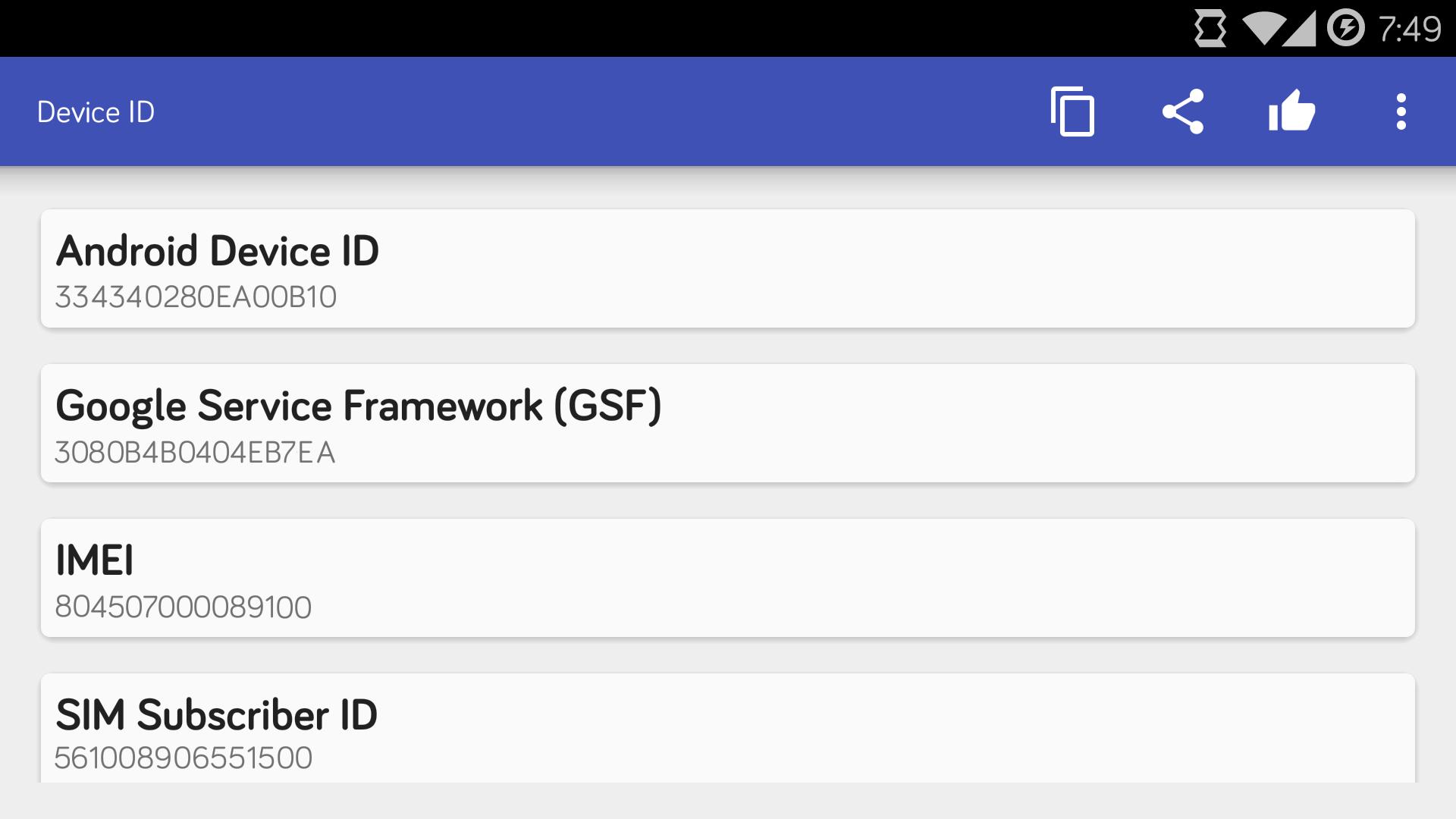
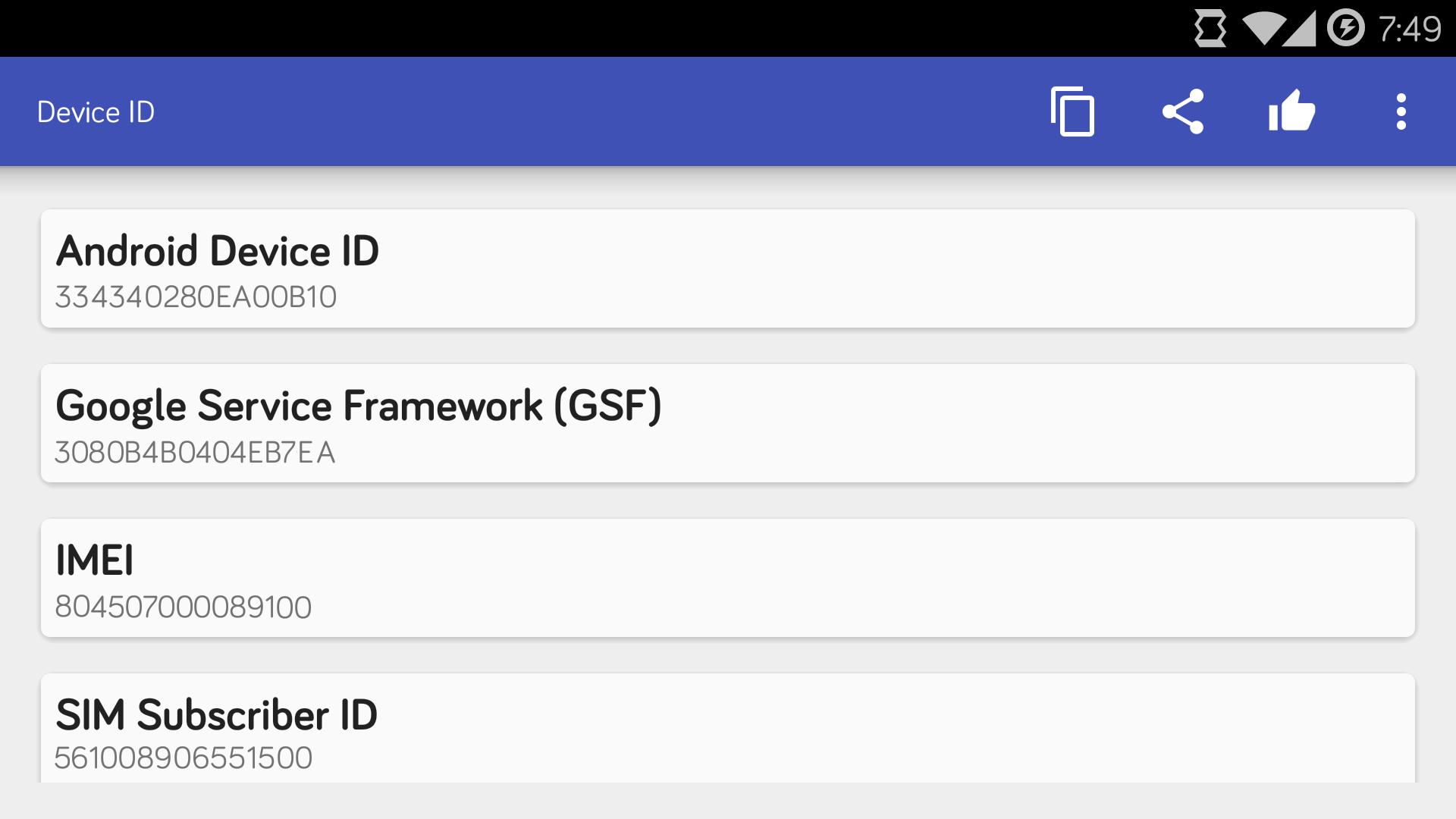


Device ID is a utility app that shows key identifiers and local network details on your phone.
Device ID helps when you need to check phone identifiers for support, testing, or setup. It reads your device and shows the details clearly so you can copy or share when asked. Also, it does not send identifiers to the internet, which suits privacy minded users. When a help desk requests an ID, download Device ID to provide it without hassle. If you prefer fewer permissions, a no network mode is available, but IP and MAC details will be disabled.
Identifier overview
Device ID shows key identifiers your phone and services may request. You can view the Android ID and Google Services Framework ID, plus IMEI, IMSI, SIM card serial, hardware serial, and build fingerprint. It also displays your local IP address and MAC addresses for WiFi, Ethernet, Bluetooth, and paired Bluetooth devices.
Copy and share
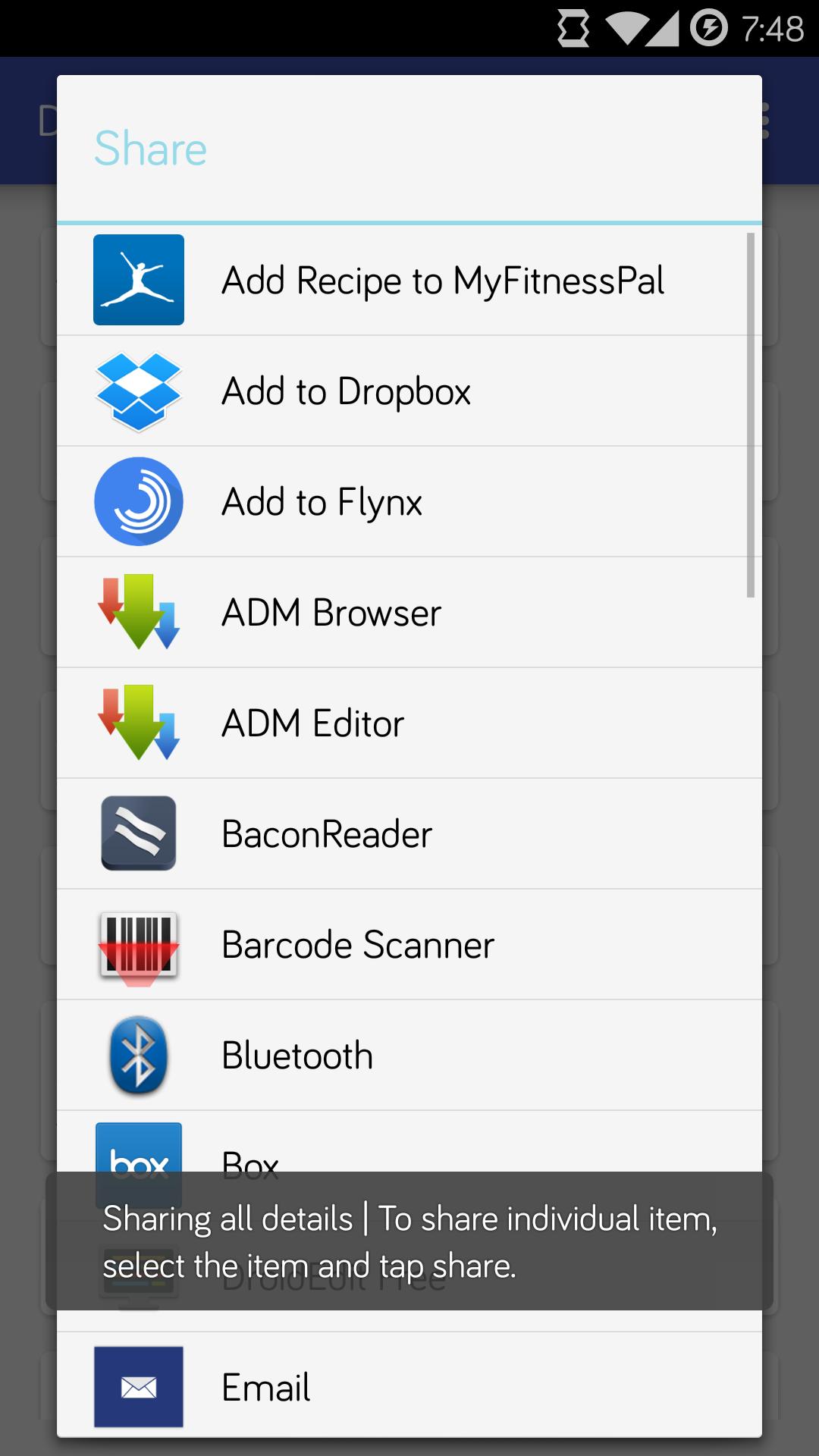
Next, you can copy any value to the clipboard or share it through your apps. This helps you provide exact information to support teams or developers without typing mistakes.
Privacy and permissions
Additionally, Device ID does not transmit identifiers online. Internet access is used only to read your local IP. Bluetooth access reads Bluetooth MAC data. Phone state access is used for IMEI, IMSI, and SIM serial. WiFi and network state access provide MAC details. A no network mode is available for users who want fewer permissions; it disables IP and MAC info.
Dual SIM behavior
Finally, on dual SIM phones the default Android SDK may return only one SIM card serial. In most cases this is from the first active SIM. Keep this in mind when a request asks for both serial numbers.
Device ID provides a clear view of identifiers and network details, with easy copy and share options. Install the Device ID APK to access only the values you need and keep data local. Review the permissions and notes before using it for support or testing.
Last updated on May 18, 2015
Minor bug fixes and improvements. Install or update to the newest version to check it out!
Latest Version
 1.3.2
1.3.2
Uploaded by
Yiğit Çalışkan
Requires Android
Android 4.0+
Category
Report

Discover what you want easier, faster and safer.
