


Use APKPure App
Get Android Accessibility Suite old version APK for Android

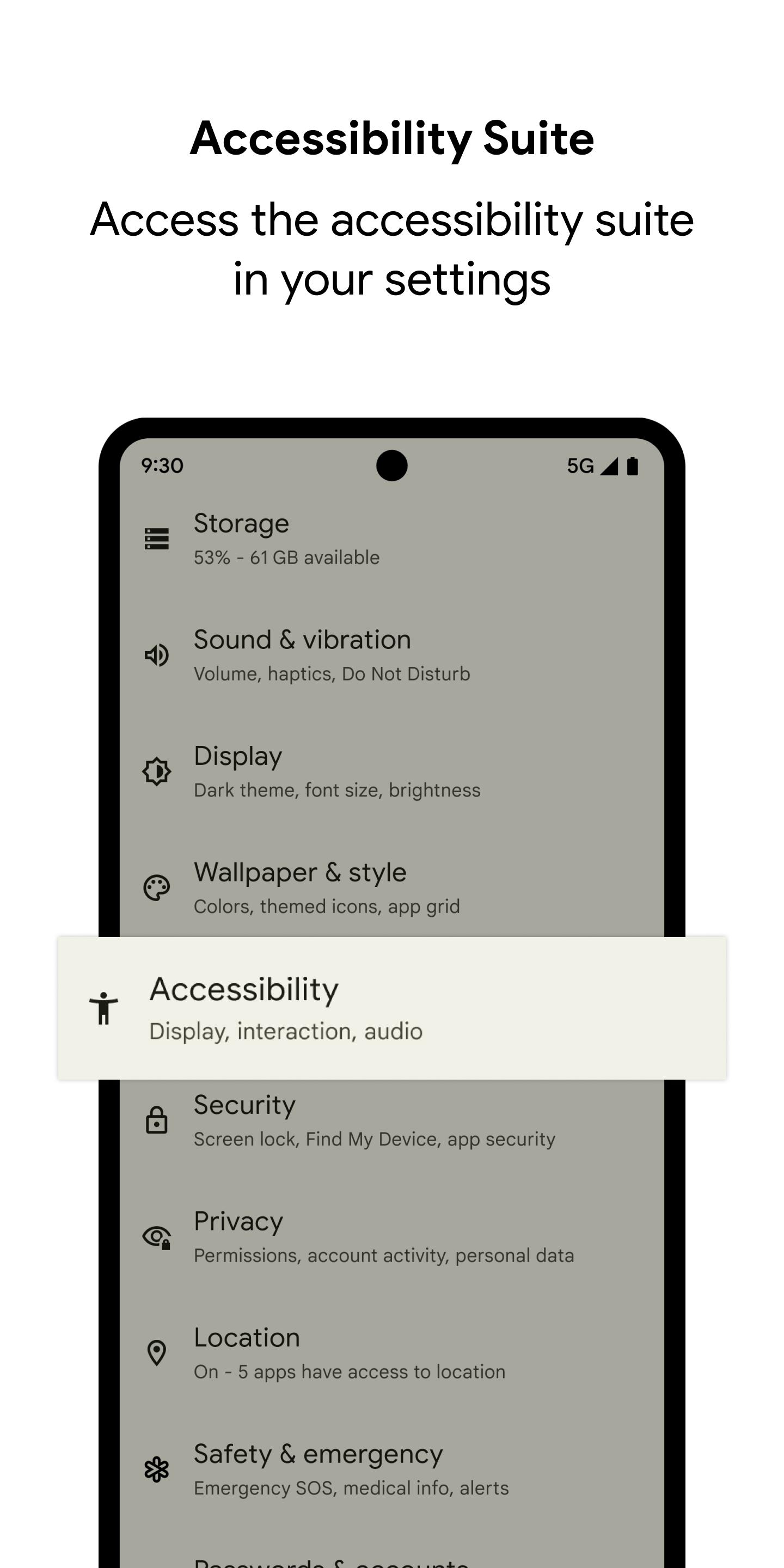
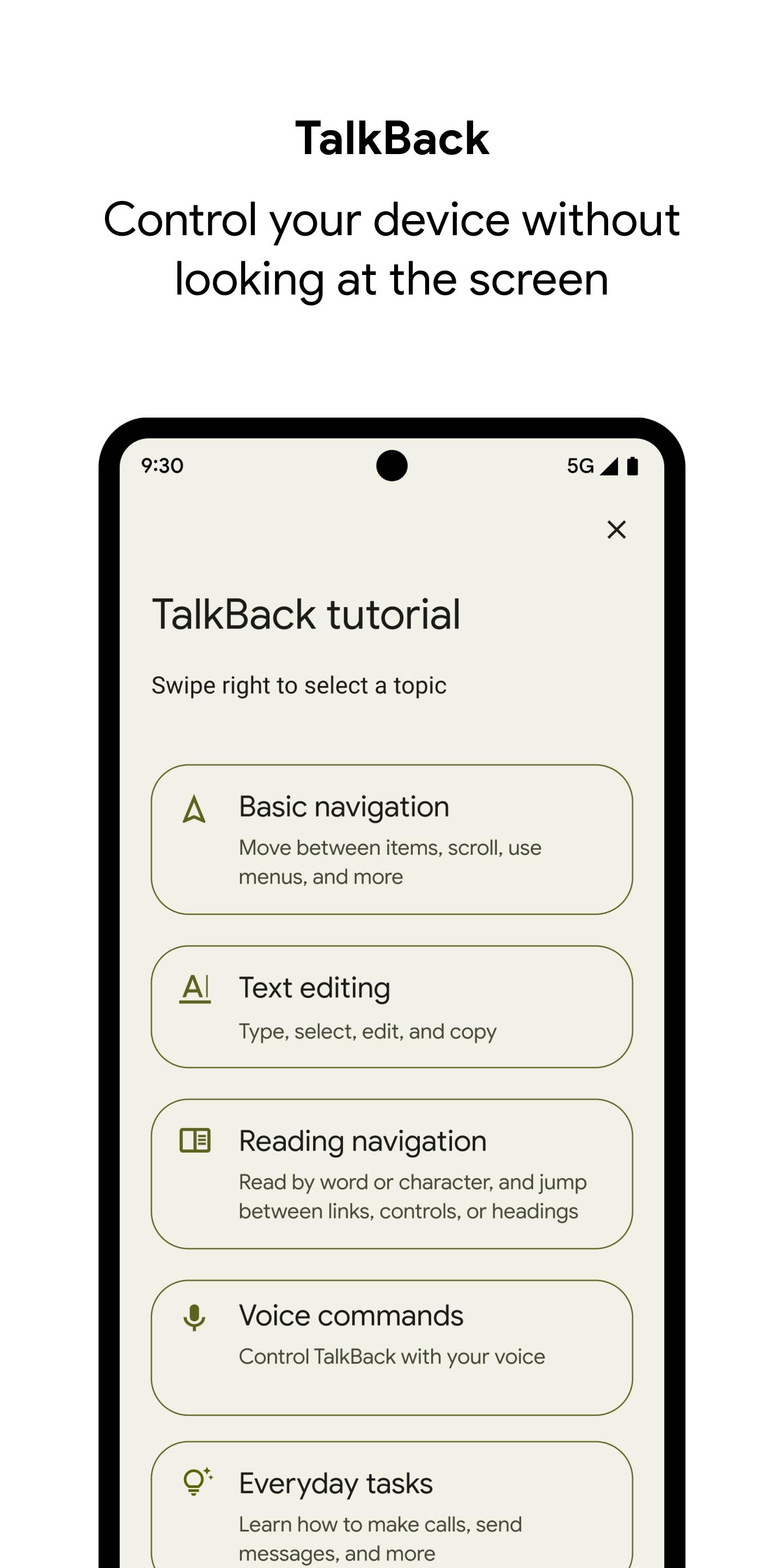

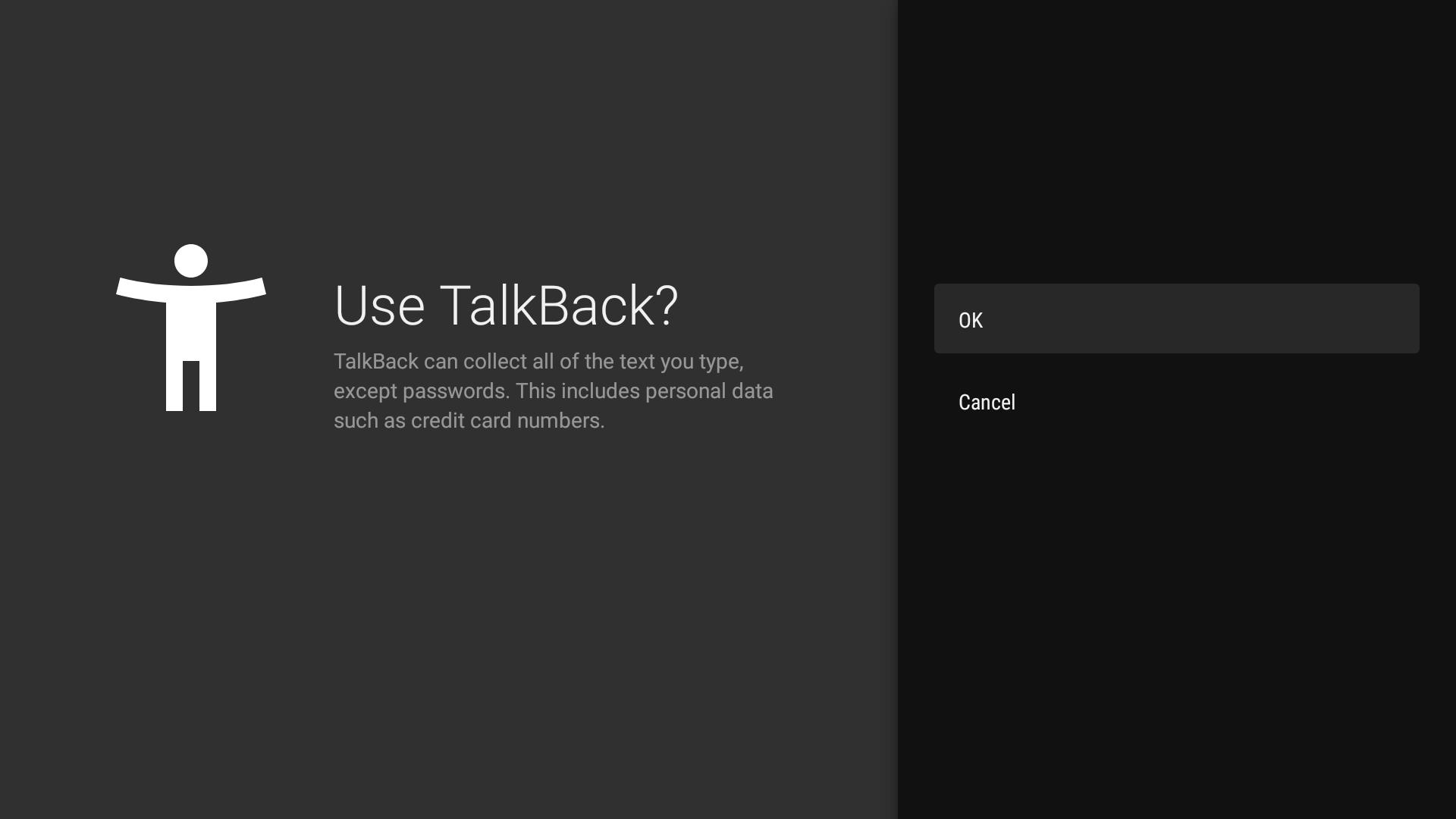
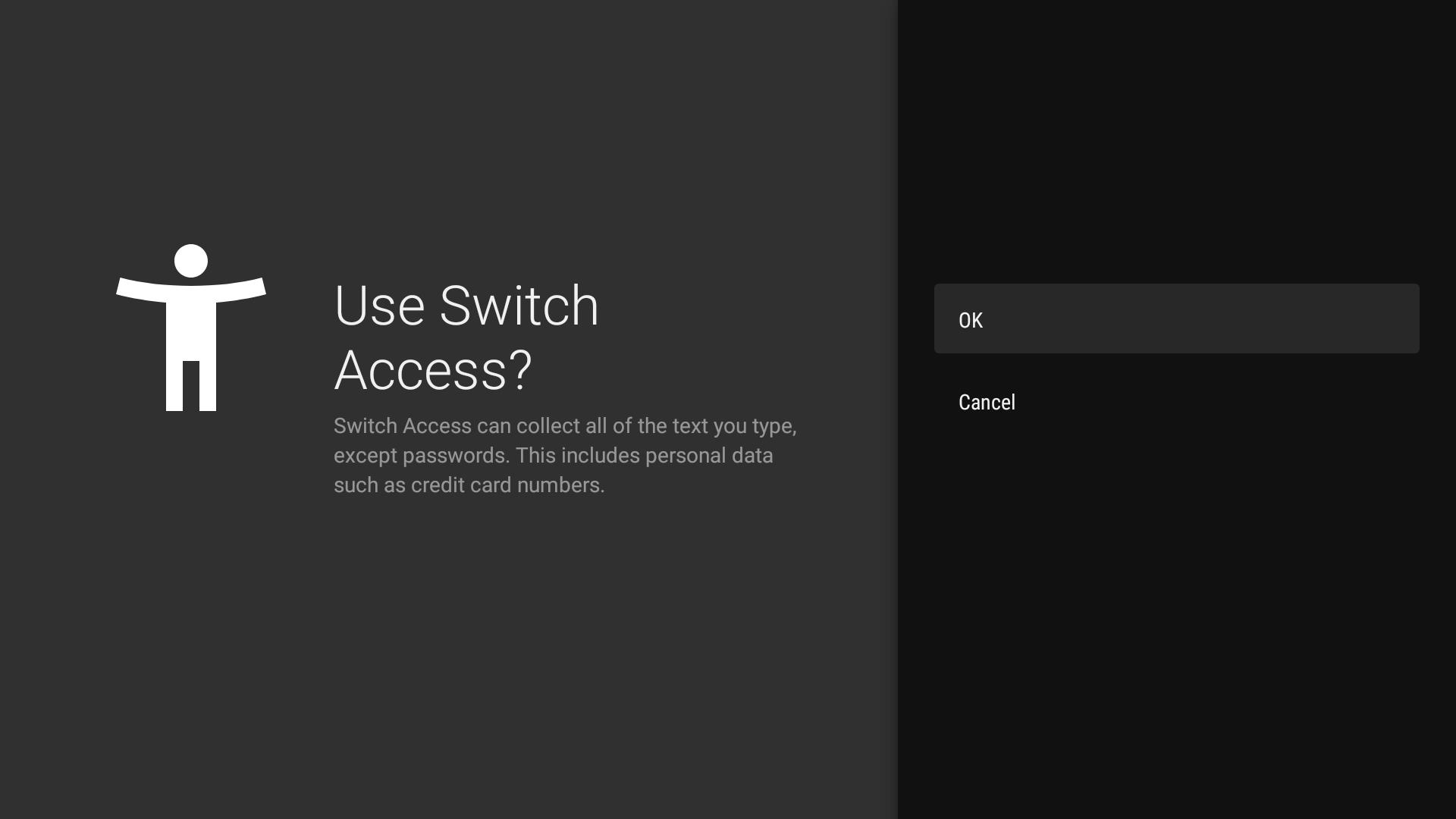
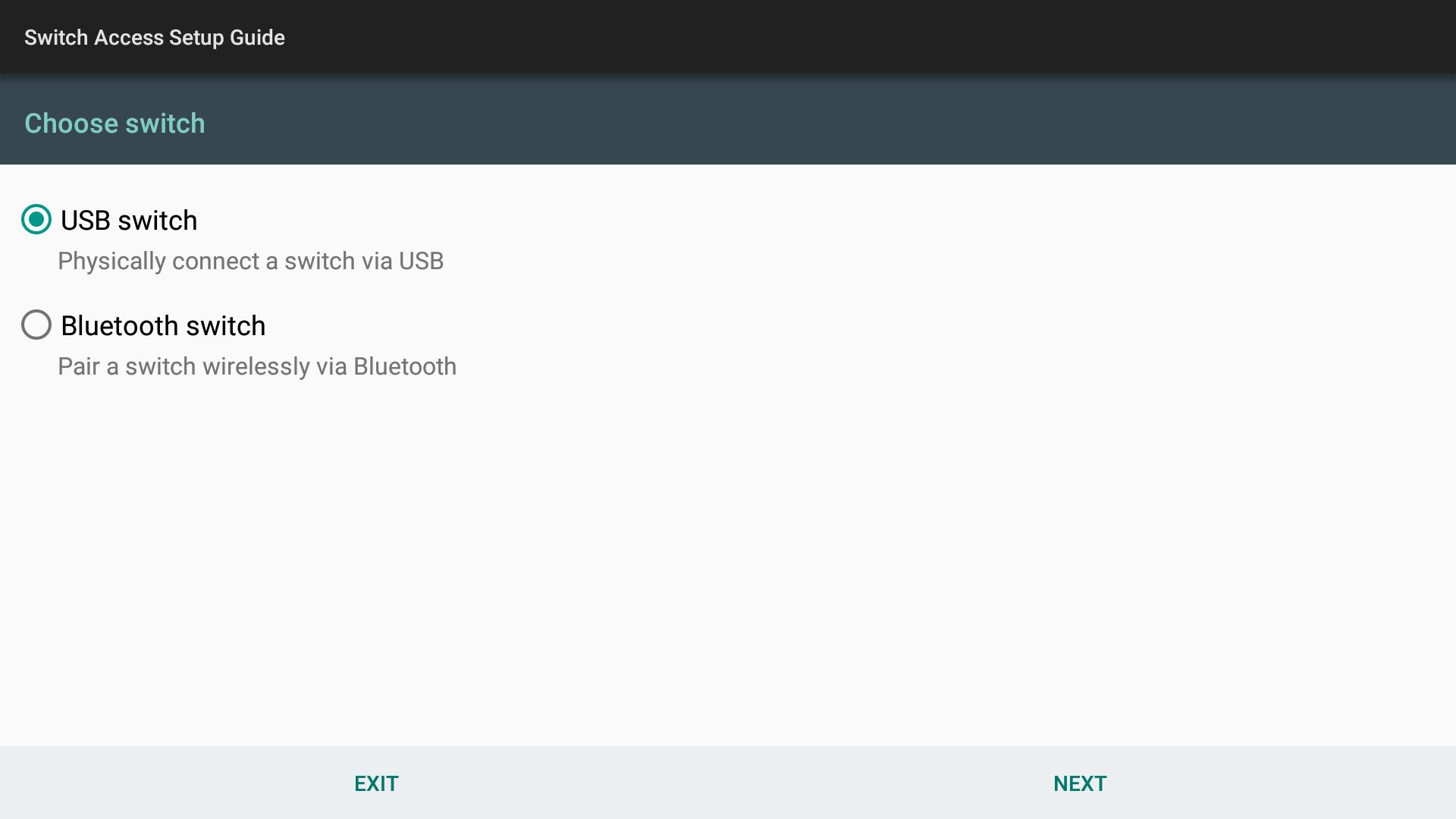
Android Accessibility Suite is an accessibility tools app that helps you navigate Android with screen reading, on screen controls, and switch input.
Android Accessibility Suite brings together essential tools that make Android easier to see, hear, and control. It supports people who are blind or have low vision, as well as anyone who prefers eyes free navigation or alternative input. The suite includes a powerful screen reader, spoken reading of highlighted text, large touch targets for common actions, and switch based navigation. Everything works together so you can move around the screen, read content, and perform actions with fewer steps. It is developed by Google and focuses on privacy. You can download Android Accessibility Suite and keep the Android Accessibility Suite APK updated directly on APKPure.
TalkBack screen reader
Android Accessibility Suite provides TalkBack for spoken feedback and gesture navigation across apps and system screens. You can explore by touch, hear labels, and type with an on screen braille keyboard. This helps you stay oriented while moving through lists, buttons, and custom controls.
Select to Speak for quick reading
You can tap or highlight text to hear it spoken aloud without turning on full screen reading. Select to Speak describes text and supported images, which makes scanning long articles and forms faster. It is useful when you only need occasional audio feedback.
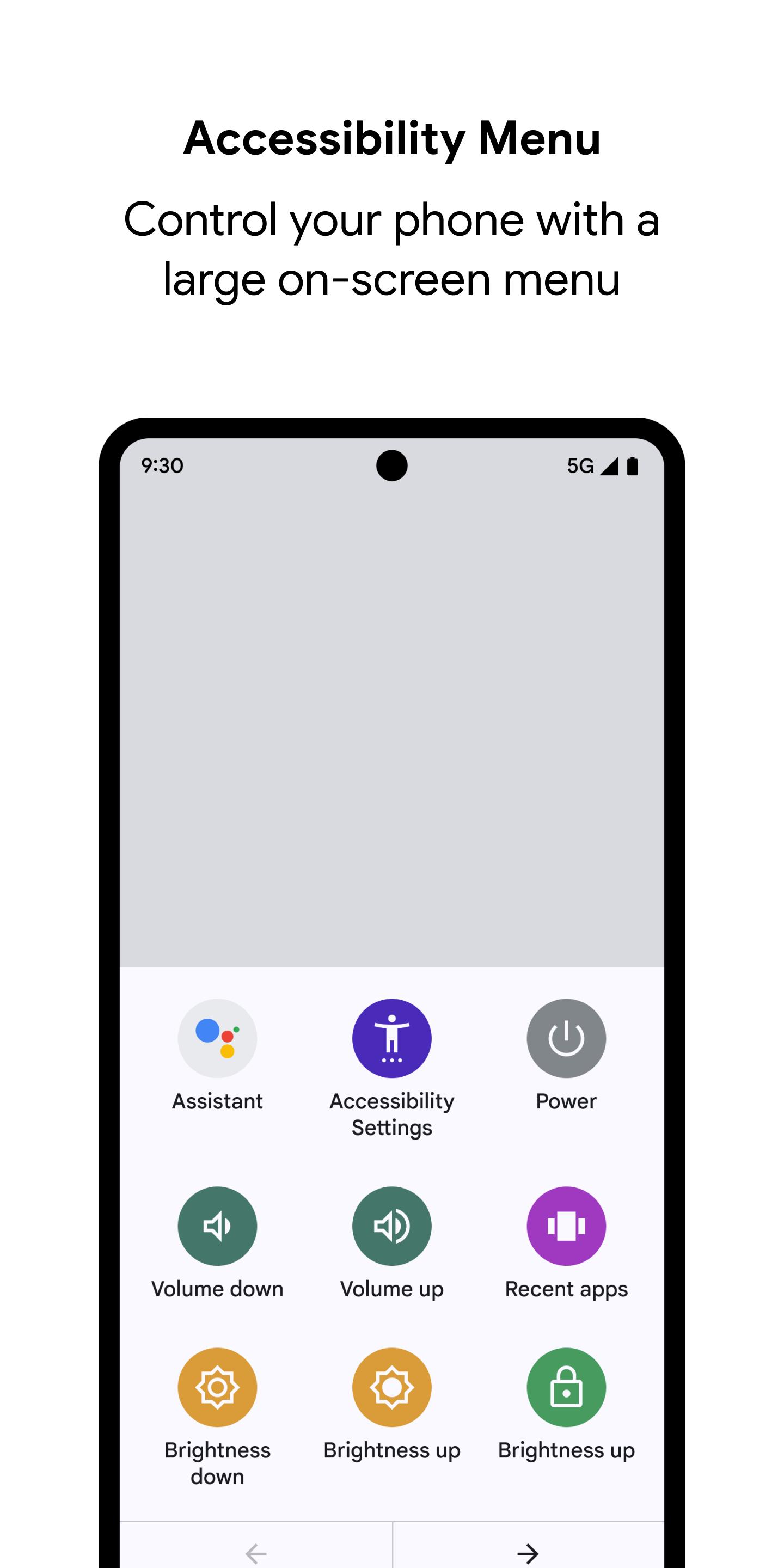
Accessibility Menu with large controls
The Accessibility Menu adds big on screen buttons for actions like lock, volume, brightness, notifications, and screenshots. It reduces complex gestures into clear taps. This is practical when physical buttons are hard to reach or gestures are difficult to perform.
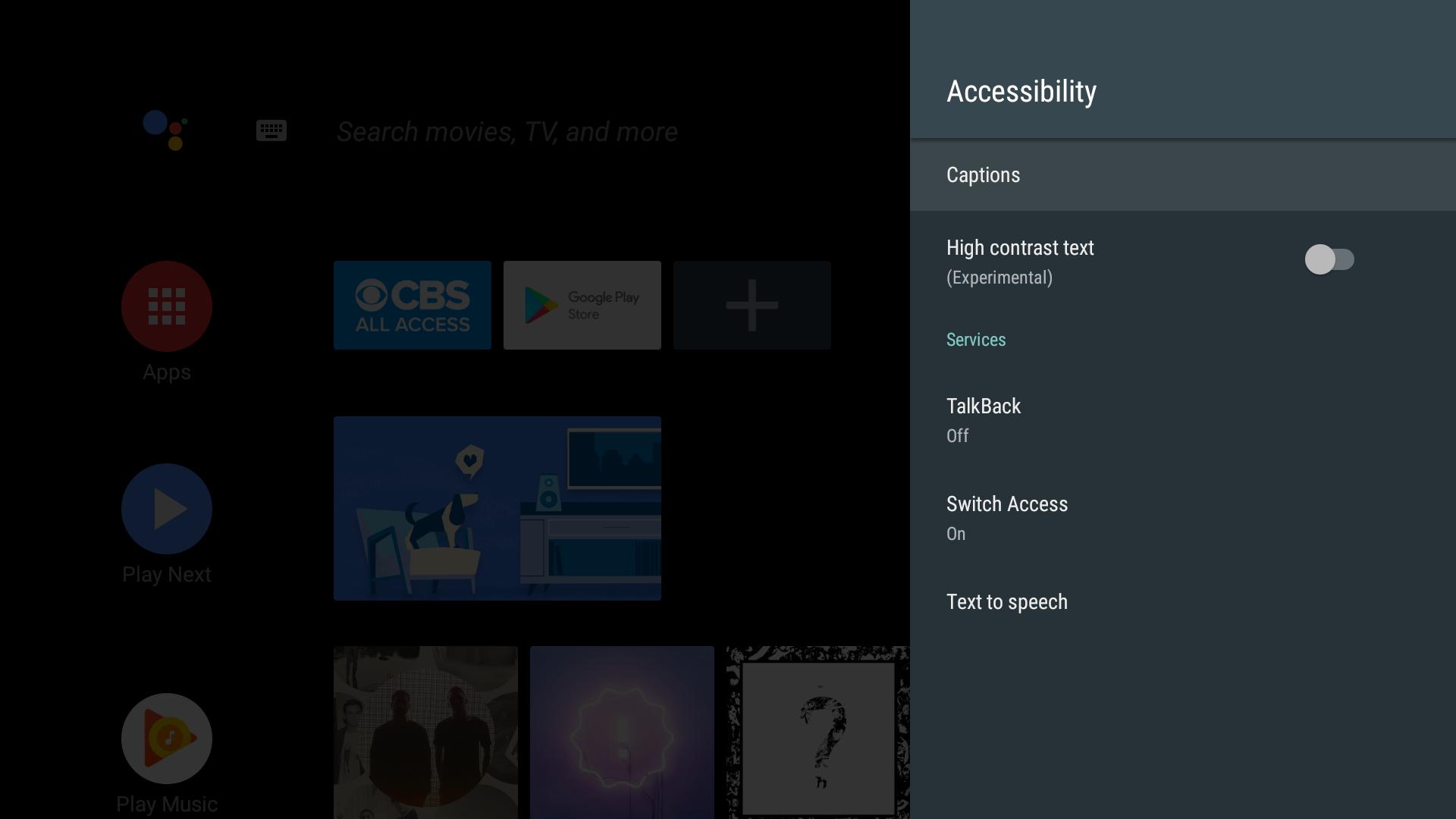
Switch Access for alternative input
Android Accessibility Suite lets you navigate using external Bluetooth or USB switches, or a keyboard. You can move focus, select items, and perform actions with simple switch presses. This supports users with limited dexterity who need reliable, repeatable controls.
Cross device support including wearables
The suite works across Android phones and also supports TalkBack on Wear OS for consistent, eyes free use. Therefore your gestures, feedback, and settings feel familiar across devices. This helps you maintain the same access patterns over time.
Privacy minded by design
Android Accessibility Suite is official and free with a strong focus on data protection. No data is shared with third parties, and data in transit is encrypted. You can confidently install the Android Accessibility Suite APK and keep it updated without exposing personal content.
Android Accessibility Suite limits data use to what is needed for accessibility. No data is shared with third parties, and transport is encrypted. The suite may collect app activity signals, app info and performance, and device identifiers to maintain reliable feedback. This information helps features like screen reading and switch scanning operate correctly across apps while keeping your content private.
These permissions power core functions that you control in Settings. You can turn services on or off at any time based on your needs.
Android Accessibility Suite runs on most Android phones and tablets, and it is preinstalled on many devices, including popular models from major manufacturers. You can install or update the Android Accessibility Suite APK latest version through APKPure if it is not present or needs an update. Behavior and gestures can vary slightly by device, so it is best to adjust settings to match your hardware.
This quick guide explains how to turn on core tools and start navigating. You can enable one service or combine them to match your preferences.
Android Accessibility Suite offers reliable screen reading, on screen controls, and alternative input in one place. Get the Android Accessibility Suite APK latest version to stay current with improvements and fixes. You can download Android Accessibility Suite safely below.
Official resources for learning and support:
Is Android Accessibility Suite safe?
Yes, Android Accessibility Suite is developed by Google and focuses on user privacy. No data is shared with third parties, and data in transit is encrypted. For a safe install, get the original Android Accessibility Suite APK on APKPure rather than using modified packages.
What happens if I uninstall Android Accessibility Suite?
If you uninstall or disable the suite, TalkBack, Select to Speak, Accessibility Menu, and Switch Access will stop working. People who rely on spoken feedback or switch input may lose access to navigation and controls. It is recommended to keep it installed, or disable only the services you do not use in Accessibility settings.
How do I disable Android Accessibility Suite without removing it?
To turn it off temporarily, open Settings, go to Accessibility, and toggle off TalkBack, Select to Speak, Accessibility Menu, or Switch Access. This keeps the Android Accessibility Suite APK installed while stopping speech, menus, or switch scanning until you enable them again.
How can I get the Android Accessibility Suite APK latest version?
You can download Android Accessibility Suite on APKPure and install the Android Accessibility Suite APK latest version from the download section. This helps you update even if the app is preinstalled on your device.
Does Android Accessibility Suite work on Samsung devices?
Yes, Android Accessibility Suite works on most Samsung phones and tablets. Some device specific settings or gestures may differ, so open Accessibility settings to fine tune TalkBack, Select to Speak, the Accessibility Menu, and Switch Access for your device.
Is there an Android Accessibility Suite Mod APK?
Modified packages can remove essential permissions or introduce risks, which may break screen reading or switch input. For reliability and safety, install the official Android Accessibility Suite APK from APKPure and avoid Mod APKs.
Last updated on Jan 13, 2026
TalkBack 16.2
• New settings categories
• New gesture to start voice dictation quickly
• Announcements for text formatting changes
• New gesture to navigate phone easily
• Enhanced keyboard support with new shortcuts, tutorial, and browse mode for web navigation
• New movable speech bubble
Latest Version
 16.2.0.855052621
Uploaded by
Dzikri Ahmad Fahrizki
Requires Android
Android 8.0+
Available on

Category
Report

Discover what you want easier, faster and safer.
