


Use APKPure App
Update WhatsApp Automatically

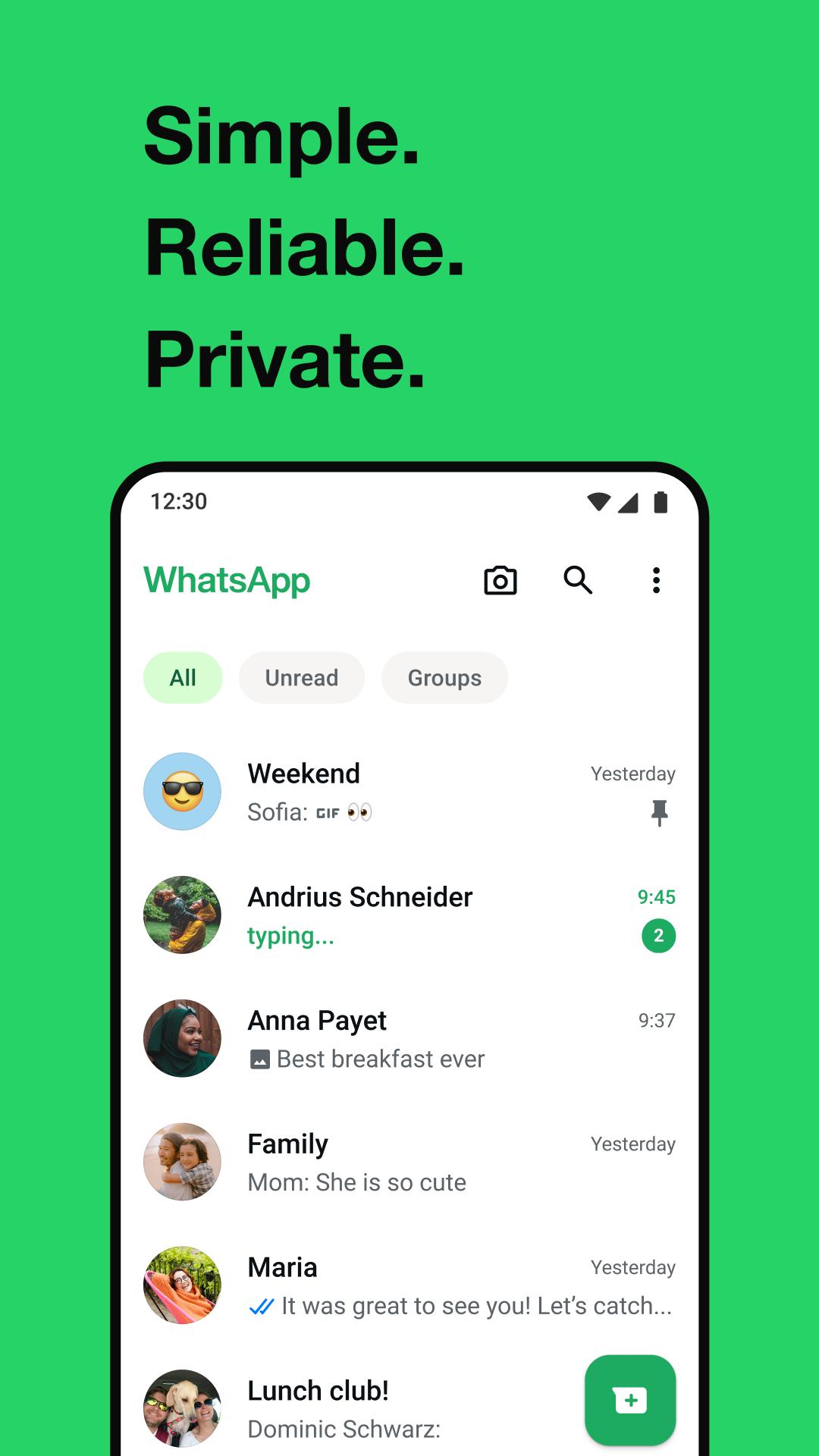
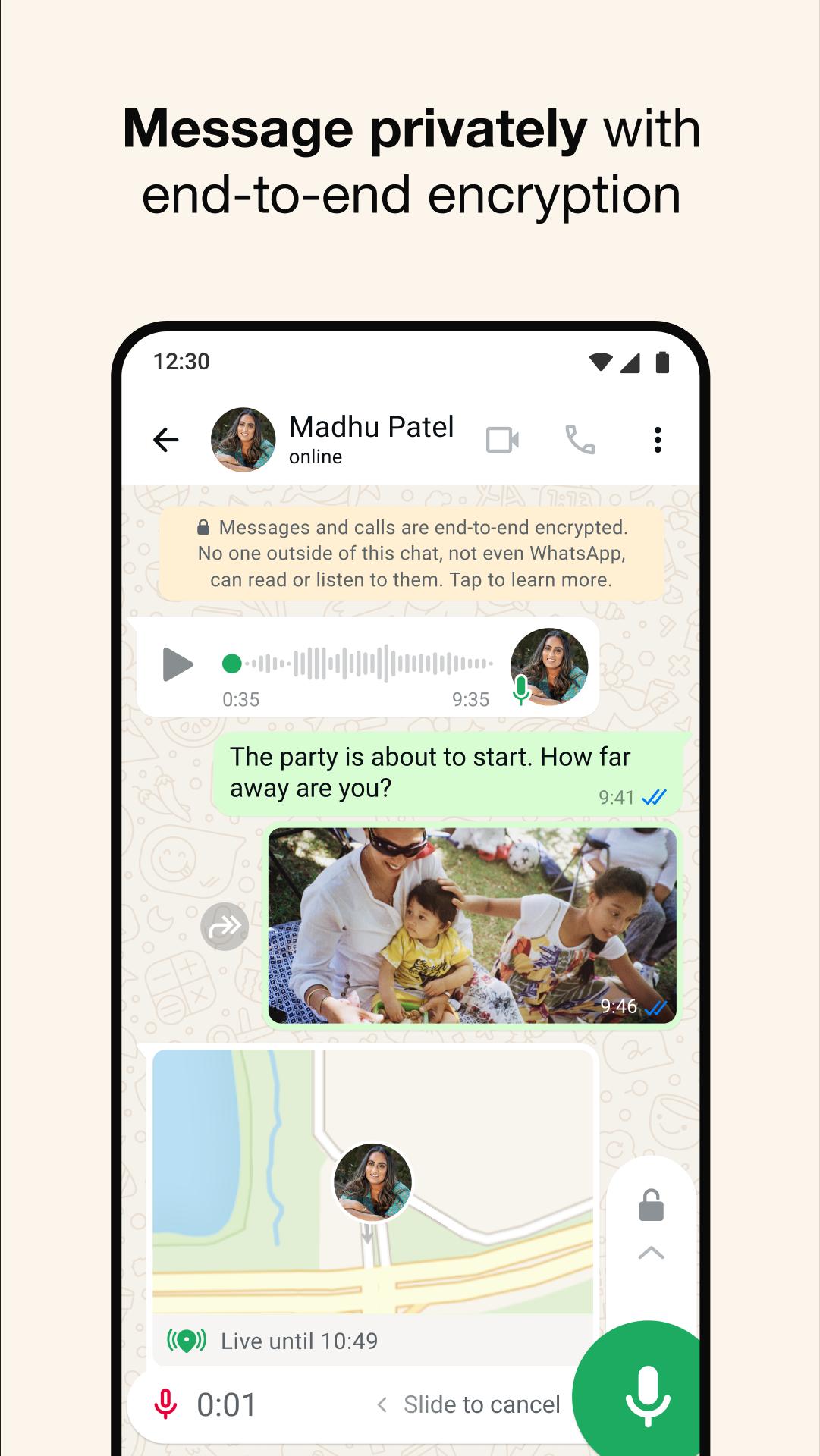

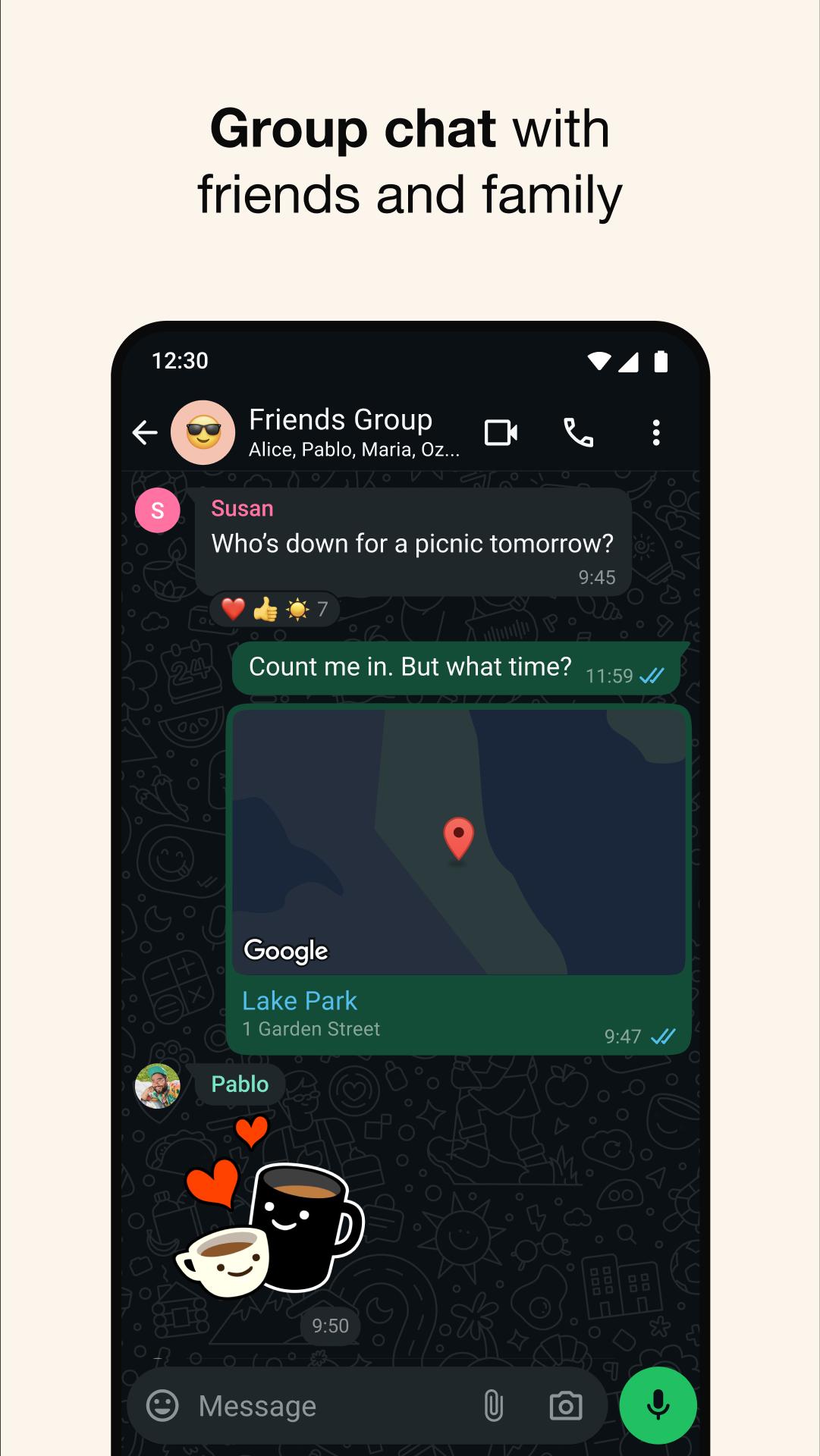
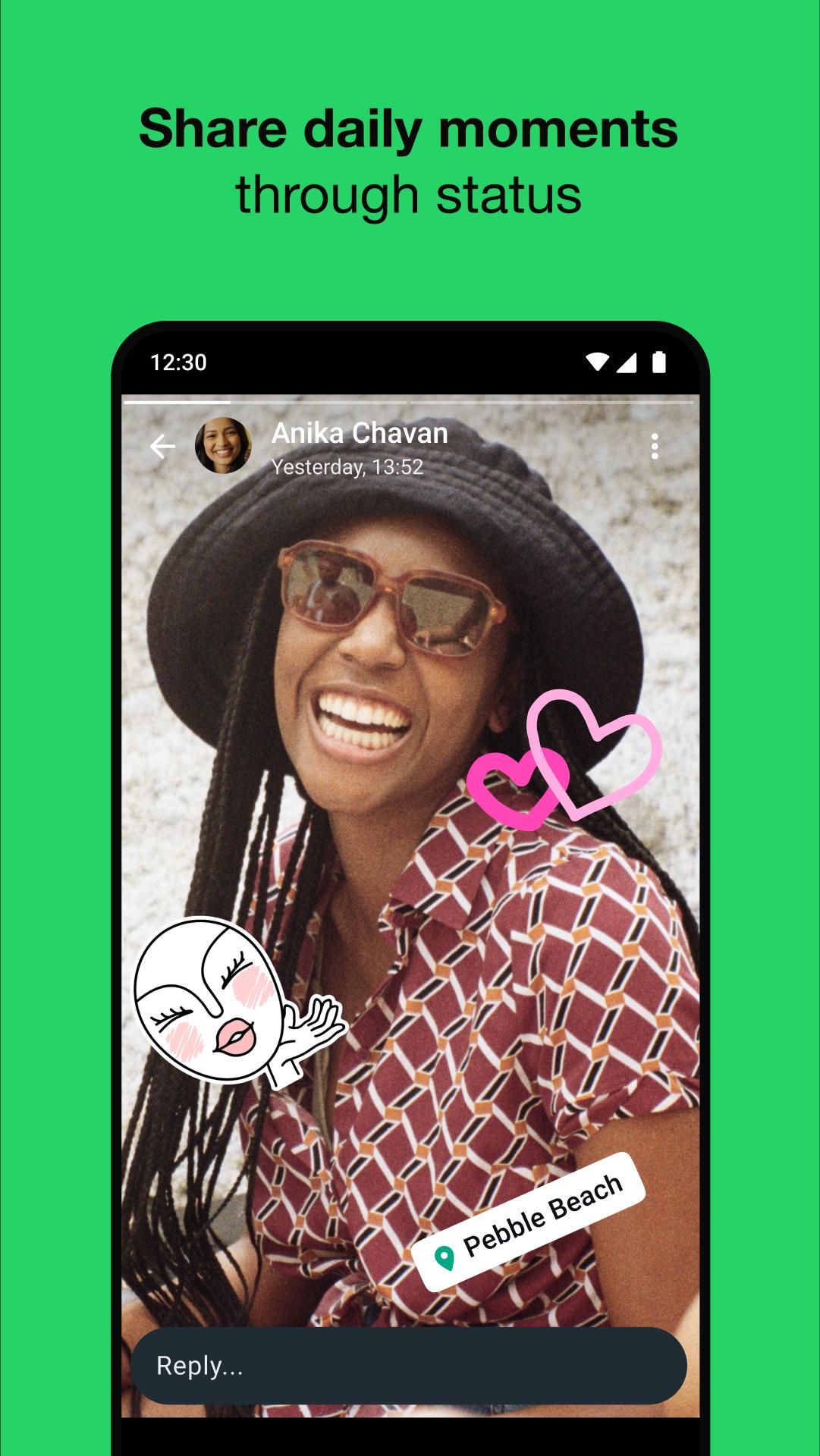
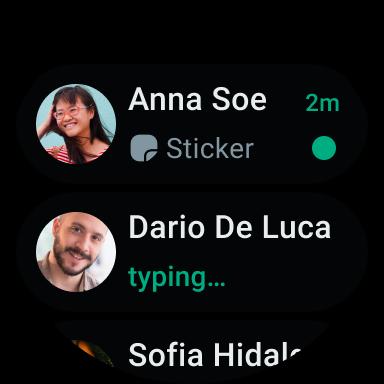
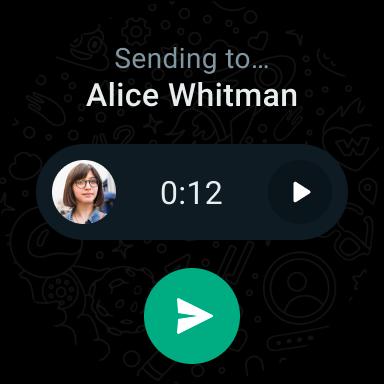
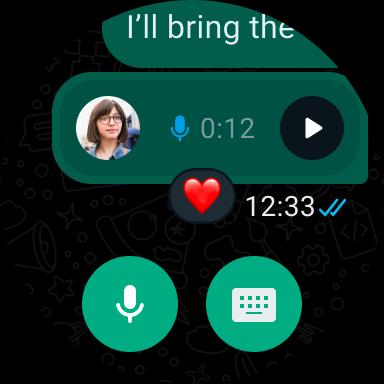
WhatsApp is a messaging and calling app that keeps your conversations private and helps you stay connected across devices.
WhatsApp Messenger from Meta is used by more than two billion people in over one hundred eighty countries. It helps you send messages and make calls with friends, family, and groups in a simple way. Conversations are protected with end-to-end encryption by default. You can stay in touch on your phone, on a computer, and in a browser with WhatsApp Web. It is designed to work reliably, even when your connection is slow. Therefore, the WhatsApp Messenger app fits everyday communication at home, on the go, and at work without adding extra steps or logins.
Private by default
WhatsApp Messenger uses end-to-end encryption for messages, calls, and group chats, so only you and the people you choose can read or listen. Your personal conversations stay between you and your contacts.
High-quality calls
Moreover, WhatsApp Messenger lets you start one-to-one or group voice and video calls with up to 32 people. Calls are designed to work even on slow connections, and data charges may apply depending on your plan.
Share more than text
In addition, you can send photos, videos, documents, and voice messages. Stickers and GIFs help you express yourself. You can also share quick updates that disappear after twenty four hours using Status.
Groups and Channels
Next, WhatsApp helps you organize conversations with family, friends, teams, and communities. You can also follow topics you care about in Channels to receive updates without crowding your private chats.
Use WhatsApp Messenger everywhere
Also, you can chat on Android and iPhone, on desktop apps for Mac or PC, and in a browser. Wear OS support lets you read, reply, and take calls from your wrist.
Easy phone number setup
Finally, WhatsApp Messenger uses your phone number, so there are no usernames or separate logins. The app shows which contacts already use WhatsApp Messenger, so you can start chatting right away.
WhatsApp Messenger protects personal messages and calls with end-to-end encryption by default. This means only you and the recipients can read or listen. To learn more about how WhatsApp Messenger handles privacy and security, visit the official website below.
Used by people in more than one hundred eighty countries, WhatsApp Messenger focuses on private communication without adding extra steps. You can choose what to share and with whom, whether you are chatting one-to-one or posting a quick update.
WhatsApp Messenger works across mobile, desktop, and the web so you can type with a full keyboard, manage media, and stay in touch while working on your computer. This flexibility helps when you need to move between your phone and computer during the day. Messages sync so you can keep the conversation going from wherever you are.
If you need tools for customer support or selling, consider WhatsApp Business, which is built for commerce and service use cases. It helps teams reply to customers and share product details using familiar chat features.
For official help resources and policies, visit the WhatsApp website. You can find details about account protection, safety tips, and answers to common questions there.
Follow these steps to download Whatsapp Messenger and start chatting in minutes. This guide covers installation, verification, and linking to your computer.
Download WhatsApp APK latest version on APKPure. Open the file to install, then follow the on-screen prompts. If asked, allow installation from this source.
Open WhatsApp Messenger, agree to the terms, enter your phone number, and verify it with the code sent by SMS or call.
After that, add your name and a profile photo. Grant contacts, photos, microphone, and camera permissions as needed so features work properly.
Start a chat by tapping the new chat icon, pick a contact, type your message, or tap the mic to send a voice message.
Then, make a voice or video call from the Calls tab. To use WhatsApp Web or desktop, go to Settings, open Linked Devices, and follow the steps to link your computer.
Whatsapp Messenger brings private messaging, quality calls, and helpful sharing tools to your phone and computer. Download WhatsApp APK latest version on APKPure to start chatting securely across your devices.
Learn more from the official website:
Website: https://www.whatsapp.com/
Is Whatsapp Messenger free to use?
Yes, Whatsapp Messenger is free to download and use for messages and calls. The app uses your internet connection, and data charges may apply when you are not on Wi Fi.
Does Whatsapp Messenger work on slow connections?
Yes, Whatsapp Messenger is designed to keep messages and calls going even when your network is slow. Call quality adapts to the connection, and data charges may apply based on your plan.
Last updated on Jan 28, 2026
• You can now add a custom Member Tag to let everyone know your role in the group chat. Open the group chat, tap the group name and scroll to the members list. Tap Add member tag and type in your role to show people who you are or how you’re known in this group.
These features will roll out over the coming weeks. Thanks for using WhatsApp!
Latest Version
 2.26.3.79
Uploaded by
Antoniocleiton Lemos
Requires Android
Android 5.0+
Available on

Category
Report

Discover what you want easier, faster and safer.
