


Use APKPure App
Get Instagram old version APK for Android

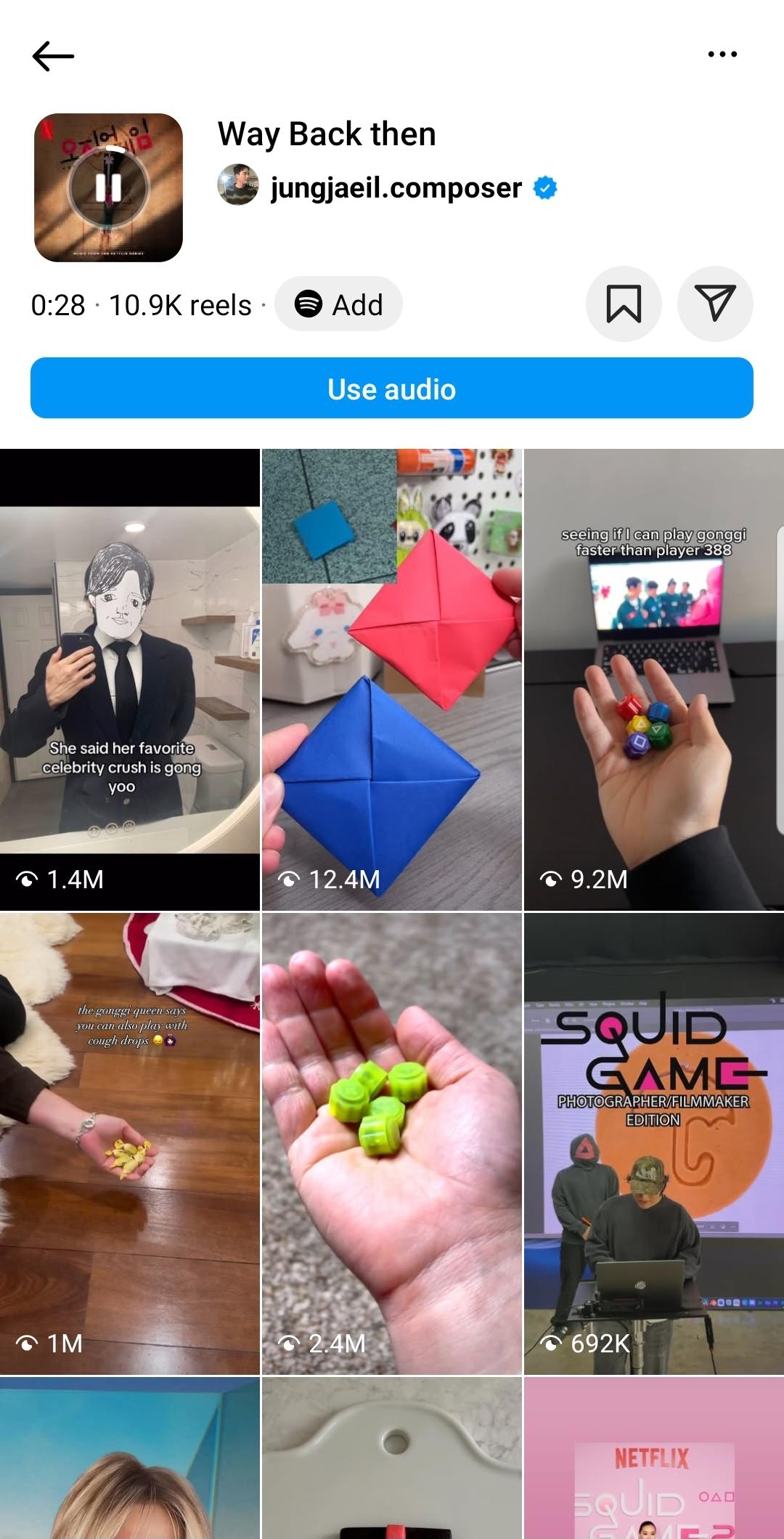



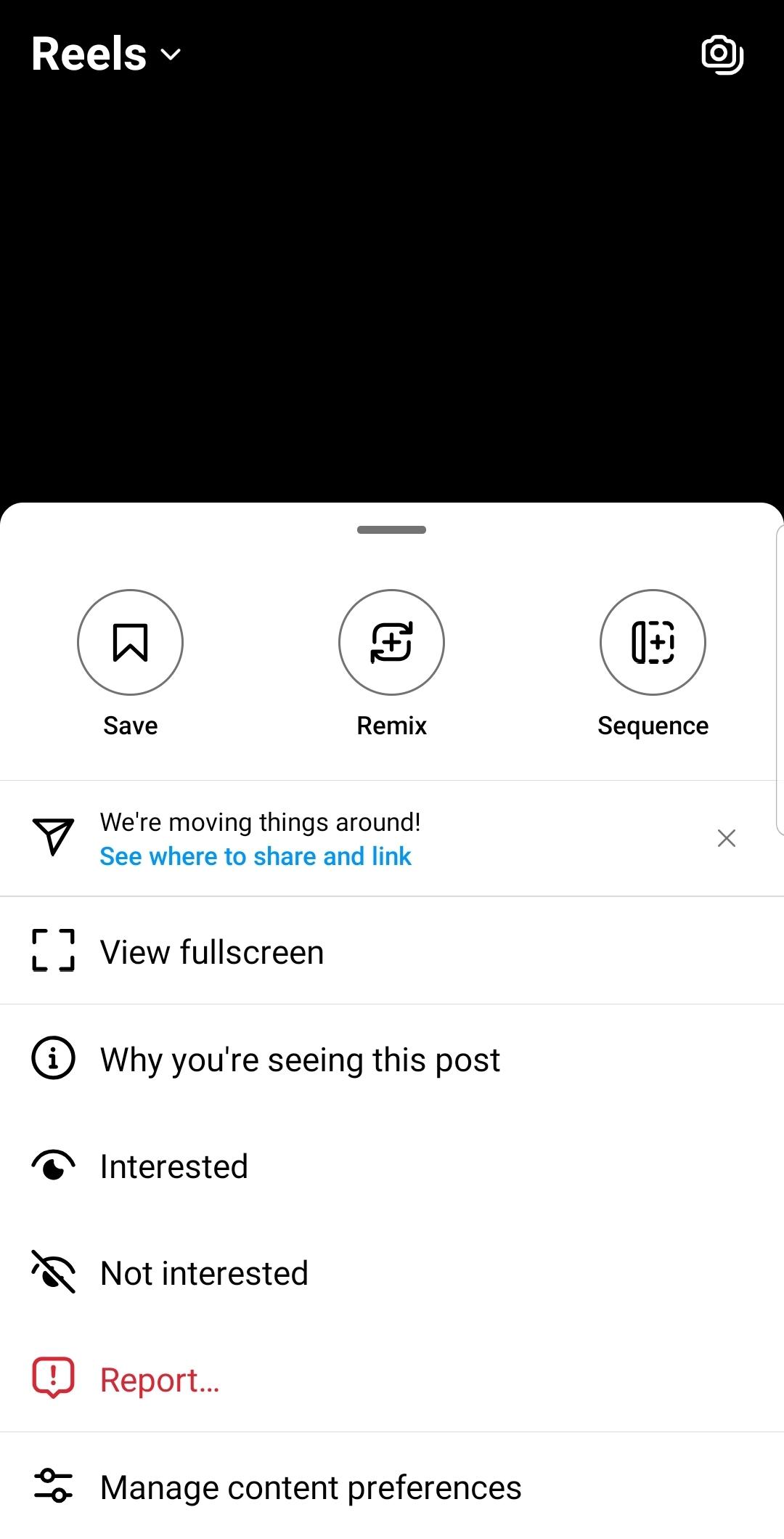
Instagram is a social networking app that helps you share moments and connect with people.
Instagram gives you a simple way to capture life and stay close to friends and interests. Whether you want to post updates, browse creators, or send quick messages, it keeps everything in one place. You can check profiles and see public posts on the web, and then continue on your phone for deeper interaction. The experience remains familiar across devices, so your habits carry over easily. For users looking for a reliable social space, the Instagram app focuses on sharing and discovery.
Create posts and Reels
Instagram lets you share photos and videos to the Feed. You can create short Reels customized with templates, music, stickers, and filters. After you publish, your posts appear to followers and can be discovered by others. This keeps your everyday moments organized in one profile.
Stories, Notes, and Close Friends
You can post quick updates that disappear with Stories and Notes. Close Friends lets you choose a smaller audience for private sharing. This helps separate casual updates from wider posts. It also keeps control over who sees time-sensitive content.
Direct messages and group chats
Instagram supports one-to-one and group conversations. You can share posts, profiles, and locations directly inside a chat. This makes it easy to discuss content without switching screens. Replies and reactions keep the conversation clear.
Explore and personalized discovery
In Explore, you will see recommendations based on your activity. You can find new creators, trends, and topics that match your interests. As you engage, suggestions adjust over time. This helps you follow the content you care about.
Shop, save items, and control privacy
You can discover products from brands and small businesses. Save items to revisit later when you are ready. Privacy settings let you set your account public or private, manage tags and mentions, and control interactions. The experience is consistent on mobile and the web.
You can open instagram.com to browse public profiles and public posts without logging in. However, you need an account for actions such as following, posting, sending messages, or saving content. For the full experience, complete your Instagram login and keep your account active across phone and web.
You can use Instagram login with your email or phone number, and you may also log in with Facebook to connect accounts under Meta. Inside Instagram, you can find links to Threads and learn about Meta Verified in supported locations. These options are available in select regions and may change over time. If you manage multiple profiles, cross-device continuity helps you switch between mobile and web without losing your place.
Turn on two-factor authentication to add a verification step to your account. Be careful with links and verify the sender before entering personal details. Avoid untrusted tools or unofficial add-ons that ask for your password. Keep your app updated to maintain security fixes and the latest protections. If something looks suspicious, close the page and reach the profile through known entry points inside the app.
This quick guide covers the basics to start posting and connecting. After installing the Instagram APK, you can set up your account, adjust privacy, and share confidently.
Open Instagram, then choose Sign up or Log in. You can create a new profile with your email or phone, or use Facebook to link accounts.
Next, review privacy and notifications. Choose a private or public account, and set who can tag or mention you before you begin posting.
Then create your first post. Tap the plus icon, pick photos or videos, edit with templates, music, stickers, or filters, and share to Feed or Reels.
After that, try a quick update. Post a Story or a short Note, and select Close Friends if you want a smaller audience.
Finally, explore and connect. Use Search and the Explore tab to find creators and trends, follow accounts, start a direct message, and share posts or locations in chat. Save products you want to revisit later.
Instagram brings sharing, messaging, discovery, and shopping into one place. For the newest tools and improvements, download Instagram latest version APK from APKPure and start posting.
For official resources and support, visit the site below.
Official website: https://www.instagram.com/
Last updated on Mar 23, 2026
Minor bug fixes and improvements. Install or update to the newest version to check it out!
Latest Version
 422.0.0.42.64
Uploaded by
Requires Android
Android 9.0+
Available on

Category
Report

Discover what you want easier, faster and safer.
