



下載 APKPure App
可在安卓獲取Sap Studio的歷史版本



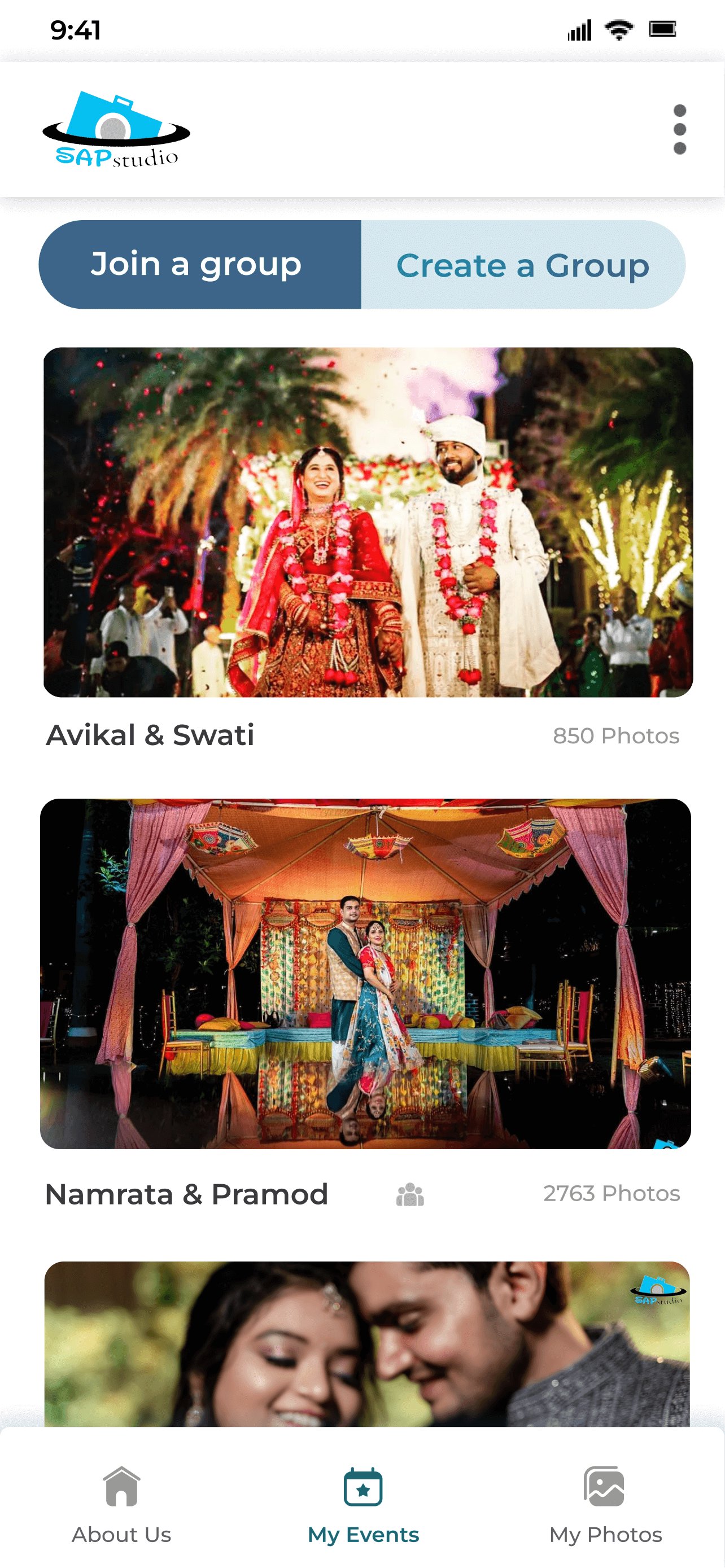
使用人臉辨識立即取得您的活動照片!
只需點擊與您分享的連結或掃描二維碼即可存取活動照片。
添加活動後,它將永遠在我的活動部分中可見,這樣您就不必再次查找連結或二維碼。
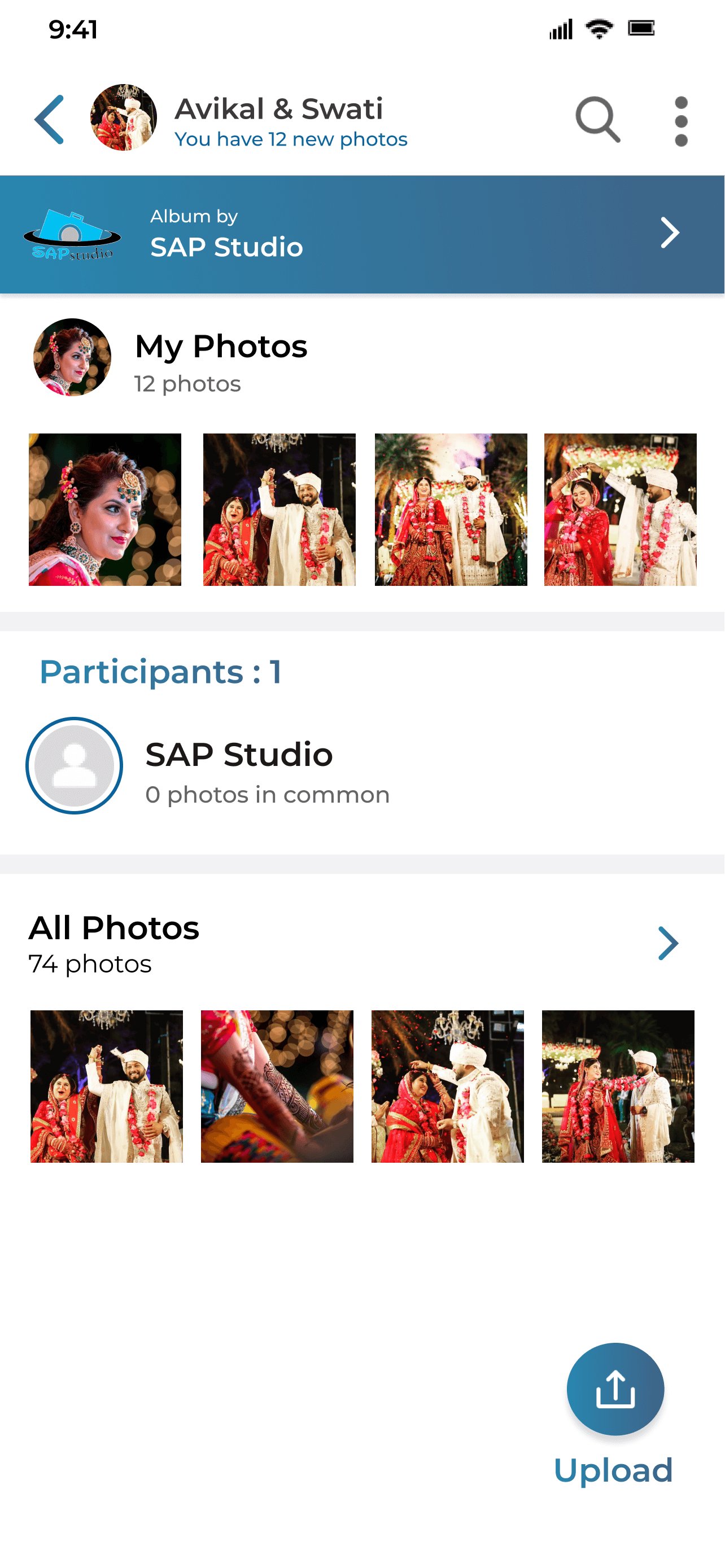
我們一流的臉部辨識功能將立即在「我的照片」標籤中找到並顯示您的照片。
您可以點擊「所有照片」標籤來存取活動中的其他資料夾和照片。
由 Kwikpic 提供支援。
Last updated on 2025年11月09日
Get your event photos instantly using Face Recognition!
Just click on the link shared with you or scan the QR code to access the event photos.
After an event is added, it will be in visible in my events section forever so that you don't have to find the link or QR code again.
Our best-in-class Facial Recognition will find and display your photos instantly in the "my photos" tab.
You can click on "all photos" tab to access other folders and photos from the event.
Powered by Kwikpic.



Sap Studio
6.7 by Kwikpic Ai Solutions Private Limited
2025年11月09日