


Use APKPure App
Get xfer old version APK for Android
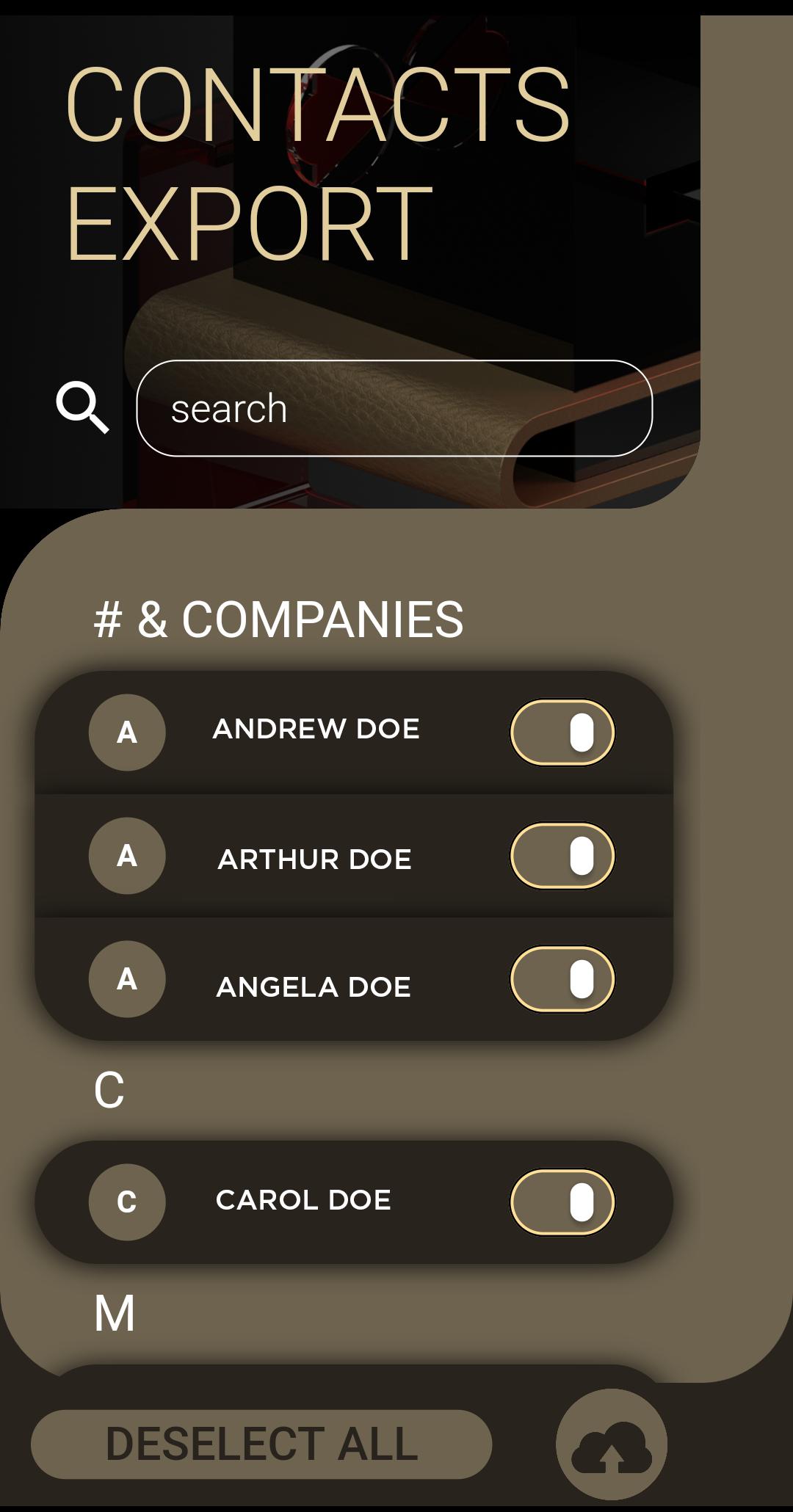
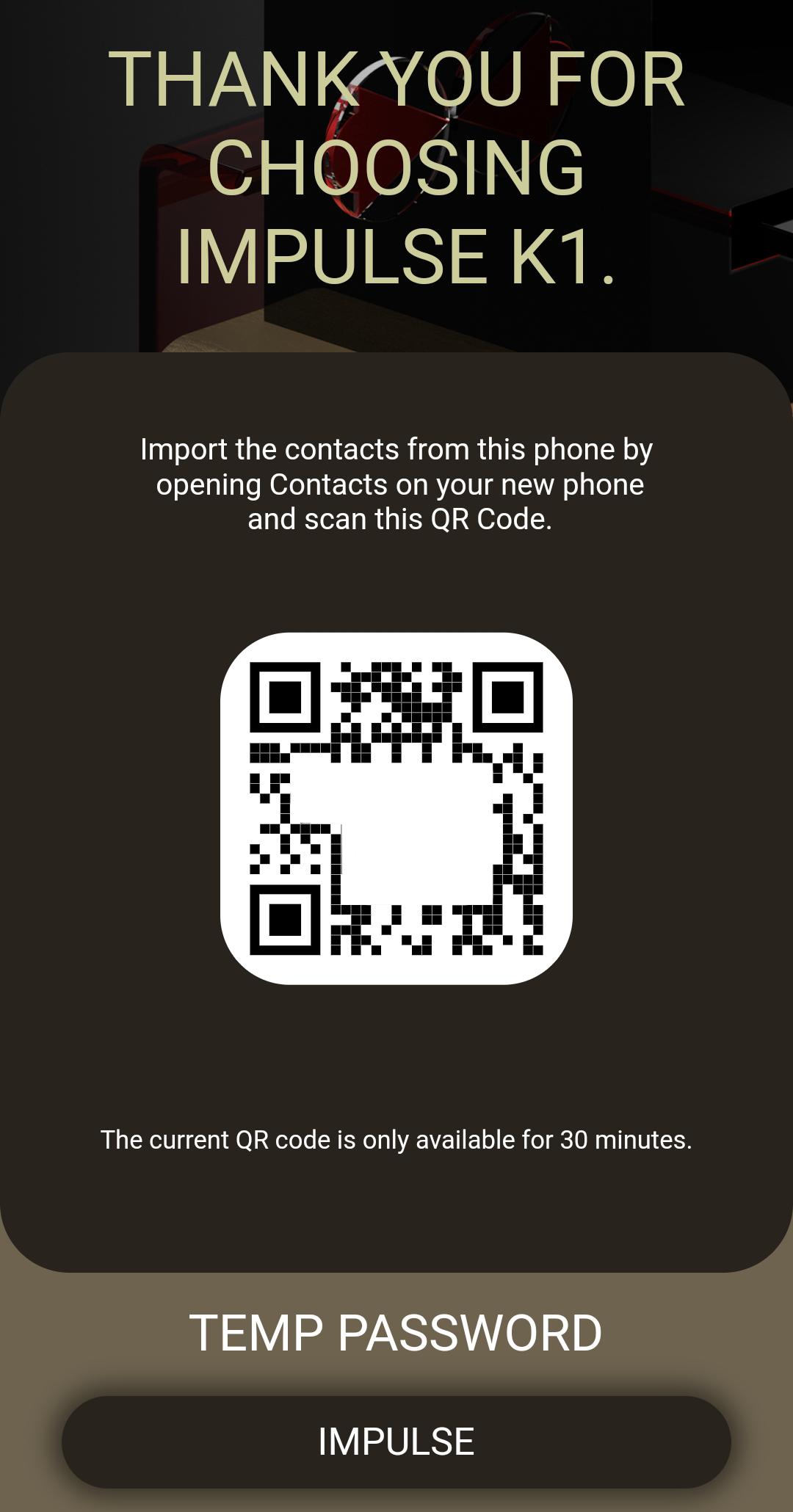
Export contacts from your Android phone to IMPulse K1 Smartphone
Switching to IMPulse K1 Smartphone must be a simple and intuitive process. Install the xfer application and follow this three easy steps:
1. Select the desired contacts that you wish to transfer
2. Click the 'Upload to Cloud' button to prepare your files
3. Open the 'Contacts' application from your IMPulse K1 Smartphone, open the settings menu, click on the Import from QR link and scan the QR code. In a matter for minutes the entire process is complete. Never it's been easier for you to transfer contacts from a phone to other.
Thank you for using the IMPulse K1 ecosystem application to better protect your privacy.
Last updated on Apr 20, 2020
Minor bug fixes and improvements. Install or update to the newest version to check it out!
เวอร์ชันล่าสุด
 1.0.0
1.0.0
ต้องใช้ Android
4.1 and up
Category
รายงาน

Discover what you want easier, faster and safer.

xfer
1.0.0 by CryptoDATA Electronics
Apr 20, 2020