


Use APKPure App
Get MediaFire old version APK for Android

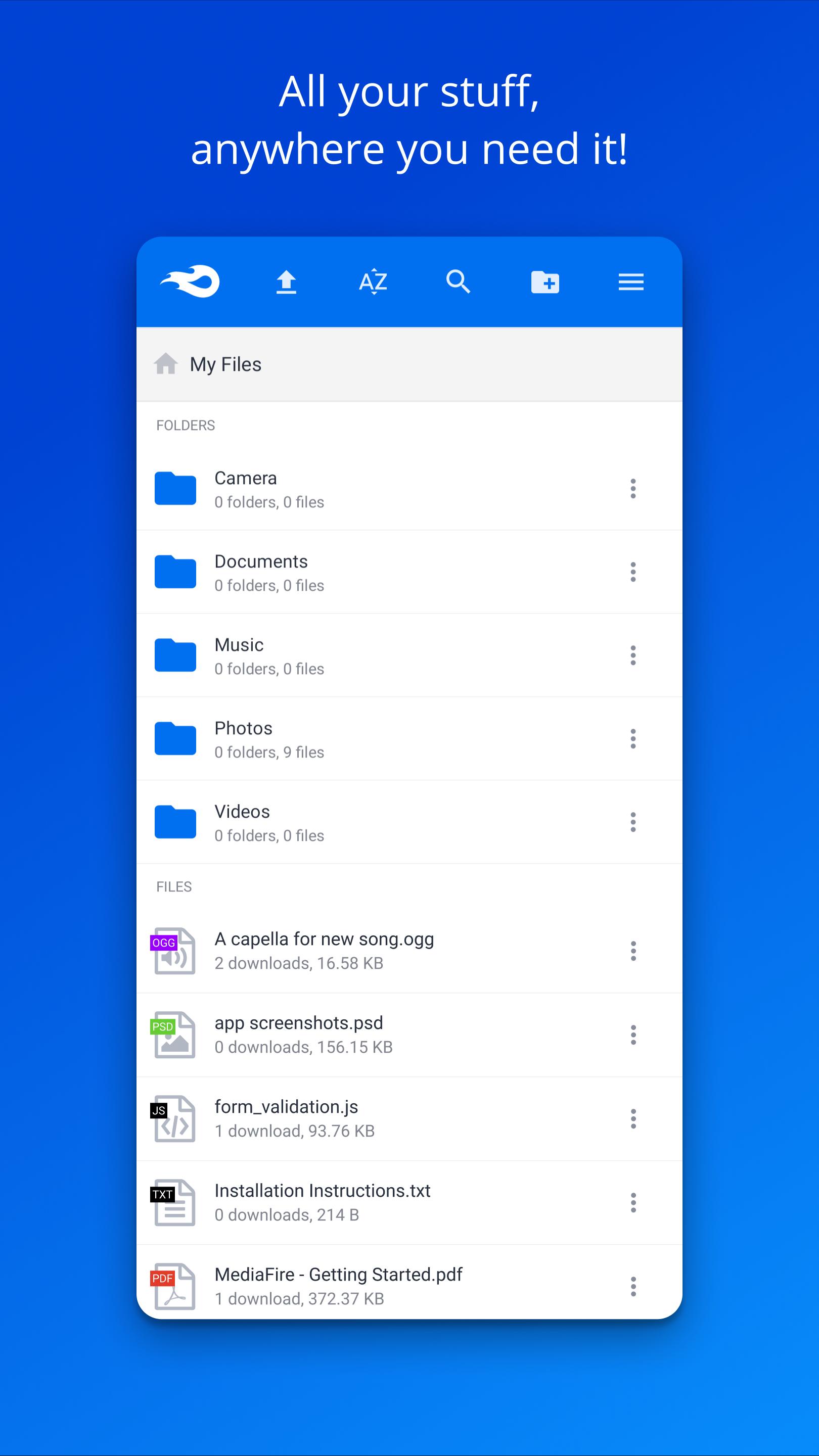
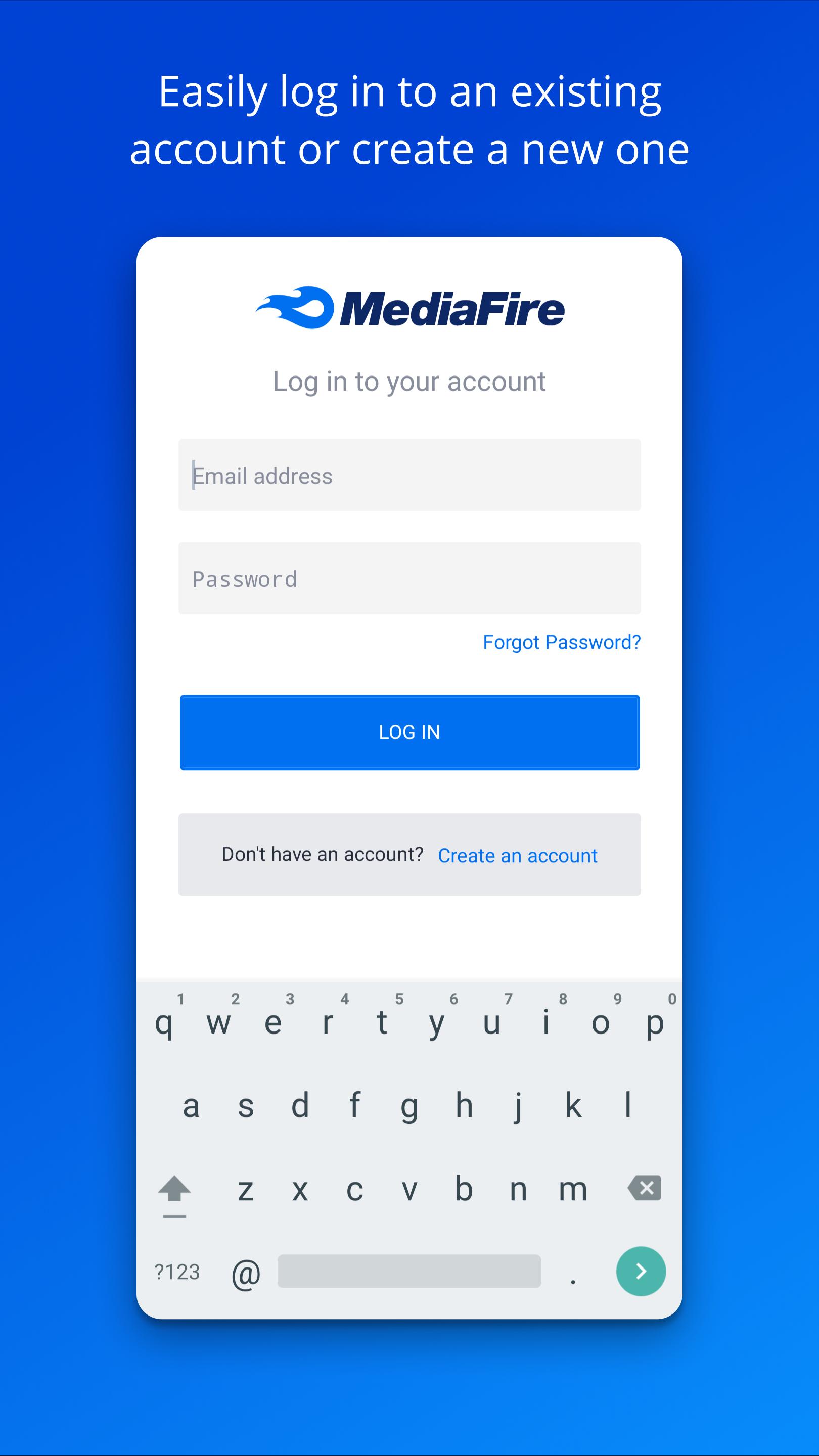
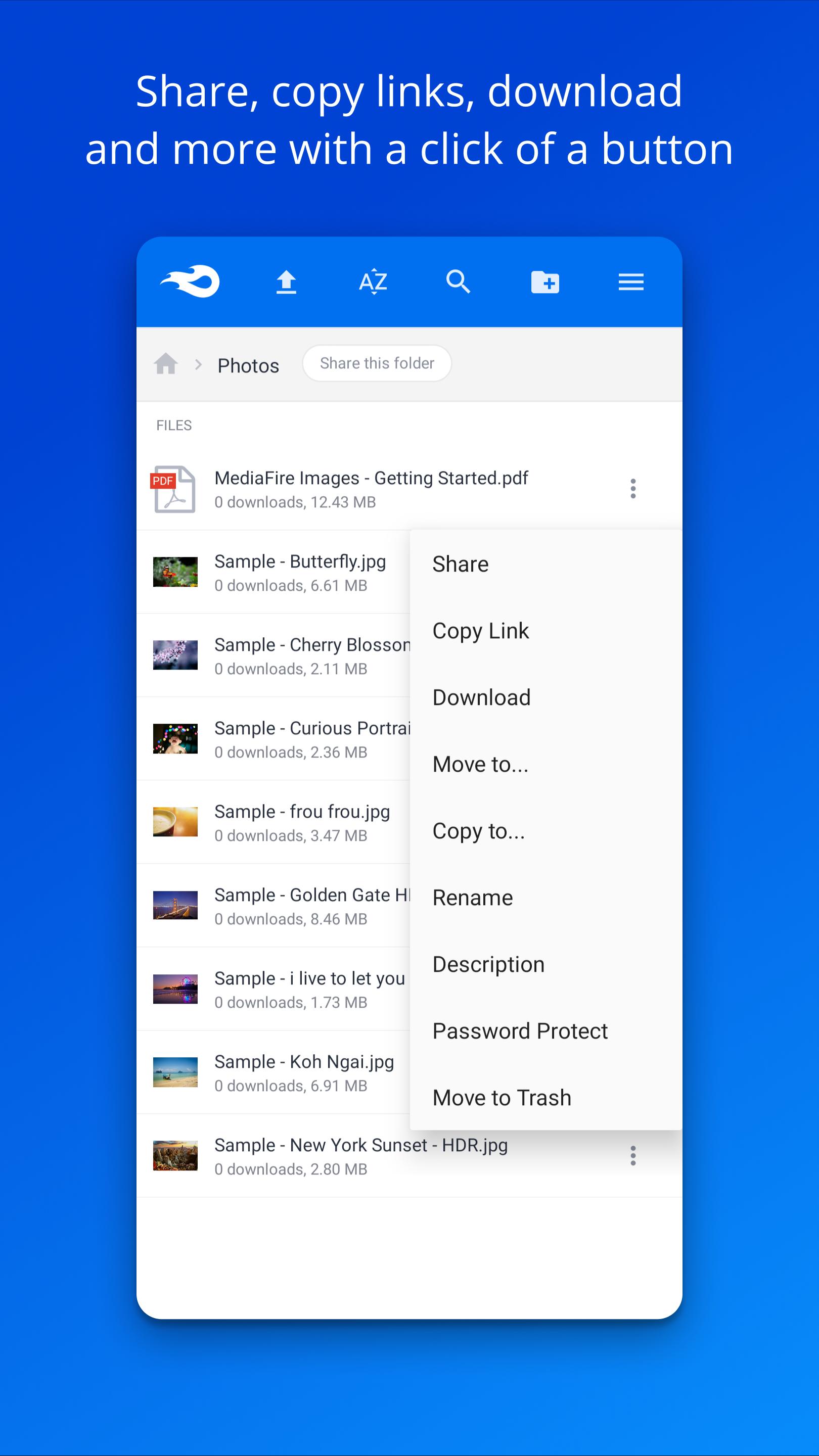
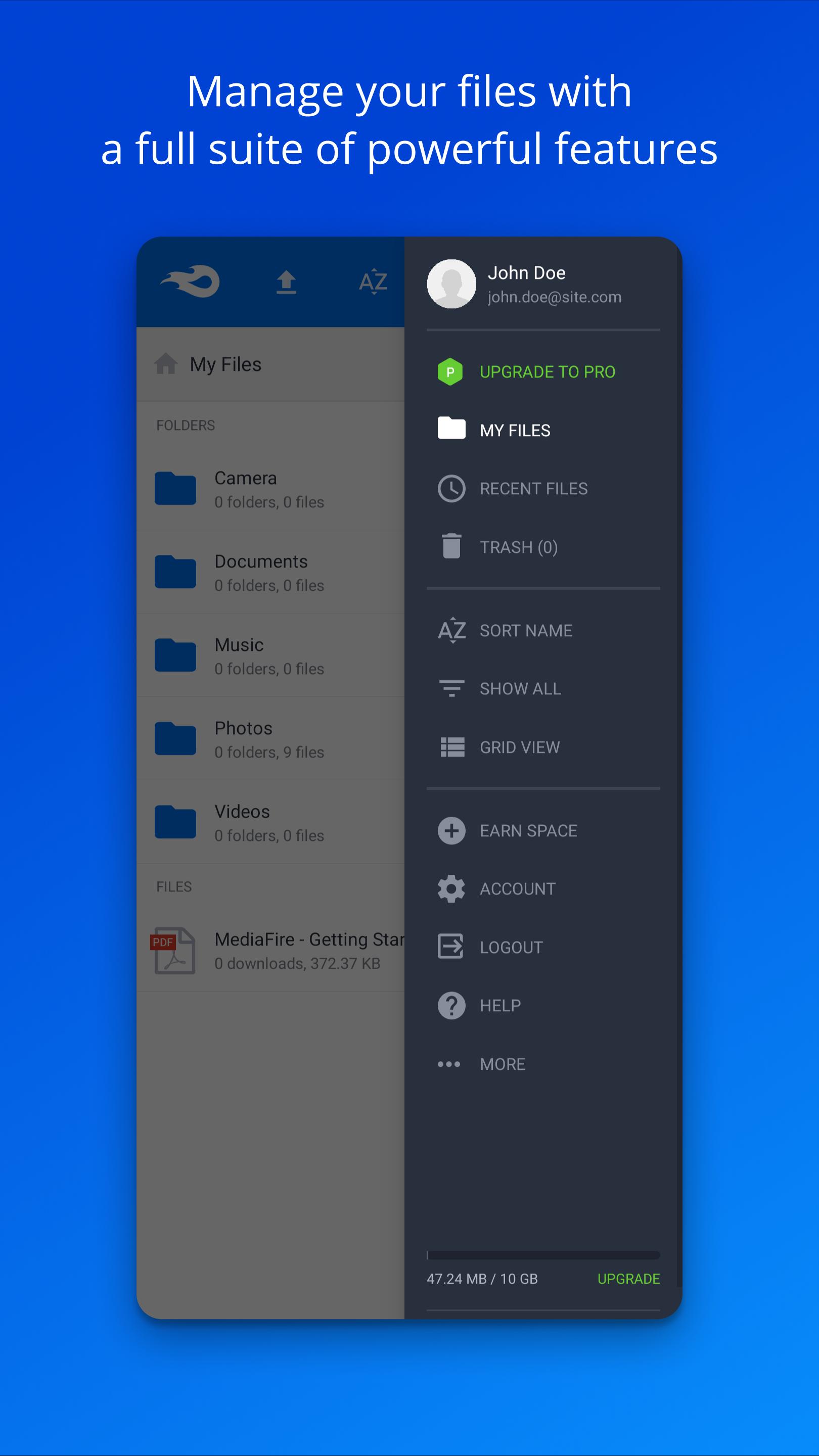
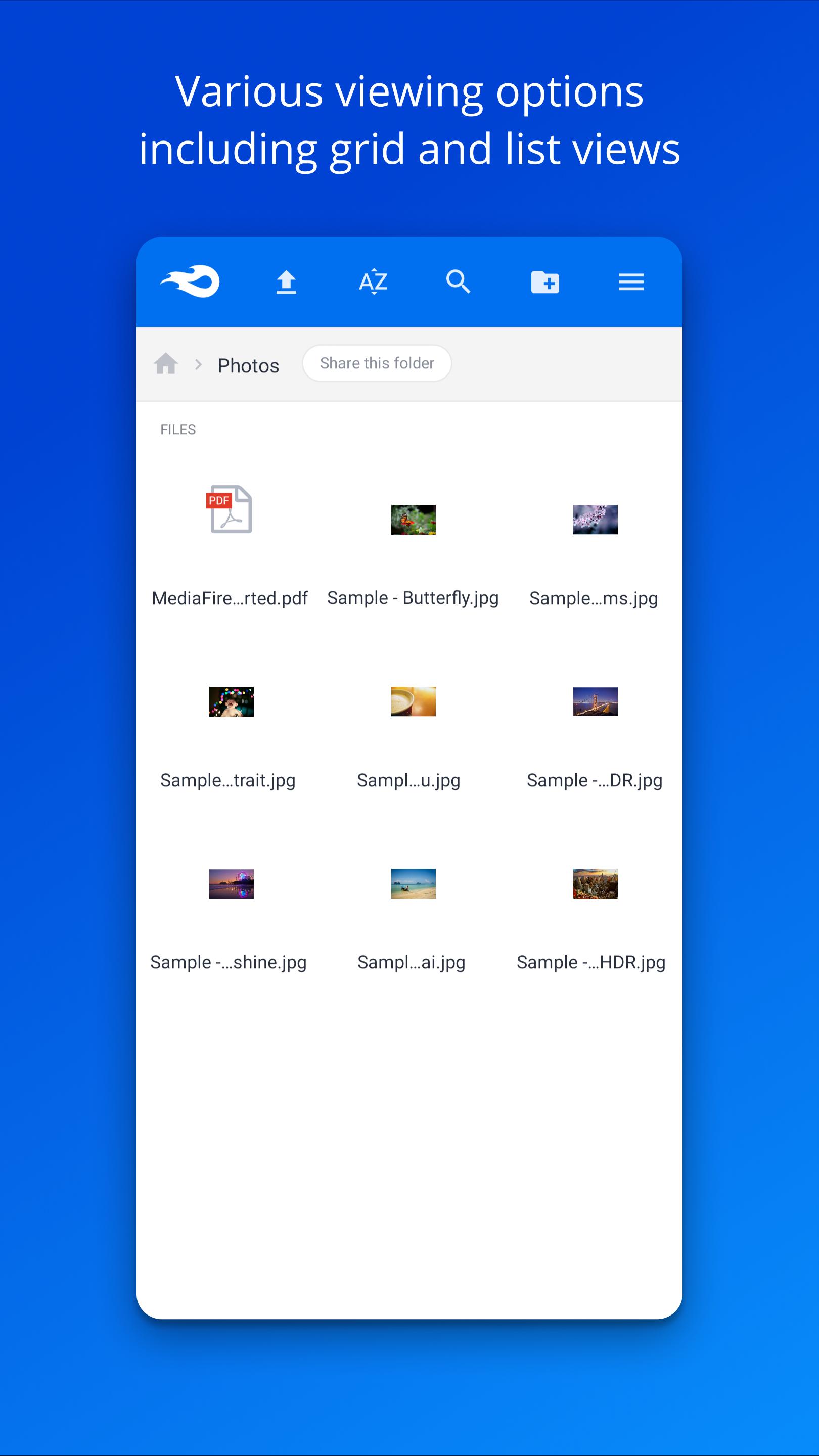
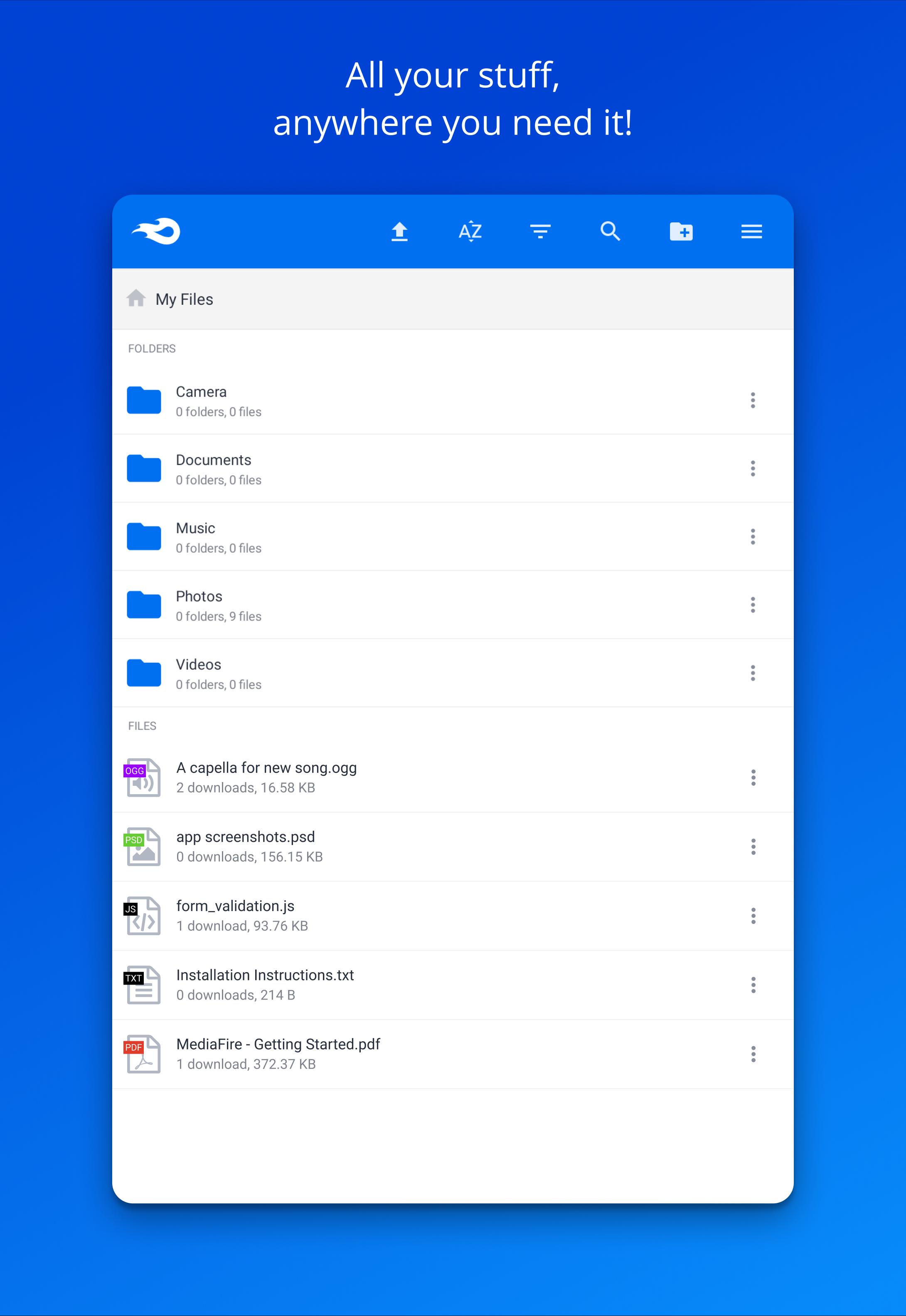

MediaFire is a cloud storage and file sharing app that uploads, organizes, and shares your files anywhere.
MediaFire helps when you need to back up photos, move documents between devices, or send a large folder to someone. It works on your phone and also from the web, so your files stay reachable during travel or work. You can upload from different apps, then keep everything tidy with folders and quick search. Because links are easy to share by message or email, your contacts can get files without hassle.
Start with free storage
MediaFire gives new users 12 GB at no cost, so you can begin saving photos, videos, music, and documents right away. You can earn extra space through bonuses, which helps when your library grows. This makes it simple to get started without planning storage up front.
Upload from any Android app
You can send files directly using Android’s Share to menu, which avoids switching between apps. MediaFire also supports uploading multiple files in one go, so moving entire sets of photos or project documents is straightforward. As a result, you can capture, create, and upload without breaking your flow.
Access and manage files anywhere
MediaFire lets you view documents, spreadsheets, presentations, videos, and audio within the app, so quick checks are easy. Your files stay in sync across phone, tablet, computer, and the web, which helps when you switch devices during the day. You can organize with folders and use search to find what you need fast.
Share links with no wait times
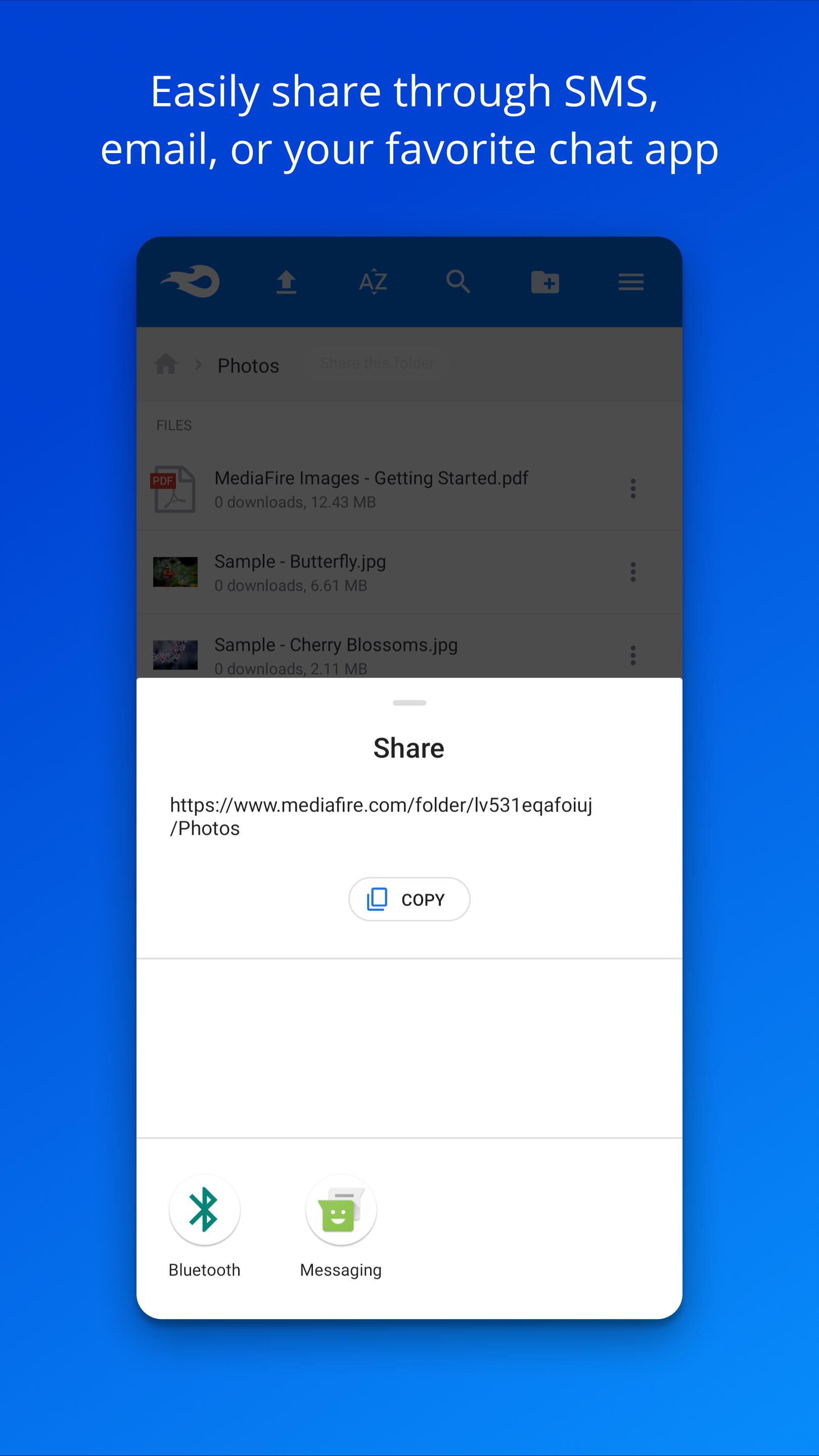
MediaFire creates links you can send by email, SMS, or your preferred social apps. Recipients get ad supported downloads with no wait time, which makes large files easier to access. This works well for sending project folders, media drafts, or school assignments without size limits in email.
Privacy and control when sharing
For sensitive content, you can generate one time links that expire after use. MediaFire also keeps your files backed up in the cloud, so they remain available even if your device is lost. This helps you share with confidence and recover important items when needed.
MediaFire offers an optional Pro upgrade suited to heavy use and professional work. Pro provides 1 TB of storage, removes ads, and adds direct download links for faster client access. It also supports bulk ZIP downloads and upload from link, which can speed up moving large media sets or transferring assets between services. If you handle frequent deliveries or share big files with teams, these tools can reduce steps and save time.
Over 150 million people use MediaFire to move and store files for everyday tasks. Students send large projects without email size issues. Creatives share drafts and final cuts with clients using links that open quickly. Small teams keep folders in sync across phones and laptops, while freelancers back up work to avoid losing files during travel. These common scenarios show how the app supports both personal and work needs.
This quick guide explains how to start using the app on Android. After you install the MediaFire APK, basic tasks like uploading and sharing take only a moment.
This app focuses on simple uploading, reliable access across devices, and link based sharing that works for everyday tasks. To begin, download MediaFire and try the core tools with the included free storage.
For official resources and support, visit:
Last updated on Oct 5, 2023
Complete rewrite
Latest Version
 5.6.0
5.6.0
Uploaded by
Cris Maico Miave
Requires Android
Android 5.0+
Available on

Category
Report

Discover what you want easier, faster and safer.
