


Use APKPure App
Get Lesser AudioSwitch old version APK for Android

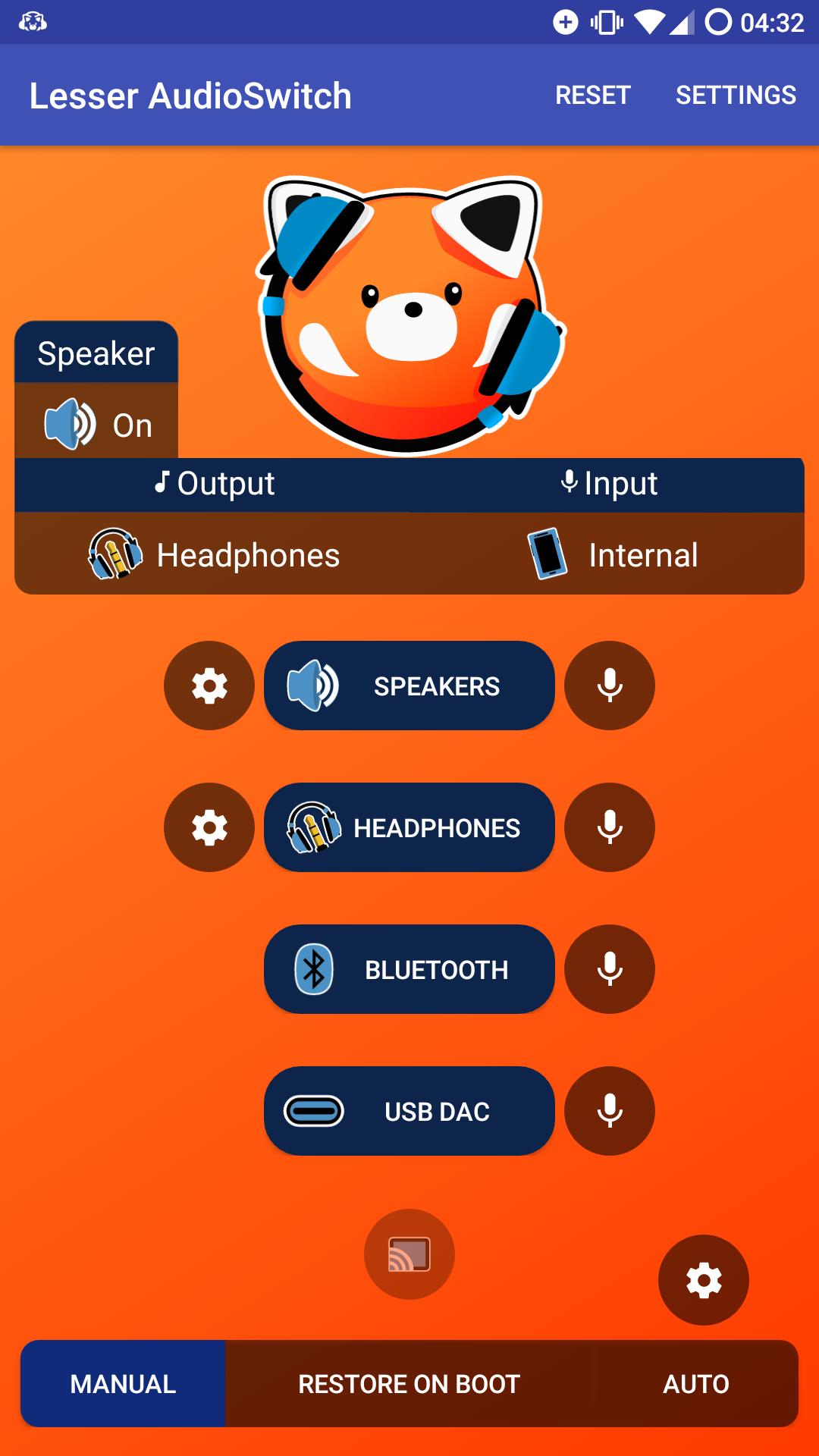


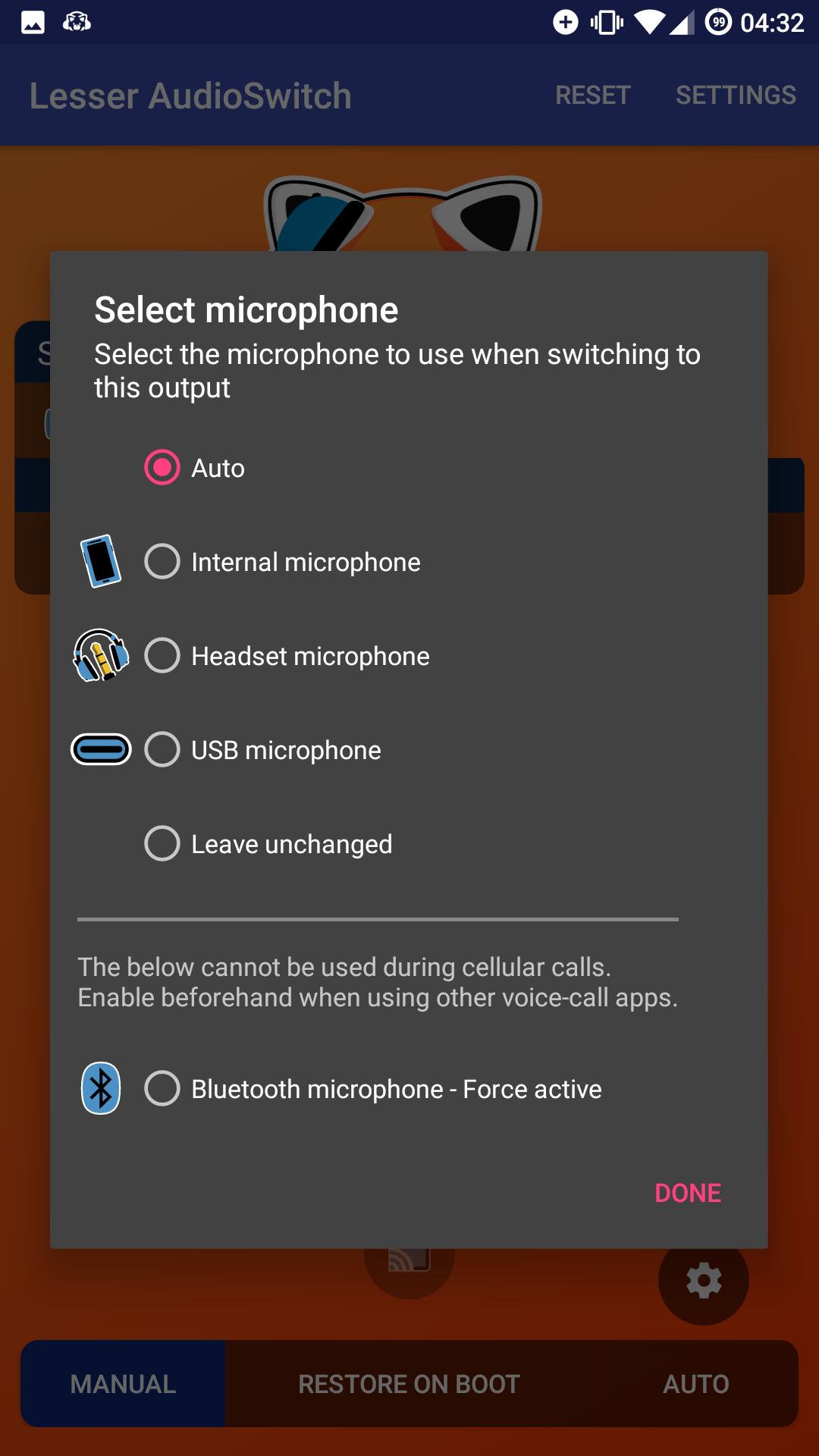

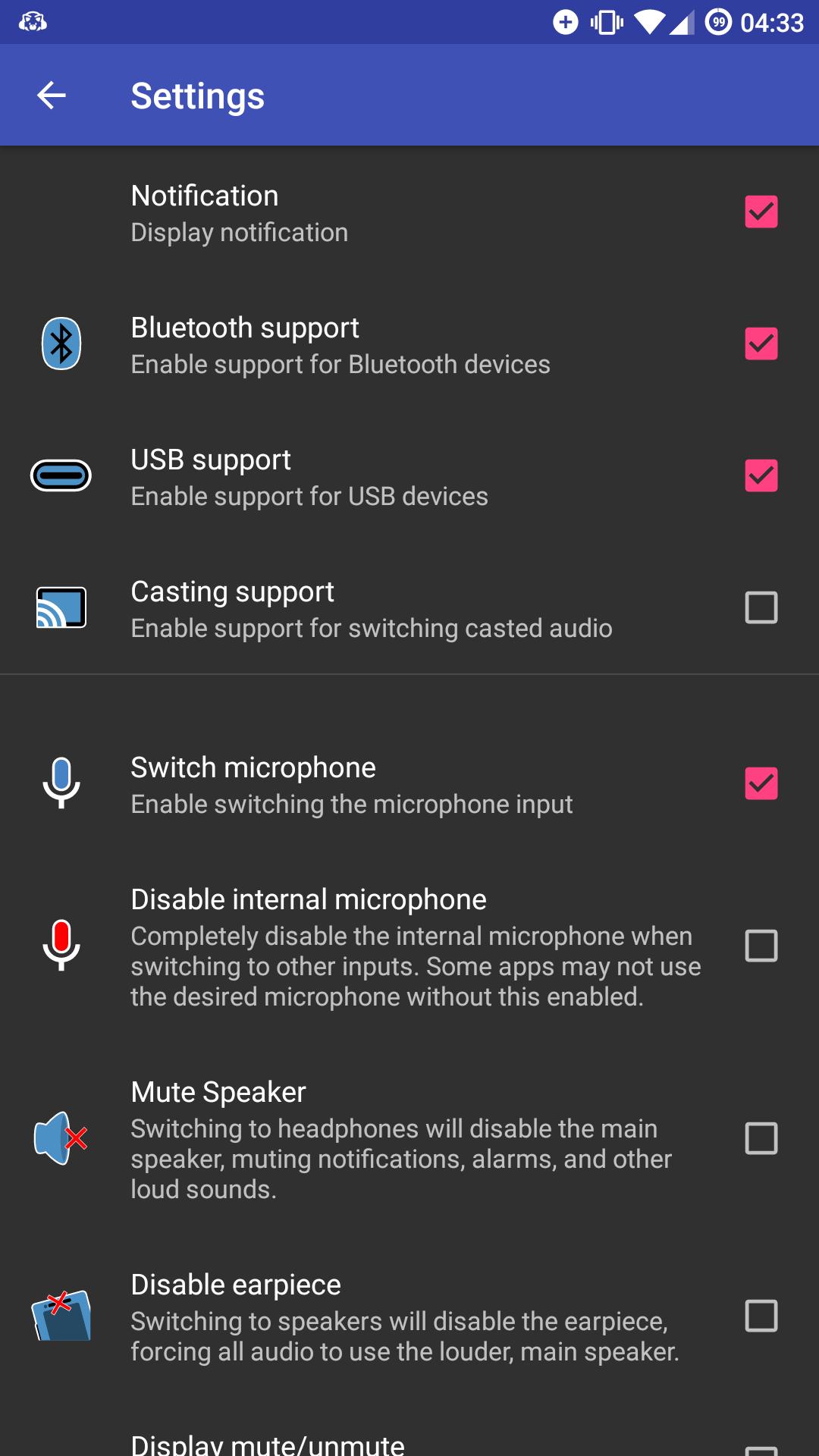


Lesser AudioSwitch is a utility app that forces audio output and input routing on Android.
Lesser AudioSwitch helps when your phone sends sound to the wrong place or stays stuck in headphone mode. It gives you manual control to direct audio to the right destination and to pick the microphone source you prefer. This is useful during screen casting or when you need notifications quiet while using headphones. However, the app does not function on Android 11 or later, and on newer versions you should use the system volume panel output picker. If you need the Lesser AudioSwitch APK, check device compatibility first.
Lesser AudioSwitch lets you send audio to headphones, the device speaker, Bluetooth, USB, or cast, even if the system misdetects a device. You can clear a stuck headset state and keep sound local on the phone while casting the screen. This direct control helps when apps or the system do not switch to the route you want.
Choose microphone input and mute the speakerYou can switch the active microphone input to match how you are listening. When using headphones, optionally mute the speaker so notification sounds do not play aloud. This setup reduces interruptions and keeps routing consistent across calls and media.
Auto Switch on plug or unplugEnable Auto Switch to automatically route audio when you plug in or unplug a headset. You can set whether the speaker mutes or unmutes during these events. With these preferences in place, your device responds the way you expect without extra taps.
One tap controls with widgets and tilesLesser AudioSwitch offers one tap access from home screen widgets, Quick Settings tiles, and notification shortcuts. You can switch outputs quickly while in any app and restore your preferred route after a reboot using the Restore on Boot option. This keeps your audio setup consistent across sessions.
Automation via broadcast intentsPower users can trigger routing with broadcast intents such as HEADPHONES, SPEAKER, BLUETOOTH, USB, CAST, MUTE, or UNMUTE. On Android 8.0 and above, specify the target package to direct intents reliably. This enables integration with automation tools and custom workflows.
Due to platform changes, Lesser AudioSwitch cannot function on Android 11 and newer. If you are on Android 11, Android 12, or Android 14, use the native output selector found in the volume panel to pick your audio route. On supported versions, install the app only if you need manual routing control beyond what the system provides.
For rooted and advanced users, a community Magisk module named “Lesser Audio Switch for Android 11+” exists. It is archived, requires Magisk v19 or later, and may be more likely to work on AOSP or vanilla ROMs than OEM skins. This module is not part of the app and is used at your own risk; stability and compatibility vary by device and firmware.
Start with the app open so you can route audio where you want. If you plan to download Lesser AudioSwitch, confirm your Android version first to ensure support.
Lesser AudioSwitch provides direct control over audio paths and microphone input on supported Android versions. Before installing the Lesser AudioSwitch latest version, verify compatibility and decide if you need automation or quick access tools for daily use.
Last updated on Aug 14, 2025
Minor bug fixes and improvements. Install or update to the newest version to check it out!
Latest Version
 2.9.2
2.9.2
Uploaded by
Roughy
Requires Android
Android 5.0+
Available on

Category
Report

Discover what you want easier, faster and safer.
