


Use APKPure App
Get KingRoot App old version APK for Android




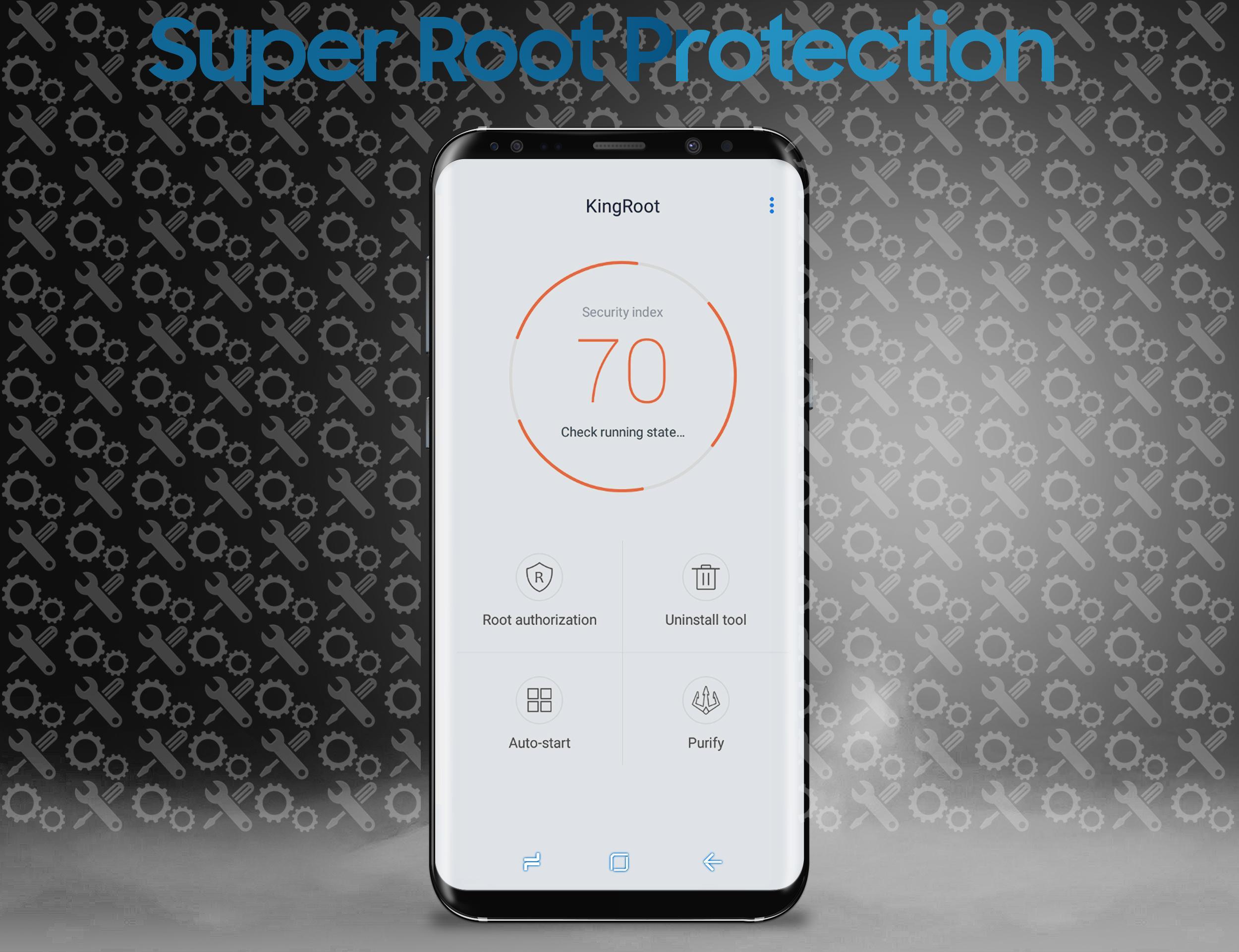
KingRoot App is a rooting utility that lets Android users gain superuser access with a simple one tap process.
KingRoot App suits users who want deeper control over Android without learning complex commands. It focuses on making root access straightforward so you can manage system settings with less effort. You can run it directly on a phone or connect through a Windows PC if that suits your setup. In addition, the interface guides each step to reduce guesswork. For quick installation on mobile, many users choose the KingRoot App APK and complete the process in a few minutes.
One tap root process
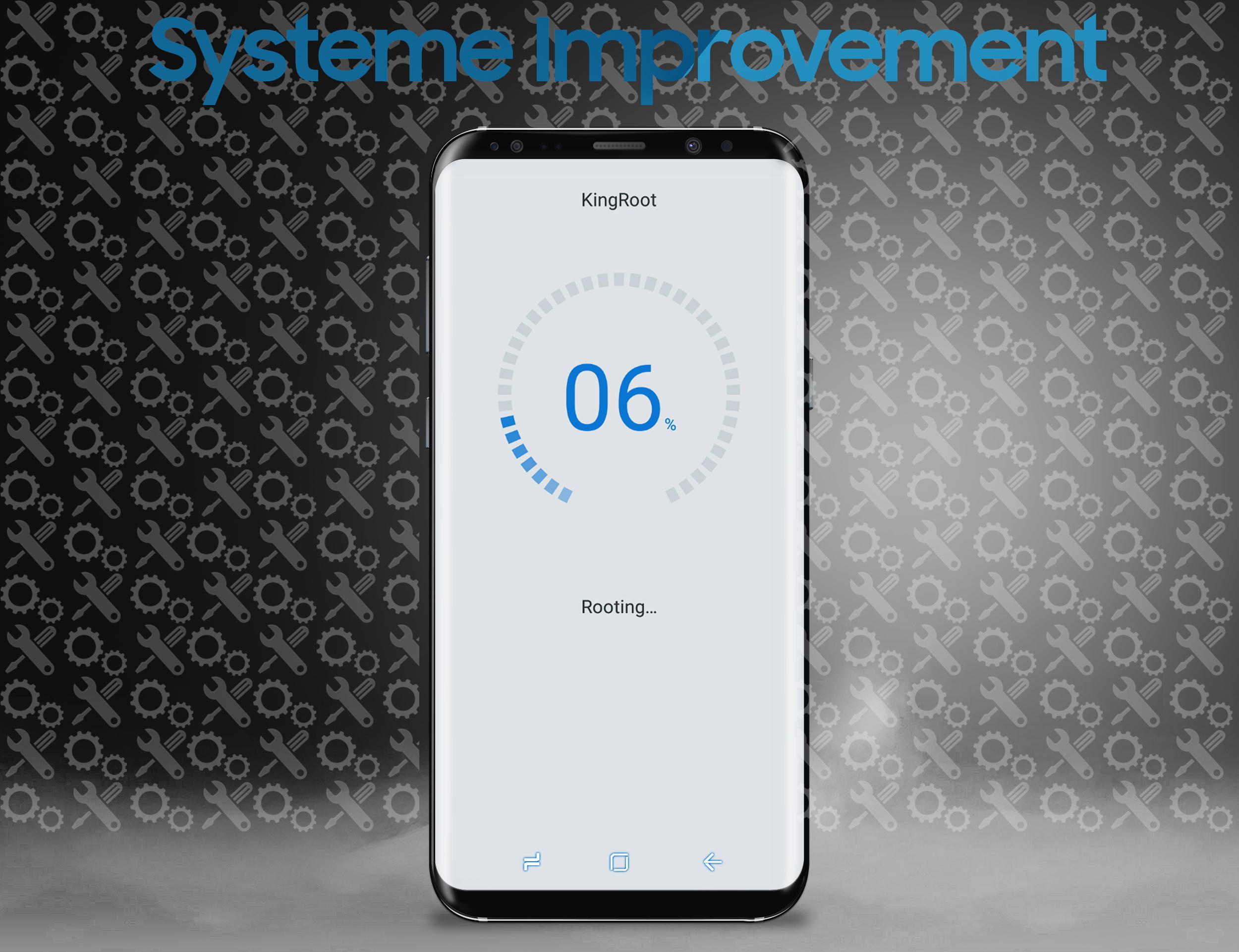
KingRoot App centers on a one tap workflow that requests superuser permissions for your device. The app shows clear status messages during the attempt so you can see progress in real time. When finished, it reports the result and prompts for any next steps.
Mobile or PC method
You can root directly on your phone using the app, or you can connect a Windows PC and run the desktop method. This flexibility helps when a device model works better with one approach. If the first method does not complete, the other route can provide an alternative path.
Broad device support with high success rates
KingRoot App supports many Android phones and tablets across brands and builds. It automatically selects a suitable approach for your device to improve the chance of success. As a result, users can try root on older and newer models without digging into technical steps.
Free to download and use
KingRoot App is free with no paid tiers for the core root function. You can start the process without subscriptions or hidden upgrade prompts. This makes repeated attempts or switching methods easier if your device needs it.
Enables performance tuning and deeper control
After root completes, you can remove preinstalled apps that you do not use, block intrusive ads at the system level, and set up stronger backups. You can also adjust performance and interface behaviors that are normally locked. KingRoot App provides the access you need, while the changes remain your choice.
Root is superuser access on Android, similar to administrator rights on a computer. With root, apps can perform actions in protected areas of the system that are not available to normal users. Some people compare Android root to an iOS jailbreak because both increase control, but they work on different platforms and use different methods. KingRoot App focuses on making that elevated access simpler to request through a guided process.
Root can help in practical, everyday ways if you have clear goals. Common reasons include the following areas of improvement:
KingRoot App provides the access layer. You then choose which changes to apply based on your needs.
Root modifies system settings, so preparation helps the process go smoothly. Back up important data first and ensure the device has enough battery for the full attempt. A stable connection also helps the app fetch what it needs during the process. Some devices may change how they receive updates after root, and certain features can behave differently, so plan your setup and decide which changes you want to make in advance.
Getting started takes only a few steps on the phone. To begin, download KingRoot App and install it on your device. The app provides on screen guidance to finish root if your model is supported.
KingRoot App offers a direct way to request superuser access on many Android devices using phone or PC methods. For the best support and improvements, use the KingRoot App latest version and follow the on screen steps at a steady pace.
Last updated on Oct 4, 2017
Minor bug fixes and improvements. Install or update to the newest version to check it out!
Latest Version
 9.0
9.0
Uploaded by
Helmi Aziz Pratama
Requires Android
Android 4.0.3+
Category
Report

Discover what you want easier, faster and safer.
