



Use APKPure App
Get Root Master old version APK for Android





Root Master is a phone booster app that improves speed, battery life, and stability with one tap.
Root Master helps when your phone feels slow, drains battery too fast, or apps freeze during everyday use. It focuses on simple choices so you can pick speed, battery, or stability without digging through settings. With quick actions, common lag in apps and games is reduced and routine tasks feel smoother. For users looking to try the tool, the Root Master APK is lightweight and simple to start. As a result, most phones feel more responsive during daily tasks.
Root Master frees RAM and clears temporary caches to reduce app load times. It helps demanding games run smoother by closing tasks you do not need. As a game booster, it gives more room to graphics and gameplay so frame drops are less likely. This is useful when switching between apps or launching heavy titles.
Battery saver modeRoot Master pauses battery draining background apps when you are not using them. It targets social, sync, and notification services that often run in the background. As those processes stop, the phone uses less power and battery life can last longer through the day. You can focus on the apps you need and keep power usage steady.
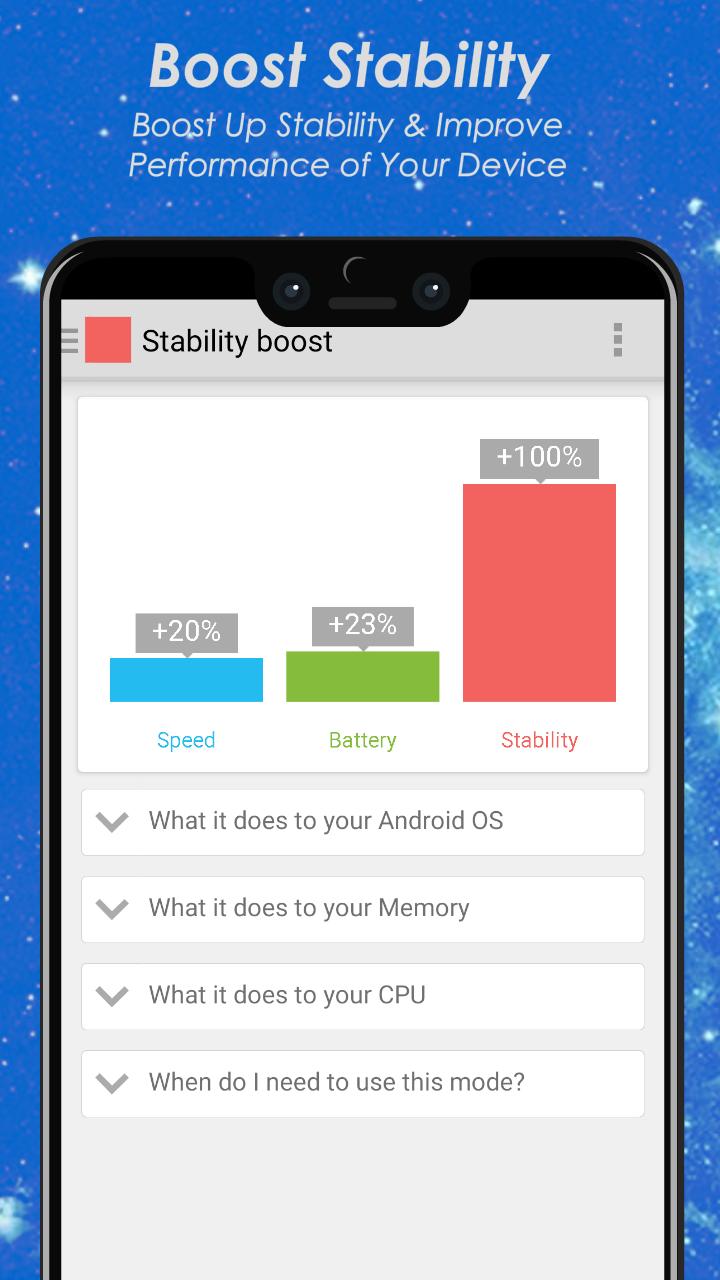
Stability boostRoot Master stops misbehaving apps and processes that can cause freezes and crashes. This keeps the system responsive while you move between tasks. When unstable services calm down, taps and swipes respond faster and the phone feels more consistent. It is helpful if you often see apps hang or stop unexpectedly.
One tap controlYou choose the exact boost you need and run it with one tap. There are no complex menus to learn, so you can make quick changes while on the go. This makes the app a practical phone booster in busy moments when you want results fast. The focus stays on simple actions that you can repeat any time.
Smart resource allocationRoot Master prioritizes CPU and memory for the task you are using right now. As current apps get more resources, lag and stutter are reduced. This approach supports both phones and tablets and helps day to day performance stay steady. It works quietly in the background once you start a boost.
Many users search for a one click rooting tool with a similar name. This listing is for Root Master, a booster and optimizer that improves speed, battery, and stability. It does not provide device rooting and it does not unlock system level controls. If your goal is phone optimization, this app is the phone booster you are looking for.
Root Master focuses on Android phones and tablets and does not offer a PC version. There is no password required to use the app and no separate Pro APK for this listing. Some searches mention Root Master 3.0, which refers to a different rooting product, not this booster. To stay current, download Root Master latest version and use the most recent optimizations.
No. Root Master does not root devices. Rooting can void a device warranty and may cause serious issues like bricking if it fails. This app avoids those risks by focusing on safe boosts that manage running apps, memory, and battery use.
Getting started is simple, and you can download Root Master to begin. The app focuses on clear choices, so you pick a goal and run a single boost. Follow these steps to make everyday tasks smoother.
Root Master improves phone speed, battery, and stability with clear one tap controls. For an easy setup, download the Root Master APK and choose the boost that fits your needs. Users can run a quick optimization and keep daily performance steady across apps and games.
Last updated on Sep 10, 2022
* Small Issue Fixed!
- Speed Booster
- Battery Life Saver & Booster
- Unlock The Maximum Potential Of Your Device
Latest Version
 3.0
3.0
Uploaded by
Lewis Gabriel Alvarado
Requires Android
Android 6.0+
Category
Report

Discover what you want easier, faster and safer.
