


Use APKPure App
Get Game Controller KeyMapper old version APK for Android



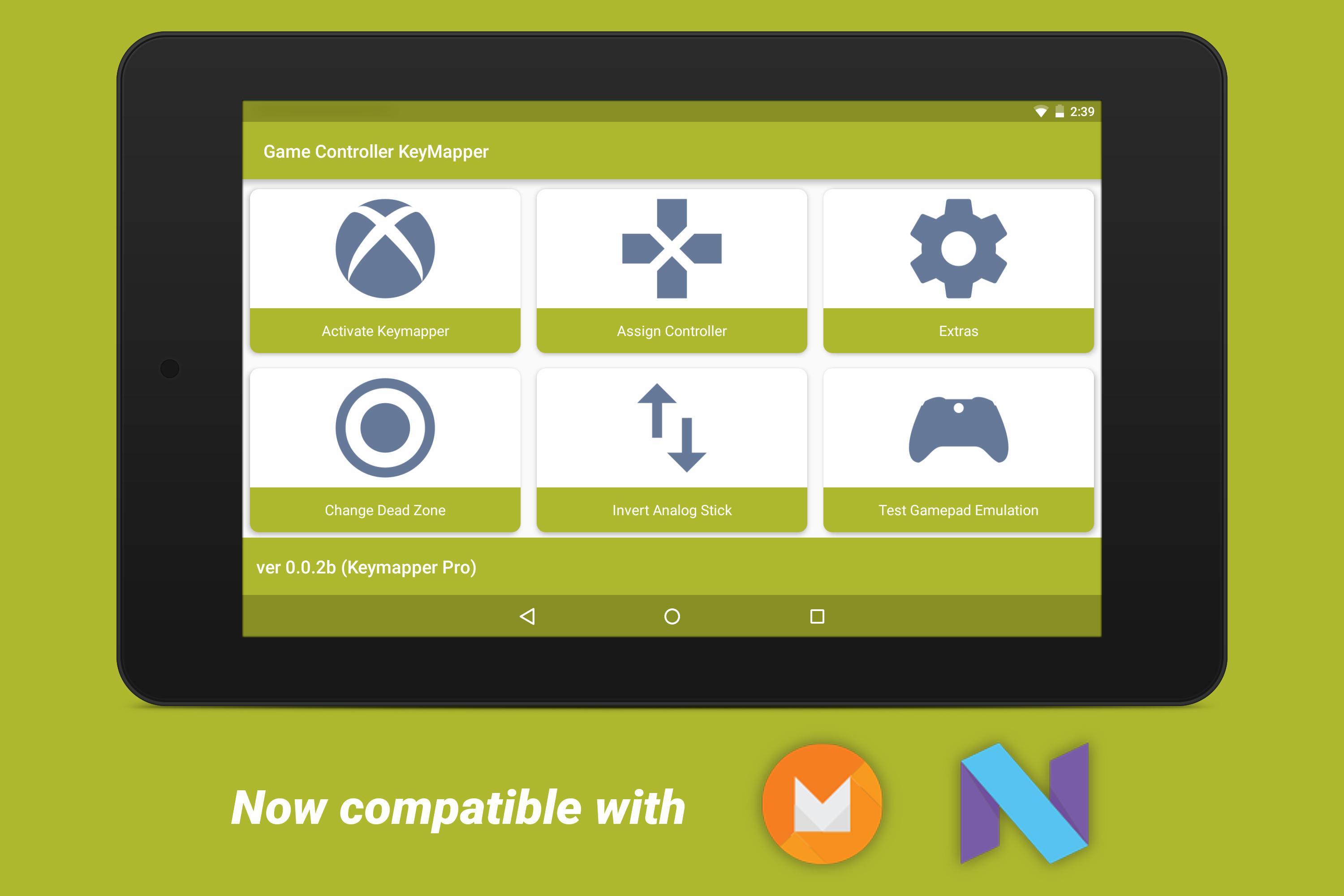
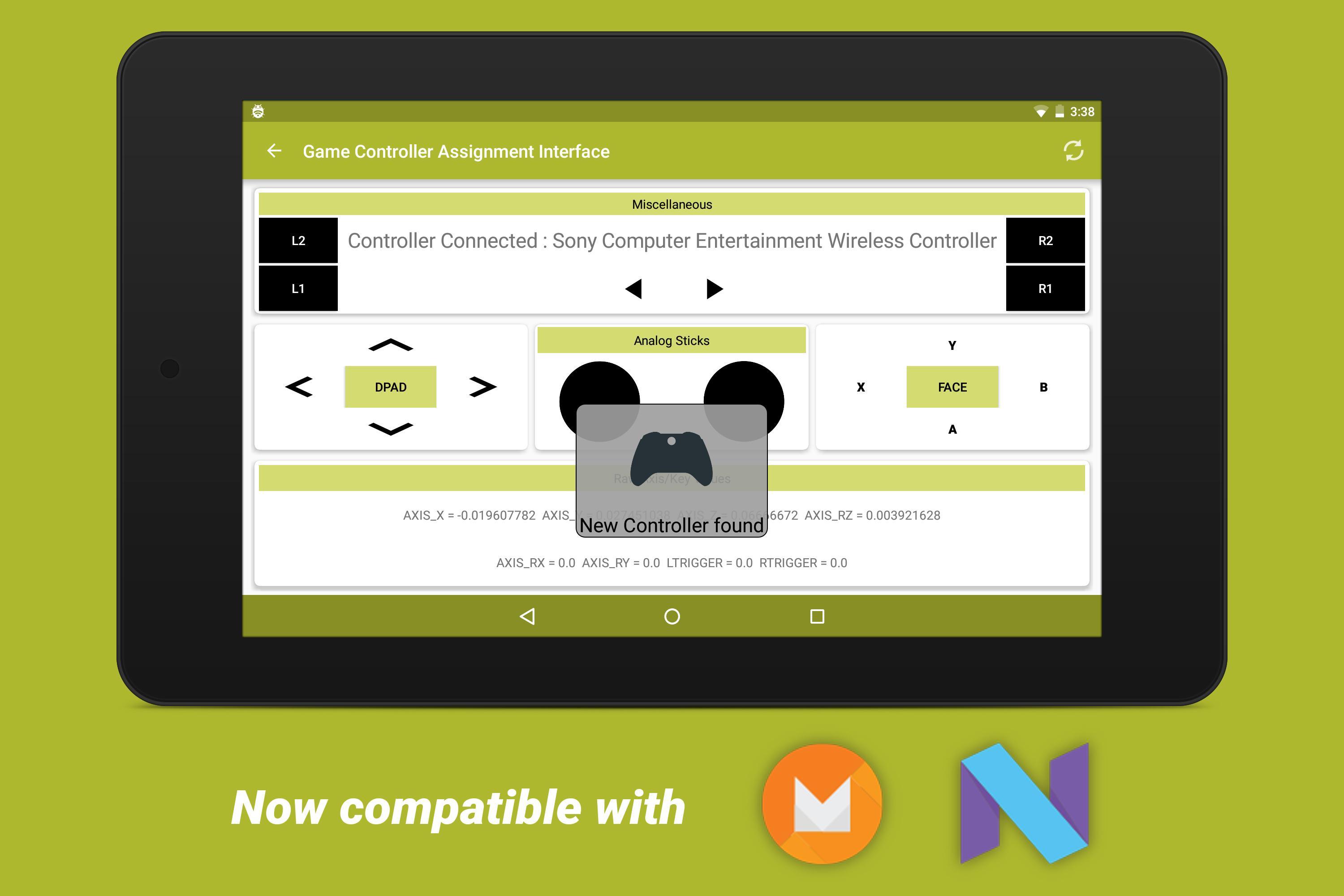

Game Controller KeyMapper is a controller mapping utility that lets users assign gamepad inputs.
Game Controller KeyMapper helps when a controller layout does not match what a game expects. You map buttons and sticks once in a simple interface, then use the same setup across different games and emulators. This approach reduces setup time and keeps controls consistent between titles. Many users search for Game Controller KeyMapper APK when they need a straightforward way to align controller inputs across apps.
Keymapping with root access
Game Controller KeyMapper performs system level keymapping. Root access through Magisk or SuperSU is required for this function to work. Without root, keymapping features will not apply to games or emulators. Check root status before configuring inputs to avoid setup issues.
Quick setup and reset
Analog and DPAD customization
Addresses common detection issues
Game Controller KeyMapper offers a clean mapping flow, practical analog and DPAD options, and tools that help fix detection problems. Ensure your device is rooted before setting up mappings. For stable performance, consider updating to the Game Controller KeyMapper latest version and then configure your preferred layout.
Last updated on Mar 16, 2021
Major UPDATE
--------------------------------------
• Fixed an SELinux Blocking Issue.
• Layout Installation Removed.
• Made major changes to Activation Flow.
• Now implemented with Magisk LibSu.
• Fixed an issue with System not mounting.
• Much more stable now.
Latest Version
 0.4.0
0.4.0
Uploaded by
Thanh Bùi
Requires Android
Android 4.3+
Category
Report

Discover what you want easier, faster and safer.
