


Use APKPure App
Get ES File Explorer old version APK for Android
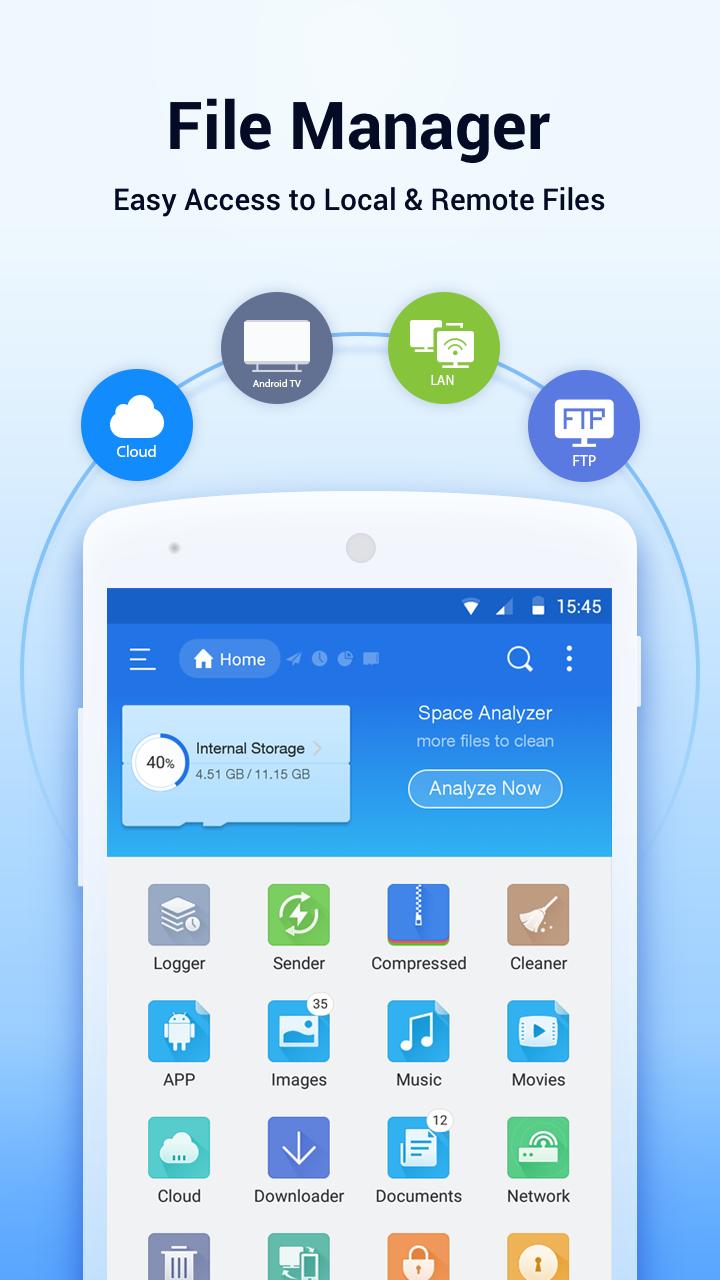
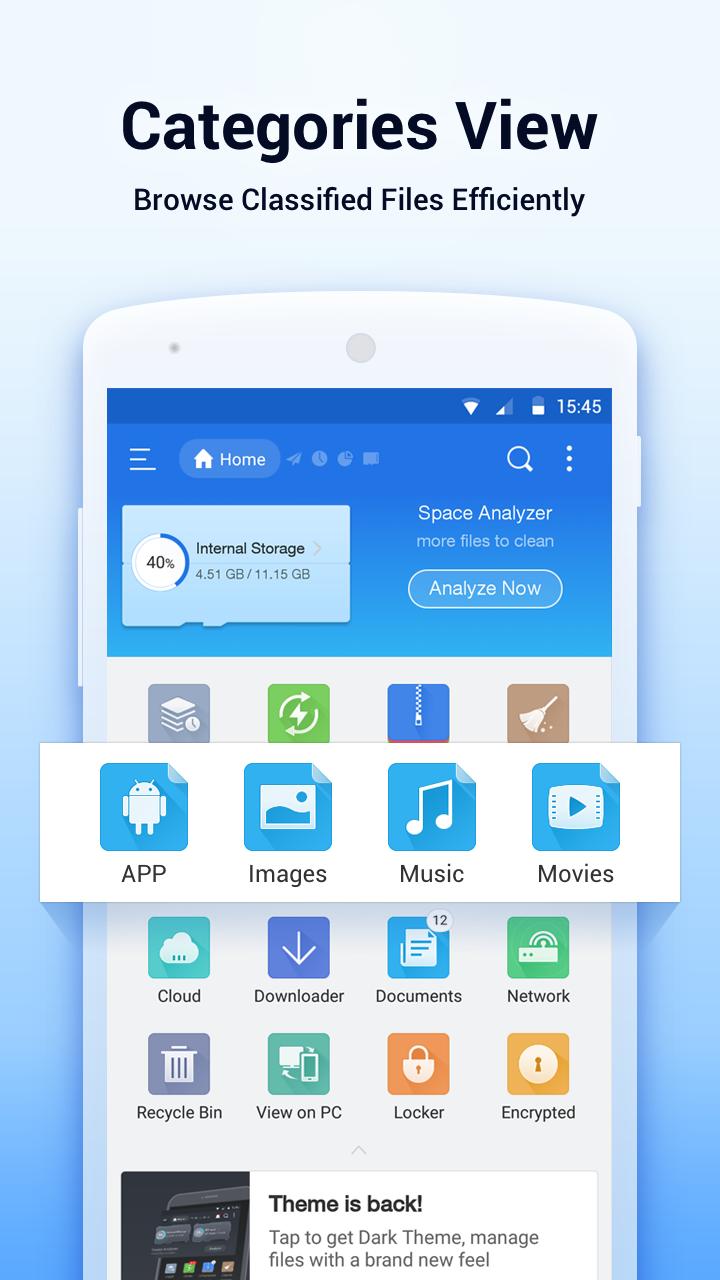
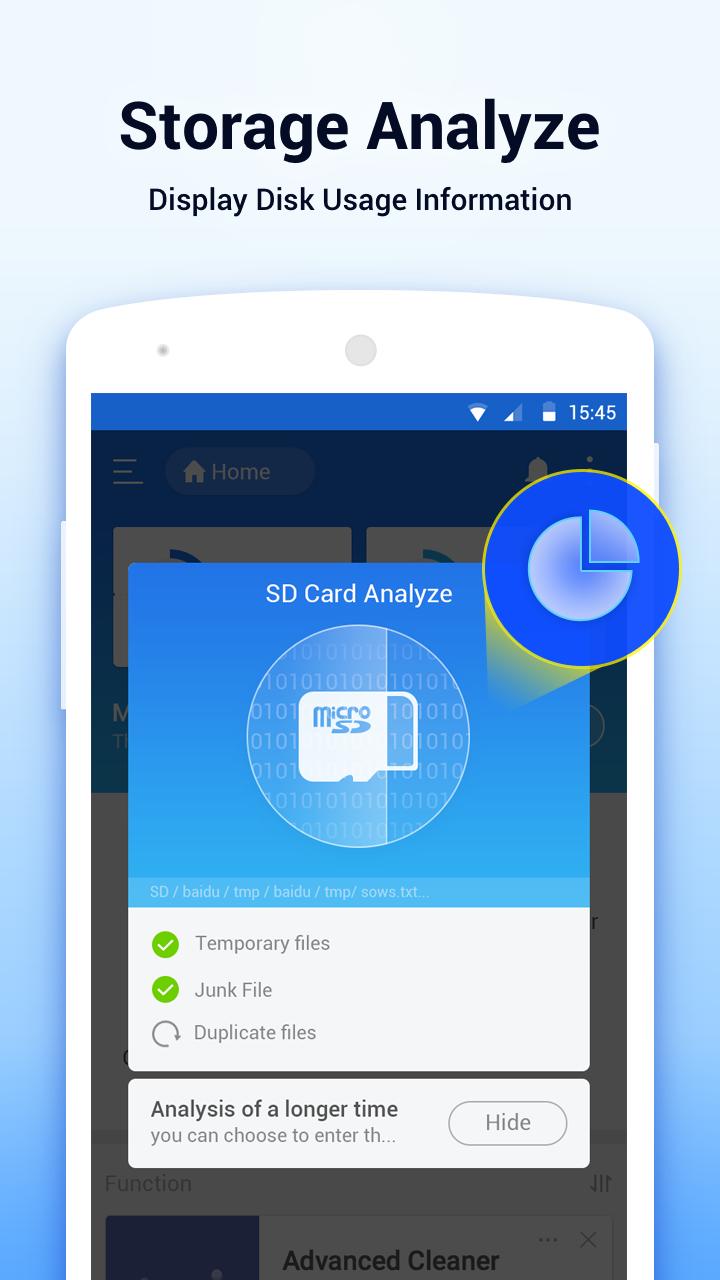

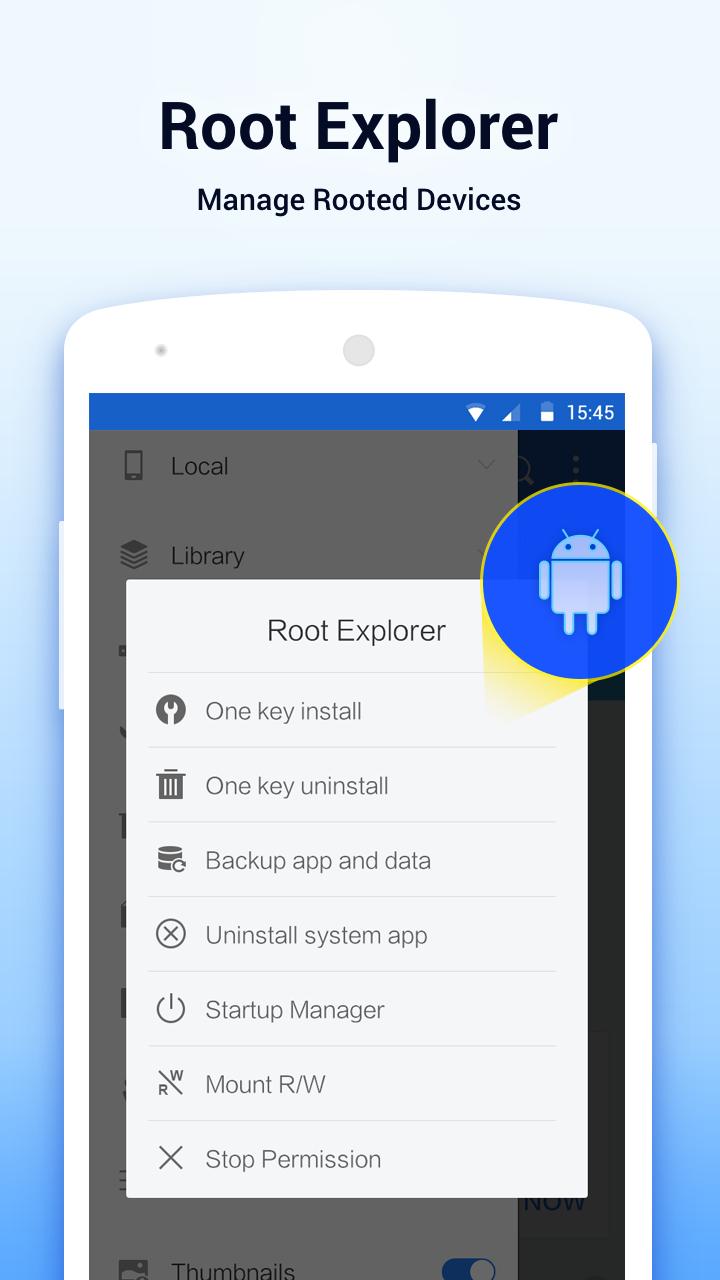

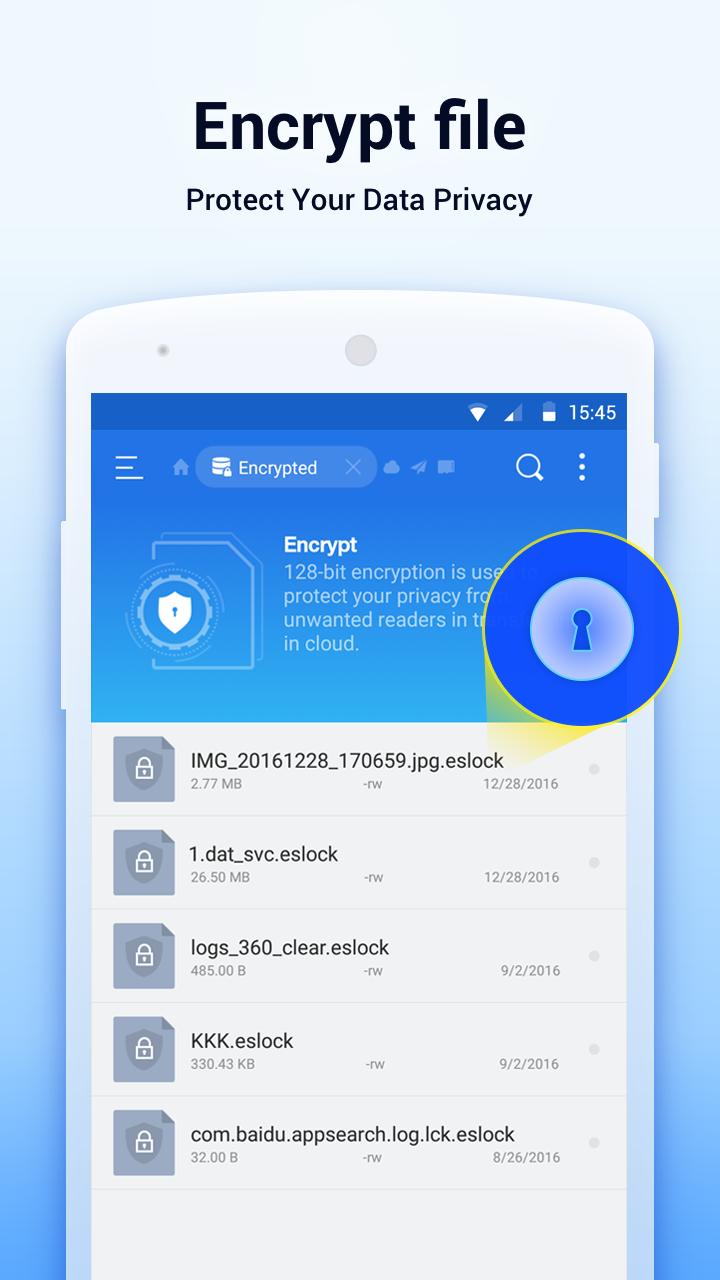
ES File Explorer is a file manager app for Android that manages local, SD, network shares, and cloud storage.
ES File Explorer brings your files together in one place so you can browse, organize, and access them without switching apps. It uses clear, desktop style controls that feel familiar on mobile, and it supports both personal media browsing and advanced connections. Therefore it suits quick daily tasks as well as network and cloud access when you need it.
Unified storage in one view
ES File Explorer lets you open files from phone storage, SD card, local network shares, FTP servers, and major cloud services in a single interface. This helps you keep photos, videos, documents, and downloads together and reduces app hopping.
Desktop style file operations
ES File Explorer gives you copy, move, rename, delete, and multi select with thumbnails and list or grid views. Moreover, fast local and web search helps you locate items quickly when folders get large.
Built in app management
ES File Explorer can install or uninstall APKs, back up selected apps, and share application files when needed. In addition, you can review what is installed and tidy up unused packages for more space.
Archive tools for ZIP and RAR
ES File Explorer creates and extracts common archives so you can compress folders or open attachments. Therefore you can send lighter files or review content without another utility.
Media viewing and streaming
ES File Explorer includes viewers and players for photos, music, videos, and documents so you can open content directly. Next, you can stream from network devices to your phone when both are on the same network.
Extra utilities when needed
ES File Explorer offers a simple task killer to close background apps and a Bluetooth browser for nearby transfer. Also, it supports connections to Dropbox, Google Drive, OneDrive, Box, Amazon S3, and Yandex so cloud files feel local.
Get the ES File Explorer APK latest version using the Download APK button on this page. This is the fastest way to start, and it keeps the package format that Android accepts for sideloading. Therefore you can download ES File Explorer and install it right away.
If you need an ES File Explorer old version, open the Older Versions section and pick the build that matches your device or preference. Some users also look for ES File Explorer Pro APK for specific features; check the version list to see whether that variant is available. Moreover, the APKPure ES File Explorer page groups all releases so you can compare dates and sizes before installing.
To address safety questions, this page shows signature verification, a SHA 256 checksum, and a third party antivirus scan report link. ES File Explorer APK entries also include a clear permissions summary so you can review access requests before installing. In addition, APKPure verifies packages at upload to help you download ES File Explorer with confidence.
Before connecting ES File Explorer to a LAN or FTP server, make sure you know the device IP address, the shared folder or server path, and your username and password. Your phone and the target device should be on the same WiFi network for LAN browsing. For cloud services such as Dropbox, Google Drive, OneDrive, Box, Amazon S3, or Yandex, you only need your account sign in and any required app specific passwords.
This quick guide helps you start with core tasks in ES File Explorer. It covers local management first, then moves to LAN, FTP, and cloud connections so everything stays organized in one place.
ES File Explorer helps you manage files across phone storage, SD cards, home networks, and multiple cloud services from one app. Get the ES File Explorer APK latest version on APKPure, or pick an ES File Explorer old version if you prefer a previous release.
How to open ES File Explorer?
To open ES File Explorer, install the APK, find the ES File Explorer icon in your app drawer, and tap it. On first launch, grant storage permission so the app can display your files.
Is ES File Explorer still available?
Yes, ES File Explorer is available as an APK download. You can get the ES File Explorer APK on APKPure and choose the latest version or an older build if needed.
Where can I download ES File Explorer APK?
Download ES File Explorer from this APKPure page using the Download APK button. You can also open Older Versions to select a past release, and you may find ES File Explorer Pro APK there if it is listed.
Is ES File Explorer APK safe?
ES File Explorer downloads on APKPure include signature verification, a SHA 256 checksum, and a third party antivirus report link on the page. Review the permissions summary before you install, and only use ES File Explorer APK files obtained here.
Last updated on May 30, 2019
Minor bug fixes and improvements. Install or update to the newest version to check it out!
Latest Version
 1.0.1
1.0.1
Uploaded by
Rockey Raja
Requires Android
Android 4.0+
Category
Report

Discover what you want easier, faster and safer.
