


Use APKPure App
Get Quick Pick old version APK for Android



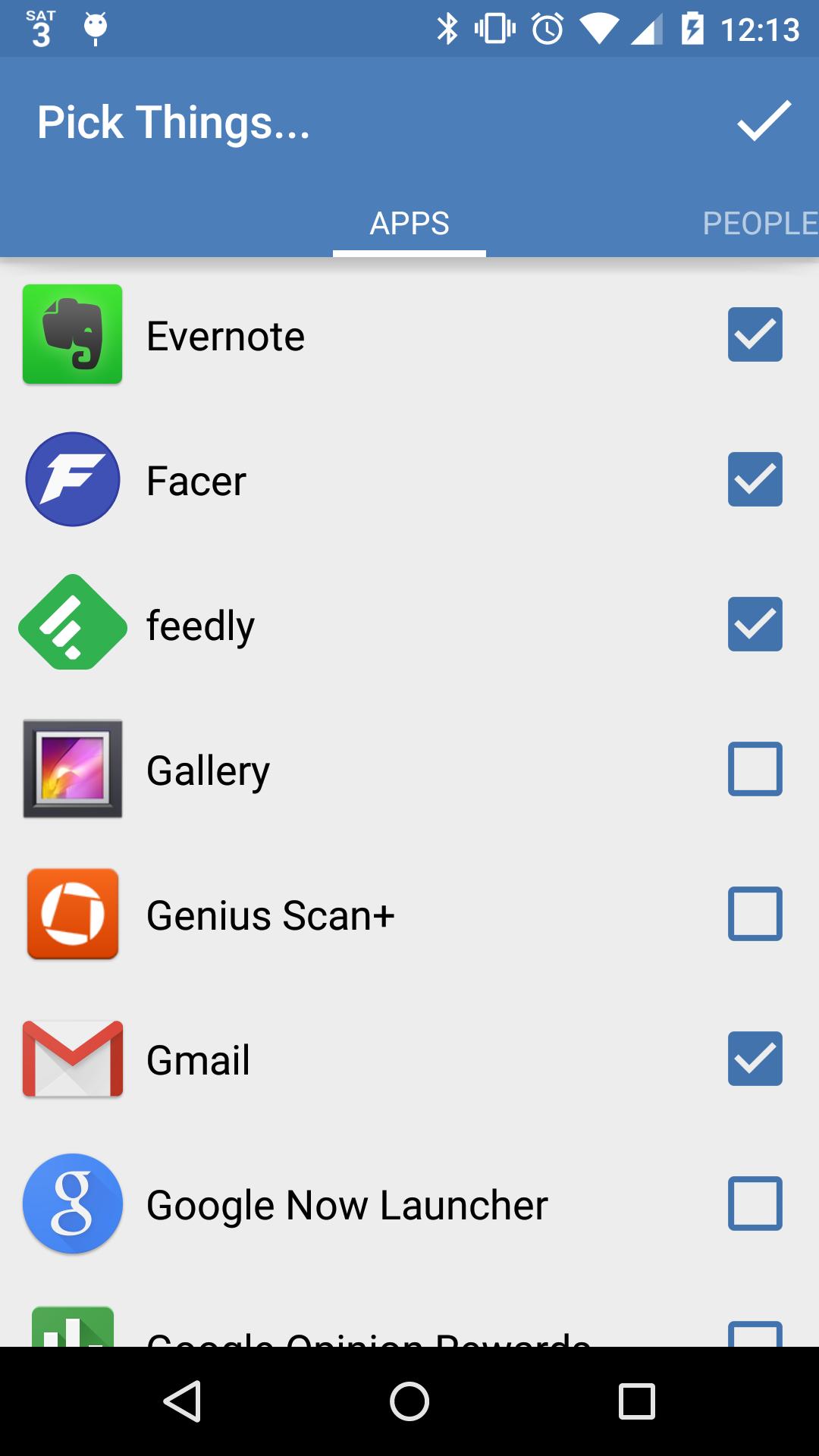

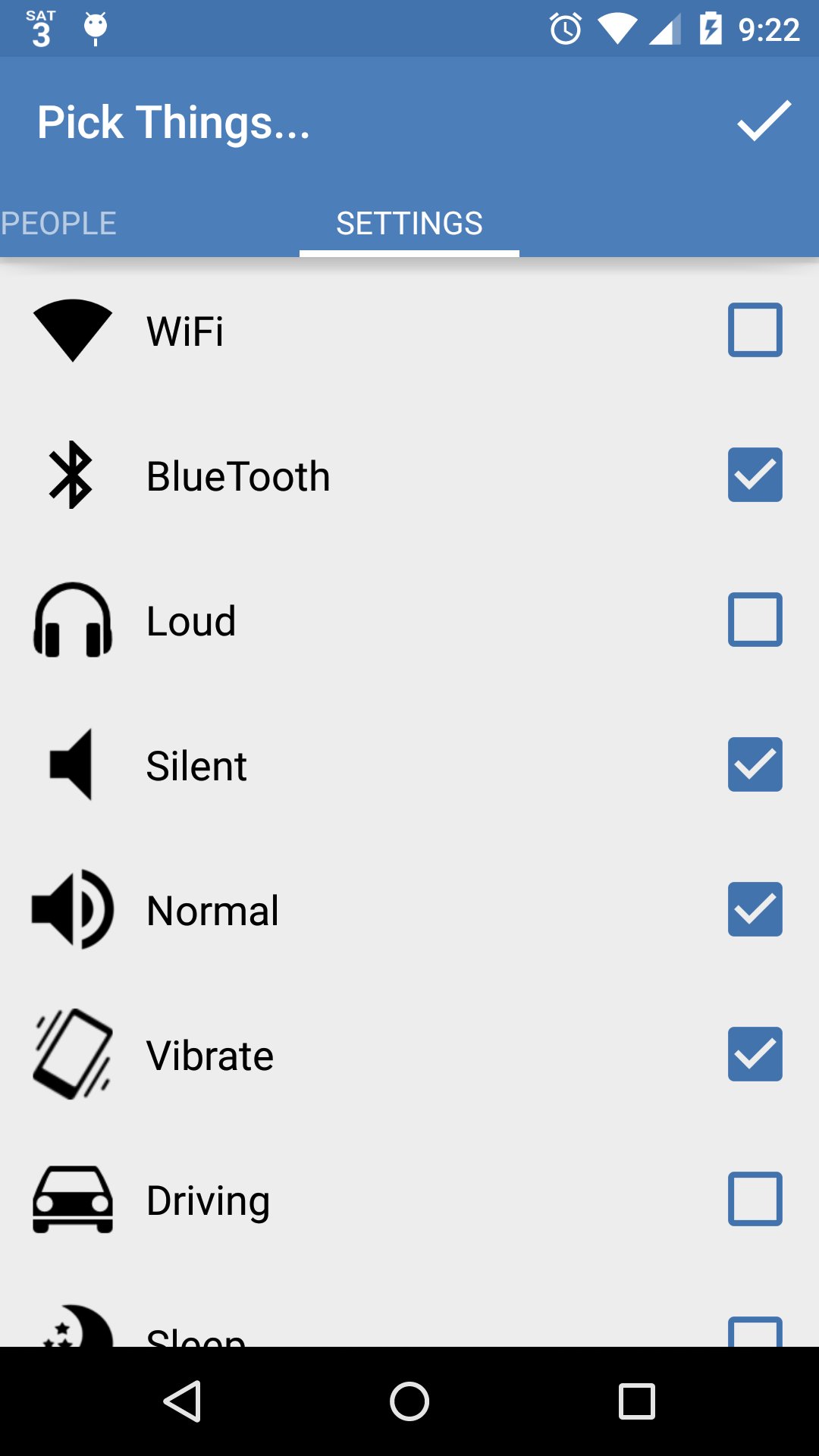

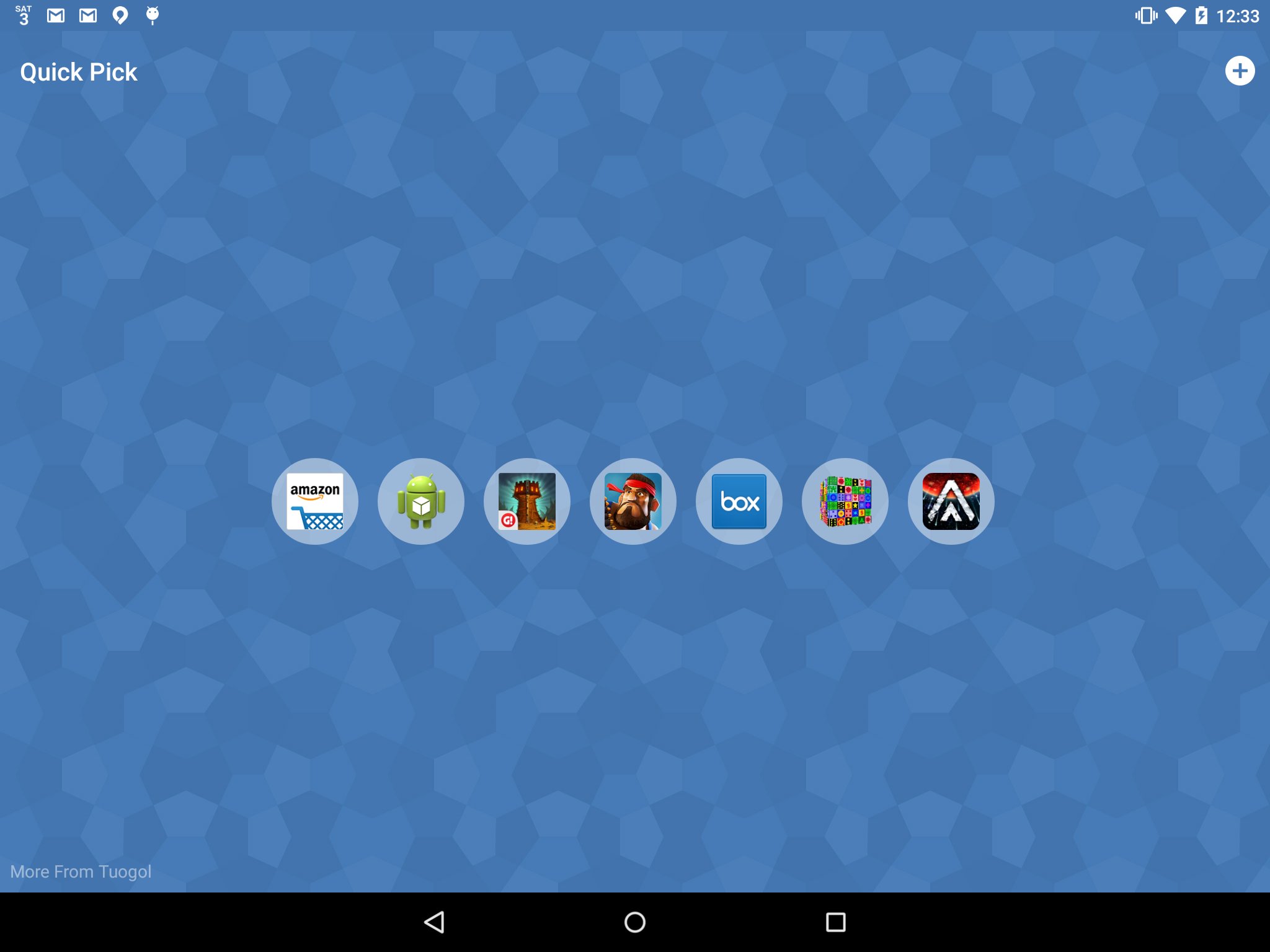
Quickly access your favorite apps, contacts, settings, or profiles.
Quick Pick allows you to quickly access your favorite apps, contacts, and settings with one swipe. Just move your finger up from the home button and select Quick Pick. Then you can customize which apps, contacts, settings, or Volume Butler profiles you see. The next time you swipe up from the home button you'll have quick access to your favorite picks!
This application works best with devices that have a soft home button that is built into your screen. If you have a different device than this simply use the Quick Pick icon for similar functionality.
You can also apply your Volume Butler profiles right from Quick Pick! Install Volume Butler and create some profiles to have easy access to your volume settings.
Last updated on Aug 23, 2015
Fixed a small bug preventing content from being added on pre-lollipop devices
Added a brief tutorial
Added Volume Butler Integration and Settings (WiFi/BlueTooth)
Long-press to show the app, contact name, setting, or Volume Butler profile
Aktuelle Version
 1.0.7
1.0.7
Von hochgeladen
Victor Beldiman
Erforderliche Android-Version
Android 4.2+
Kategorie
Bericht

Discover what you want easier, faster and safer.

Quick Pick
1.0.7 by TUOGOL
Aug 23, 2015