We use cookies and other technologies on this website to enhance your user experience.
By clicking any link on this page you are giving your consent to our Privacy Policy and Cookies Policy.

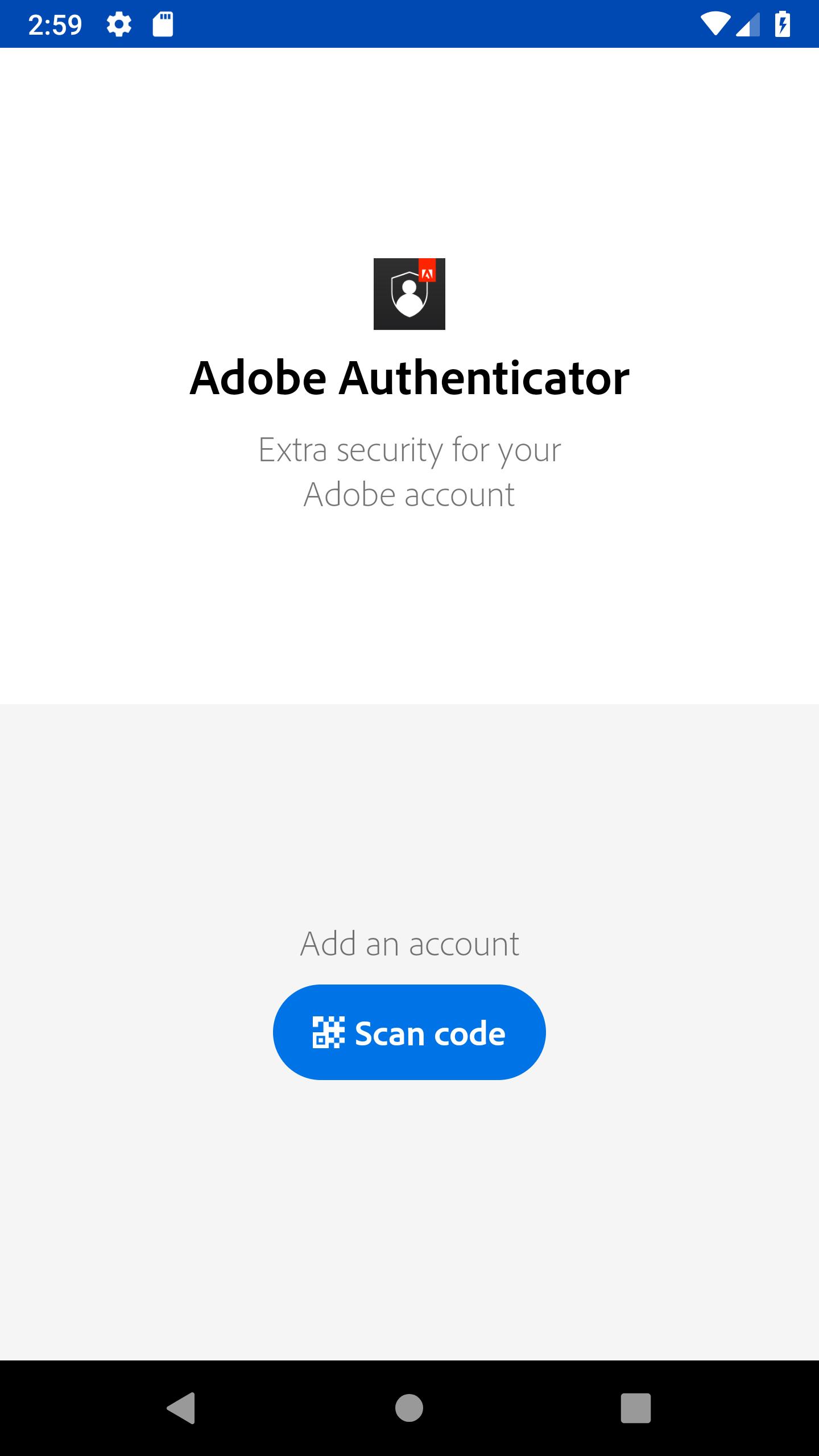
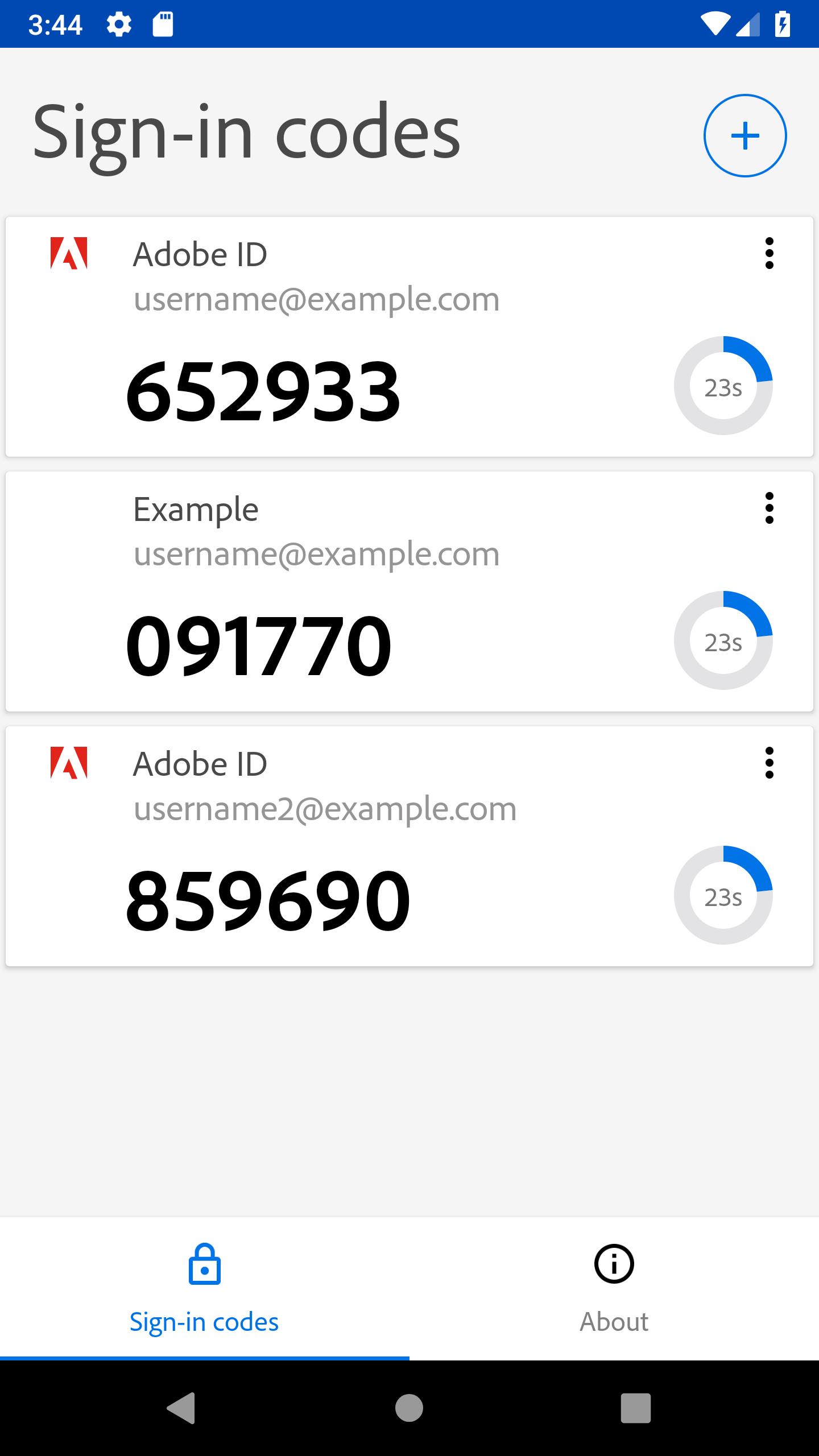
Adobe Authenticator 螢幕截圖

關於Adobe Authenticator

的Adobe認證者對Adobe客戶提供更強的安全性。

Adobe Authenticator enhances the security of your Adobe account by enabling 2 Factor Authentication through push notifications and verification codes.

Why? Because if someone wants access to you account, then finding out the password won’t be enough. As its name says, 2 Factor Authentication adds an extra layer of security by requiring you not only to enter your password but also to respond to a push notification sent on your phone or, alternatively, type in the verification code generated by the app. Moreover, it is compatible with your Android Wear, so you won’t even have to open your phone. Secure in just one tap!

Features:
- easy sign up by scanning a qr code or opening an otpauth:// uri
- easy sign in by responding to push notification
- verification codes generation without data connection
- manage multiple 2 factor authentication accounts on a single device
- support for Android Wear

In order to enable 2 Factor Authentication and set up your Adobe Authenticator go to https://accounts.adobe.com.

最新版本1.1.11更新日誌

Last updated on 2020年03月23日

We are continuously working on improving your experience.

翻譯中...

更多應用信息

最新版本

請求 Adobe Authenticator 更新 1.1.11

上傳者

Hiren Vaghela

系統要求

Android 6.0+

更多
語言
訂閱APKPure
第一時間獲取熱門安卓遊戲應用的首發體驗,最新資訊和玩法教程。
不,謝謝
訂閱
訂閱成功!
您已訂閱APKPure。
訂閱APKPure
第一時間獲取熱門安卓遊戲應用的首發體驗,最新資訊和玩法教程。
不,謝謝
訂閱
成功!
您已訂閱我們的郵件通知。