


Use APKPure App
Get Snaptube old version APK for Android




Snaptube: Download HD videos and music instantly from YouTube, Instagram, etc.
Snaptube is a free app for Android phones that lets you search and download videos and music from places like YouTube, Facebook, and Instagram. With the Snaptube APK, you can easily watch, save, and convert your favorite videos or songs from many popular platforms like YouTube, Instagram, Facebook, and Twitter in just a few taps. Snaptube's clean interface and lightweight design make it intuitive to use while saving space and data. Download Snaptube's latest version on Android, manage your offline videos, and keep your entertainment always within reach.
-Downloads are completely free. You can save videos or music anytime without paying.
-No payments required to access main features like quality choices or MP3 conversion.
-No Hidden Fees and no subscriptions. Use it fully without monthly or yearly charges.
-All tools, like batch downloads or private mode, stay open to everyone at no cost.
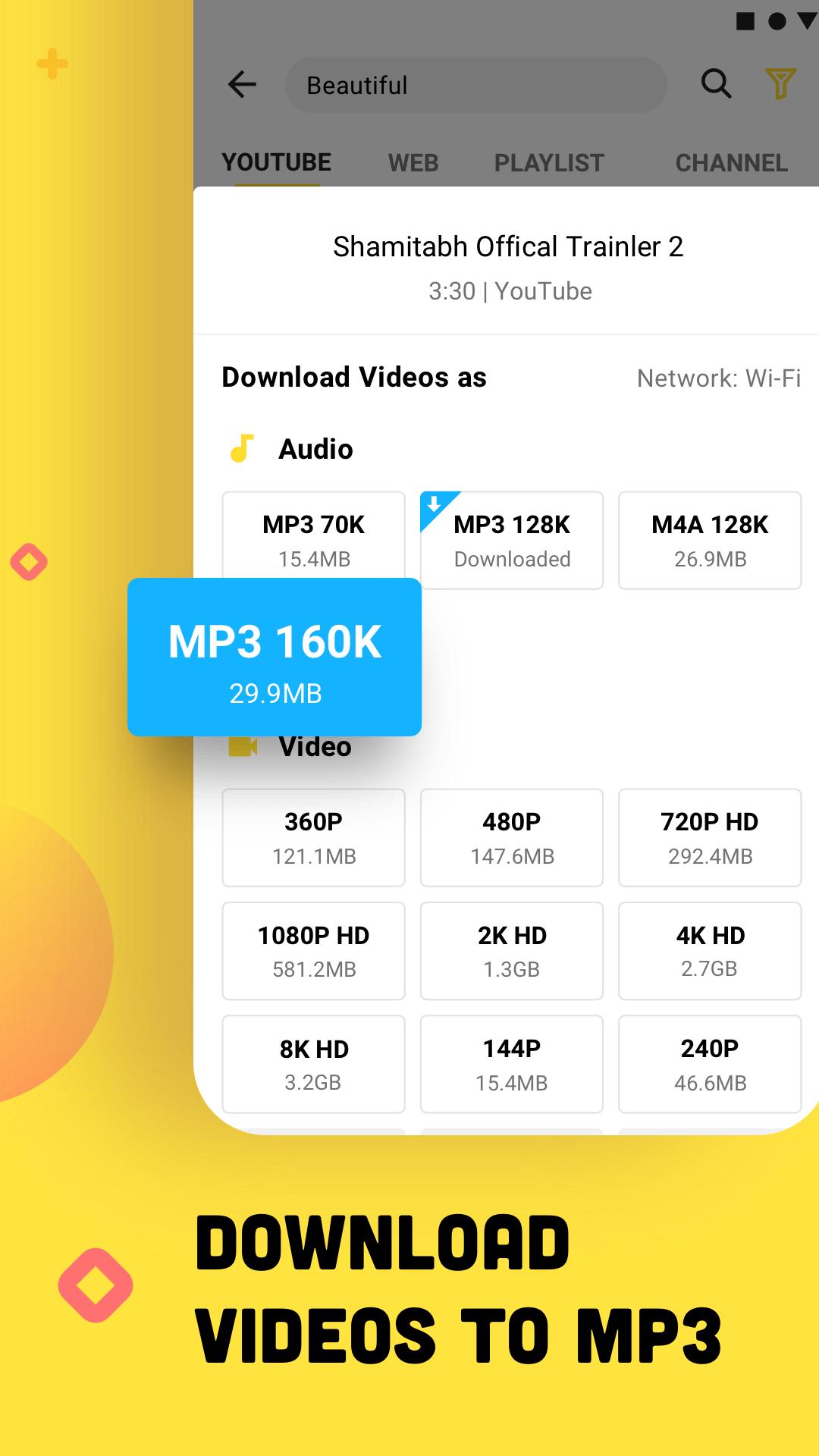
-Convert entire playlists to MP3 or M4A with original sound quality.
-Turns YouTube links into MP3 or MP4 in a few clicks.
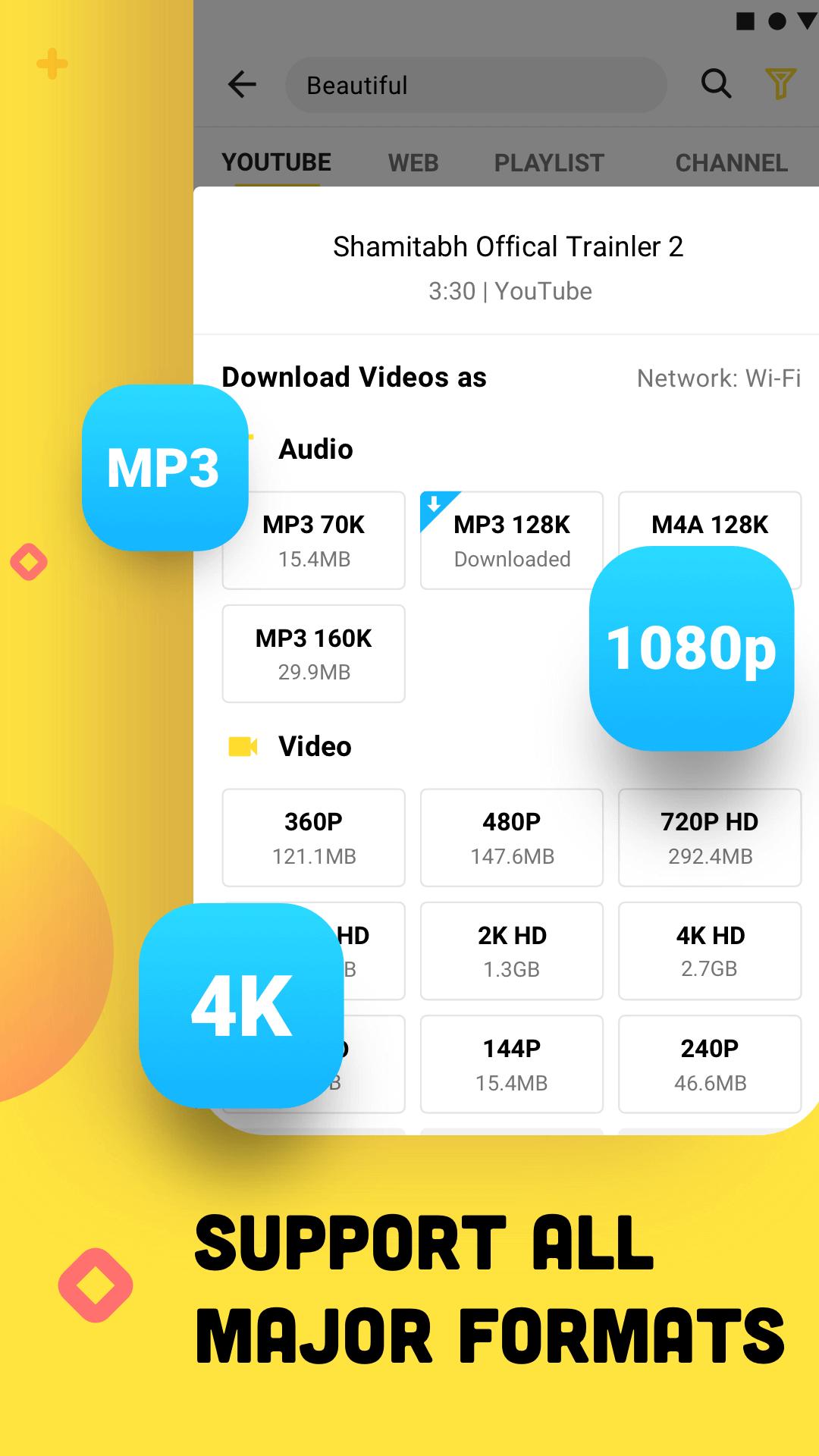
-Fast convert any video to high-quality MP3 or M4A format.
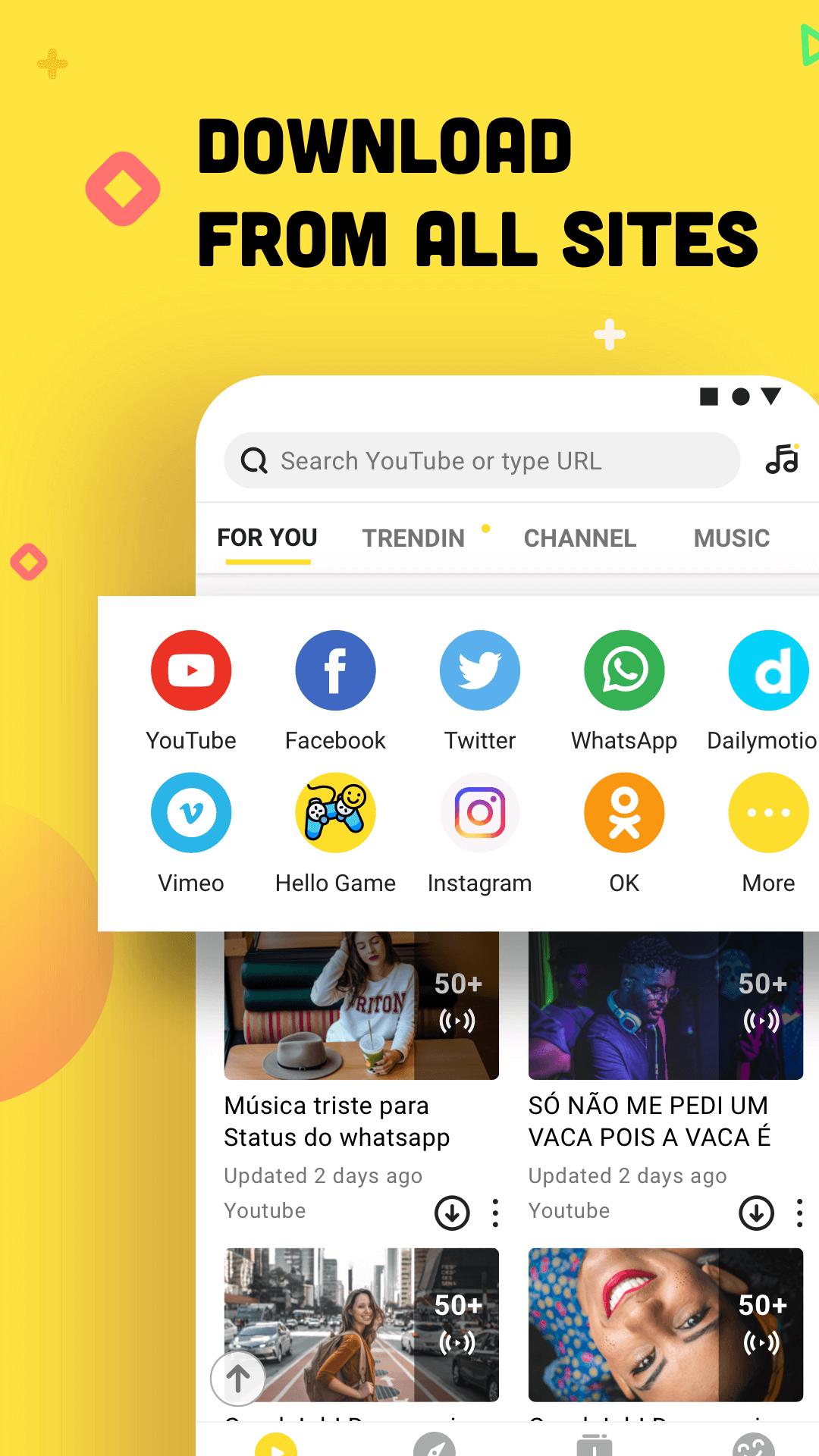
Use the Snaptube app to download videos and audio content from over 100 social media platforms, including: (All from one simple dashboard)
YouTube (playlists, channels, HD/4K videos)
Facebook (videos, stories)
Instagram (reels, posts)
TikTok (short videos, trends)
Twitter/X (clips, threads)
DailyMotion, Vimeo, Vevo
SoundCloud, Kwai, 4shared, Metacafe
-Quickly download videos from top video-sharing websites, such as YouTube, Instagram, Facebook, and more.
-Lower resolutions (144p-720p) download quickest, while high-quality video takes longer.
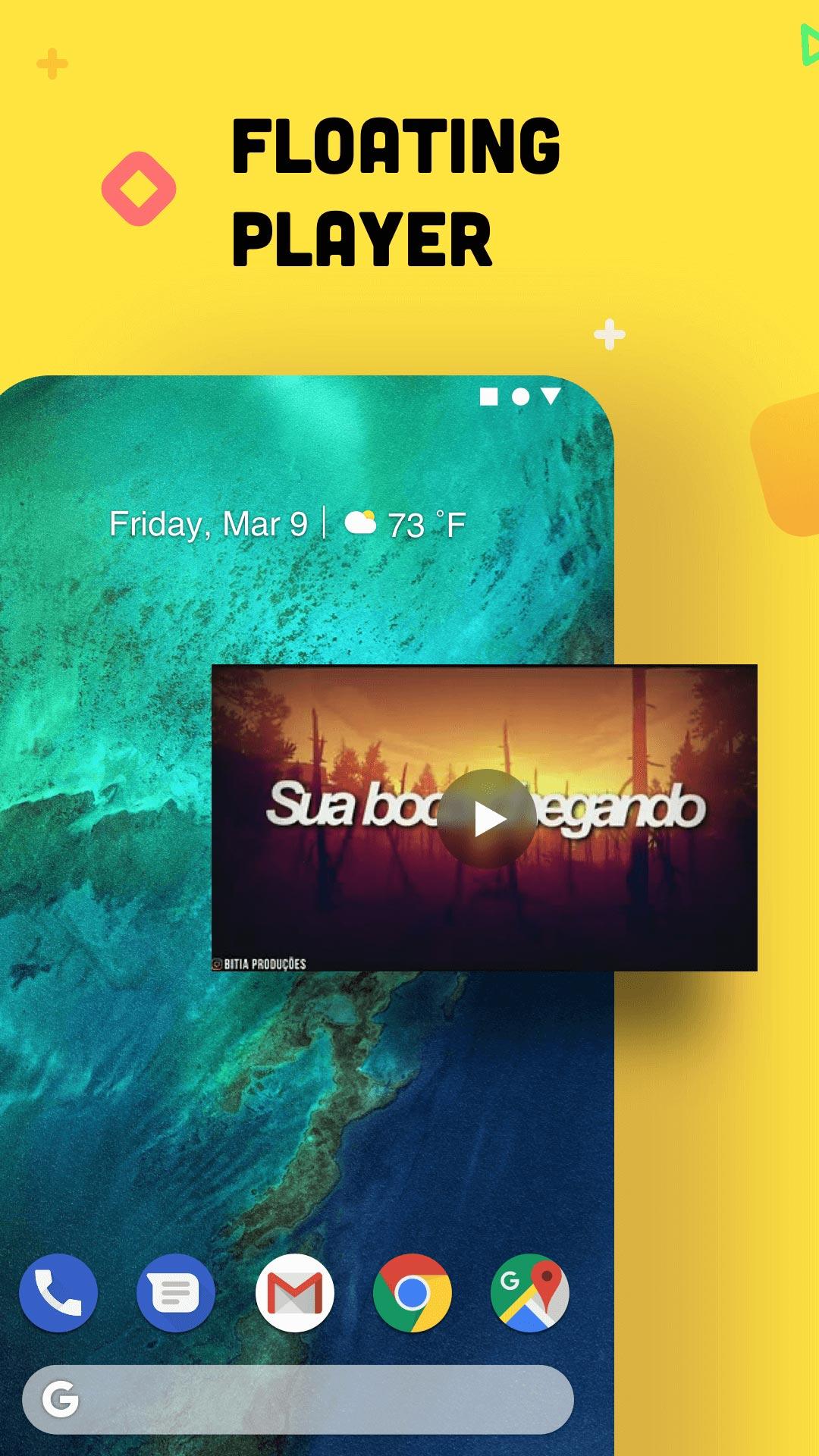
-Watch or listen to downloaded videos and songs anytime, even with no Wi-Fi or data.
-Works on the go, at home, or anywhere you are offline.
-Avoid full-screen takeovers or video pre-rolls.
-Experience a clean interface with intuitive navigation designed for easy use
-Quick access to search, downloads, and the player.
-Ad-free experience available in Snaptube Mod (No ads at all)
-Search for trending videos for direct downloads. Discover new music, tutorials, or entertainment without switching between browsers or apps.
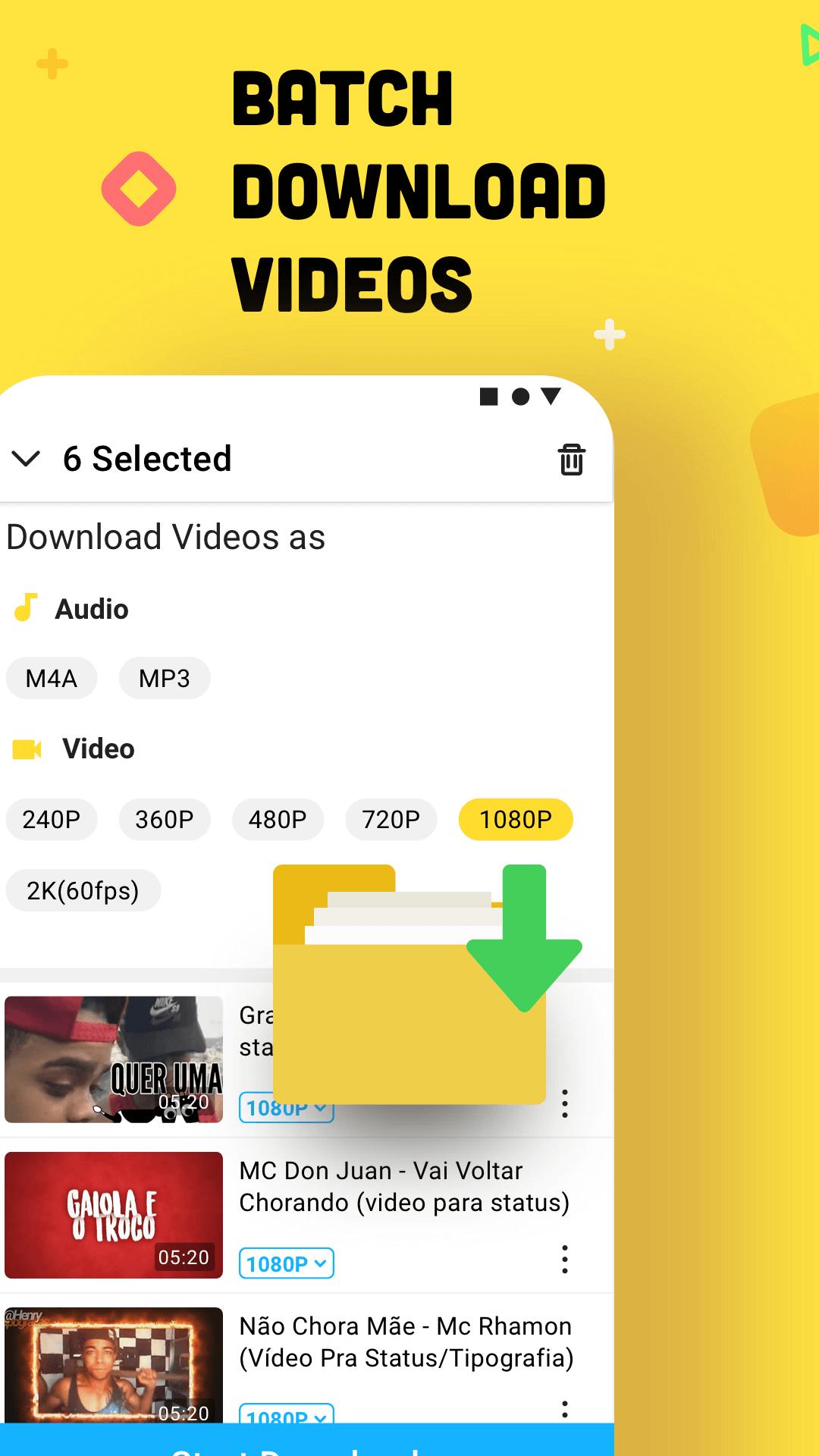
-Pause, resume, or manage multiple downloads simultaneously without losing progress.
-Background downloading supported. Snaptube keeps video downloads when the phone is locked or in use.
-Organize, rename, and share your downloaded videos and music effortlessly within Snaptube's integrated library manager.
-Choose from various resolutions to balance clarity and storage needs for your device.
-Configure auto-download preferences, storage locations, and notifications to adapt Snaptube to your workflow.
Millions of fans keep up with the new version of Snaptube! Join Snaptube today and use it to enjoy offline videos or music in a fast and smart way! Also, we have compiled several frequently asked questions about Snaptube. Scroll down to find out more.
To use Snaptube APK on your Android phone, you need to download the APK file first. Once the download is completed, open Snaptube on your phone, search for videos, and tap the download arrow to start the downloads. You can also copy a video link from another app for a quick download.
1. Download & Install: Get the Snaptube APK from APKPure and install it on your Android device.
2. Open Snaptube: Launch it.
3. Find Video: Search or paste a video link from YouTube, Instagram, etc.
4. Download: Tap the download icon and select video format (MP4/MP3) and quality.
5. Save & Play: View your video in Snaptube's library or your Downloads folder.
Last updated on Jan 4, 2026
update to 752
Latest Version
 7.52.0.75250210
Uploaded by
SnaptubeApp
Requires Android
Android 5.0+
Category
Report

Discover what you want easier, faster and safer.
