


Use APKPure App
Get Settings App old version APK for Android

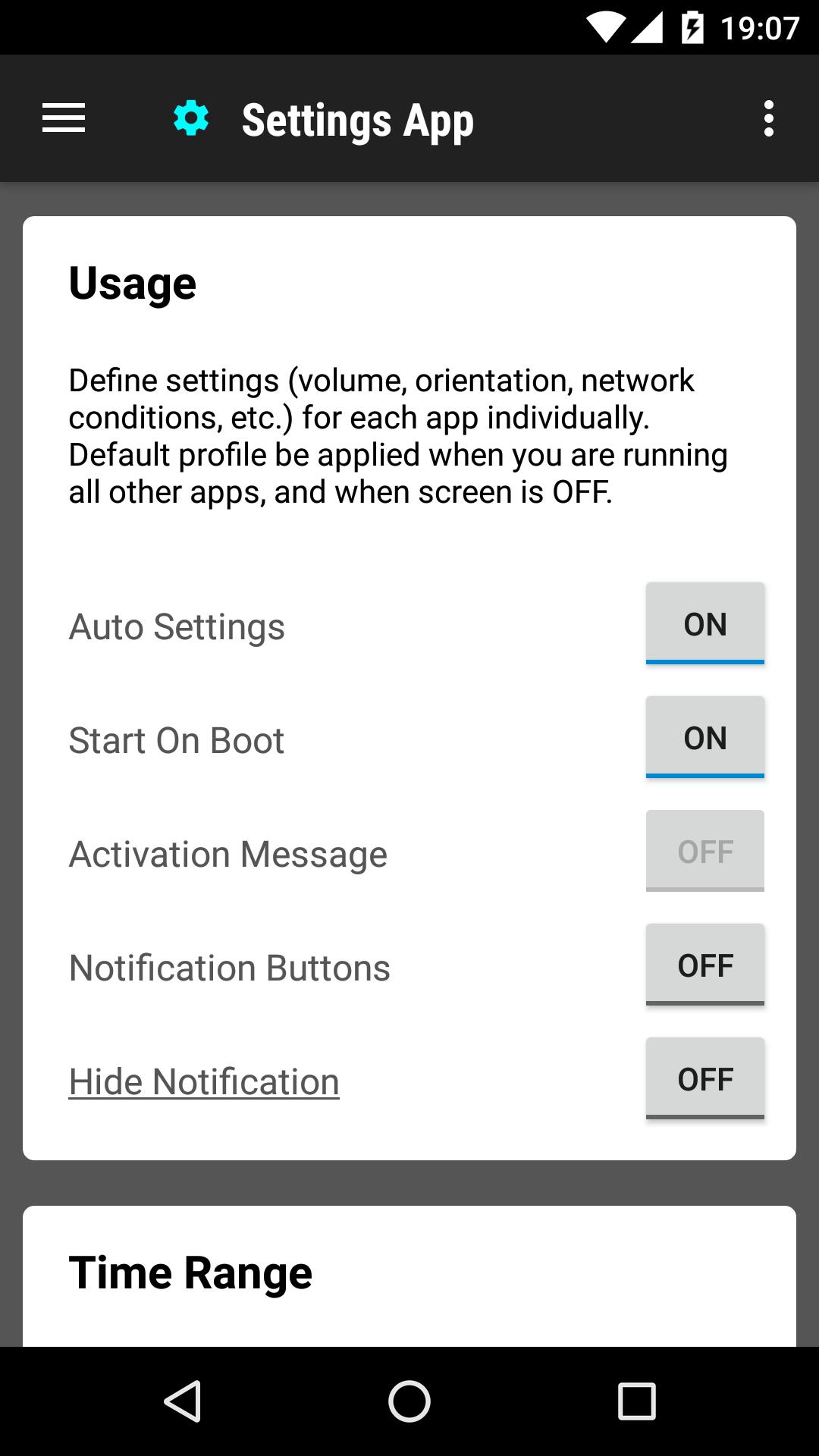
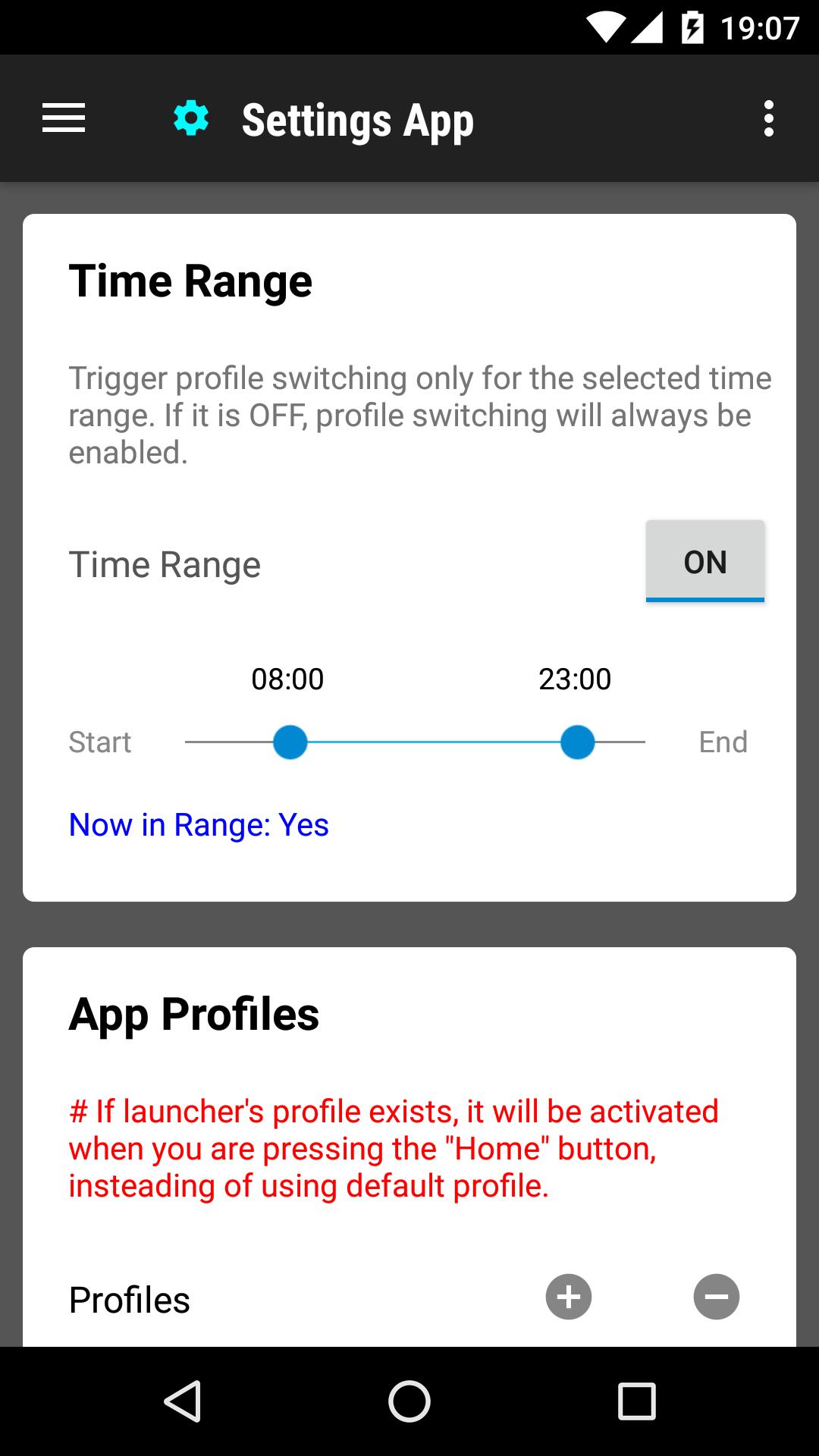

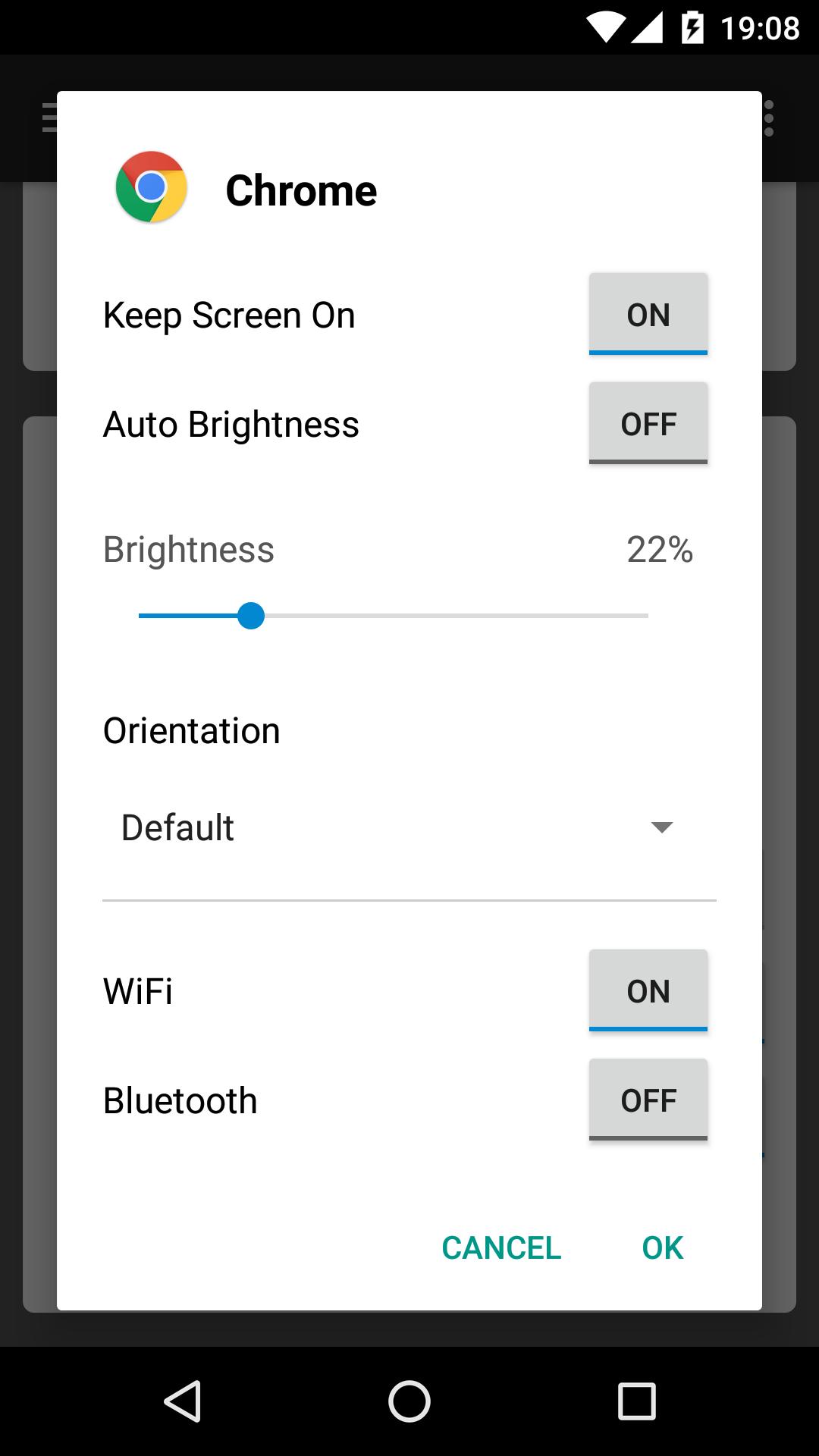


Settings App is a utility app that automatically applies per app settings profiles when each app starts.
Settings App helps when different apps need different preferences and you do not want to keep changing them manually. It focuses on practical, everyday control of sound, display, and connectivity, so each app can open with the right behavior. In addition, it offers a simple way to keep power use in check during normal phone use. For users comparing options, Settings App APK provides a clear path to try profiles without changing system defaults.
Per app profiles
Settings App lets you assign tailored settings for individual apps. You can set volume, screen orientation, brightness, Bluetooth, Wi Fi, and whether the screen should stay awake for that app. This approach separates sound, display, and connectivity into clear groups, which makes each profile easy to read and edit. It is designed for everyday scenarios like reading, watching videos, or gaming where each app benefits from its own setup.
Auto apply on launch
Profiles are applied automatically the moment your chosen app starts. Settings App detects the launch and switches to the correct profile without extra taps. As a result, you can open an app and find the right settings already in place. This keeps behavior consistent from one app to the next.
Default profile and polite defaults
Use the default profile as a fallback for every app that does not have its own profile and when the screen is off. Settings App encourages conservative choices in this default profile, such as lower brightness and disabling Bluetooth or Wi Fi when they are not needed. This helps avoid accidental drain when you are not actively using an app. It works alongside your device preferences rather than replacing them.
Battery and data saving
Profiles can reduce brightness and turn off connectivity when appropriate to conserve power and limit data usage. Settings App targets these changes when apps open or when the screen turns off, so heavy features do not continue running by mistake. Over time, this helps keep the phone responsive throughout the day. It is useful for users who want predictable battery behavior across different apps.
Conflict free setup
Settings App is designed to be a single profile manager on the device to avoid clashes. If you use another automation or profile tool at the same time, settings may compete and change unexpectedly. Keeping this app as the primary profile manager helps maintain clean, consistent behavior. It also makes troubleshooting simpler if something does not work as expected.
Settings App does not replace the device Settings app and does not change system menus. It adds granular, per app controls that sit on top of your existing preferences. If you currently use other profile or automation apps, consider disabling them before setup to avoid conflicts. For users who want a lightweight way to manage app behavior, download Settings App can be a practical starting point.
The app respects system level choices and focuses on profiles that apply when apps launch or the screen turns off. You keep your core device preferences intact, and profiles handle situational adjustments. This design helps ensure your phone behaves in a familiar way while still adapting to each app. The developer, KF Software House, presents controls in straightforward groups so changes are easy to understand.
To get started, open the app and set up simple, clear profiles that match everyday use. Profiles rely on grouped options for sound, display, and connectivity, which keeps edits quick. For a clean installation path, Settings App latest version supports creating a default profile first.
Settings App offers a straightforward way to apply the right settings the moment each app opens. For clear, predictable behavior across everyday tasks, download Settings App and set profiles that match how you use your phone.
Last updated on Oct 27, 2025
Minor bug fixes and improvements. Install or update to the newest version to check it out!
Latest Version
 1.0.182
Uploaded by
KF Software House
Requires Android
Android 6.0+
Available on

Category
Report

Discover what you want easier, faster and safer.
