


Use APKPure App
Get RemoteDesktop Viewer old version APK for Android
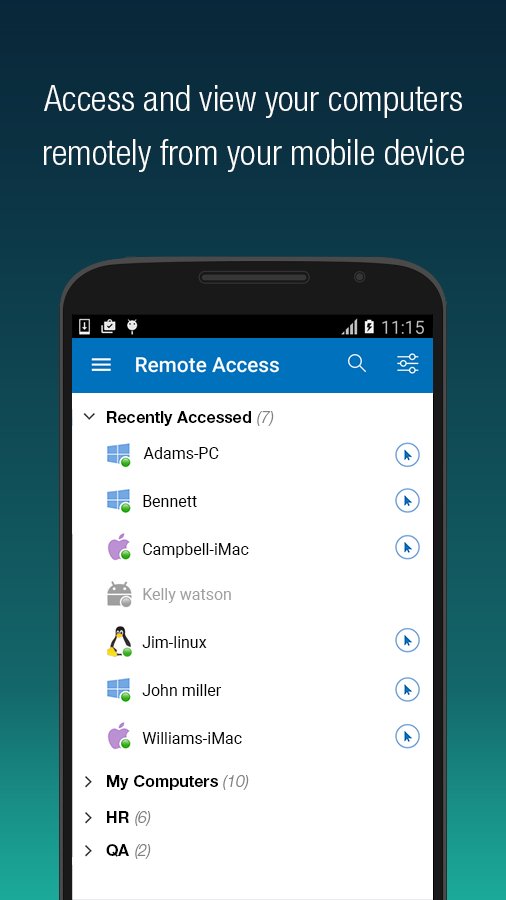
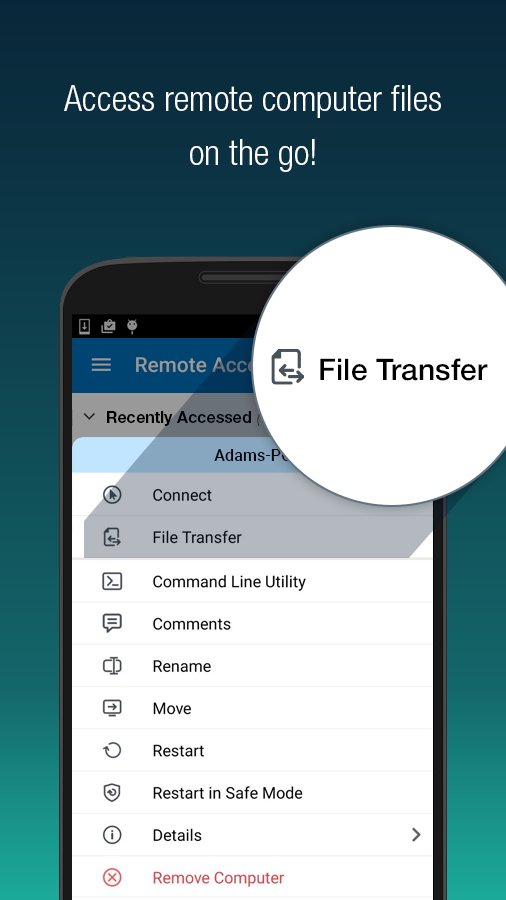

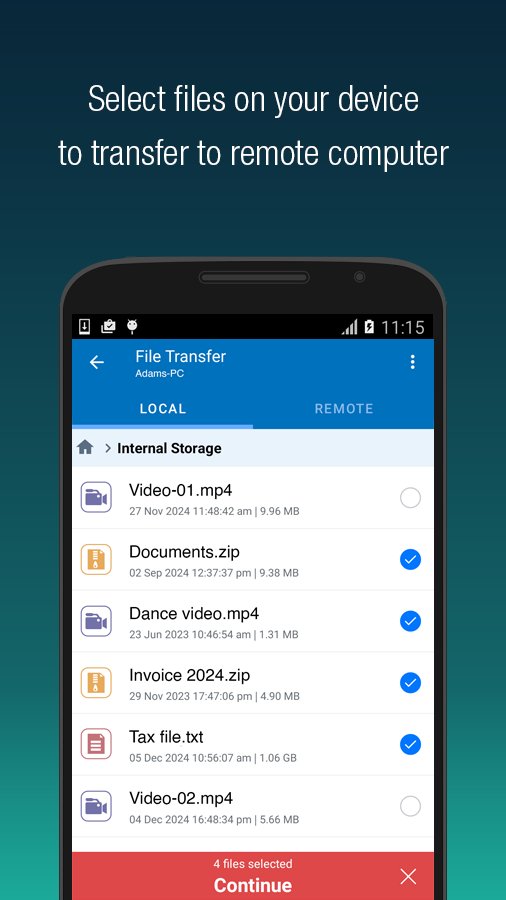

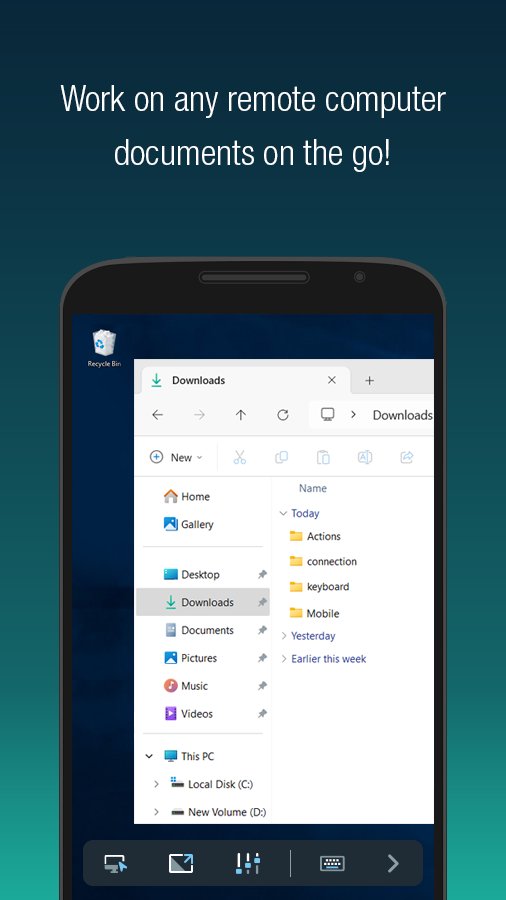


Secure remote desktop access and file transfer from your Android device
Securely access your remote computer anytime, anywhere using your Android device with the RemoteDesktop Viewer app. Enjoy ultra-smooth 60 FPS performance and 4K quality streaming. Whether working from home, traveling, or needing after-hours access, stay connected to your office or home computers with full control.
Key Features:
* Instant Remote Access: Connect to Windows, Mac, Linux, or Android devices remotely with an active internet connection and RemotePC installed.
* High-Speed Performance: Experience 60 FPS streaming with 4K quality and low latency for seamless control—even for gamers.
* Cross-Platform Compatibility: Access your PCs, Macs, Chromebooks, and Android devices from any Android phone or tablet.
* File Transfer: Securely upload or download files between your device and remote computer, with or without an active session.
* Remote File Access: Browse, search, upload, or download files and folders from remote computers directly on your Android device.
* Session Recording: Record remote sessions for later reference.
* Clipboard Sync: Copy-paste content between devices during remote sessions.
* Multi-Display Support: View multiple monitors at once (for Enterprise users).
* Picture-in-Picture Mode: Continue using other apps while managing your remote desktop.
* Remote Printing: Print documents from your remote system using your local printer.
* Collaboration Tools: Use Whiteboard, in-session chat, and screen sharing for teamwork.
Functions:
- Lock or restart remote systems (including Safe Mode)
- Adjust remote screen resolution
- Choose between optimized speed or quality
- Enable inactivity timeout or background audio
- Use 'Blank Host Screen' for private sessions
- Add and manage 'Trusted Devices' for account security
- Add comments for configured remote devices
- Use clipboard as keystrokes on OS-level screens
- Enhanced file access: search, upload, download via Android or Chromebook
- Faster, smoother remote gaming performance
- Remove saved credentials (Personal Key/System Authentication) with Clear Credentials
Last updated on Sep 8, 2025
1. Enhanced remote desktop support with cross-platform compatibility, 4K 60 FPS streaming, and optimized performance for gaming.
2. Improved file/folder access, clipboard copy-paste, session recording, and low-latency performance.
Latest Version
 1.0.0
1.0.0
Uploaded by
Hendro Siswanto
Requires Android
Android 7.0+
Category
Report

Discover what you want easier, faster and safer.

RemoteDesktop Viewer
1.0.0 by IDrive Inc
Sep 8, 2025