


Use APKPure App
Get RB Mobile Live old version APK for Android

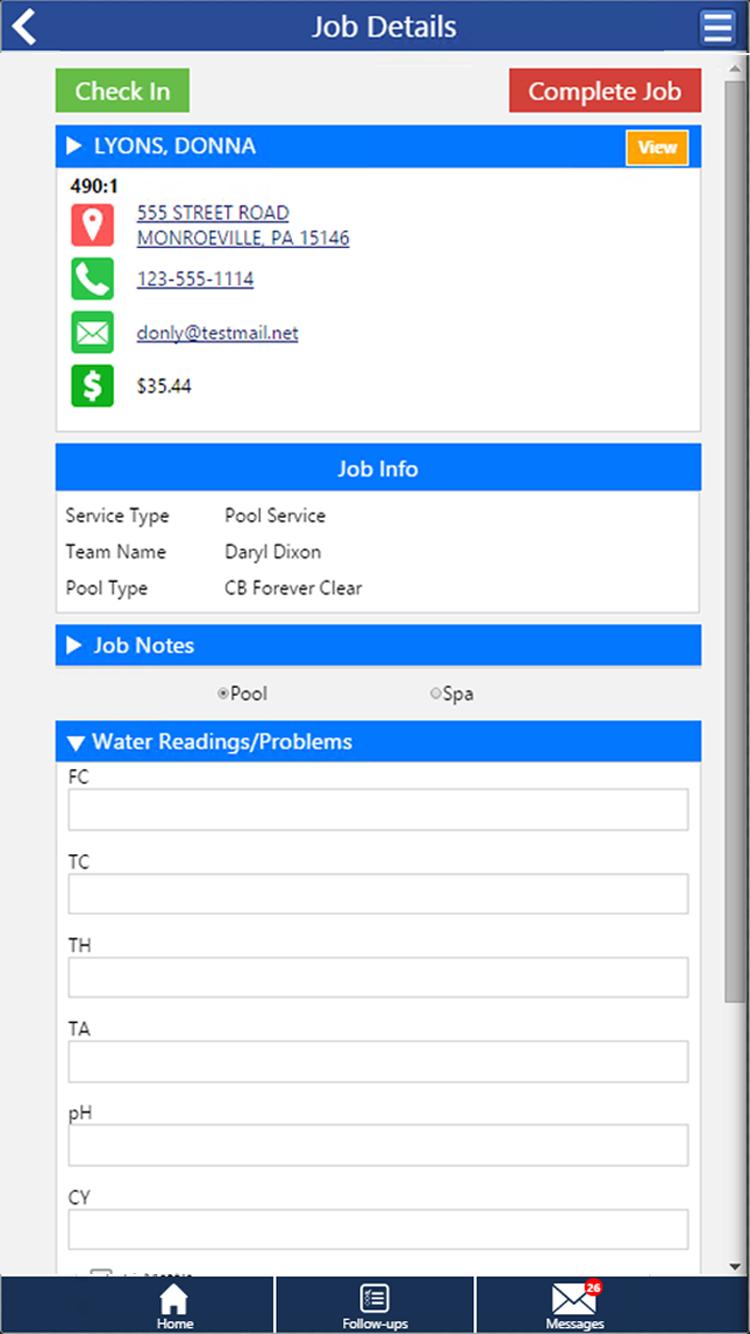

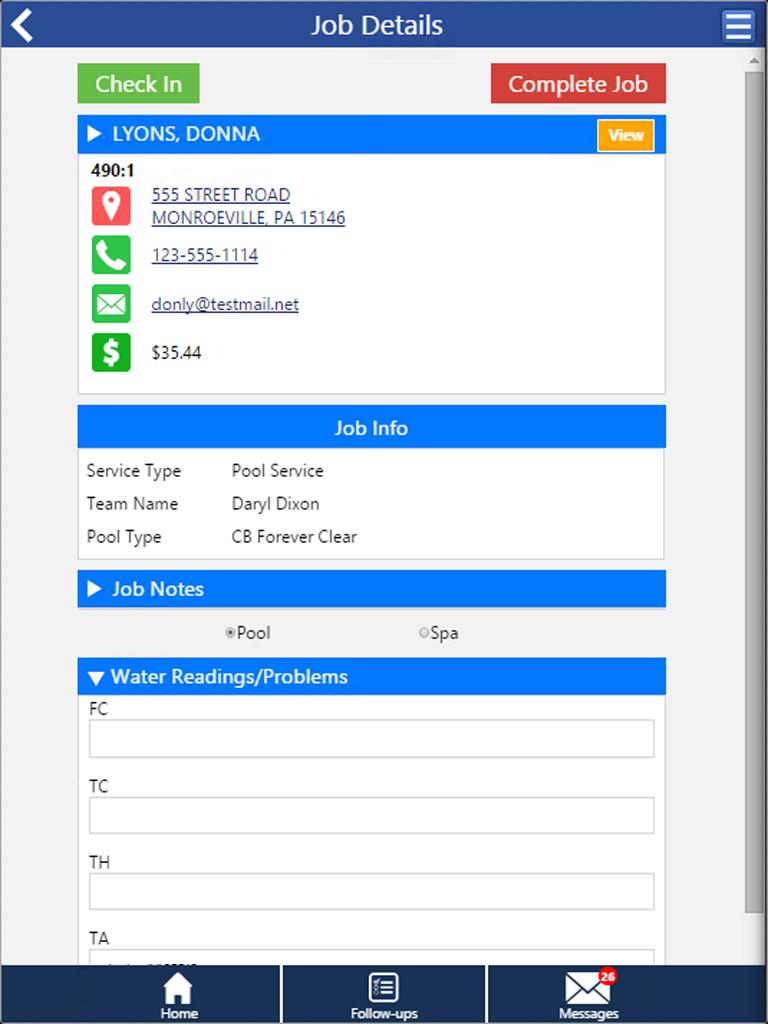
RB Mobile Live is a business companion app that connects retail, service, and office workflows.
RB Mobile Live supports pool and spa retailers and service teams that need reliable access to daily work on phones and tablets. It aligns store, field, and management activities with live office connectivity so staff can keep moving without losing context. The app requires RB Control Systems and is not intended as a standalone product. When searching for RB Mobile Live APK, remember it works with existing company accounts to keep data consistent across roles.
RB Mobile Live lets you scan item barcodes, process credit cards with an integrated mag stripe reader, and email receipts directly from the aisle. This reduces lines at the front counter and allows floor staff to complete sales where customers are standing. As items are scanned, pricing and sale details are clear, so checkout stays accurate and quick.
Service: Jobs, profiles, notes, and directionsField technicians can review scheduled jobs with customer and equipment profiles and read job notes before driving to a site. Turn-by-turn directions are available to reach the location efficiently, and photos can be captured for documentation once the visit is complete. This keeps job context in one place and helps service teams close out work with fewer callbacks.
Service: Paperless water testing and dosage calculationRB Mobile Live records pool and spa test results in the app and automatically calculates recommended chemical dosages. You can review the dosage guidance and add the required chemicals to a work order or retail sale. This avoids manual math and keeps treatment plans consistent across visits.
Live office sync and parts Wish ListUpdates sync in real time both ways, so what happens in the aisle or on a job reaches the office immediately. From the job site, you can place parts on the Wish List to give purchasing visibility into what is needed and why. This helps approvers track requests and move orders forward without phone calls or delays.
Inventory and management on the goRB Mobile Live allows users to look up prices and on-hand quantities across all warehouses, then perform physical inventory by UPC from the store floor or the truck. Managers can check the daily snapshot for sales, deposit totals, and employee shift status and run reports by date range. Time Clock and Inner-Office Messaging support simple attendance and communication, and virtual door hanger emails notify customers after a service visit.
RB Mobile Live requires RB Control Systems, also known within RB Retail and Service Solutions, and is designed specifically for pool and spa retailers and service companies. It is not built as a standalone consumer app, and it relies on company accounts and existing data to function correctly. Users planning to download RB Mobile Live should confirm access is set up by their administrator before signing in.
RB Mobile Live supports tablet use with a mag stripe card reader and a pocket barcode scanner to enable true mobile POS. Staff can scan items, swipe cards, and finalize sales without returning to a fixed terminal. This hardware-friendly approach helps keep transactions moving while maintaining accurate pricing and receipts.
When technicians update jobs, request parts, or adjust inventory counts, those changes flow to the office immediately in RB Mobile Live. Managers can review requests, confirm availability, and approve next steps, which speeds purchasing decisions and reduces repeat visits. This workflow supports cleaner handoffs and clearer accountability across service and retail teams.
To begin using RB Mobile Live, sign in with your company credentials and allow the initial sync to complete. If you plan to download RB Mobile Live on a new device, confirm your account permissions are active so data loads correctly.
RB Mobile Live centralizes checkout, field service, water testing, inventory, and management dashboards in one mobile workspace. For teams already using RB Control Systems, installing the RB Mobile Live latest version supports consistent coordination and timely updates.
For official product information and support, use the following contacts.
Last updated on Aug 28, 2025
* Fixes and improved flow for MagTek card readers
* Added searching for past incomplete jobs
* Added customer discount reminder button
* Improved support for customer files
* Bugfixes
Latest Version
 3.6.6
3.6.6
Uploaded by
มีนา แสงอ่อน
Requires Android
Android 7.0+
Available on

Category
Report

Discover what you want easier, faster and safer.

RB Mobile Live
3.6.6 by RB Retail and Services Software LLC
Aug 28, 2025