


Use APKPure App
Get pixiv old version APK for Android



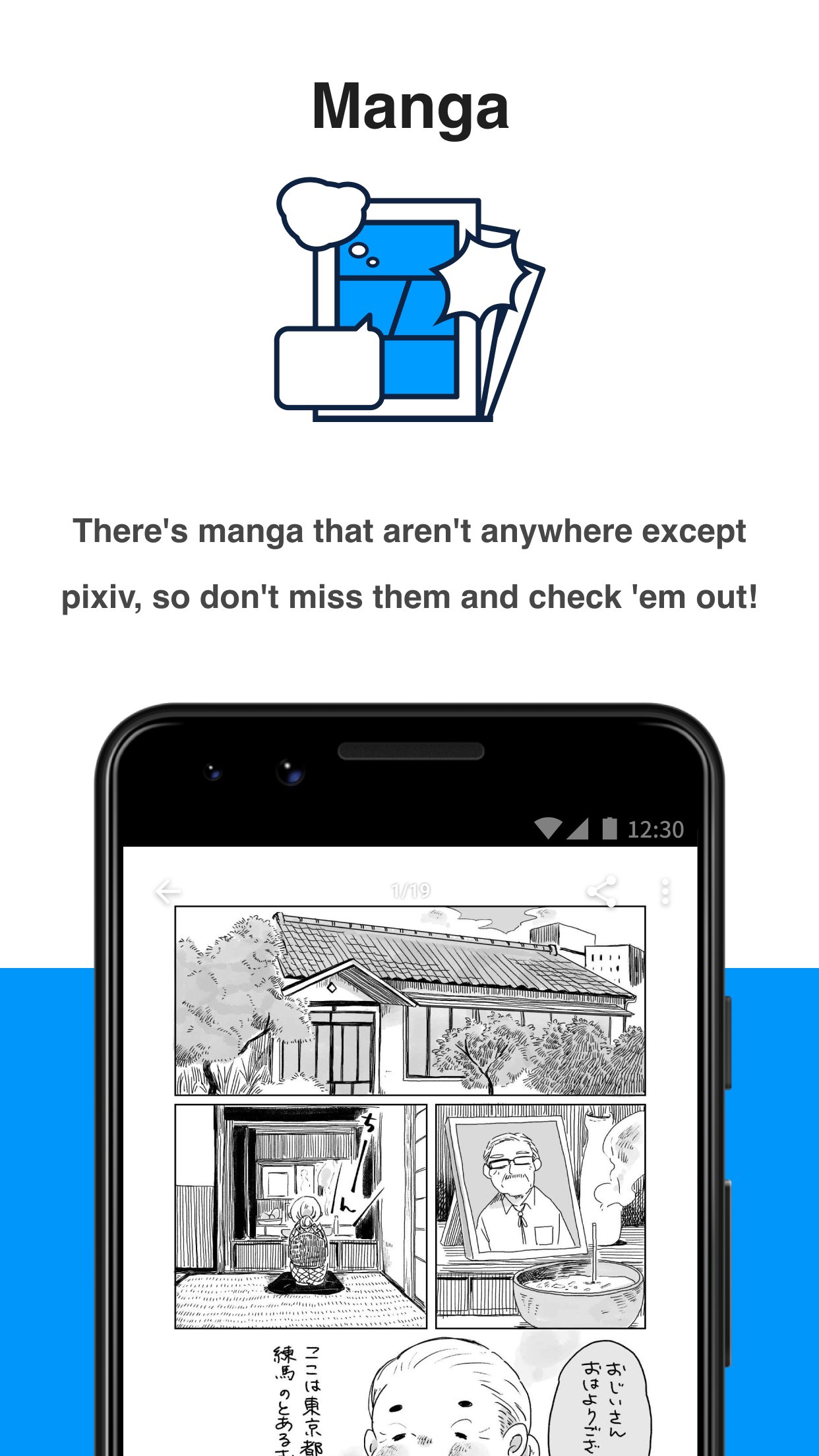


pixiv is a creative community app that lets you explore, create, and share illustrations, manga, and novels.
pixiv brings Japan's largest creator community to your phone. Join millions of artists and fans to browse high-quality illustrations, manga pages, and serialized novels updated every day. The community is active worldwide with more than 119 million registered users and 160 million works uploaded. You can scroll a personalized home feed, follow favorite creators, and join conversations in comments. Everything syncs to your account, so browsing, posting, and organizing your favorites feel familiar across devices.
Discover new works daily
pixiv highlights fresh illustrations, manga, and novels posted by creators around the world. The home feed blends community picks and your recent activity. You can open any work to view full images or read chapters without leaving the app.
Create and share your art
You can upload illustrations, manga pages, and long-form novels directly from your device. pixiv gathers Likes and Bookmarks on each post, so you see what resonates. Posting consistently helps your profile reach more readers and potential followers.
Personalized recommendations
pixiv adjusts to your taste as you Like and Bookmark. Recommended content mixes what is popular with what matches your interests. Over time, this reduces noise and brings more creators and tags you care about to the top.
Rankings and trends
It offers daily, weekly, and monthly rankings that reflect community activity. You can browse categories such as Popular with Males, Popular with Females, and Original Works. This helps you spot rising creators and timely themes quickly.
Powerful search and tags
Keyword search is also supported across illustrations, manga, and novels. You can filter by tags or titles for art, and by tags or body text for novels. Search history and Featured Tags make it easy to revisit or branch into related topics.
Follow and organize
You can follow creators to see New Works from people you follow. Alternatively, switch to New Works for all users to catch broader updates. Bookmarks, tag lists, and folders help you organize ideas for reference and inspiration.
The pixiv app connects you with a global network of over 119 million registered users and more than 160 million posted works. This scale gives you a steady stream of new illustrations, manga chapters, and novels to explore. It also supports long term creative growth through feedback and recurring readership.
Some works may be restricted based on local laws and regional policies. Therefore, content availability can differ by country or network. pixiv applies these rules at the content level, so what you see may vary even when using the same account in different regions.
If you prefer a larger screen, you can access pixiv on PC with an Android emulator like GameLoop. This complements the mobile experience and keeps your Likes, Bookmarks, and follows synced. In addition, services like pixivFANBOX let fans support creators, which helps artists continue producing illustrations, manga, and novels for the community.
This quick guide shows how to get started, from installing the app to posting your first work. It also covers browsing and following creators, so your home feed stays relevant.
Download pixiv APK latest version on APKPure, then install it on your device (Allow unknown sources if your phone requests permission).
Open pixiv and sign in with your account, or create a new account within the app.
After that, set your language and browse the home feed to get initial recommendations. Use search to find tags or creators you already like.
Then, follow creators whose work you enjoy. Explore Rankings to see what is trending today, this week, or this month.
So you can share your work, tap the upload button. Add a title, tags, and description, choose visibility, and publish to your profile.
pixiv brings a massive creative catalog and an active community to your phone. Download pixiv latest version on APKPure to discover new art, follow creators, and share your own work in one place.
Official resources
Website: https://www.pixiv.net/
Is pixiv only anime?
No, pixiv is not only anime. While anime and manga styles are popular on pixiv, the app also features fine art, original stories, character design, and many other genres across illustrations, comics, and novels.
Is pixiv free to use?
Yes, pixiv is free to join and use for browsing, following, and posting. Some optional services, such as supporting creators through pixivFANBOX, are available if you want to contribute directly to artists on pixiv.
Why is pixiv blocked?
pixiv may be blocked or limited in certain regions or networks due to local laws and content policies. If the app or website does not load, check your network, try a different connection, and note that content availability can vary based on your location.
Last updated on Mar 23, 2026
6.176.0
Bug fixes & improvements.
Latest Version
 6.176.0
Uploaded by
حسين الملك بوحسين
Requires Android
Android 8.0+
Available on

Category
Report

Discover what you want easier, faster and safer.
