


Use APKPure App
Get Opera Mini old version APK for Android

Opera Mini is a mobile browser that loads pages fast and saves data on slow networks.
Opera Mini is designed for users who want quick browsing and efficient data use in everyday situations. Whether you face patchy coverage, a tight data plan, or a busy day, this browser keeps pages light so you can move between sites without delay. You can stay informed and manage privacy settings without extra steps, which helps when you are on the go. If this matches your needs, you can download Opera Mini and start browsing with a setup that respects your data.
Opera Mini focuses on speed so pages open quickly even when the connection is weak. The browser is lightweight, which helps it start fast and keep navigation smooth. As a result, you can look up information, check maps, or search for answers without long waits.
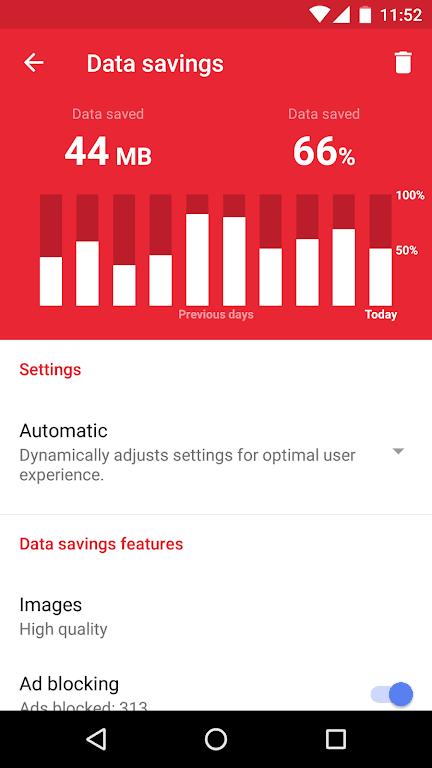
Extreme data savingsWhen you want to stretch your data, Opera Mini compresses pages to reduce usage. With Extreme mode enabled, it can save up to 90 percent of data by lowering page weight before content reaches your phone. This is useful if you travel, rely on a limited plan, or prefer efficient browsing throughout the month.
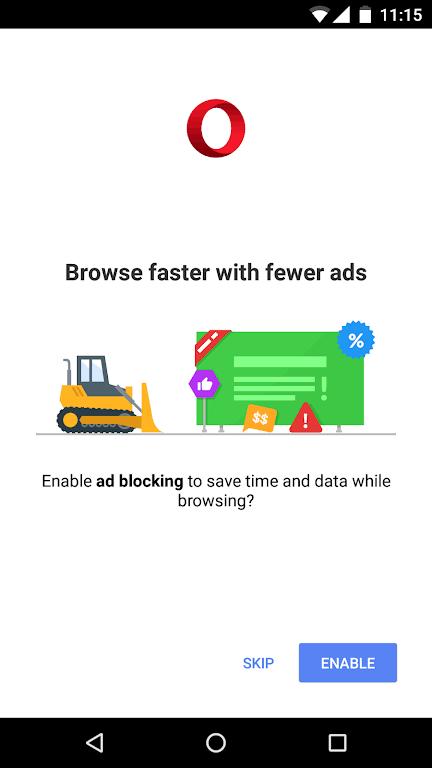
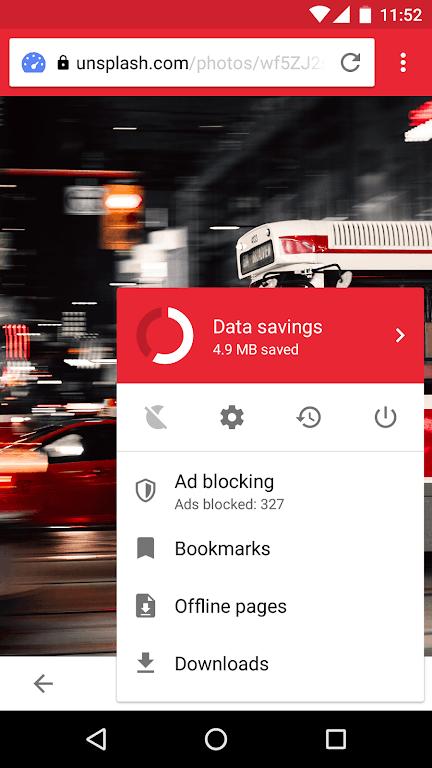
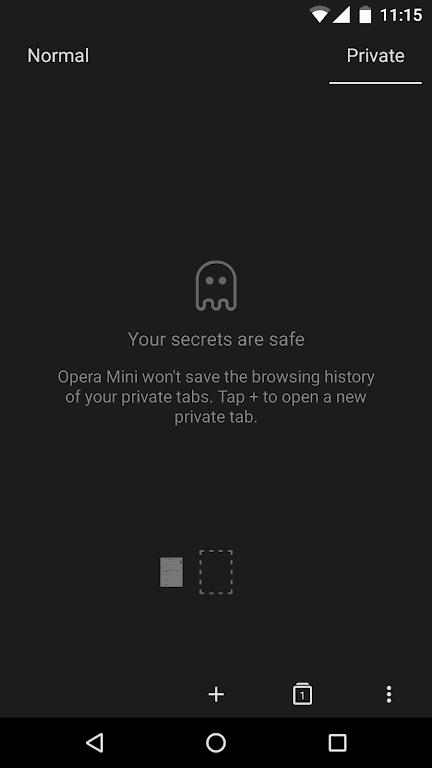
Privacy controls that you manageOpera Mini gives you simple tools to reduce tracking and keep sessions discreet. You can browse in Private Mode, and you can turn on Locked Mode to keep tabs and history protected by a PIN. The built in Ad Blocker also helps block intrusive ads, which may reduce distractions while you read. In the Opera Mini app for Android, these options are easy to turn on or off as needed.
Aria assistant built inAria is the browser assistant inside Opera Mini. You can use it to search, learn, and get answers directly on a page without switching apps. It is free to use and can help summarize topics, explain terms, or point you toward useful sources while you browse.
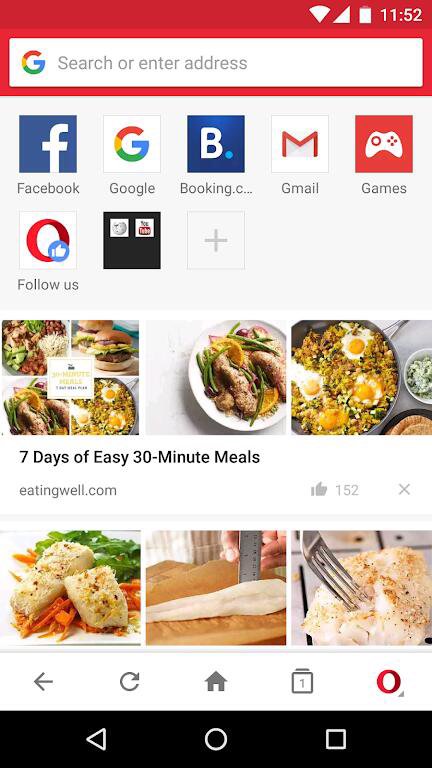
Stay updated with sports and newsOpera Mini helps you follow live football scores and stats for more than 10,000 matches. You can also view local news on the start page, save pages for offline reading, and use Speed Dial for one tap access to favorite sites. This keeps key updates close at hand, while saved pages let you catch up later without using extra data.
Selected markets offer daily free browsing through partner networks when you use Opera Mini. Current availability includes Nigeria with MTN and Airtel, South Africa with MTN, Kenya with Airtel, Ghana with MTN, and Ethiopia with Safaricom. Offers are limited to Opera Mini, may have daily caps or other terms, and can change at any time. Check inside the app for the latest details in your location before relying on this option.
Opera Mini has wide adoption, with 500,000,000 plus total downloads and a 4.5 star rating based on 9.42 million plus reviews, as cited on Opera’s official site. Feature availability can vary by region and by the Opera Mini latest version installed on your device. If a specific option is not visible in settings, update when available or check local availability.
After installing the Opera Mini APK, you can set up data saving and privacy in a few quick steps. The workflow is straightforward, so you can start browsing right away and adjust options as you go.
Opera Mini focuses on fast page loads, strong data savings, and practical tools that fit daily mobile use. To try these options on your device, download Opera Mini and explore the settings that match your routine.
Last updated on Aug 11, 2022
New this version:
- Download manager bug fixes and UI improvements
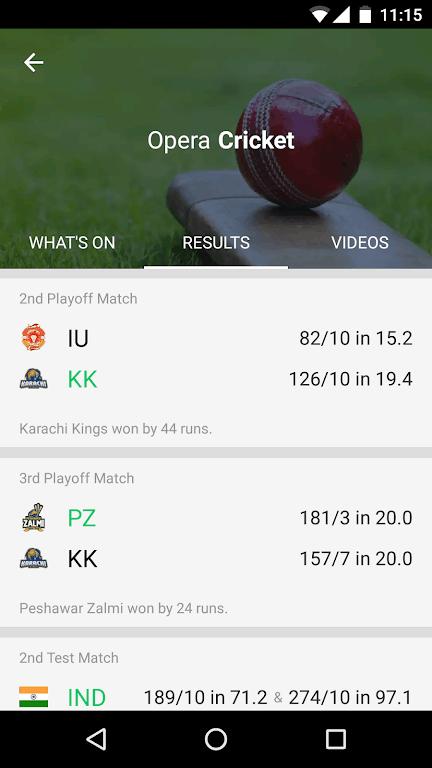
- Cricket Hub bug fixes and new notification bar look
- Video player improvements
Latest Version
 28.0.2254.119224
Uploaded by
Opera
Requires Android
Android 4.1+
Available on
Opera
Category
Report

Discover what you want easier, faster and safer.

Opera Mini
mobile web browser28.0.2254.119224 by Opera
Dec 13, 2022