


Use APKPure App
Get Mimo old version APK for Android



Mimo is a coding education app that teaches programming through interactive lessons and projects.
Mimo helps beginners and career switchers learn to code from scratch and move toward job ready skills. It provides structured guidance and practice in modern programming, so you can study on your phone and continue on other devices. As you learn, you complete exercises that prepare you for real work, and your progress stays organized. With clear paths and practical tasks, it suits short study sessions, and it adapts to your pace. Users searching for Mimo APK can confirm how it supports consistent learning.
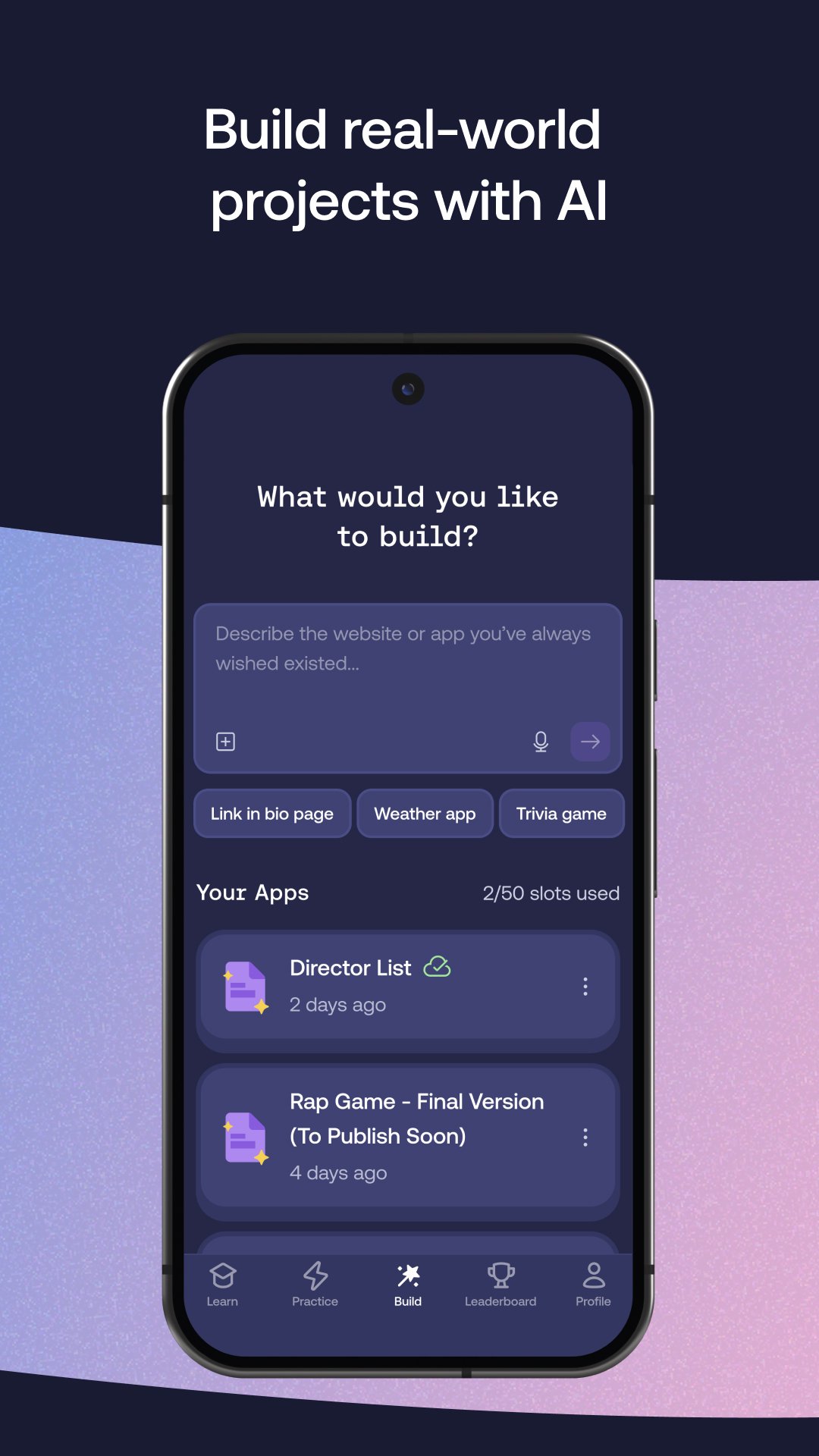
Mimo gives explanations, hints, debugging help, refactoring suggestions, and quick documentation in the coding view. You stay in control of your code while the guidance reduces trial and error and points you to relevant concepts. This assistance makes it easier to understand mistakes and move forward without breaking your flow.
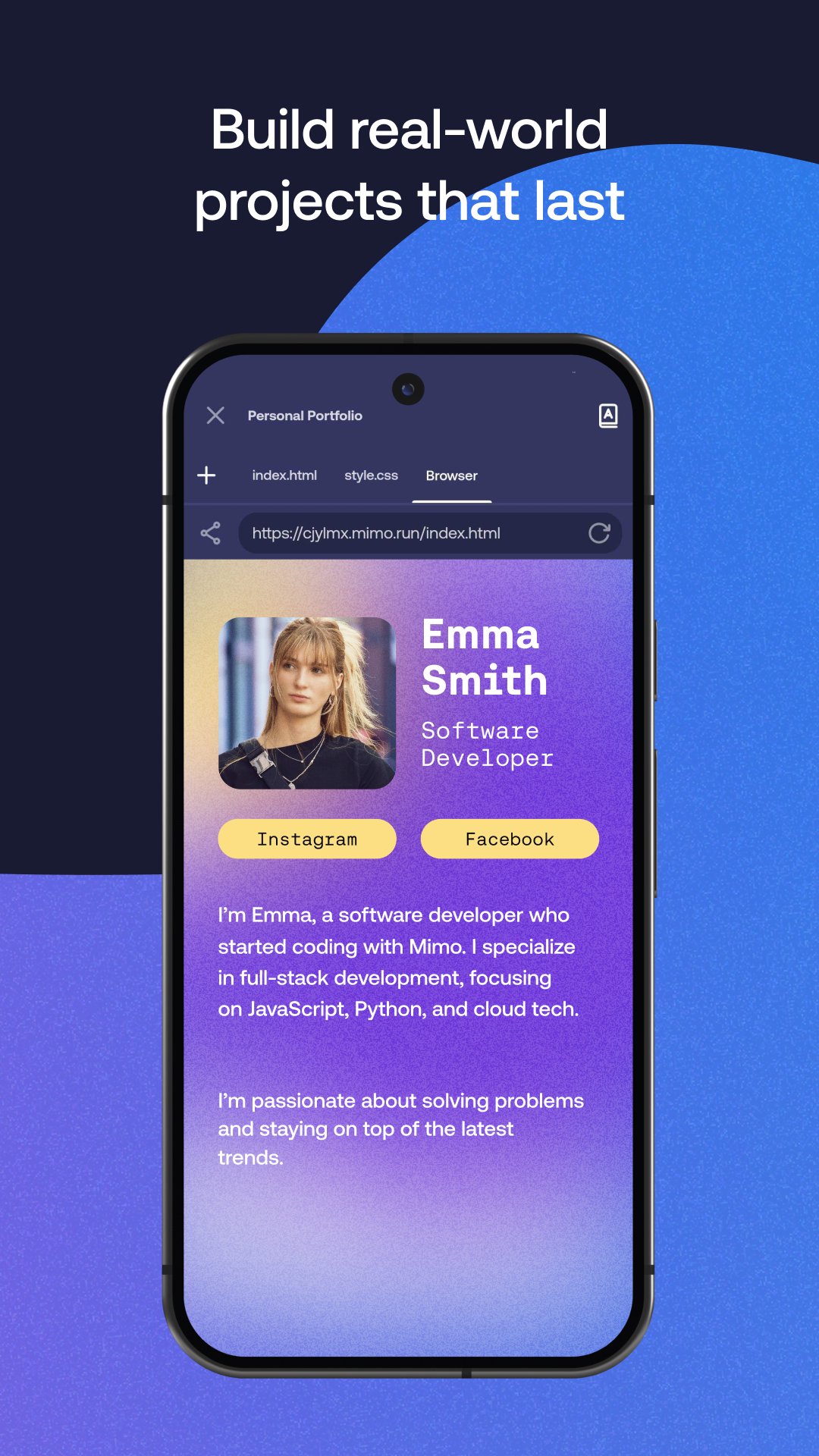
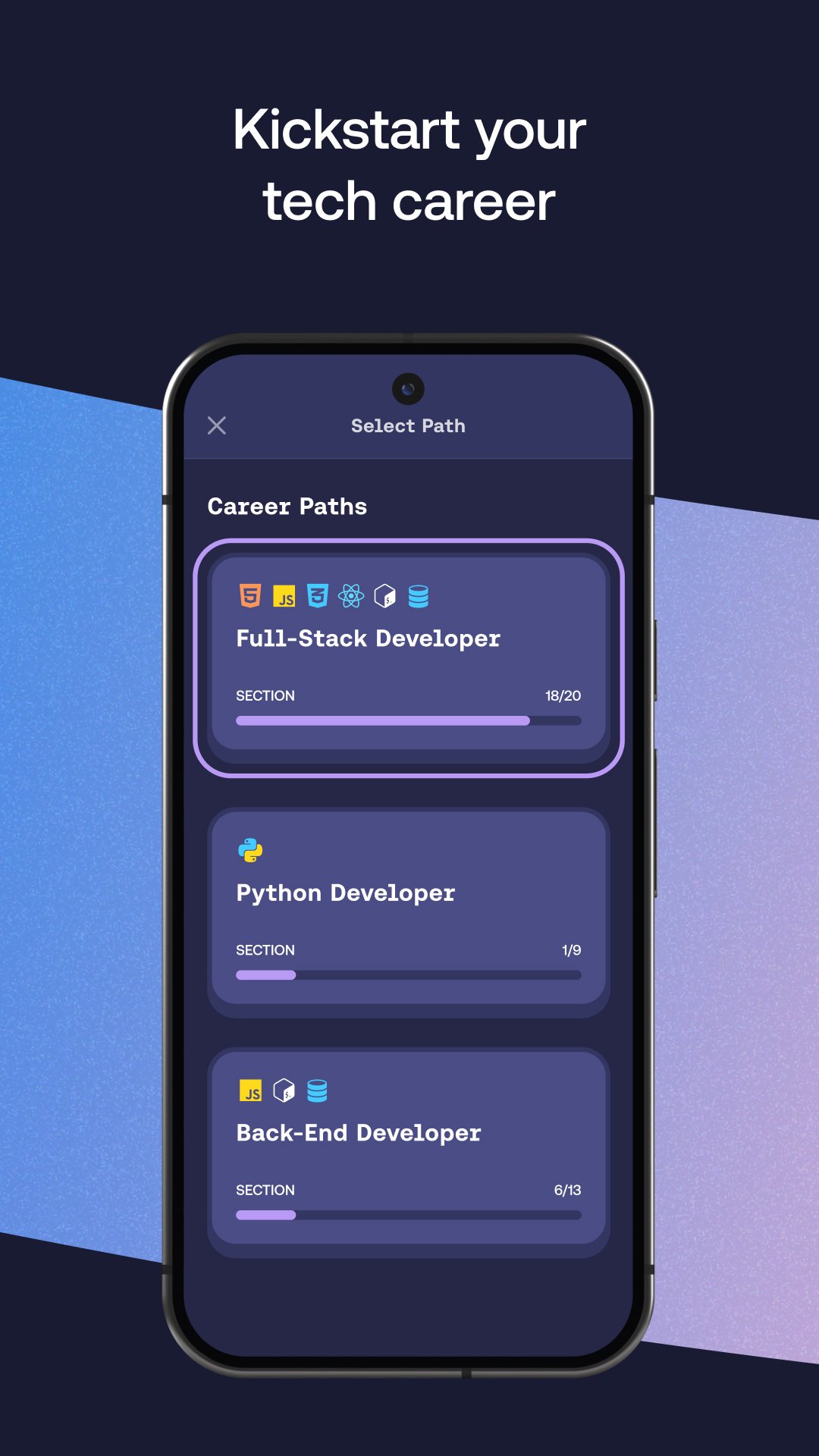
Structured career paths and real projectsYou can follow clear paths in front end, full stack, back end, or Python, then complete real world projects along the way. Each path builds skills step by step and adds work you can show in a portfolio. As you progress, the path helps you focus on the next skill and avoid gaps.
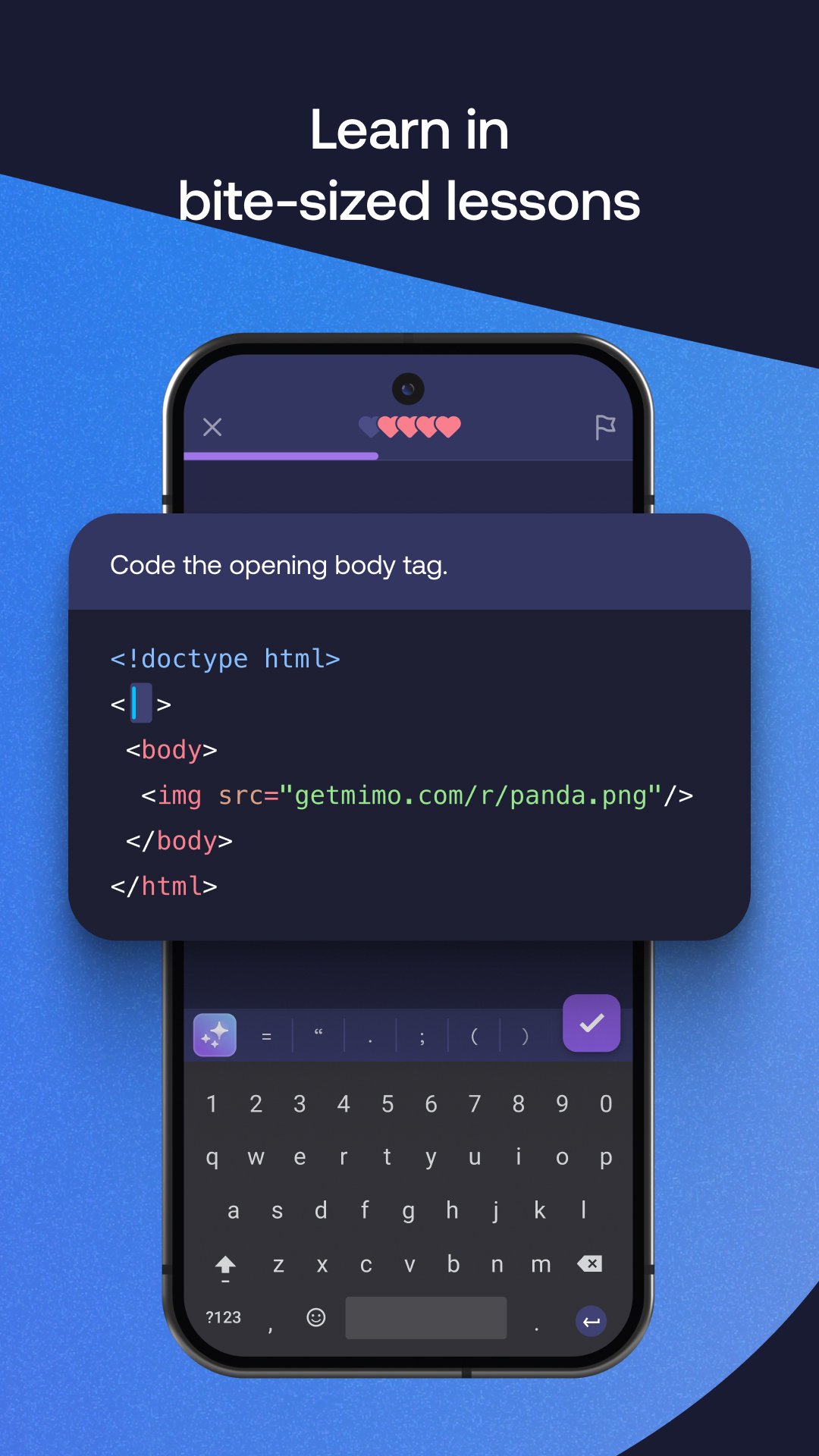
Bite sized lessons with practiceLessons are short and interactive, so you learn by doing rather than only reading. Exercises target one concept at a time and reinforce what you just learned with immediate feedback. This format fits quick sessions during the day and keeps the workload manageable.
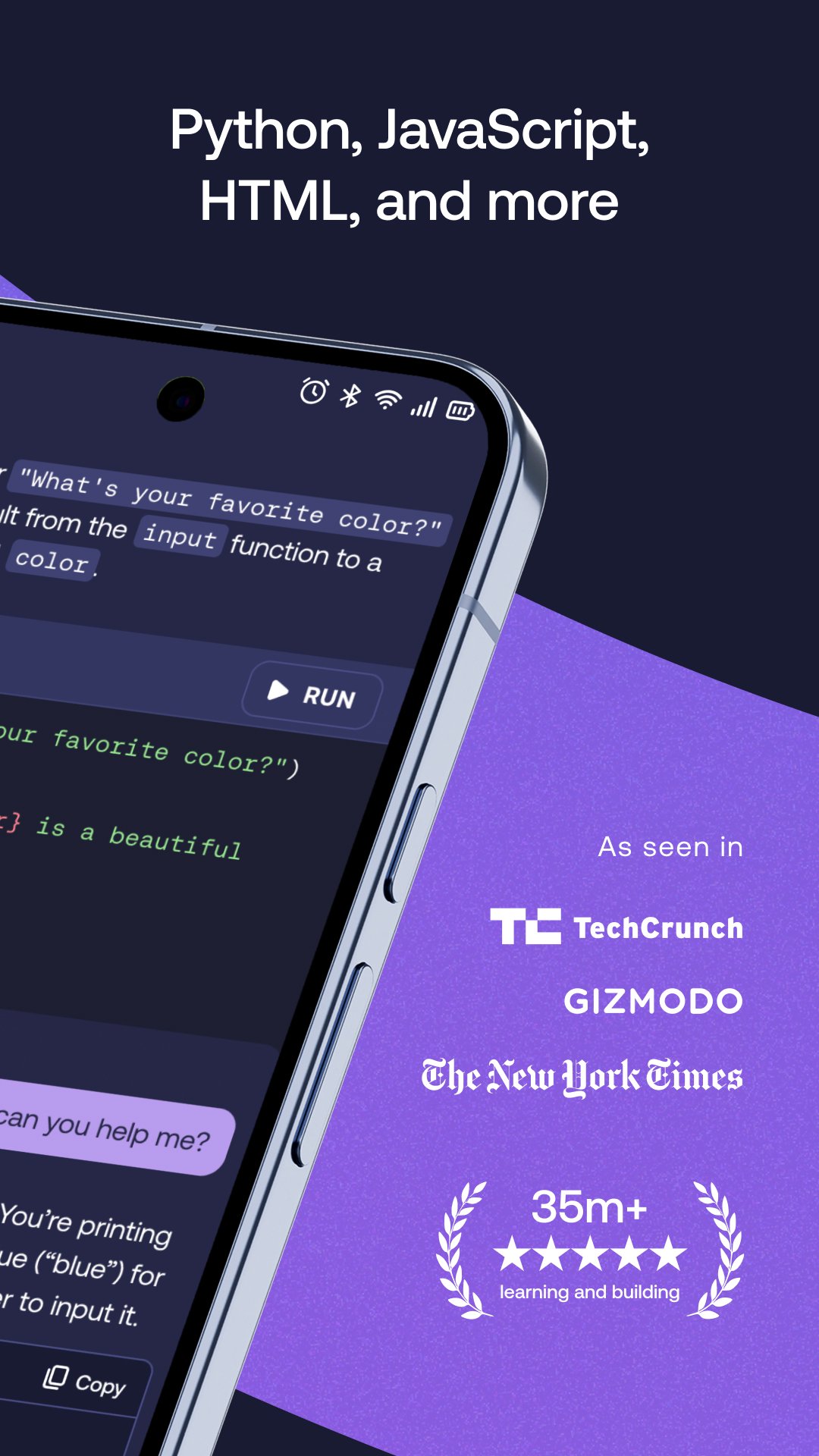
Code anywhere with a mobile IDEMimo includes a coding environment where you write and run Python, JavaScript, and HTML directly on your phone. Progress syncs to your account across devices, so you can start on mobile and continue on the web without losing your place. This continuity supports regular practice even when you are away from a computer.
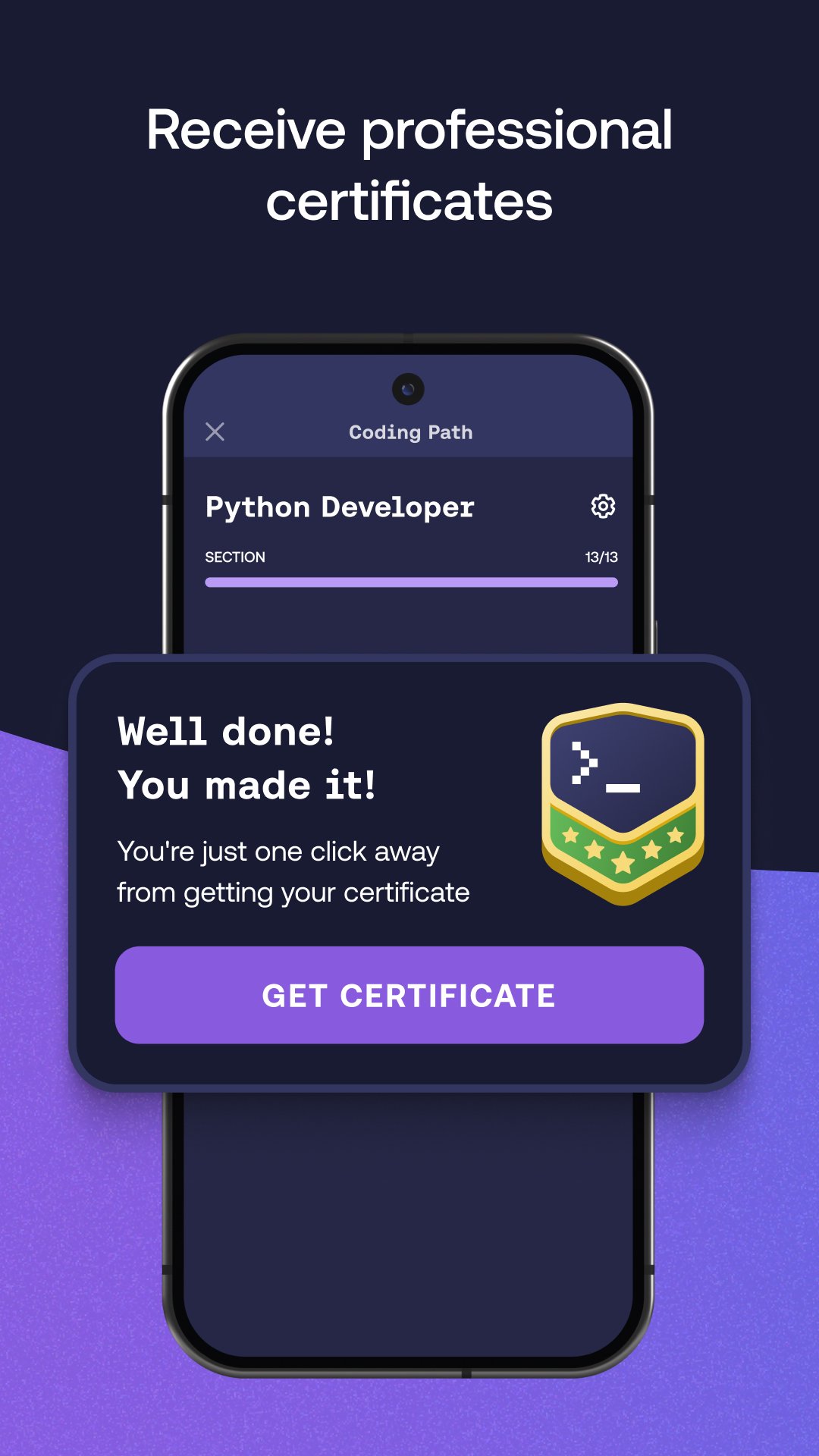
Certificates, live sessions, and progress trackingMimo tracks streaks and shows leaderboards to keep study habits visible. Certificates become available when you complete set requirements in a course or path, and live sessions help you see concepts applied in practice. These tools provide structure around your learning and mark milestones clearly.
Mimo works on Android, iOS, and the web. One account keeps your progress in one place, so you can learn on a phone and continue on a desktop browser without friction. This answers common “for PC” questions by confirming that learning continues on the web with the same login. Mimo reports serving over 35 million learners and more than seven hundred fifty thousand five star reviews, which indicates broad usage across platforms.
You can start free and explore early lessons before choosing a plan. The Pro plan unlocks full course access and core features, while the Max plan includes everything in Pro plus expanded AI usage and advanced tools. Certificates are included for Pro and Max users after completing the required learning. If you prefer to check release information, compare features in the Mimo latest version shown on this page before installing.
This page covers Mimo, the coding app by Mimo GmbH. It is different from the DJI Mimo camera app, which is unrelated to coding. Clarifying this distinction helps users land on the right tool for programming study.
To begin, download Mimo and open the app on your phone. The process focuses on small steps, so you can start quickly and build momentum without extra setup. Follow the prompts and move through short tasks at a steady pace.
Mimo organizes modern coding study into short lessons, guided practice, and real projects you can run on mobile. Use the account sync to continue on the web and keep building skills at a steady pace. Before installing, review the Mimo latest version here to confirm the features you need.
For official details and support, visit the developer website.
Last updated on Mar 10, 2026
Introducing Widgets, designed to support consistency and help you build a lasting coding habit, one day at a time. Widgets help you stay consistent by making daily learning progress visible at a glance. Track your coding streak, choose between a small or large widget, see a daily illustration reflecting today’s streak status, and view a 7-day streak visualization in the large widget. Make daily progress part of your routine with widgets on your home screen!
Latest Version
 9.2
9.2
Uploaded by
Maria Garcia
Requires Android
Android 9.0+
Available on

Category
Report

Discover what you want easier, faster and safer.
