


Use APKPure App
Get Starter old version APK for Android
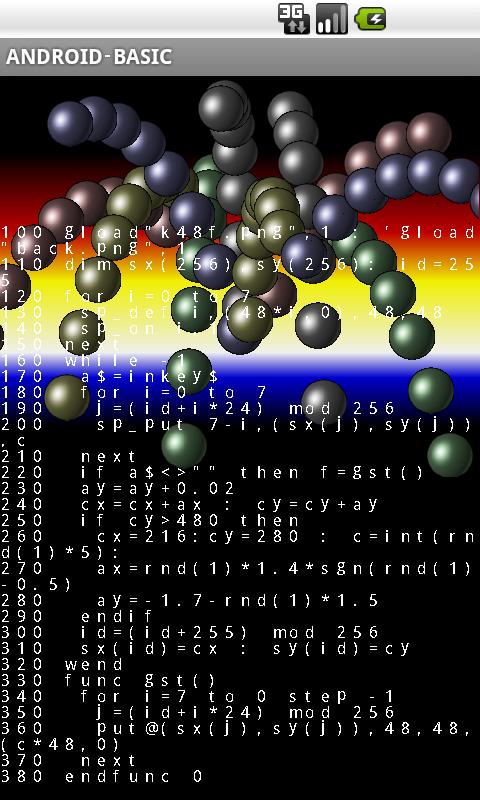
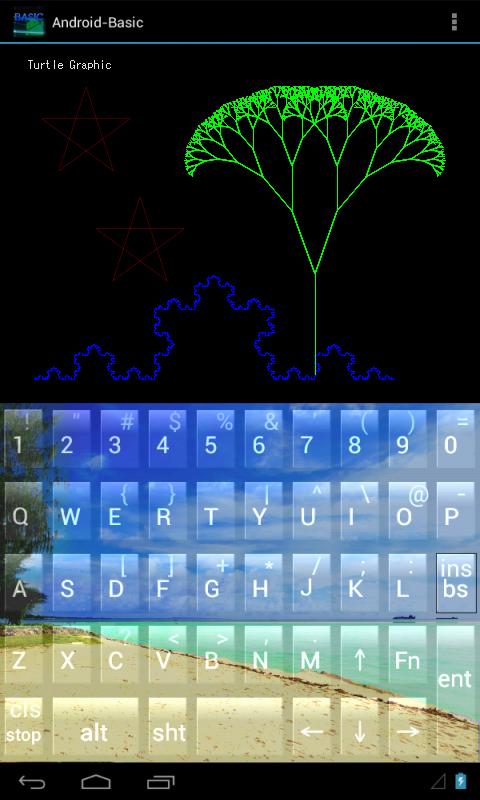

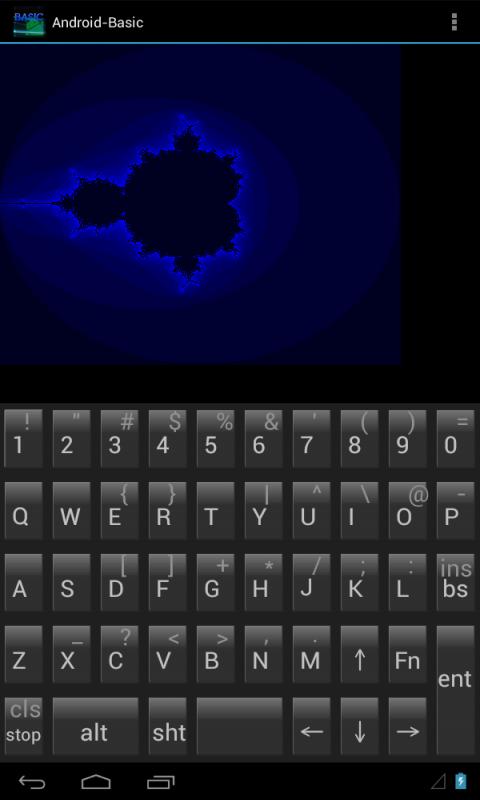


안드로이드 스타터 버전의 기본.표준 기본. 안드로이드 컨트롤러.
Standard Basic. Android device controller.
Nexus 7 series support.
OpenGL mode support.
[Starter version]
-The difference with the original product.
This version is possible to use all features twice a day. (High speed [run,c]-mode)
3 times later, can not use [run,c]-mode & Sprite, BGgraphic commands. (Low-speed [run,i]-mode ok)
Not able to use 'ex_camera' & 'ex_movie'.
Advertisement is indicated. If offline, App can't start.
This version start up only in USA.
The current folder is set to 'and.bas'->'and.bas2' in the Starter version.
It has high compatibility with the traditional Basic.
QB,C64 basically commands, you can use it almost as it.
The command interactive console of the PC is just realized.(Text edit combination ok)
By this one, the existing smartphone will become able to utilize as a portable computer.
Feature: Simple and thorough language specification. High speed execution.
By definition function, it can use subroutines hierarchically. Recursive call is also possible.
Although Variable is automatic declaration,
there is distinction of global variable and local variable.
Flow processing maintained in block structure is possible.
It has sprite function of variable size, various expression is possible.
By background graphics function of parts unit, scroll expression can also be made easy.
It also have the judgment function of the collision with each sprite and background graphics.
http://androidbasic.ninja-web.net/screencp.html
Independent screen structure: Text, Graphics, BG-Graphics, Sprite & Graphic buffer.
Various device operations are supported.
Camera photography, GPS sensor, Video playback, Voice recording, Battery residual, Bluetooth.
Various sensors. (Orientation,Accelerometer,Proximity,Temperature,Illuminance,Gyroscope,Magnetic,Pressure)
Voice synthesis. (Text To Speech)
SQLite and Regular-expression can be used from both Program sauce and Direct command.
The other,
Execute external application. Web page display.
Zip-file compress&decompress.
C (like java) language conversion save function.
The load function from the network.
The specification program execution function from home screen.
Various interrupts function.
on (stop, time$, interval, play, touch, bluetooth, error)
Random(binary) & Text file, File operation, Music performance function.
Input exclusive-use device: Software-keyboard, Direction Virtual-device
Programming is possible only with a smartphone by 'Auxiliary-input' and 'Popup-Help'.
It can also edit from PC via SD card.
The key assignment function in the model with a hardware keyboard.
There are Step-execution-mode & Variable-table.
It is equipped fully with On-line/Off-line manual.
Manual page.
http://androidbasic.ninja-web.net/man/indexe.html
HP: Turtle graphics is released.
Sample: shooting action game, etc.
Last updated on Oct 21, 2019
Minor bug fixes and improvements. Install or update to the newest version to check it out!

Discover what you want easier, faster and safer.


Starter
1.36 by NS-ware
Oct 21, 2019