


Use APKPure App
Get Notepad Plus old version APK for Android


메모장 플러스는 사용자의 메모 작성 작업을 향상시키는 다채로운 메모장 앱입니다.
Notepad Plus® is a simple and awesome notepad app. It gives you a quick and simple notepad editing experience when you write notes, memos, e-mails, and messages. Taking notes with Notepad Plus® is easier than any other notepad or memo pad app.
*** Product Description ***
Notepad Plus® features two basic note-taking formats, a lined-paper styled and a voice-over text option. Add as many as you want to your master list, which appears on the app's home screen each time the program opens. This list may be viewed in traditional ascending order, in a grid format, or by a list format
- Taking a Note -
Serving as a simple word processing program, the text option allows for as many characters as you're willing to type. Once saved, you can edit, share, or delete the note on just button click. When checking off a text note, the app places a slash through the list's title, and this will be displayed on the main menu.
-lock your notes-
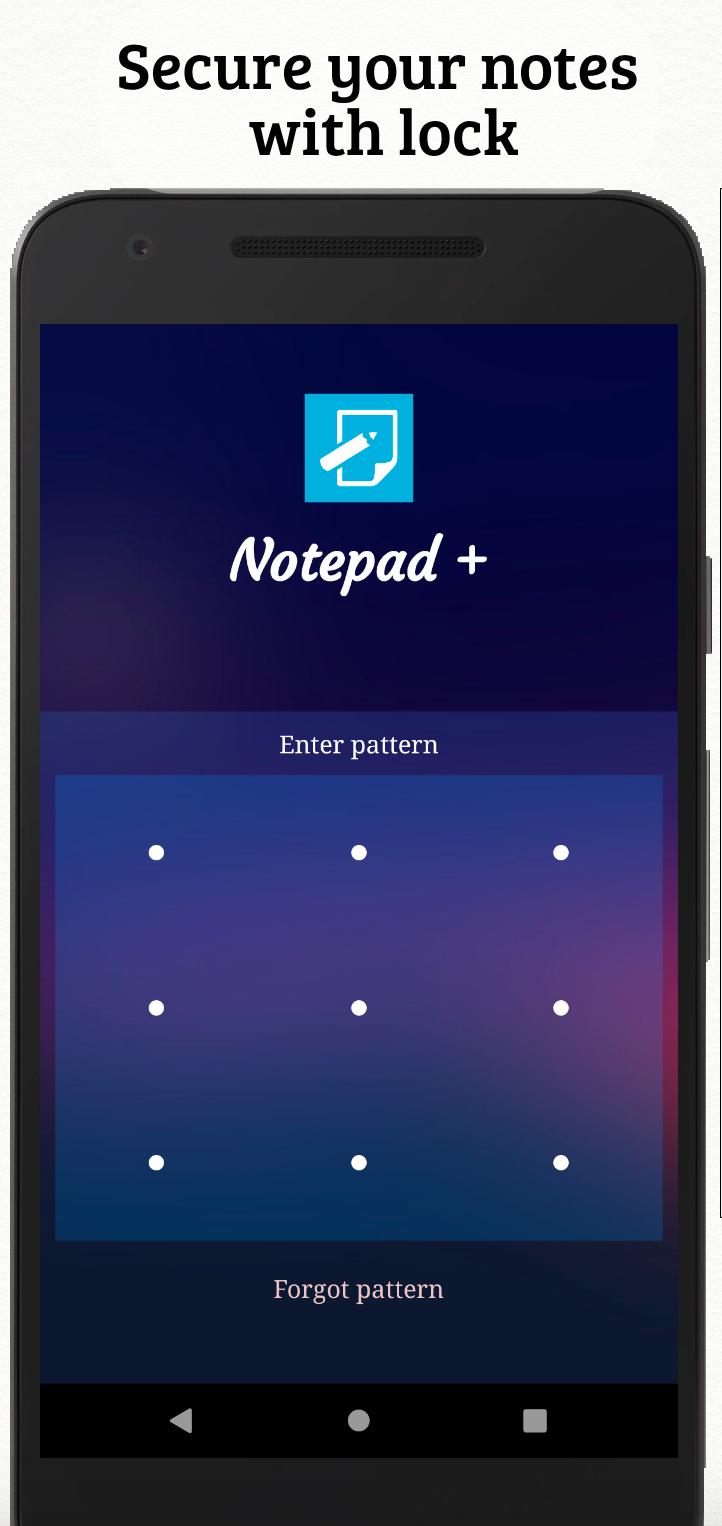
You can secure your information with two types of locks: the first one is the passcode type and the other is a swipe password. Swipe passwords can be used to set intricate locks for securing your information in a better way.
- Restoring the deleted notes -
On account of a note being deleted, the information stored inside the note can be retrieved as it stored in a recycle bin implemented in the application. You can access the information and store it again in your app.
* Features *
- Organize notes by theme color (notepad color)
- Sticky note memo widget (Put your notes on your home screen)
- Checklist notes to get things done (GTD)
- Password Lock note: Protect your notes with passcode
- Secured backup notes to SD storage
- List/Grid View
- Search notes
- Notepad supports ColorDict Add-on
- Title with headings on individual notes
- Share notes via SMS, e-mail, or Twitter
* Permissions *
- Internet Access: For online backup & sync notes
- Storage: For backup notes to the storage of the device
- Prevent phone from sleeping, control vibrator, automatically start at boot: For reminder notes
* FAQ *
Q: How do you put a sticky note widget on the home screen?
A: Go to the home screen and hold down your finger on an empty space and choose widget, Color Note will then be displayed and you can choose the note which you want to be displayed on the screen.
Q: Why don't the widget, the alarm, and notes reminder functions work?
A: If the app is installed on the SD card, your widget, reminder, etc. will not work properly because Android doesn't support these features when installed on an SD card! If you have already moved the app to an SD card, but want those features, then you have to move the app back on the device and reboot your phone.
Settings - Applications - Manage Applications - Color Note - Move to Device
Q: Where are backed up notes data on the SD card?
A: '/data/colornote' or '/Android/data/com.socialnmobile.dictapps.notepad.color.note/files' on SD card
Q: I forgot my lock password. How can I change it?
A: You can recover your password from your email ID which you registered while signing in with the app
Last updated on Jan 31, 2021
All minor bugs and reports fixed.

Discover what you want easier, faster and safer.


Notepad Plus
4.0 by Karan Vishwakarma
Jan 31, 2021