


Use APKPure App
Get Modern Clock Widget old version APK for Android


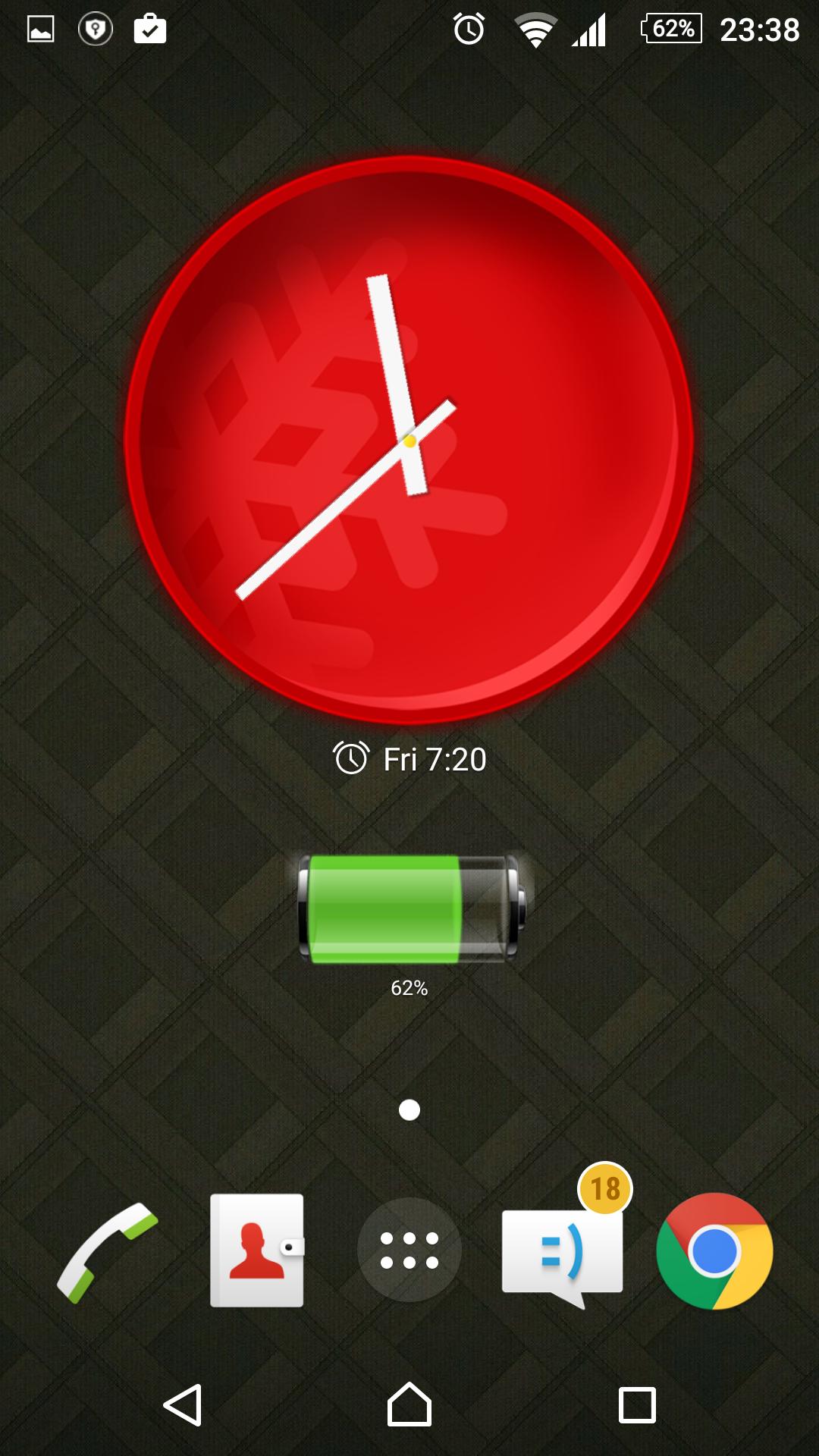

Collection of modern clock widget for Android mobile
"Modern Clock Widget" is free app clock widget include many modern clock widget and update coming soon. . This is collection of watch faces and most creativity with highly customizable digital time and date widgets:
1x1 clock widget - small
2x2 clock clock widget - medium
4x3 widget - big
4x2 clock widget - for all device
4x4 clock widget - big clock widget with full color battery
6x6 clock widget - for tablets and especially for Galaxy Note
Features lots of customizations, like:
- can change watch faces and modern clock widget, this is creativity
- widget preview during setup
- select widget click actions: tap on widget to load alarm application, widget settings or any installed application
- plenty of date formats + customizable date format
- display battery with icon and percent
- alarm icon
- ready for Honeycomb, ICS, Jelly Bean and Lollipop Android versions
- recommended for tablets
- and even more ...
Problems with installation?
This is home screen widget and not the application, please read the instructions on how to use the widget:
Older phones (before Android 4.0 ICS) and Android 4.4 KitKat:
• To add a widget, touch and hold an empty location on a home-screen. Menu will pop-up, select Widgets.
• "Choose Widget" menu will popup. From there, find and select "24 Hour Clock Widget" widget of desired size.
Newer phones and tablets, Android 4.0 and later (Ice Cream Sandwich, Jelly Bean):
• Touch the All Apps icon on your Home screen.
• Click “Widgets” tab at the top of the screen.
• From the main Widgets screen, you can swipe left until you find "24 Hour Clock Widget”
• Touch and hold the desired widget’s icon, slide your finger where you want to place it, and lift your finger.
If there are missing "24 Hour Clock Widget" in list of widgets, try to restart phone, it might help.
NOTICE
- Do NOT move this app to SD-card! Widgets won't work once you move them to SD card.
- Please exclude this widget from any task killers, this will resolve the time freezing issue in most instances.
Thanks for using DIGI Clock Widget!
Last updated on Jun 13, 2016
Minor bug fixes and improvements. Install or update to the newest version to check it out!
최신 버전
 1.6
1.6
업로드한 사람
အေမနဲရြာကိုလြမ္းတယ္ အေဖကိုလဲတသိရတယ္
필요한 Android 버전
Android 3.0+
카테고리
신고

Discover what you want easier, faster and safer.

Modern Clock Widget
1.6 by AT Software Developers
Jun 13, 2016