


APKPure Appを使用する
Easy Battery Widgetの旧いバージョンをダウンロードすることが可能



Easy Battery Widget - easy to use decent graphics.
Easy Battery Widget
Is easy widget to display information about battery status.
Among the displayed information includes:
- Battery type
- Temperature
- Charge level
- Voltage
- Status
- Condition
- Plugging type
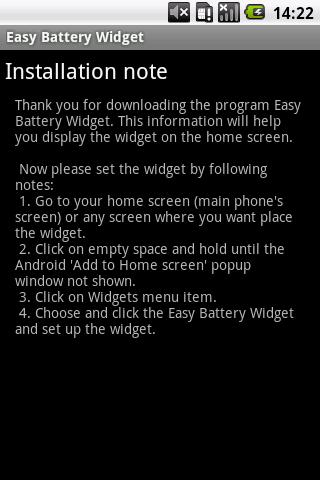
This information will help you display the widget on the home screen.
Now please set the widget by following notes:
1. Go to your home screen (main phone's screen) or any screen where you want place the widget.
2. Click on empty space and hold until the Android 'Add to Home screen' popup window not shown.
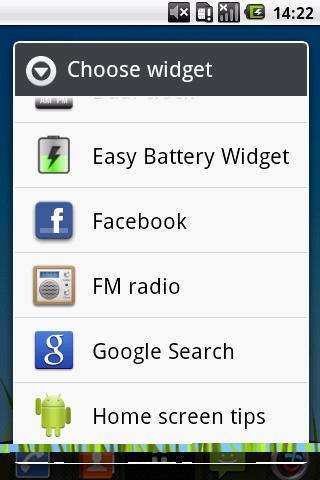
3. Click on Widgets menu item.
4. Choose and click the Easy Battery Widget and set up the widget.
Do you like Easy Battery Widget?
Rate this widget or leave a positive feedback.
Last updated on 2016年04月01日
Minor bug fixes and improvements. Install or update to the newest version to check it out!

Discover what you want easier, faster and safer.


Easy Battery Widget
1.1.4 by HuskyDev
2016年04月01日