


Use APKPure App
Get Google Translate old version APK for Android


Google Translate is a language translation app that helps you translate text, speech, images, and conversations instantly.
Google Translate makes it easier to understand and communicate in over one hundred languages wherever you go. You can type, speak, or point your camera to translate on the spot, and you can save common phrases for quick access. Moreover, you can keep translating even without internet by downloading language packs before you travel or study. The app also works inside other apps, so you can translate copied text without switching screens. Therefore, whether you need directions, class notes, a menu, or a quick chat, Google Translate supports simple and reliable translation on Android.
Translate text and voice across many languages
Google Translate lets you type or speak to translate across more than one hundred languages. You can hear the translated result and adjust speech speed for clarity. This is helpful for quick questions, signs, and daily conversations.
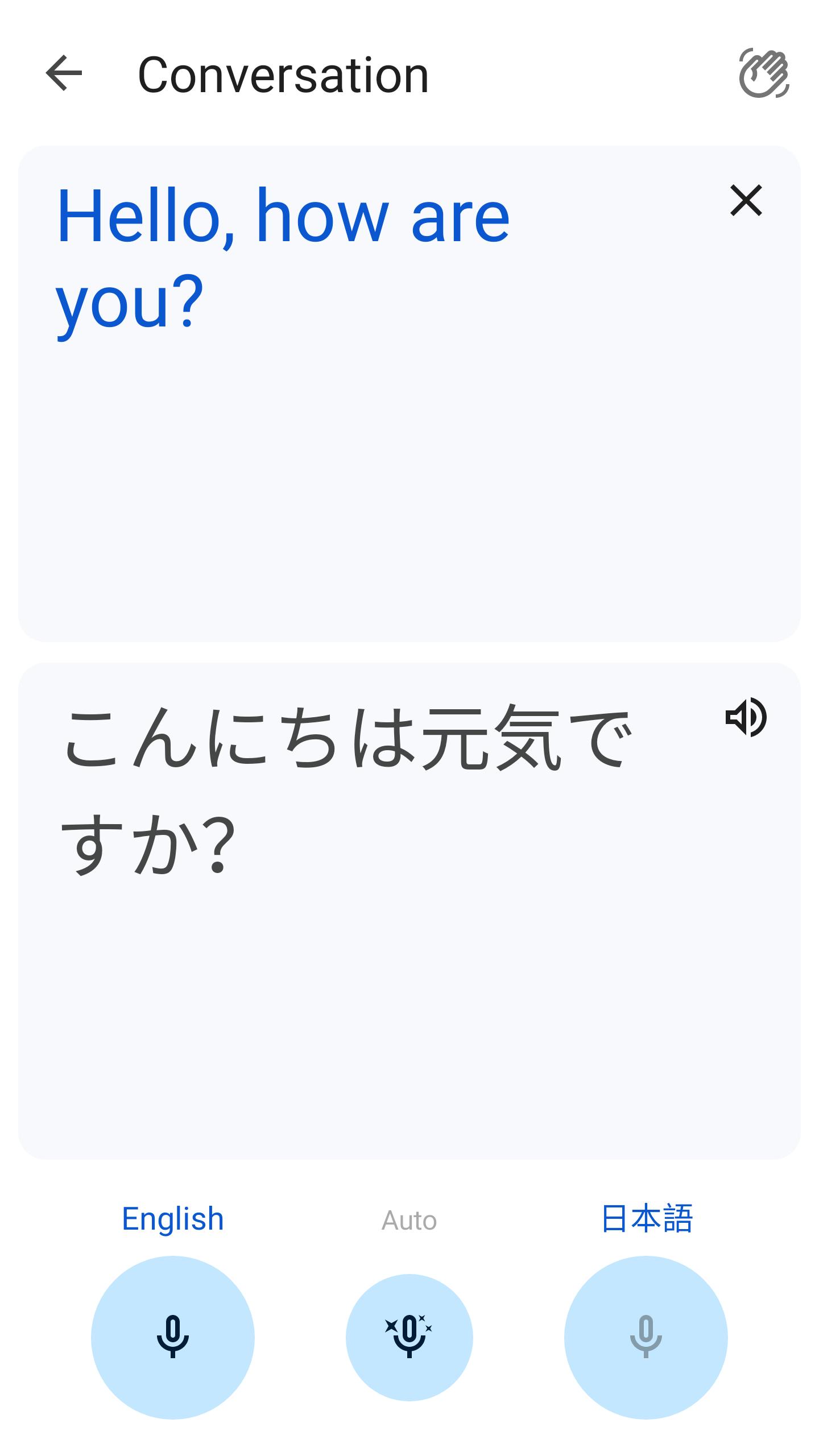
Real time conversation mode
Start a bilingual conversation and see translations for both sides in real time. Google Translate can listen, translate, and speak the response so each person follows along. This makes travel and meetups easier to manage face to face.
Camera and photo translation
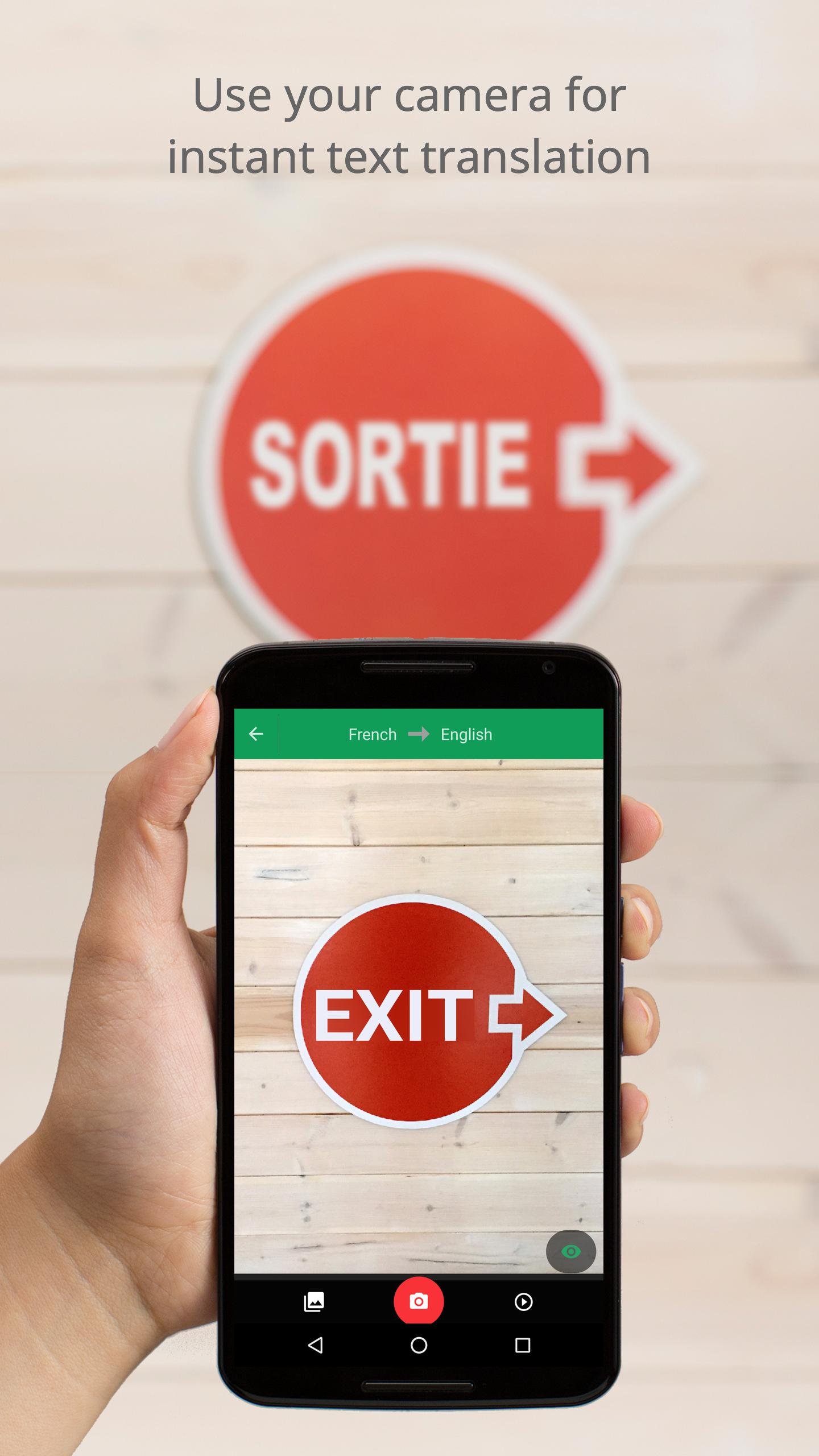
Point your camera at text to see translated overlays on the screen. You can also import photos for clearer results on menus, documents, or posters. This helps when printed text is hard to retype or when you need a quick scan.
Offline language packs
Download languages to translate without internet, which is useful on flights or in areas with low signal. You can manage packs to save space and keep your most used languages ready. Therefore, you stay prepared for travel and study.
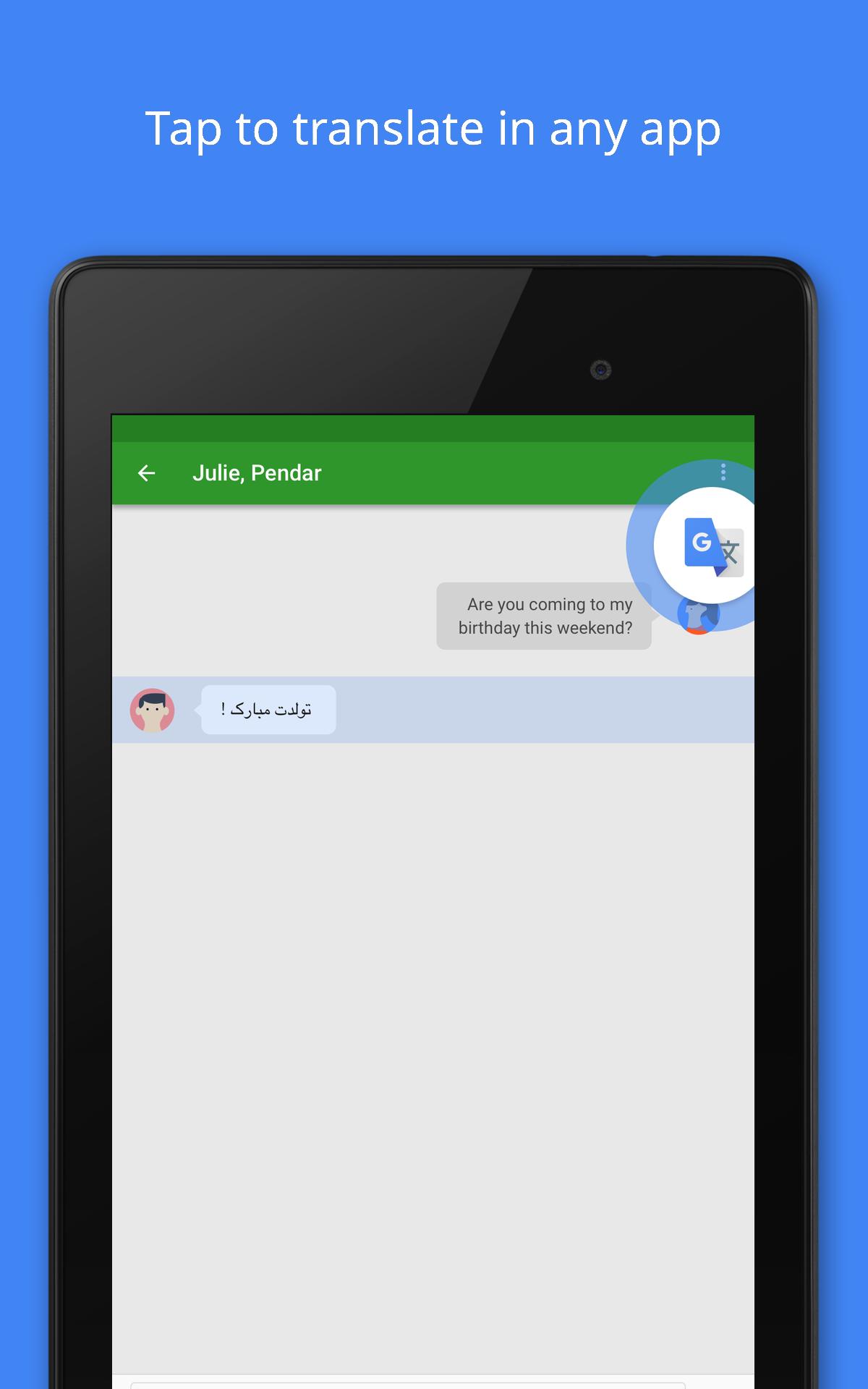
Tap to Translate inside other apps
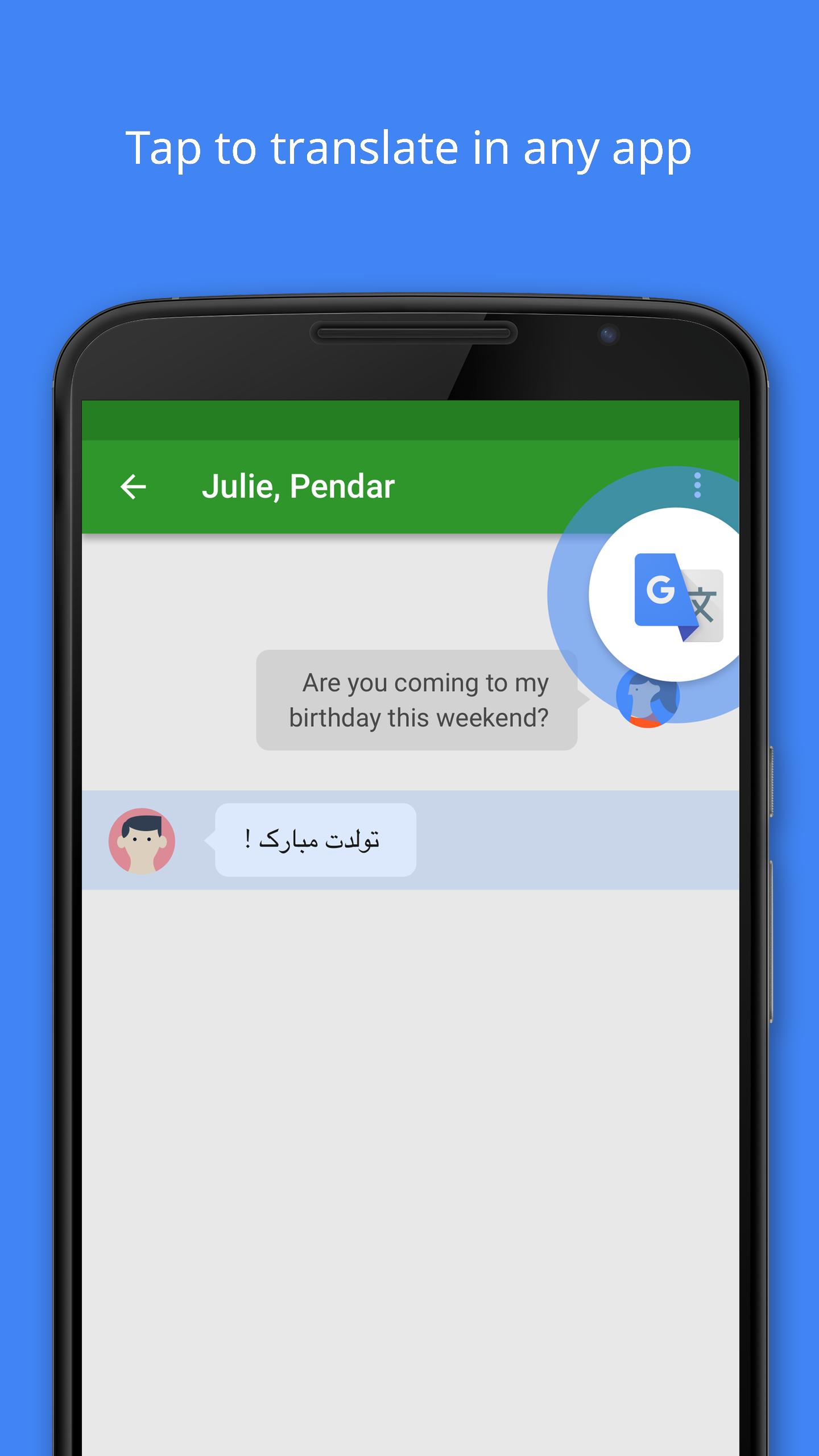
Copy text in any app and tap the floating Translate icon to see results immediately. You can reply with translated text without leaving your current screen. This supports messaging, social posts, and reading apps in a simple way.
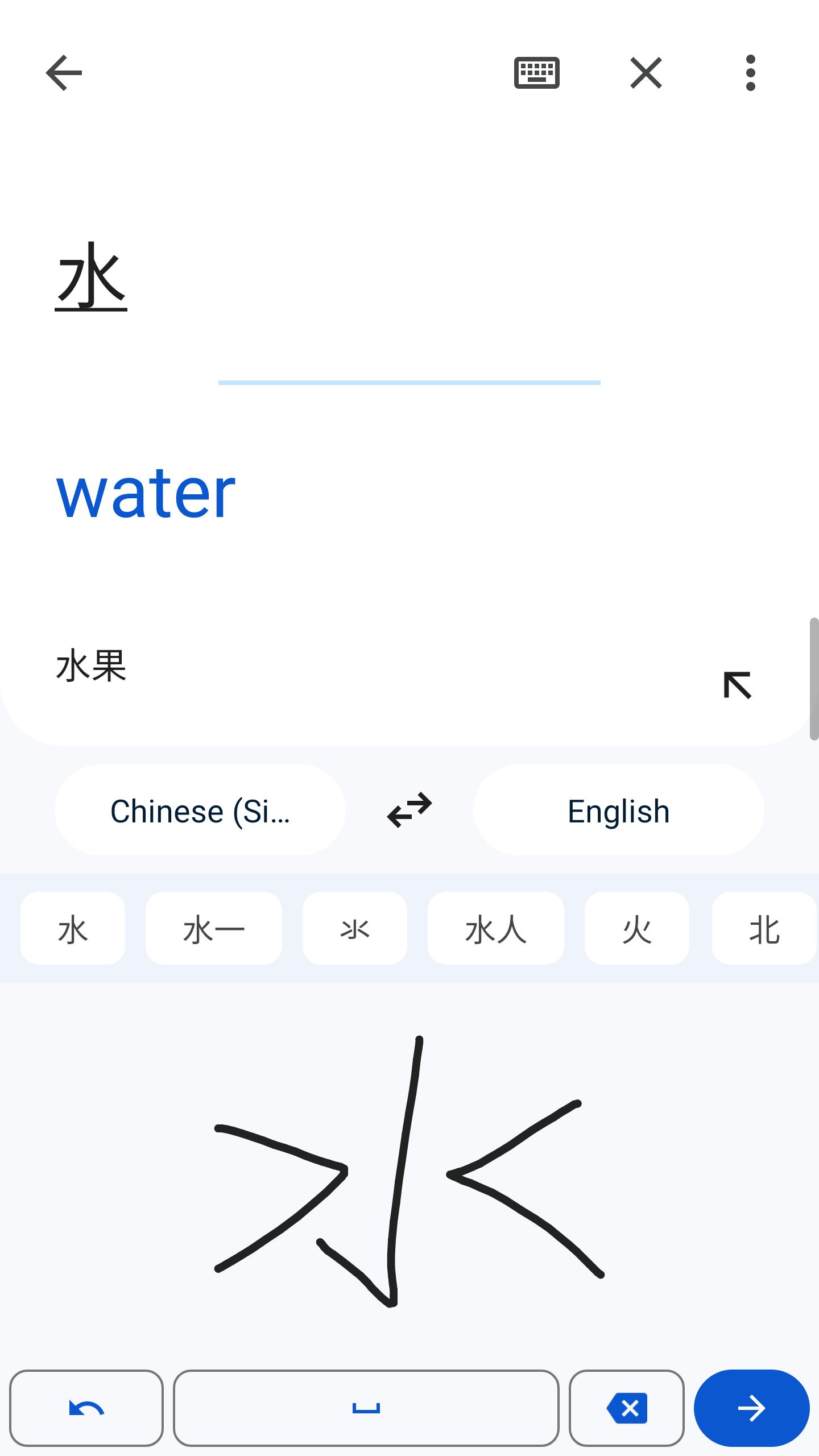
Phrasebook, handwriting, and transcribe
Save important lines to your phrasebook and access them across signed in devices. You can write characters by hand for languages that are easier to draw. In addition, Transcribe helps capture longer speech as text for supported languages.
This quick guide shows how to start with text, voice, camera, and conversation translation. You only need an internet connection for online modes, and you can add offline packs for travel. After setup, you can use Tap to Translate inside other apps without switching screens.
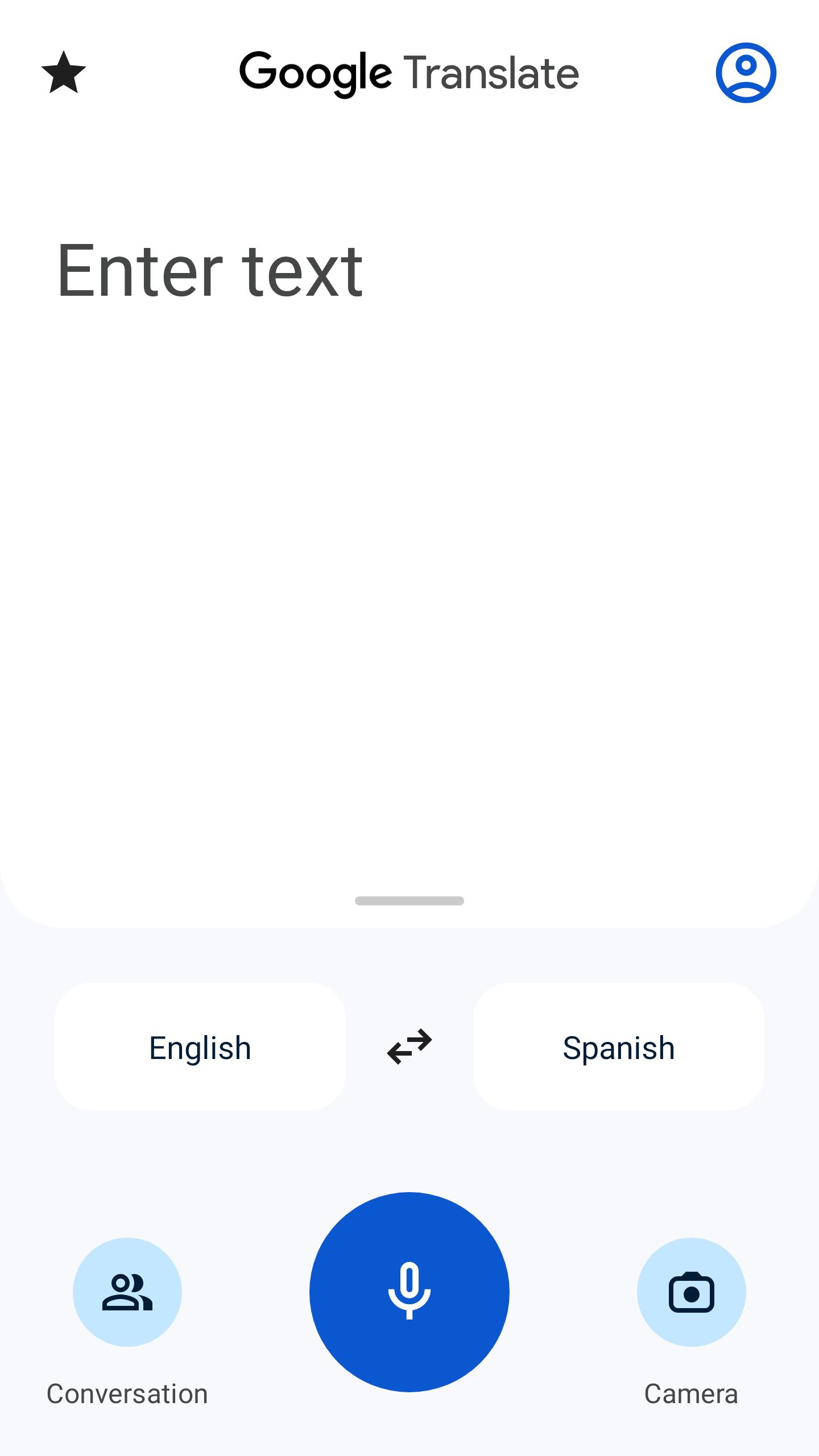
Open Google Translate, then select your source and target languages at the top of the screen.
Type in the box or tap the microphone to speak. You will see the translated text and can tap the speaker icon to hear it aloud.
After setting the languages, tap Camera to point at text or tap Import to choose a photo. Adjust the area to get a clearer result.
Tap Conversation to translate both sides live. Let each person speak in turn and watch the screen to follow along.
Open Settings and enable Tap to Translate. Copy text in any app, tap the floating icon, and read or send your translated reply.
Google Translate is a free, reliable tool for text, voice, camera, and conversation translation on Android. You can work online or offline and keep a phrasebook for quick access. Get the latest Google Translate APK on APKPure to stay up to date with improvements.
Official information
Website: https://translate.google.co.in/
How do I use Google Translate in real time?
Use Conversation mode in Google Translate to translate both sides live. Open the app, choose your languages, and tap Conversation. The app listens, shows text for each side, and can speak the translation so both people understand. For calls, live translation may be handled by device features on select phones rather than the app.
How do I translate live audio?
Use the Transcribe option in Google Translate to turn speech into translated text for supported languages. Choose the source and target languages, tap Transcribe, and place the phone near the speaker. For phone calls and headset conversations, some Pixel and Samsung models offer system level translation that is separate from the Google Translate app.
How to Google Translate on your phone?
Open Google Translate, pick your languages, then type or tap the microphone to speak. You can also tap Camera to translate printed text or turn on Tap to Translate to translate copied text inside other apps. If you need offline access, download language packs in the app settings.
Is Google Translate a free app?
Yes, Google Translate is free to download and use. To install or update on Android, click "Download APK" button to get the Google Translate APK on APKPure. You can also download Google Translate APK latest version here when a new release becomes available.
Google Translate paid vs Pixel Translate or Interpreter?
There is no paid version of Google Translate, and the app is free. Pixel Live Translate and Interpreter Mode are device features available on select phones and headphones. These are not part of the Google Translate APK, although the app complements them with text, camera, and phrasebook tools.
Last updated on Jan 30, 2026
Bug fixes and improvements
Latest Version
 10.3.57.862261224.2-release
Uploaded by
Google LLC
Requires Android
Android 8.0+
Available on

Category
Report

Discover what you want easier, faster and safer.
