


Use APKPure App
Get Google Go old version APK for Android


Google Go is a lightweight search app that delivers fast results while saving data on any connection.
Built for speed and efficiency, Google Go keeps search simple and reliable. It loads quickly even on slow networks and helps you find and understand information with less typing. The compact install size suits phones with limited storage, and the clean layout keeps common actions close at hand. You can keep a second language ready, browse trending topics, and return to favorites with minimal effort. Therefore, Google Go fits everyday search needs on Android while staying easy to use.
Small install and data savings
Google Go is only about 12MB, so it installs fast and runs smoothly on low-storage devices. Optimized results can reduce data usage by up to 40 percent, which helps when you have limited data.
Fast results on slow networks
Google Go is designed to respond quickly on a wide range of connections. Pages and results load in a streamlined view so you spend less time waiting and more time reading.
Voice search and tap shortcuts
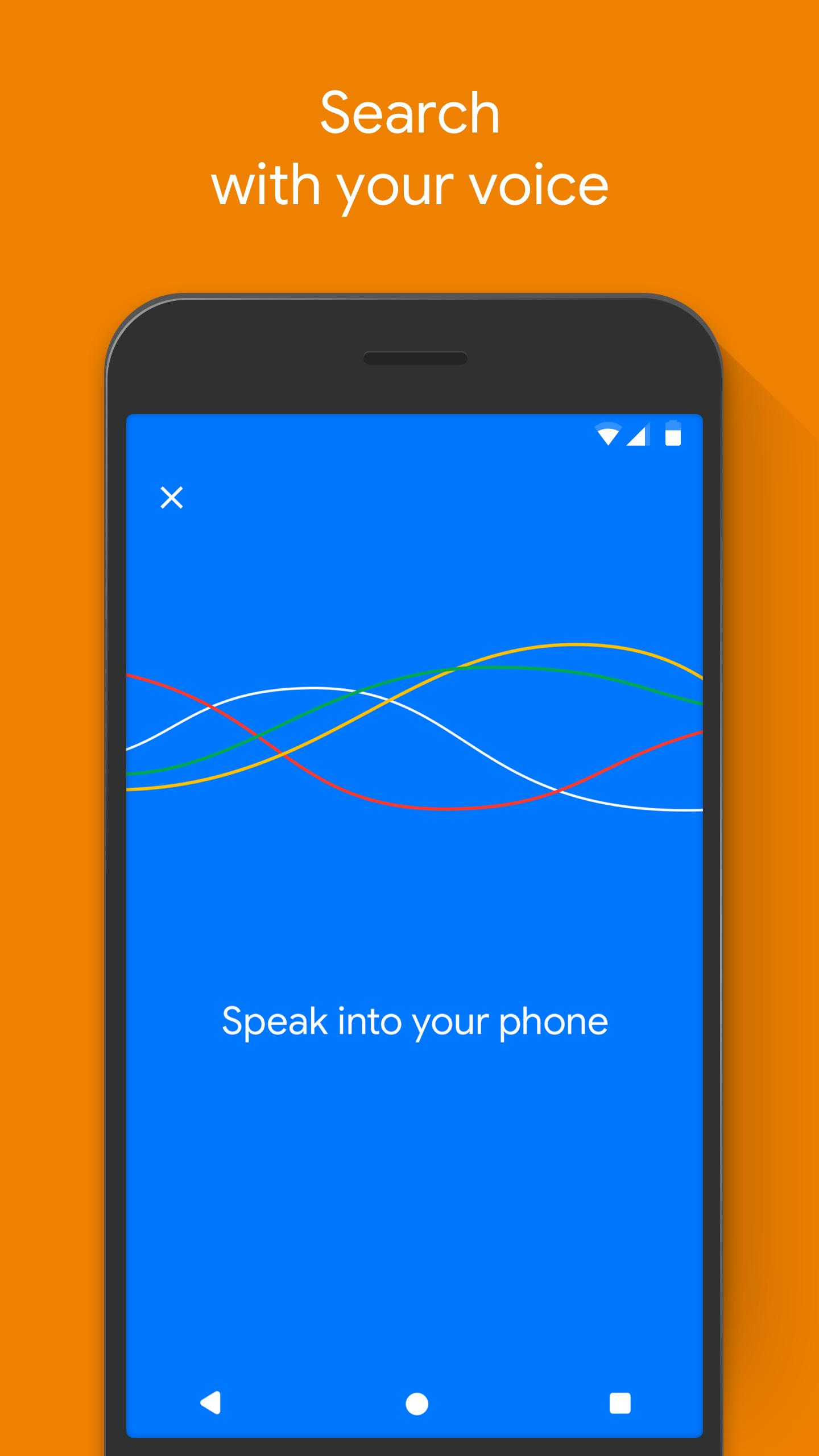
You can speak instead of typing to search hands-free. Also, quick shortcuts make it easy to explore trending topics and jump to common tasks with a single tap.
Camera search with Lens modes
Google Go uses your camera to help with text in the real world. You can translate or copy text from signs, forms, and products, and then learn more about what you see.
Listen to pages with word highlighting
Google Go can read web pages or captured text aloud and highlight words as it speaks. This makes long articles easier to follow and supports language learning.
All-in-one hub for quick access
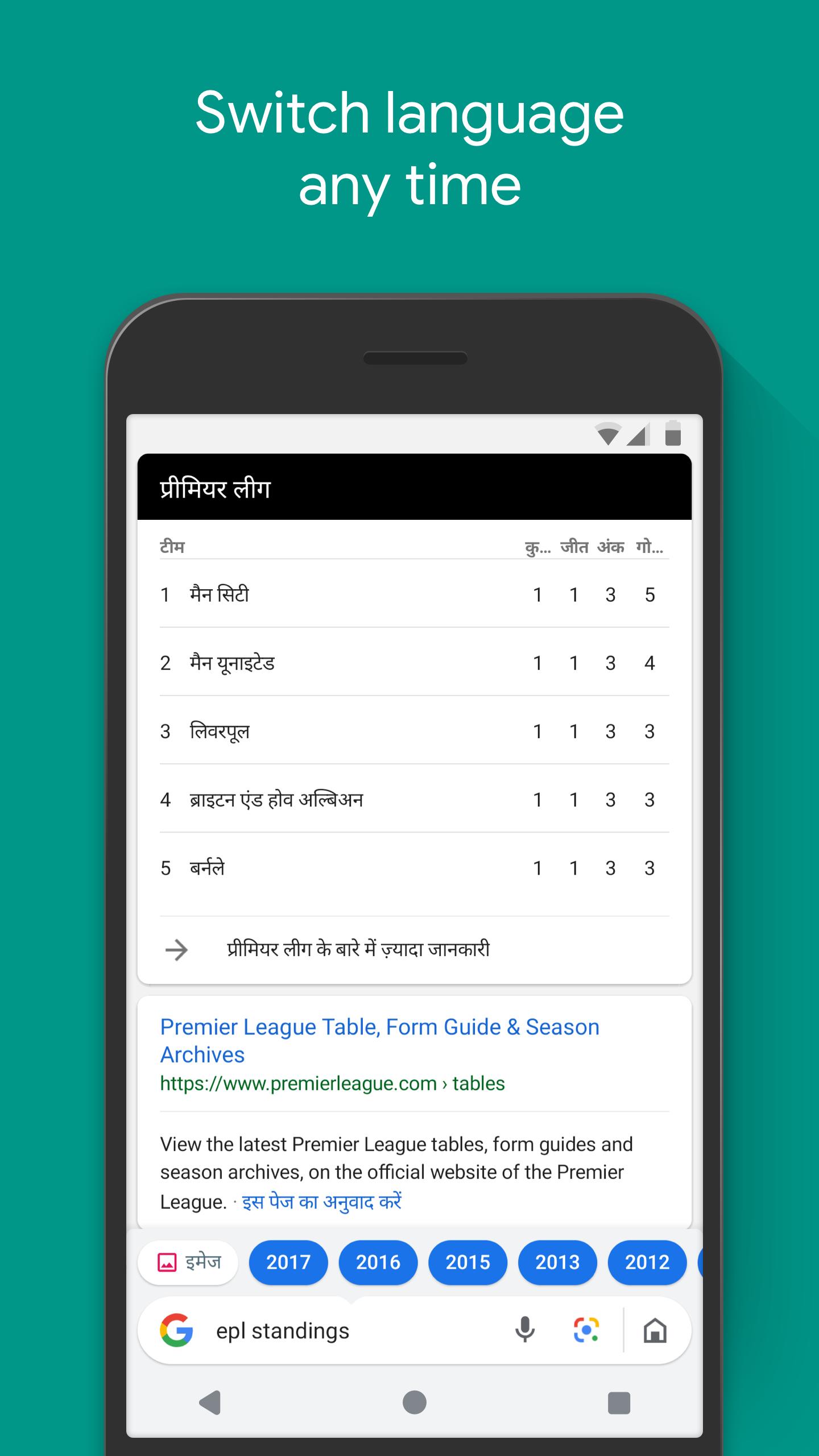
Google Go keeps search, images, videos, and favorite sites in one place. Moreover, you can switch between two languages to browse and search in the way that suits you.
Google Go focuses on speed, storage, and data savings, while the standard Google app offers a broader feature set. Google Go keeps the core search experience, a compact 12MB install, and efficient pages that are friendly to slow networks. In addition, the simplified design reduces background load, which helps older devices and limited data plans.
According to the developer’s published practices, Google Go encrypts data in transit and offers options to request data deletion. Available disclosures state that data is not shared with third parties. In addition, the app undergoes independent security reviews to help protect users. These practices support trust without adding extra steps for you.
Google Go is made for Android devices. It is not available for iPhone. If you want to download Google Go on Android, you can get the Google Go APK on APKPure and keep up with the Google Go APK latest version.
Follow this quick guide to get started with search, languages, camera modes, and listening tools in Google Go. The steps keep setup simple so you can search faster right away.
Google Go keeps search fast, light, and easy on data. Download Google Go to browse, translate, and listen to content in a simple app that works well on any connection.
If you need official help, use the resources below:
What is the difference between the Google app and Google Go?
Google Go is a lighter version focused on speed, small size, and data savings, while the standard Google app includes broader features and services. If you want a compact install and faster loading on slow networks, download Google Go. You can always get the Google Go APK or update to the Google Go APK latest version on APKPure.
Is Google Go free to use?
Yes, Google Go is free to use on Android. There are no charges to search, use voice input, try camera text tools, or listen to pages. To install or update, get the Google Go APK on APKPure.
Is Google Go available on iPhone?
No, Google Go is designed for Android and is not available on iPhone. If you use an Android device, you can download Google Go on APKPure and follow updates for the Google Go APK latest version.
Why does Google Lens in Google Go highlight only text instead of searching the whole image?
In Google Go, Lens focuses on text-centric actions such as translate and copy, so it highlights words rather than running a full-image search. For object-focused lookups, try capturing the text you need or open the result in your device’s full browser to continue research.
The built-in browser feels limited. How can I open pages in another browser?
Google Go uses a lite browser to save data, which may lack some advanced features. You can open a result in Chrome or your default browser by using the page menu and selecting the option to open externally for full browser controls.
What if a page looks zoomed or a translate pop-up breaks the layout?
If a page appears zoomed, try reloading, switching to desktop or simplified view if available, or opening the page in your default browser. If a translate pop-up disrupts the layout, close the prompt and reload, or turn off the auto-translate prompt for that site before continuing.
Last updated on Mar 26, 2026
Minor bug fixes and improvements. Install or update to the newest version to check it out!
Latest Version
 3.138.889300422.release
Uploaded by
Google LLC
Requires Android
Android 11.0+
Available on

Category
Report

Discover what you want easier, faster and safer.
