


Use APKPure App
Get File Manager old version APK for Android


File Manager is a file management app that helps you browse, organize, and share files across local, external, and cloud storage on Android.
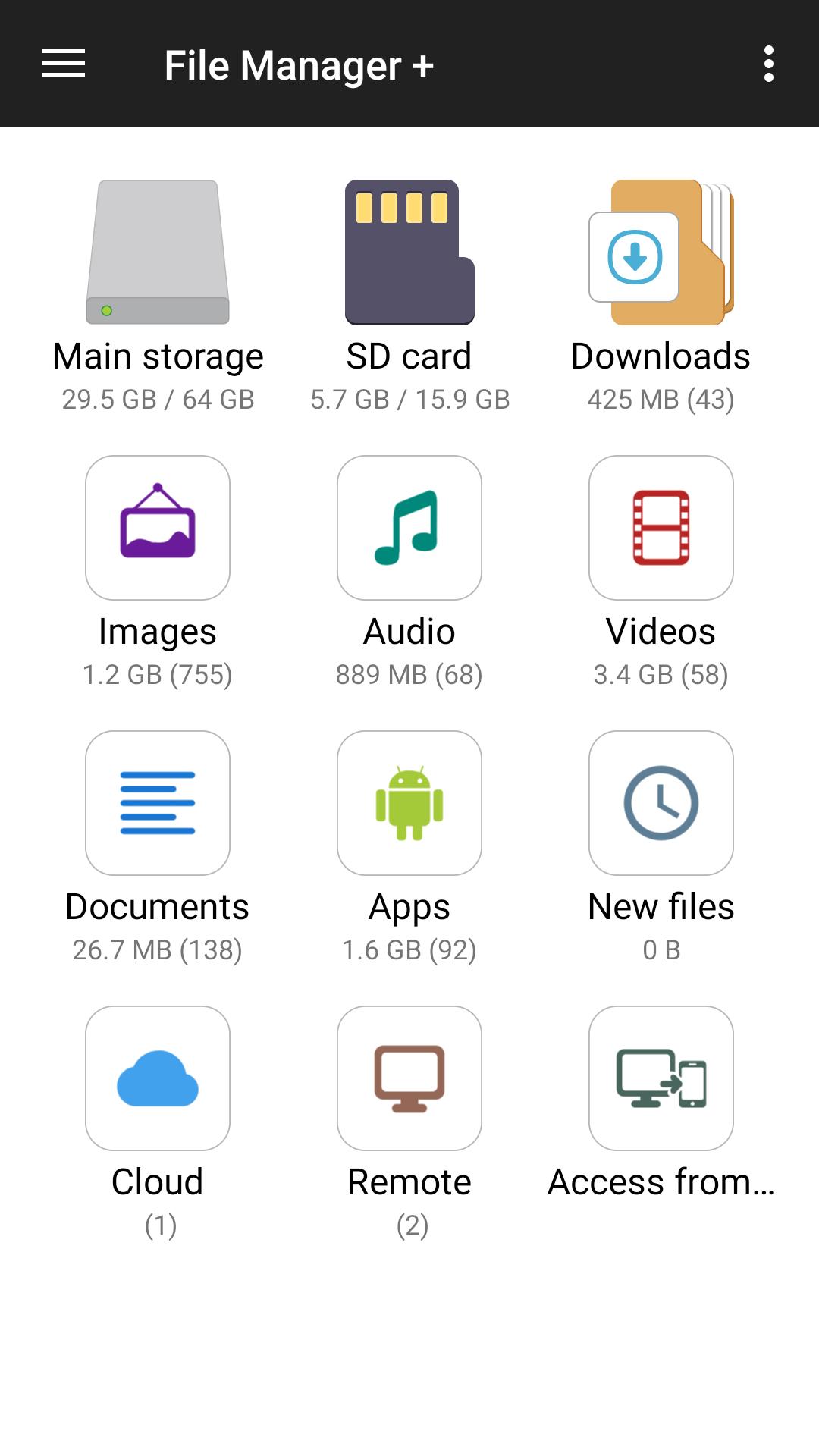
File Manager offers a clean interface to manage everything on your phone in one place. You can view your main storage, SD card, and USB drives alongside connected cloud and NAS accounts. The layout keeps common libraries like Downloads, Images, Audio, Videos, and Documents easy to reach, so everyday tasks feel simple. It also supports quick search and recent items to locate files fast. Download File Manager APK latest version from APKPure to keep your files organized with familiar gestures and clear menus that reduce taps and steps.
All-in-one storage access
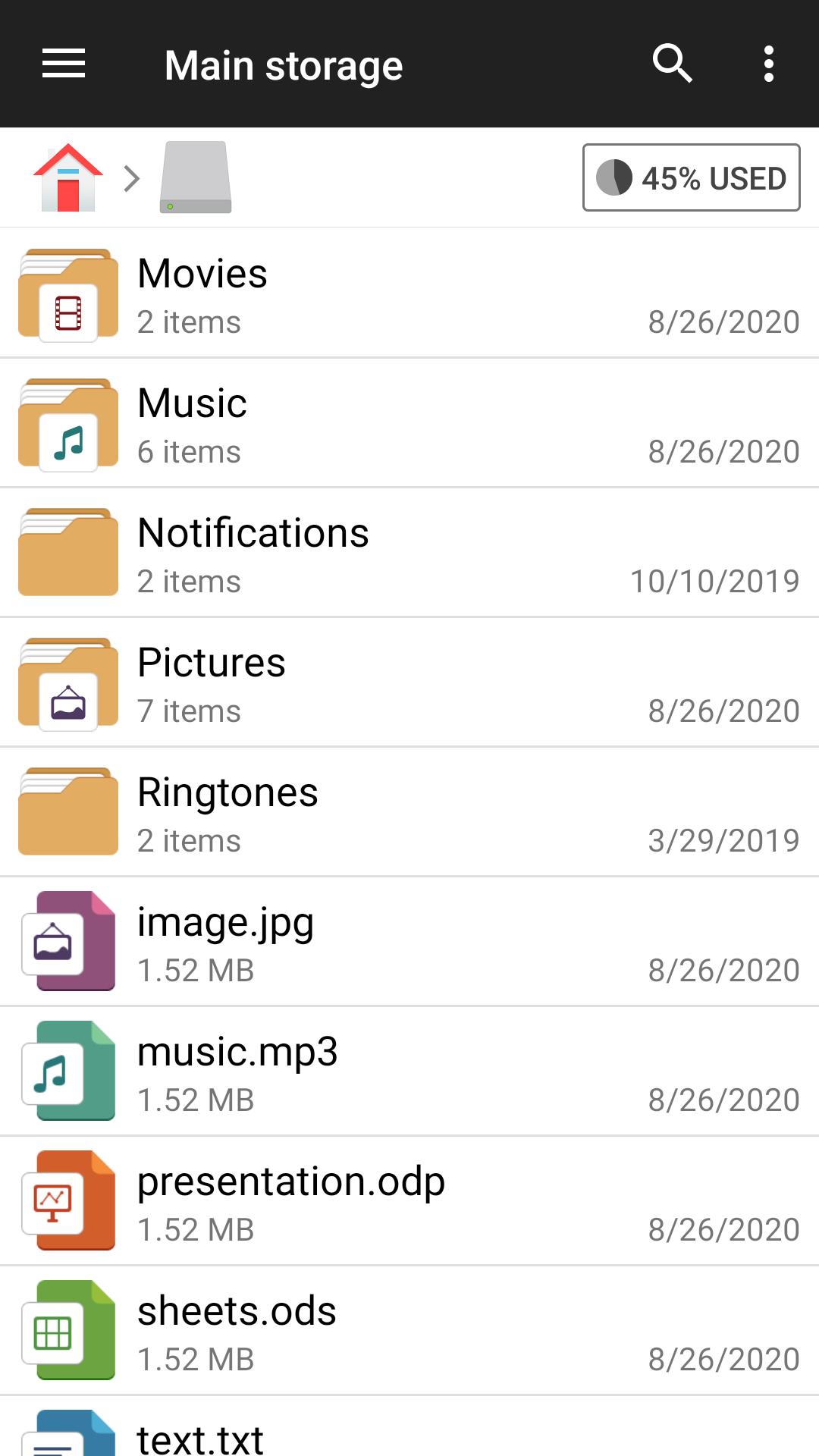
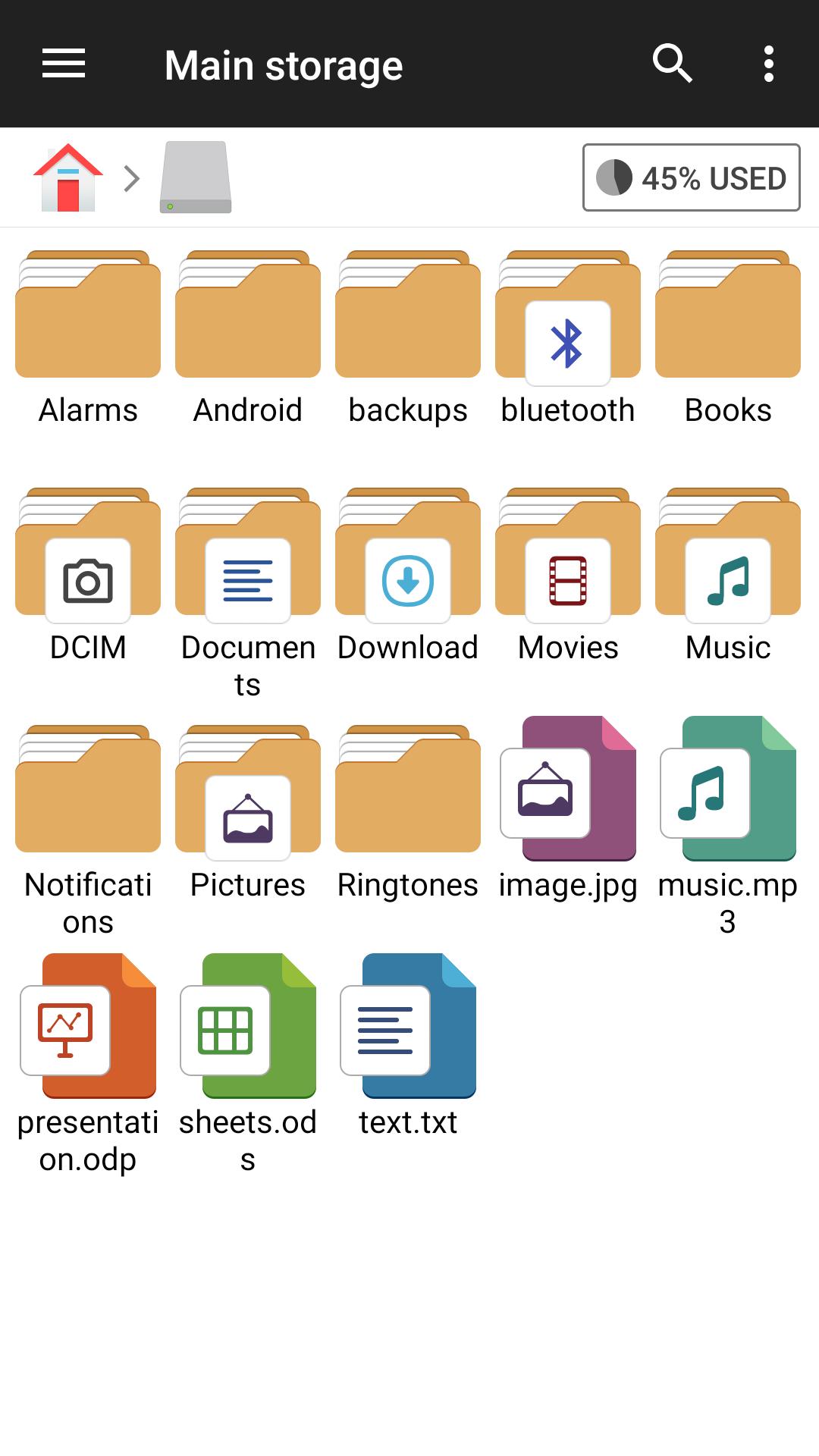
File Manager lets you browse the main storage, SD card, and USB OTG in a single view. You can copy, move, delete, and rename with quick actions that appear exactly where you need them. This helps you keep folders tidy without switching apps.
Smart organization
It auto-categorizes files into Downloads, Images, Audio, Videos, Documents, and Apps. You can also check New files and use Recent to reopen items quickly. Moreover, the global search feature of File Manager helps you find content by name or type across all folders.
Cloud and remote access
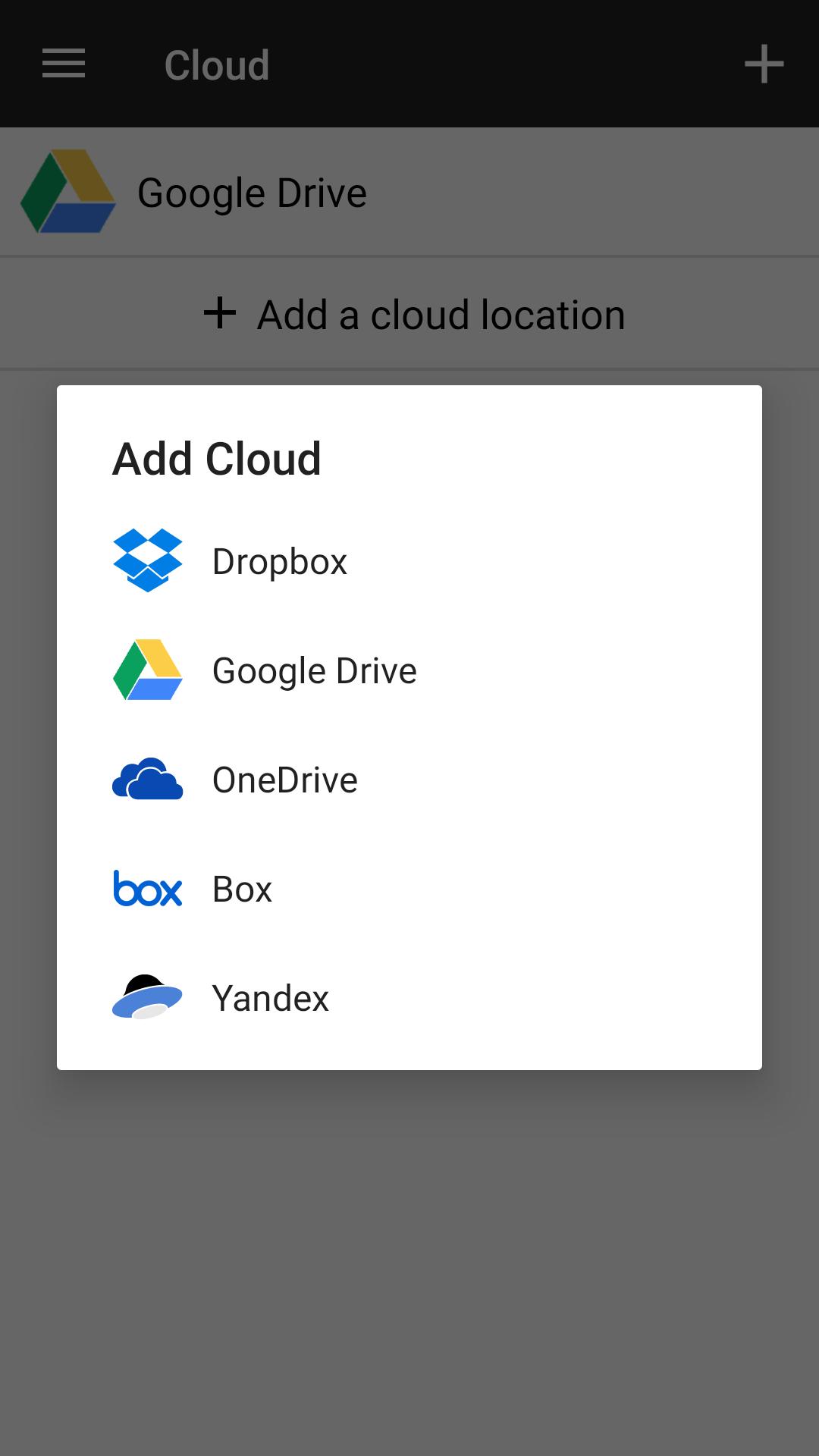
You can connect popular cloud drives and remote servers to manage everything together. File Manager supports Google Drive, OneDrive, Dropbox, Box, Yandex, as well as FTP, SMB, and NAS. In addition, you control sign-in and can disconnect accounts at any time.
Storage analysis and cleaning
File Manager analyzes your storage to spot large or duplicate junk and helps clear the cache to free space. You get simple suggestions so you can choose what to delete. As a result, your device stays responsive and clutter-free.
Built-in viewers and archive tools
File Manager opens images, plays audio and video, and lets you edit text without leaving the app. You can create and extract common archives such as ZIP and RAR, and unzip ZIP, GZ, XZ, and TAR. Therefore, you can handle attachments and downloads quickly.
Easy sharing and PC access
You can share files directly with nearby devices or send links where supported. File Manager also exposes phone storage to a computer over FTP for quick transfers. This makes moving large folders or backups faster over your local network.
File Manager highlights clear data safety practices to support user trust. According to the developer, it reports no data collected and no data shared with third parties. Data is encrypted in transit, and data deletion is available on request.
File Manager includes multi-language support to make navigation easier worldwide. Available languages include English, Español, Português, Indonesian, Bengali, Russian, Ukrainian, and Vietnamese. This helps more users manage files in their preferred language.
You can start managing files right away with a few simple steps. Follow this quick guide after you download File Manager and finish installation.
Download File Manager APK latest version from APKPure. Install the app on your Android device.
Open File Manager from your app drawer and allow storage permissions when prompted.
Browse the Main Storage or SD card, then tap and hold items to copy, move, delete, or rename.
After that, open the Categories section to view Images, Videos, Audio, Documents, Apps, or Downloads in one tap.
Then go to Cloud or Remote to add Google Drive, OneDrive, Dropbox, Box, Yandex, FTP, SMB, or NAS and sign in to manage files.
So you can free up space, tap Cleaner or Analyze Storage, review large and duplicate items, and confirm the files you want to remove.
File Manager is a practical file manager app for Android that brings local, external, and cloud storage together. Download File Manager latest version APK on APKPure to browse, clean, and share files with clear, simple tools.
For official support and information, see the links below.
Official website: https://global-e.mi.com/
Support email: [email protected]
Last updated on Mar 2, 2026
- Bug fixes and performance improvements.
3.6.8
- 'Copy again' and 'Return to source folder' are available after pasting.
- Added a toggle for video player gestures.
3.6.5
- Temporarily highlight new files with a dot after file operations
3.5.0
- Slideshow
2.8.0
- Target Android 11 : To read and write to files in shared storage using this app, you need to have the all files access permission on devices that runs Android 11 or higher.
Latest Version
 3.7.0
3.7.0
Uploaded by
File Manager Plus
Requires Android
Android 5.0+
Available on

Category
Report

Discover what you want easier, faster and safer.
