


Use APKPure App
Get File Guard old version APK for Android
File guard and protector
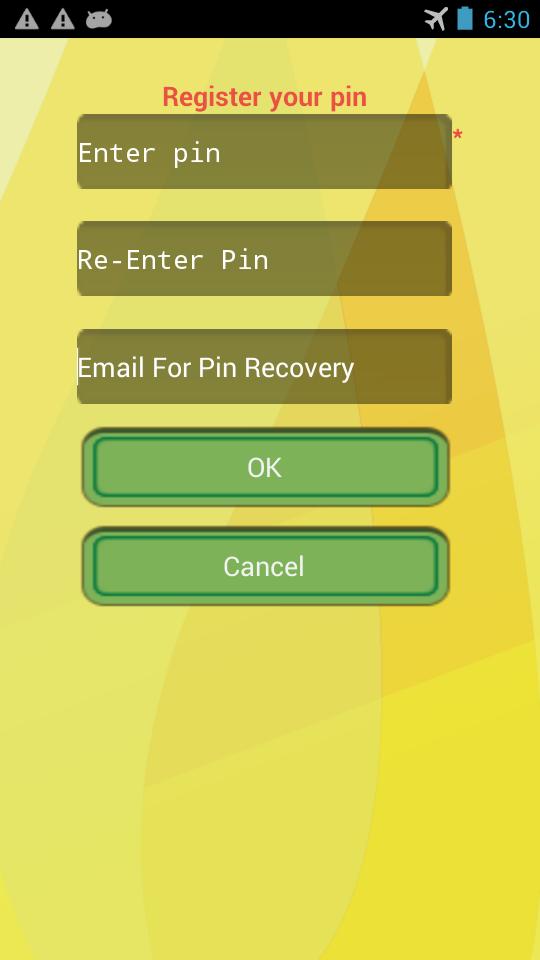
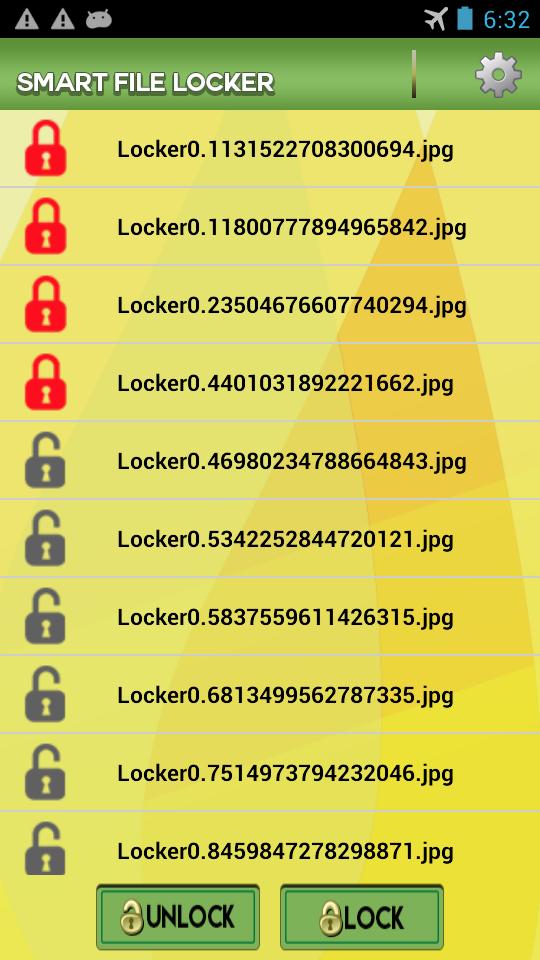
File guard protect your secure, personal and important files from unauthorize access. Files guard lock all files either they are image, video, text, audio, doc, ppt. Files locked by file guard are password protected and will not appears to any other user.
How to use:
- Open File Guard.
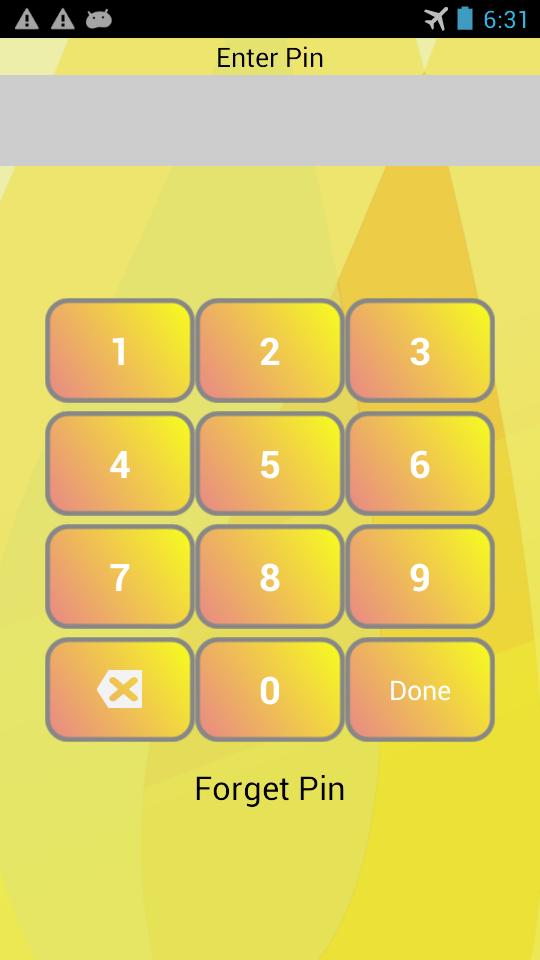
- Enter password and get access to all files.
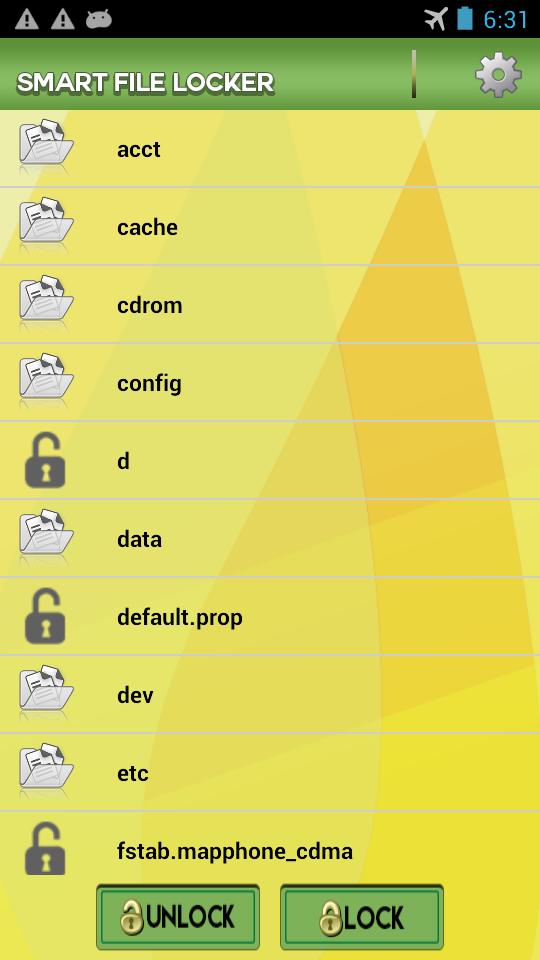
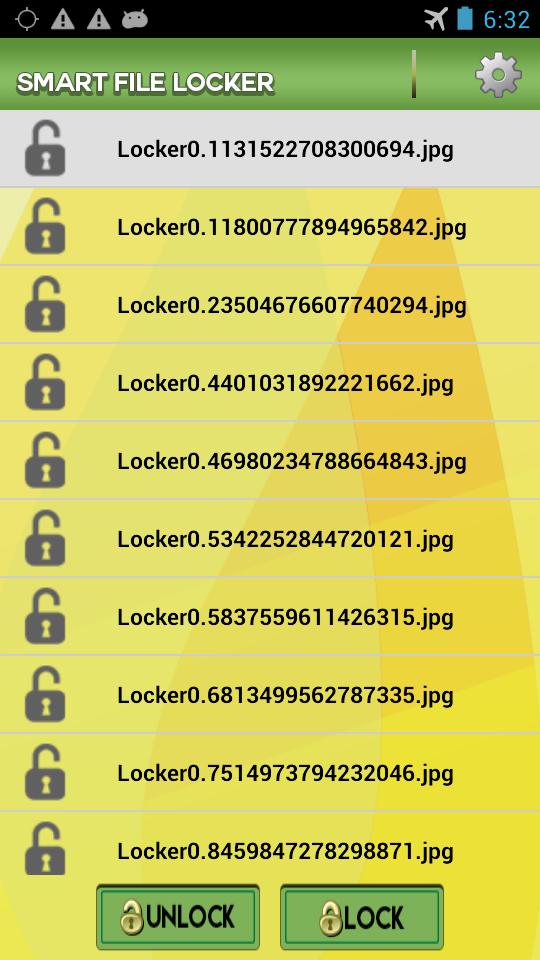
- Select the file and press lock button.
- Your desired file is locked.
- To unlock file, open file guard, Enter password, select file and press unlock Button.
- If forget password, tap the forget password button, you will get password in email.
Features:
- Only authorized access, locked files are accessible through file guard application.
- Fastest lock and unlock process and very easy to use.
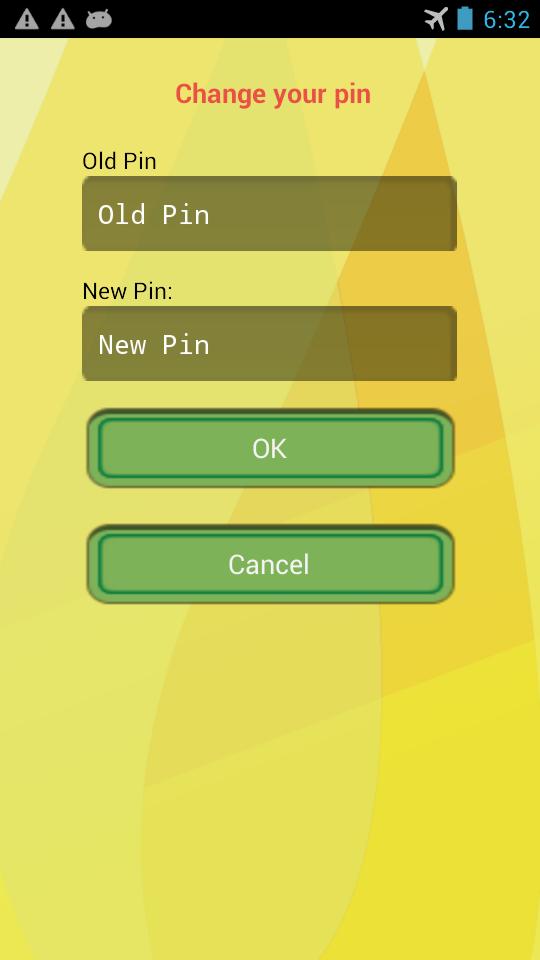
- You can change password from setting and get password in email if you forget password.
Last updated on Nov 29, 2015
Reduce Advertisements
Latest Version
 1.2
1.2
Uploaded by
Oo Oo Kaung Lay
Requires Android
Android 3.0+
Category
Report

Discover what you want easier, faster and safer.

File Guard
1.2 by CapsaApps
Nov 29, 2015