


Use APKPure App
Get EasyShare old version APK for Android


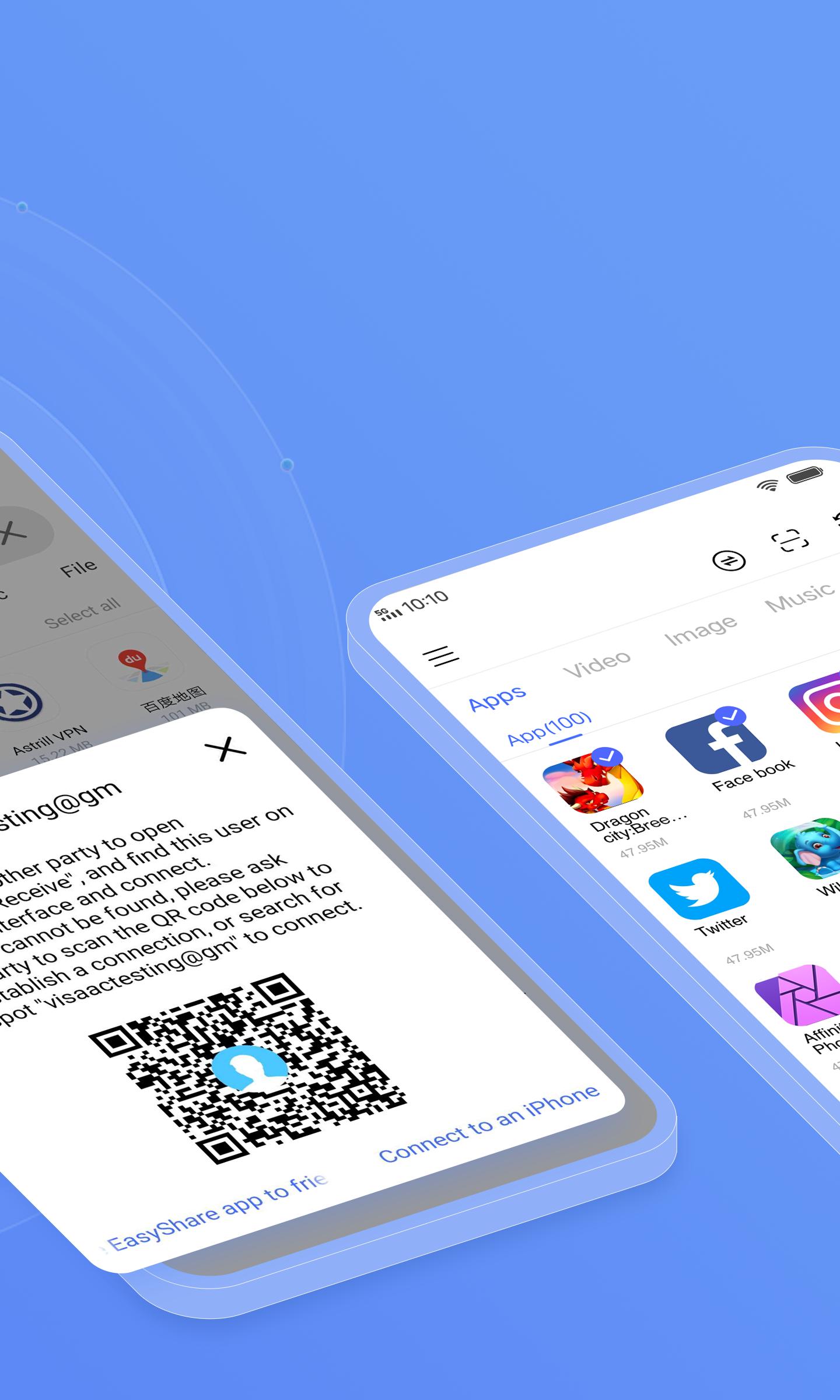


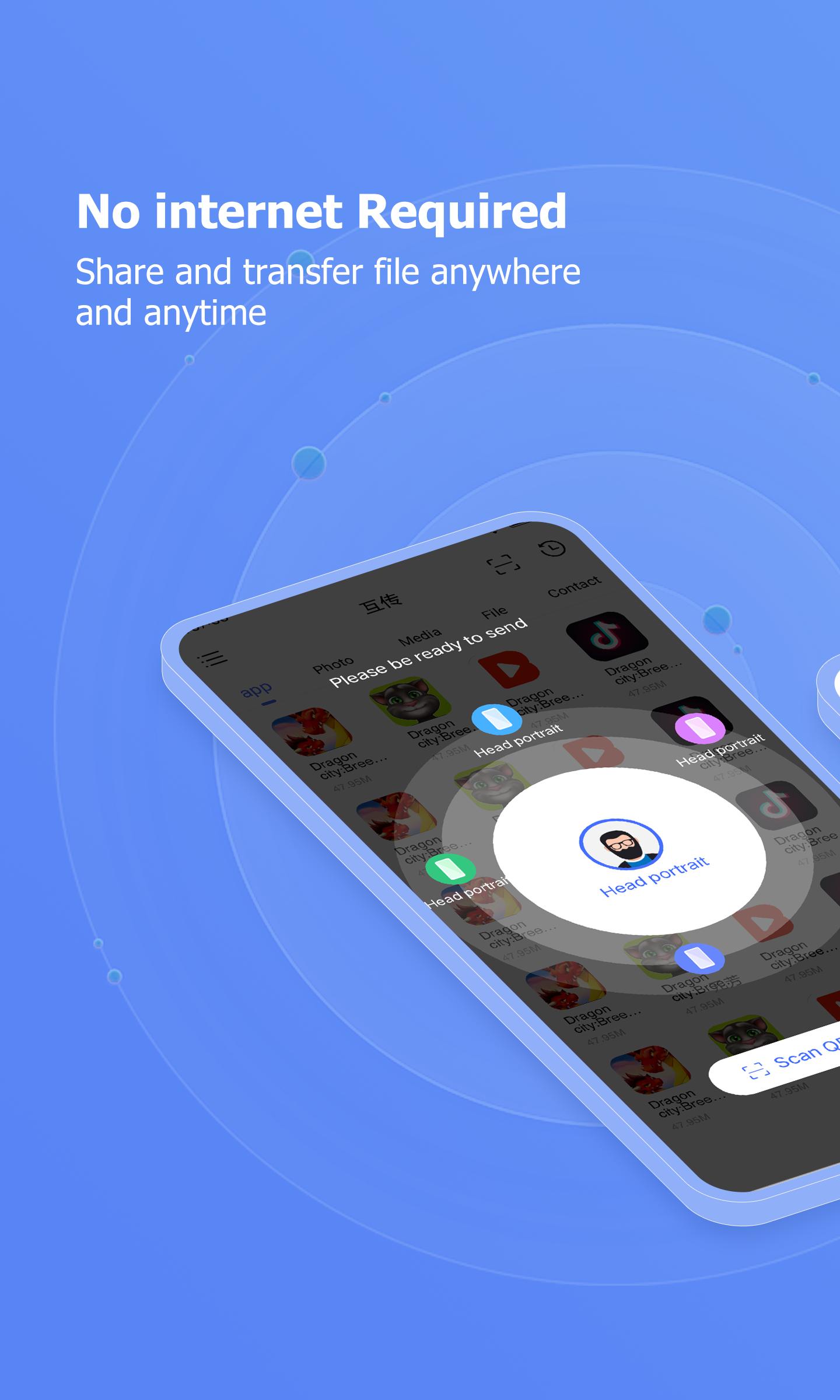

EasyShare is a file transfer and phone cloning app that moves content between phones and computers without using mobile data.
EasyShare is Vivo's official tool for fast, reliable sharing across phones and PCs. It helps you move photos, videos, apps, and documents between Android, iOS, Windows, and Mac, even when you are offline. The interface is clean and straightforward, so you can focus on sending and receiving without distractions. Many people use it to switch to a new phone or to send large files to a computer in seconds. Download EasyShare APK latest version on APKPure to keep your transfers smooth and consistent across devices.
Data-free local transfers
EasyShare connects nearby devices over local wireless or Bluetooth, so you can share without mobile data or an active internet connection. This works well in places with weak networks and helps avoid extra data charges.
High speed for large batches
EasyShare reaches up to 40 MB/s in real-world transfers. That speed helps you move full albums, long videos, and entire folders quickly, which shortens setup time during phone upgrades.
Cross-platform sharing
It works with Android and iOS phones as well as Windows and Mac computers. With EasyShare, you can send photos, videos, documents, and APK files between platforms without cables, and you can receive from friends no matter what device they carry.
Phone Clone for new devices
When you set up a new phone, EasyShare can copy contacts, messages, call logs, photos, videos, and apps in one go. Across different brands, app data is not transferred, so you can plan ahead and sign in again where needed.
Group and multi-person transfers
EasyShare lets you share with several people at once, which is useful for classrooms, teams, and events. You can broadcast the same files in one session, and everyone nearby can join and receive them together.
No ads and clear privacy notes
Its ad-free interface that keeps actions simple and direct. The developer of EasyShare states that there is no data sharing with third parties, and transfers happen over local links you control.
For phone to PC workflows, EasyShare provides a free Windows client on its official website. After installation, you can pair your phone with the desktop app, browse files, and move items both ways without a cable. This setup helps if you regularly archive media to your computer or pull documents back to your phone before a trip.
Follow these steps to send files between two phones using the EasyShare APK. The process is similar for tablets and also works when pairing with a computer.
Download EasyShare APK on APKPure, install it on both devices, and open the app.
Tap Send on the old device and Receive on the new device, then choose File Transfer or Phone Clone based on your goal.
After that, follow the on-screen prompt to connect via QR code, local hotspot, or Wi Fi. Keep the devices close for a stronger link.
Then select the photos, videos, apps, or documents you want to move and tap Send. Confirm the request with the receiver when asked.
So you can monitor progress, wait for the transfer to complete, and check the result in the history screen. Repeat the steps for more files or end the session.
EasyShare focuses on fast, offline sharing and simple phone cloning that works across phones and computers. Download EasyShare latest version from APKPure to move files quickly and set up a new device with less effort.
For official links and support, see the information below.
Official website: https://easyshare.vivo.com/
Support email: [email protected]
Does EasyShare collect user data?
Yes, EasyShare is developed by Vivo, and the app has no ads. The developer states there is no data sharing with third parties, and transfers use local connections you initiate. This setup helps keep your content under your control while you share without mobile data.
Is EasyShare only for Vivo phones?
No, EasyShare works across Android and iOS phones and also connects with Windows and Mac computers. Therefore, you can send and receive files between different brands and platforms in the same session.
Can EasyShare transfer app data between different brands?
No, EasyShare does not migrate app data across different brands. It can move contacts, messages, call logs, photos, videos, and apps, but app-specific data usually remains on the old device and needs to be signed in again on the new phone.
Last updated on Jan 14, 2026
Known bug fixes
Latest Version
 7.0.11.5_ex_gp
Uploaded by
PT vivo mobile Indonesia
Requires Android
Android 11.0+
Available on

Category
Report

Discover what you want easier, faster and safer.
