


Use APKPure App
Get DiskWala old version APK for Android


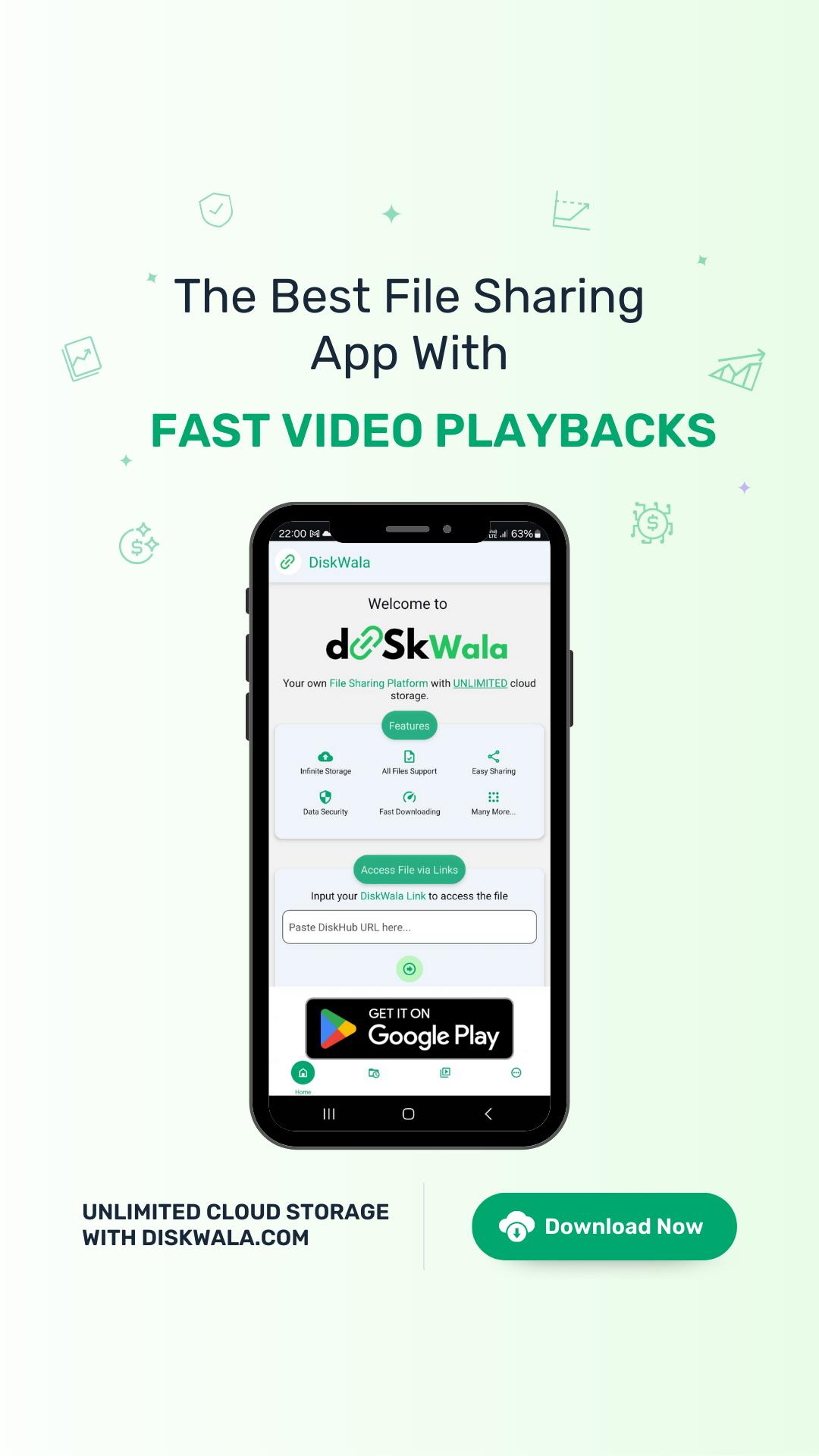
Diskwala is a cloud storage and file sharing app that lets you store, stream, and share files easily.
Diskwala helps when you need a simple place to keep large videos, documents, and links in one account and access them anywhere. It focuses on quick uploads and smooth playback so you can watch or share without delays. For everyday use, you can open shared links directly in the app and start viewing, even if you skip sign up. At the same time, creators can manage links from a web dashboard and Telegram tools. If you prefer direct installs, Diskwala APK is available for Android users.
Diskwala provides unlimited space for your files, so you can keep large videos and documents without constant cleanup. Uploads complete quickly and generate a shareable link that you can send to friends or audiences. This approach helps you move content around without extra steps or heavy device storage use.
Security and access controlsDiskwala uses advanced encryption to protect stored files during upload and access. You can control who can open or share your links, which helps limit distribution when needed. These settings keep simple sharing in place while maintaining privacy for sensitive content.
Use it across devices with direct app linksDiskwala works on Android, iOS, and the web, so you can switch devices without losing access. Shared links can open directly in the app, avoiding extra web pages in between. This reduces taps and helps you reach the file or video faster, especially when you are on mobile data.
Fast video playback and easy downloadsYou can stream videos with an advanced player that supports quick seeking and stable viewing. Diskwala also lets you download or share videos when that suits your use case. Ads are kept minimal to avoid interruptions, and a premium option is available if you prefer an ad‑free experience.
Creator tools, live stats, and monetizationCreators get a web dashboard for uploads, link management, and real‑time view counts that show engagement as it happens. Telegram bots assist with tasks such as uploading and converting links, so you can work directly from chat. Monetization is available with a rate of $2 per 1000 plus views and a $10 minimum payout, with instant payments when criteria are met. The OG Uploader model gives the original link creator a 5 percent revenue share when others convert that link.
Before joining as a creator, it helps to understand how earnings and tracking work. Diskwala calculates revenue from valid view counts and displays unlimited, live totals in the dashboard. This transparency makes it easier to spot what is performing and adjust your uploads accordingly.
These terms aim to clarify how funds are earned and how referrals are credited. If you collaborate with other uploaders, the OG Uploader model helps attribute value to the first source of a link.
Diskwala combines a mobile app, a web dashboard, and Telegram bots to simplify uploads and link control. The bots cover tasks like file uploading, Diskwala‑to‑Diskwala link conversion, and TB‑to‑Diskwala conversion, which can save time if you manage many links. For broader access, Diskwala web lets you review files and stats in a browser while keeping your Android app ready for on‑the‑go streaming.
Getting started is straightforward, whether you want to watch shared videos or upload your own. Install the Diskwala latest version to ensure newer playback and sharing improvements. You can view links without creating an account, and you can sign in later if you plan to upload or track views.
Diskwala focuses on simple cloud storage and fast video access, with tools for both everyday users and creators. If this matches your needs, download Diskwala and try link‑based sharing, quick playback, and real‑time stats for uploads.
For official information or help, use the contacts below.
Last updated on Mar 10, 2026
Show More Button is Back.
Fixed FullScreen Issue in Premium.
Fixed Some Bugs.
Latest Version
 21.3
21.3
Uploaded by
Brajan Kłys
Requires Android
Android 7.0+
Available on

Category
Report

Discover what you want easier, faster and safer.
