



下载 APKPure App
可在安卓获取MP3 Cutter的历史版本
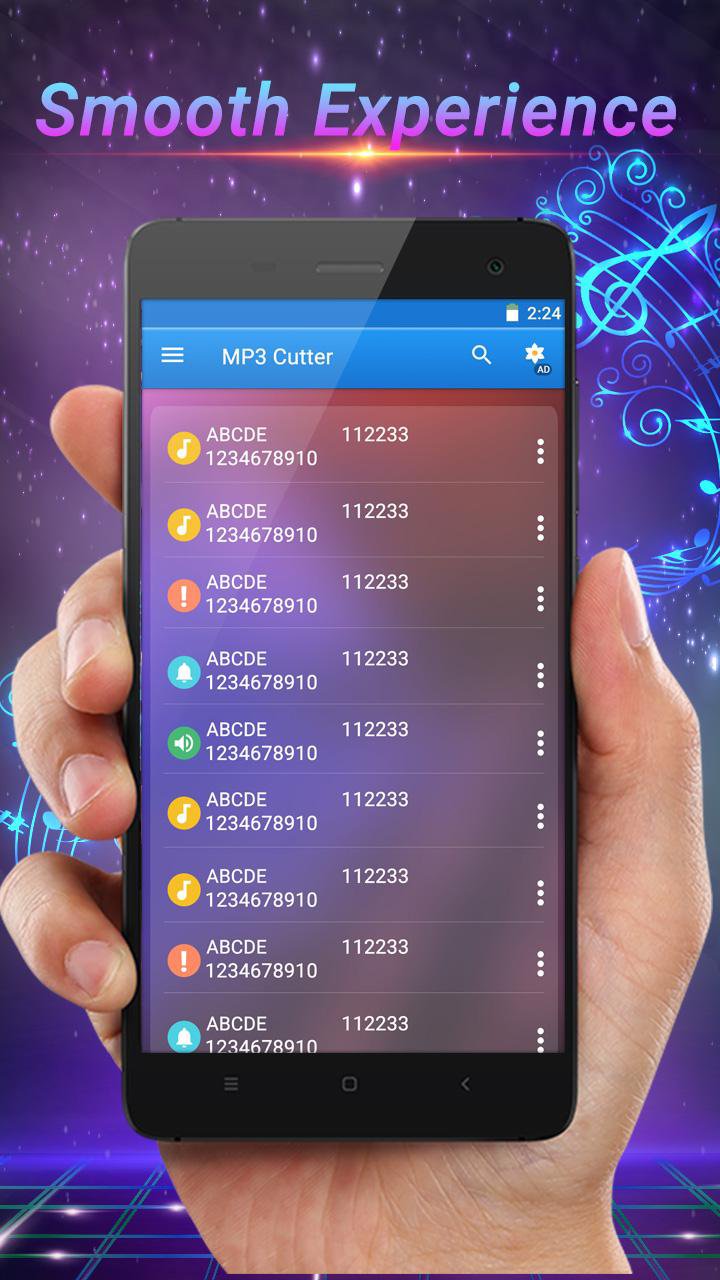


削减你最喜欢的歌曲的最好的部分,个性化铃声
How to use the Mp3 Cutter
1. Select mp3 / music from your phone or recording.
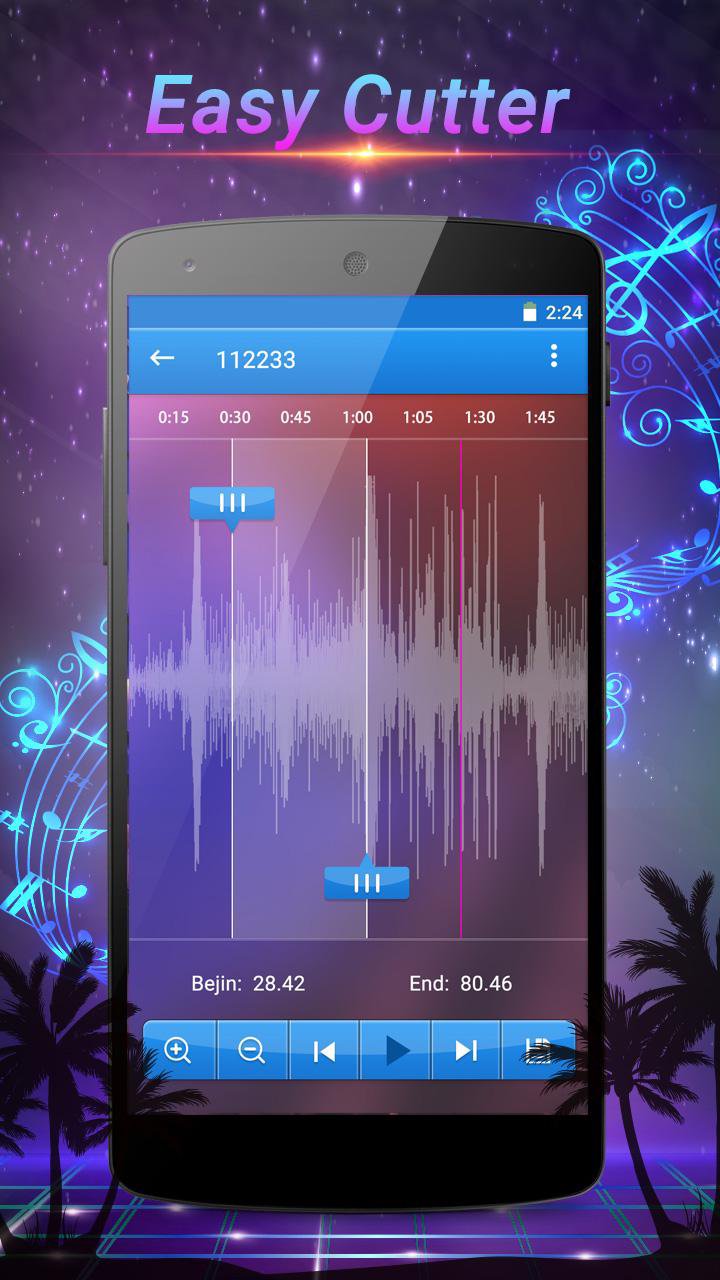
2. Select the area to be shred from the audio.
3. Save as Ring / Music / Alarm / Notification.
Main features:
* Built-in MP3 player to help you play before cutting, select the part to be cut.
* Preview and play all the list of output ringtones.
* Cut music files stored on your phone to make unique ringtones.
* Mobile and various audio files, music, music editing and cutting 4. Scan storage.
* Built-in file browser makes it easy to find and open music.
* Powerful audio editing features, fine milliseconds.
* Easily preview and play all the list of output ringtones.
* Manage your ringtone files. Delete, edit, set to ring / alarm / notification ringtones.
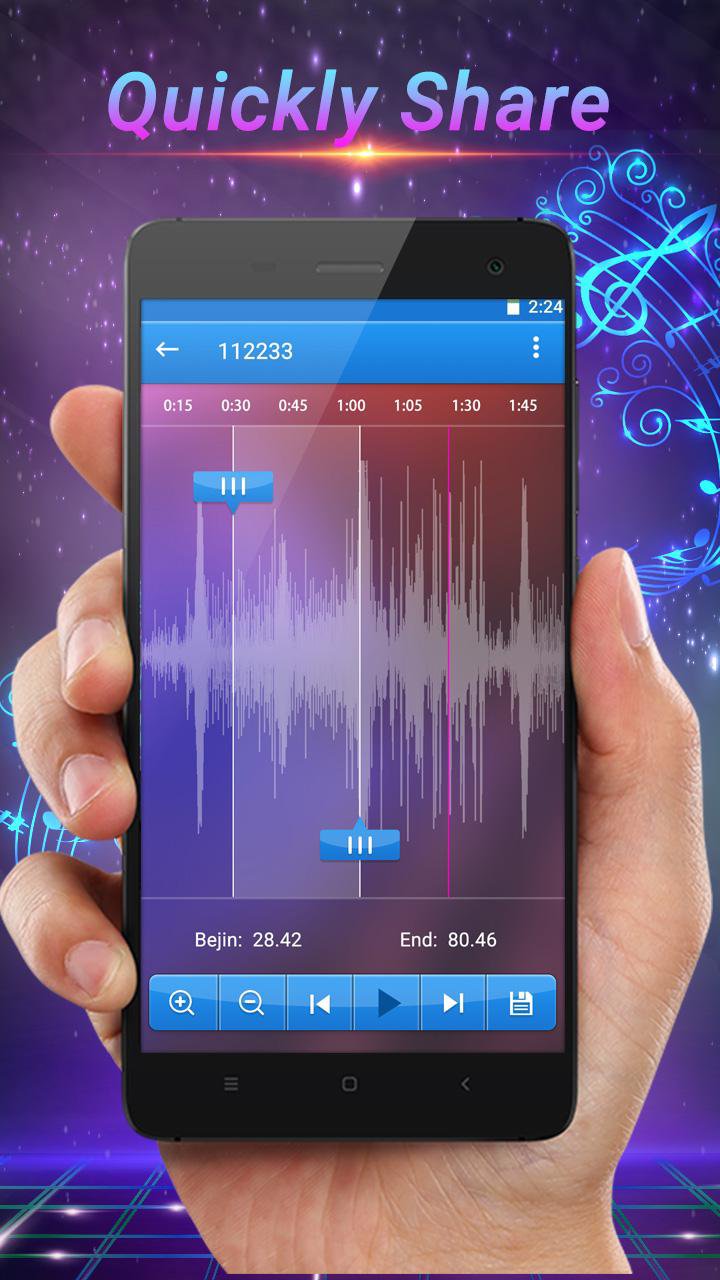
* Use the optional touch interface to set the start and end of an audio clip.
* Play the position in the music player.
* Set the start and end times (in seconds) manually by entering a value in the text box at the bottom of the application.
* Option to name the new clip and save it.
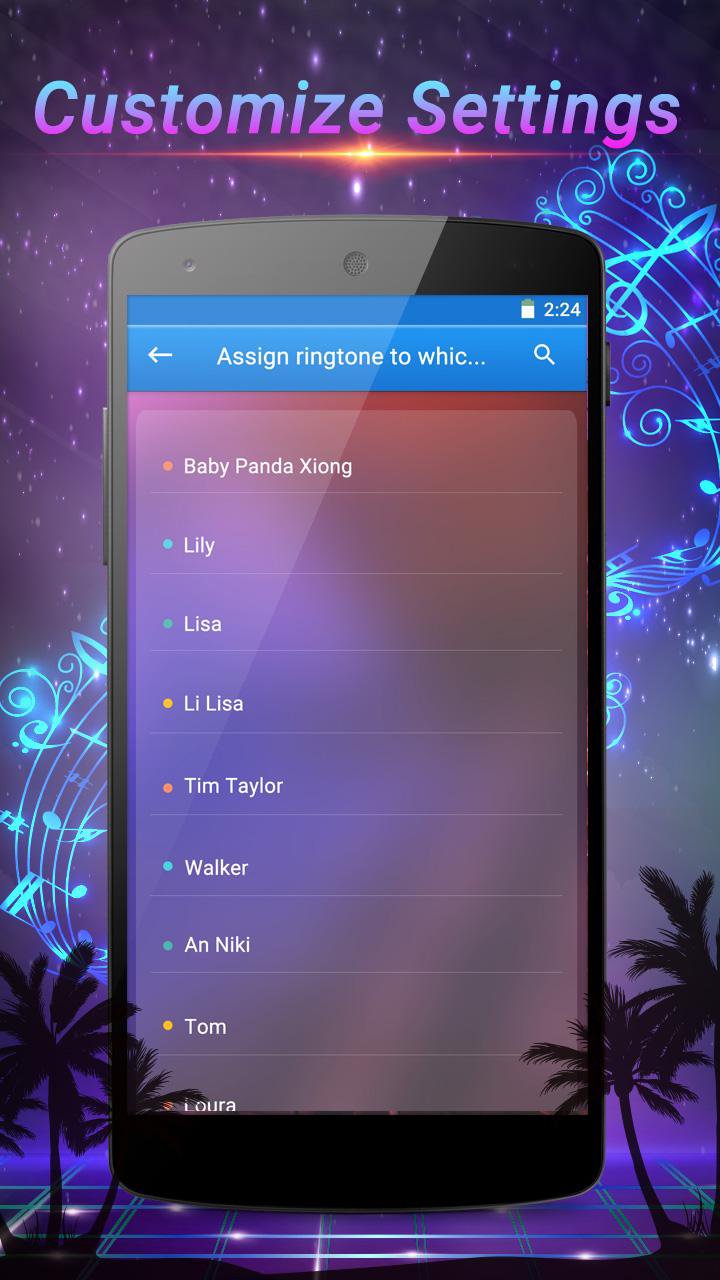
* Use this editor to set a new clip as the default ringtone or to assign to a contact.
* Save with a new name to save the clip and set it as a ringtone / music / alarm / notification ringtone.
*Share your edited audio files.
If you encounter problems, please do not give me negative feedback, please contact with [email protected], we will reply as soon as possible and resolve all problems.
Last updated on 2016年11月11日
Minor bug fixes and improvements. Install or update to the newest version to check it out!


MP3 Cutter
1.1 by MobiDev Studio
2016年11月11日