



下载 APKPure App
可在安卓获取Light Meter的历史版本


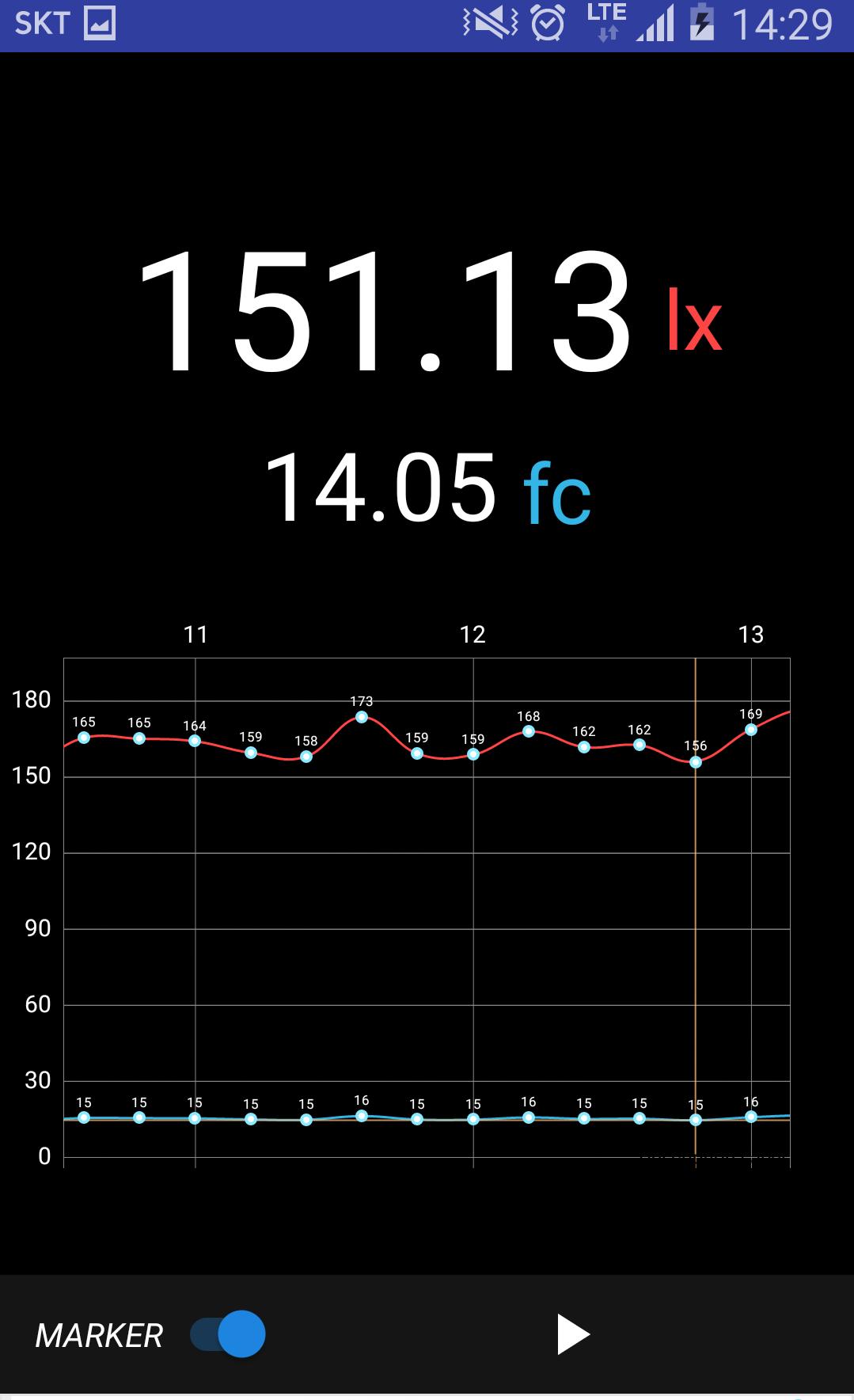
光度计
*Light Meter used android sensorEvent2
- The illuminance sensor is installed on the liquid crystal display screen side of the terminal.
- The optical sensor may not be able to change the terminal brightness and intensity.
- Professional light intensity (Lux) for the device m.
- It measures the illumination level of Lux.
- Please note that the accuracy of the light sensor is different from the value displayed in this application as an indicator to other devices.
- This application requires a light sensor and a device. It uses native optical sensor data acquisition to provide accurate and instantaneous light intensity for reading. Raw data collection can be used with many supported devices of this type.
light meter app
best light meter,
how to use light meter,
lux light meter,
lux meter,
digital light meter,
light meter app android
Last updated on 2018年10月24日
*remove top banner
*fix UI


Light Meter
2.5 by JeongHyeon Park
2018年10月24日