


Use APKPure App
Get Clock old version APK for Android
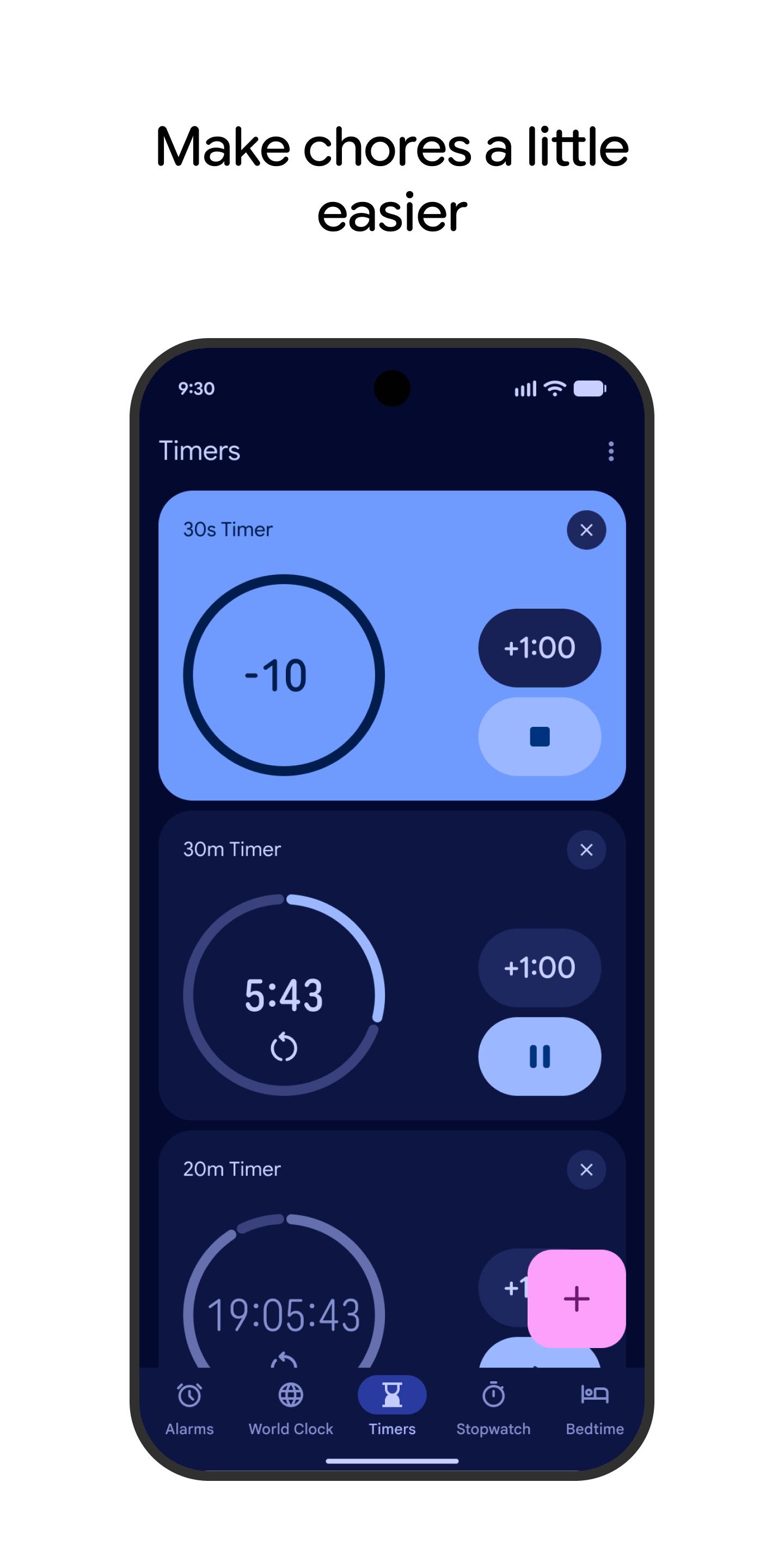
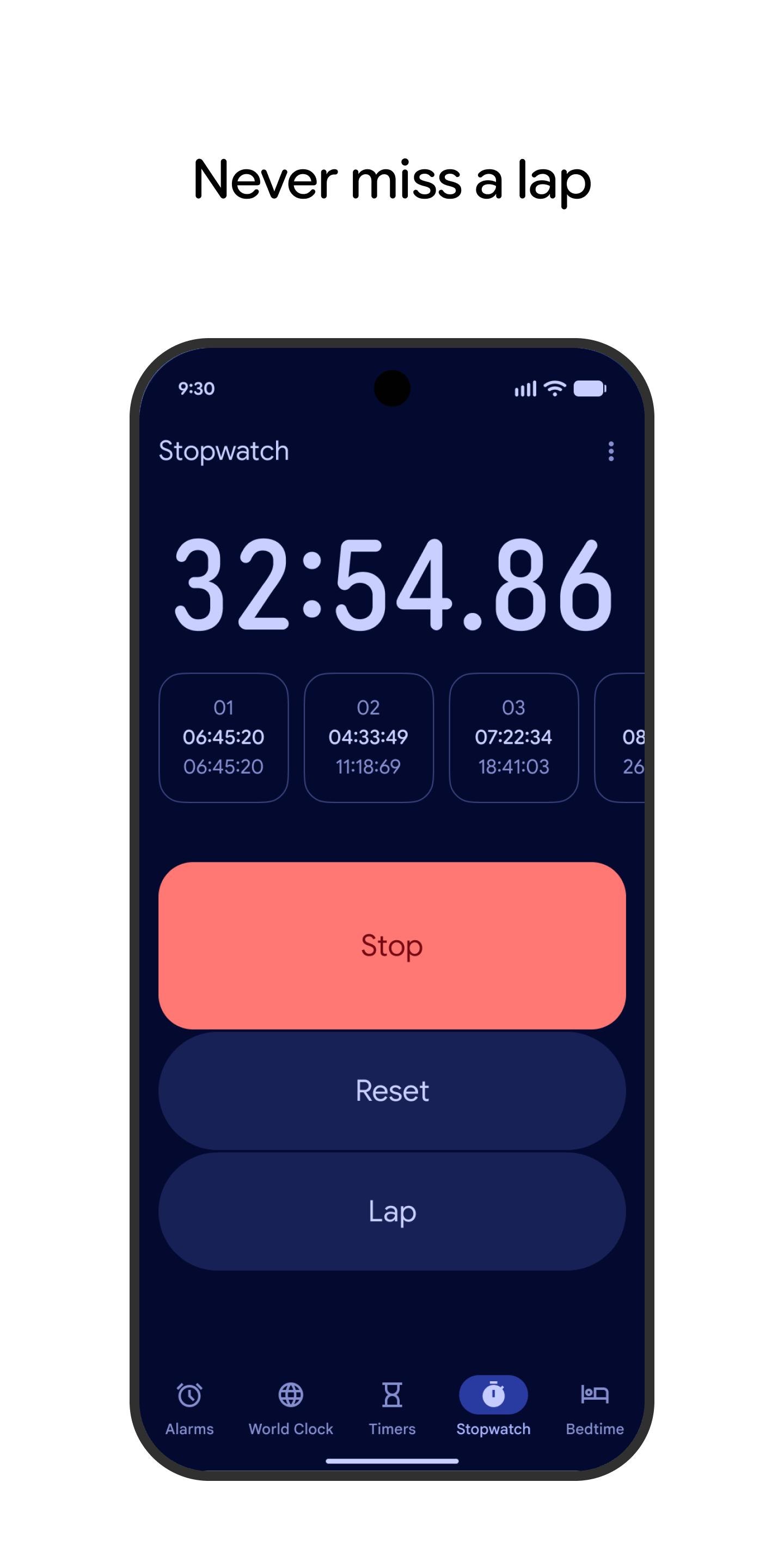
Clock is a time and alarm app that brings reliable alarms, timers, and world time together.
Clock supports everyday routines at home, work, and travel. It helps you plan mornings, focus during tasks, and wind down at night. The interface stays clear across phones and watches, so you can check time quickly and move on. Because it is consistent across devices, you avoid confusion when switching between screens. For users who prefer a simple utility over complex tools, Clock keeps time management straightforward. If you want to download Clock without extra clutter, this app fits that need.
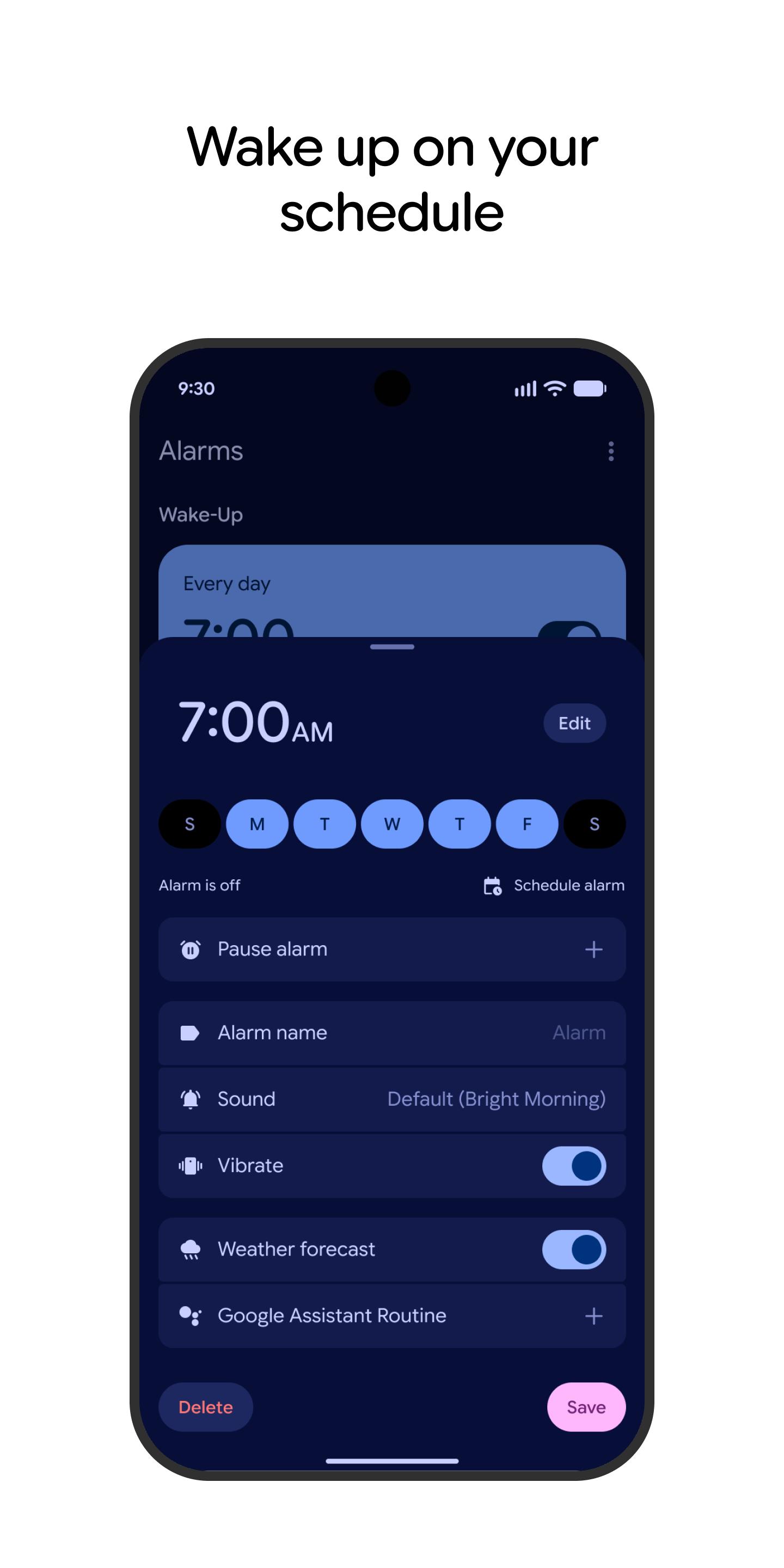
Clock lets you set alarms with clear controls. You can run multiple timers at once and use a full stopwatch for precise tracking. This alarm clock app keeps key actions simple, which helps during busy moments.
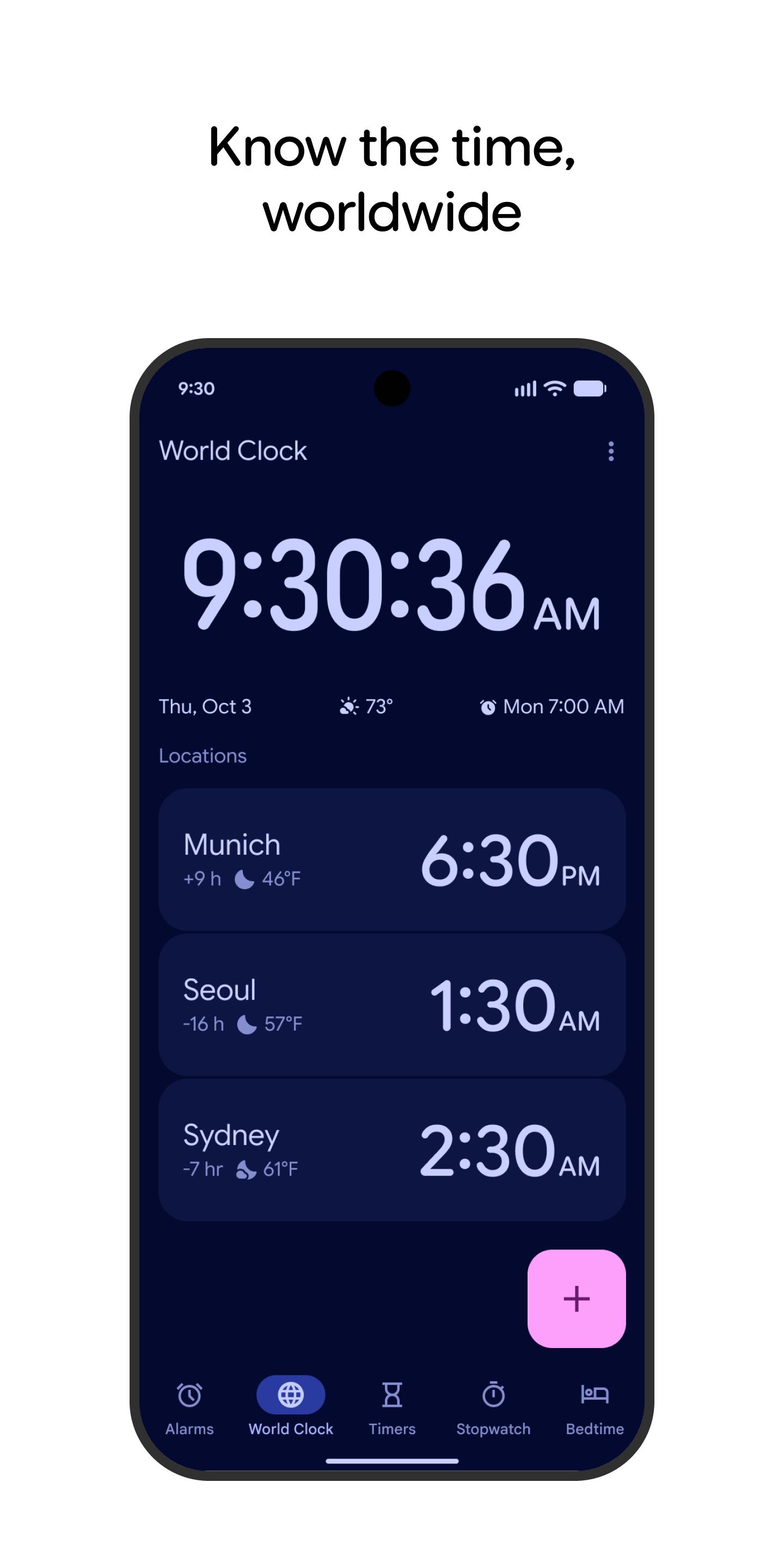
World Clock for time zonesTrack several cities in one view and compare local times at a glance. This helps you schedule calls or plan travel without manual checks. Clock keeps the list tidy, so you see the most relevant cities quickly.
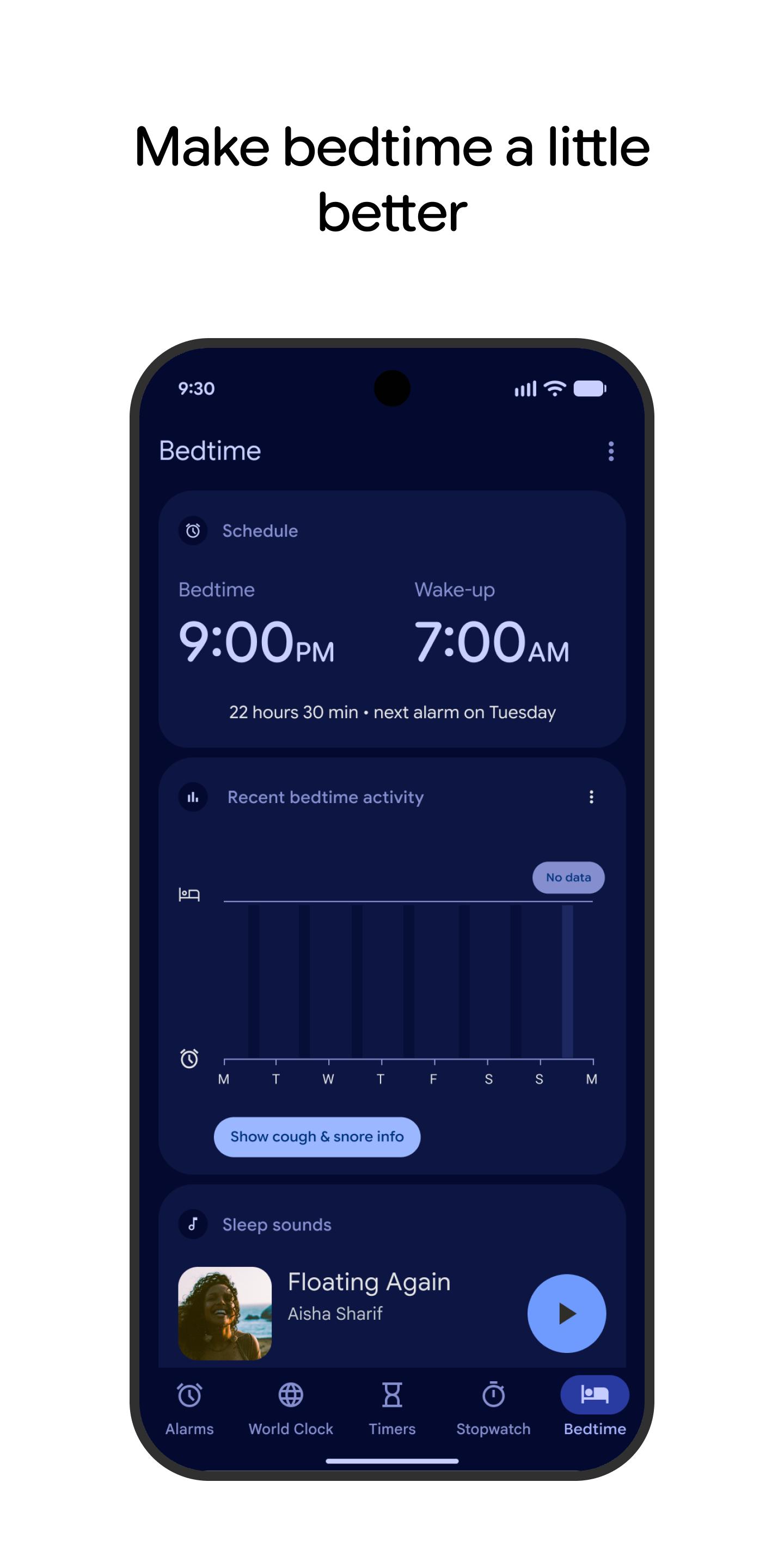
Bedtime schedule and sleep soundsCreate a bedtime routine that reminds you when to wind down. You can listen to calm sleep sounds and review upcoming events for the next day. As a free clock app, these bedtime tools stay accessible without extra setup.
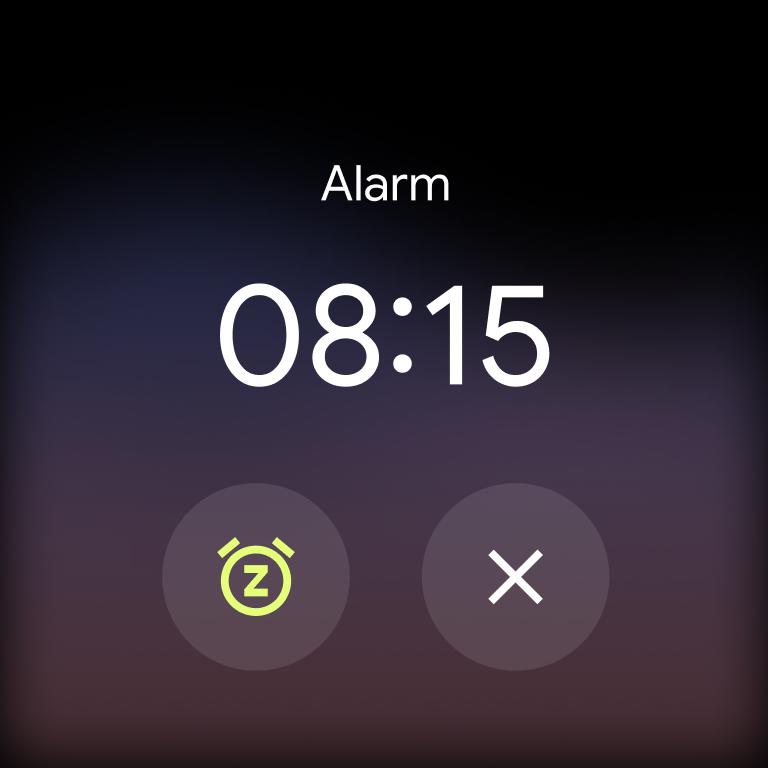
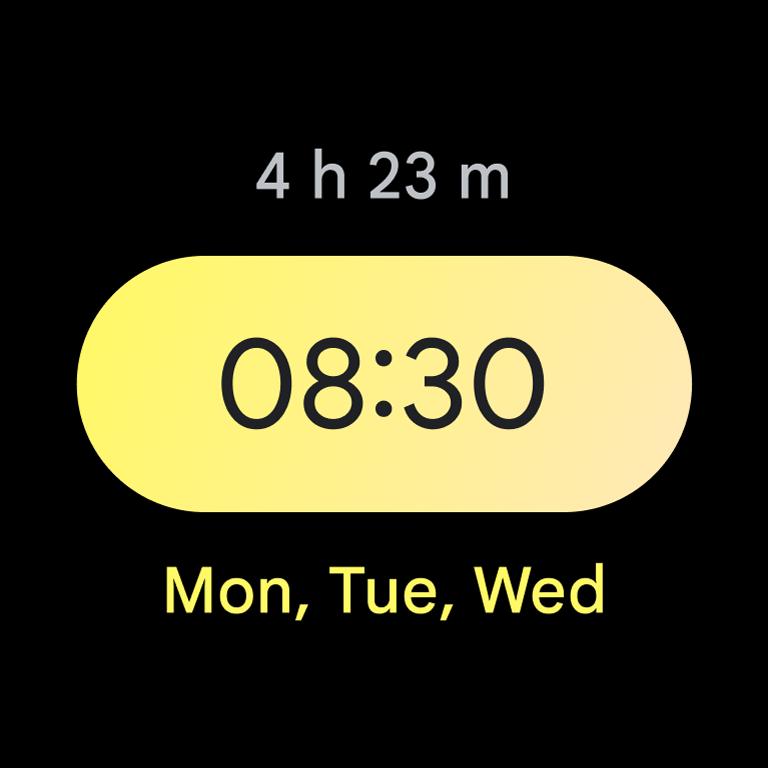
Wear OS on your wristPair a Wear OS watch to mirror alarms and timers. Use tiles and watch face complications to start, snooze, or dismiss right from your wrist. This connection keeps time tools available when the phone is not in hand.
Clean Material design across devicesClock follows Material 3 for clear layouts and readable text. The Clock app for Android adapts to phones, tablets, Chromebooks, and watches, which keeps interactions familiar as you switch screens. Visual cues guide actions without extra training.
Clock is built with privacy in mind. No data is shared with third parties, and data is encrypted in transit to protect content moving between devices. The app undergoes an independent security review, which adds another layer of assurance for everyday use.
Clock focuses on personal time tools such as alarms, timers, a stopwatch, and world time. It is not designed for timesheets, clock-in workflows, or team attendance tracking. Before a Clock app download, consider whether you need personal scheduling tools or specialized time tracking.
If you use a Wear OS watch, Clock mirrors alarms and timers to your wrist. Tiles and watch face complications provide quick access, and you can snooze or dismiss alarms from the watch without reaching for the phone. On some devices, the app name may appear as Google Clock, which refers to the same utility.
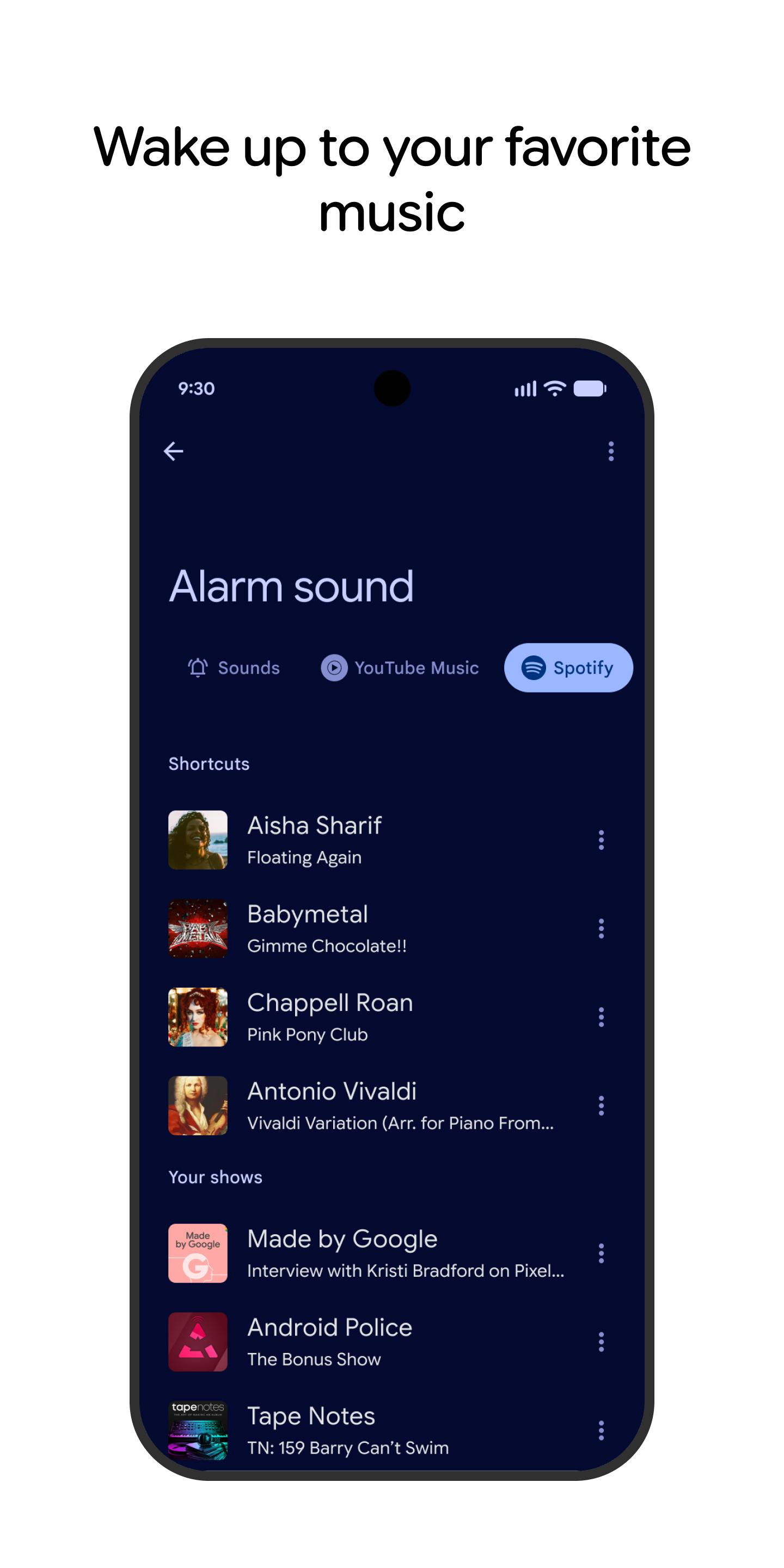
Clock provides straightforward controls for alarms, timers, world time, and bedtime. The quick steps below cover adding alarms, changing sounds, deleting entries, and placing a widget for faster access. If you installed the Clock APK, these steps apply across most Android devices.
Clock brings essential time tools together in a clear, consistent interface across devices. Download the Clock latest version to set reliable alarms, run timers, track world time, and connect with Wear OS.
For official support and information, use the links below.
Last updated on Mar 19, 2026
• Updated to Material 3 Expressive design
Latest Version
 8.6 (866722263)
Uploaded by
Ali Salman Noorani
Requires Android
Android 10.0+
Available on

Category
Report

Discover what you want easier, faster and safer.
