



Use APKPure App
Get Browser for Android old version APK for Android
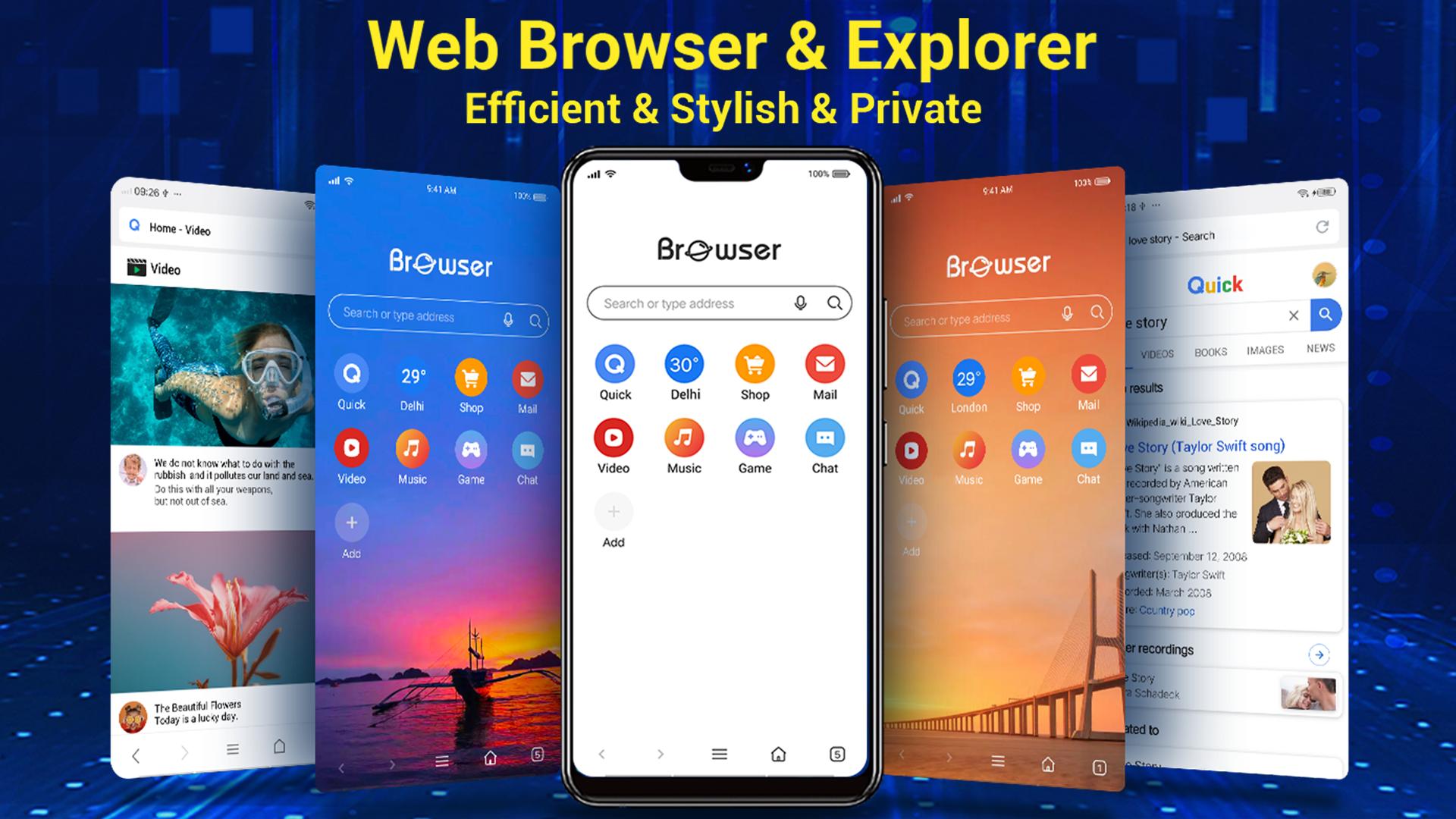
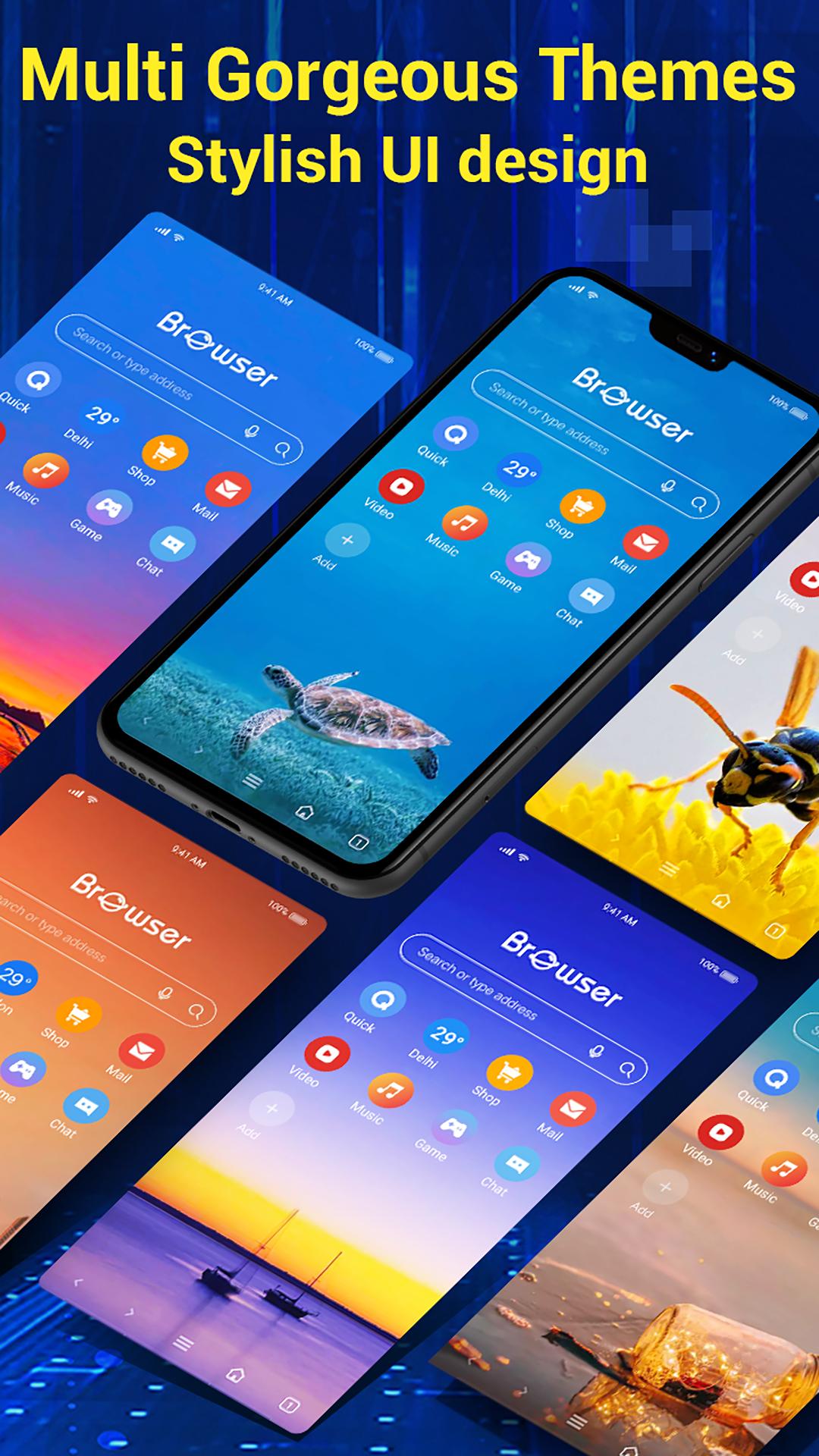
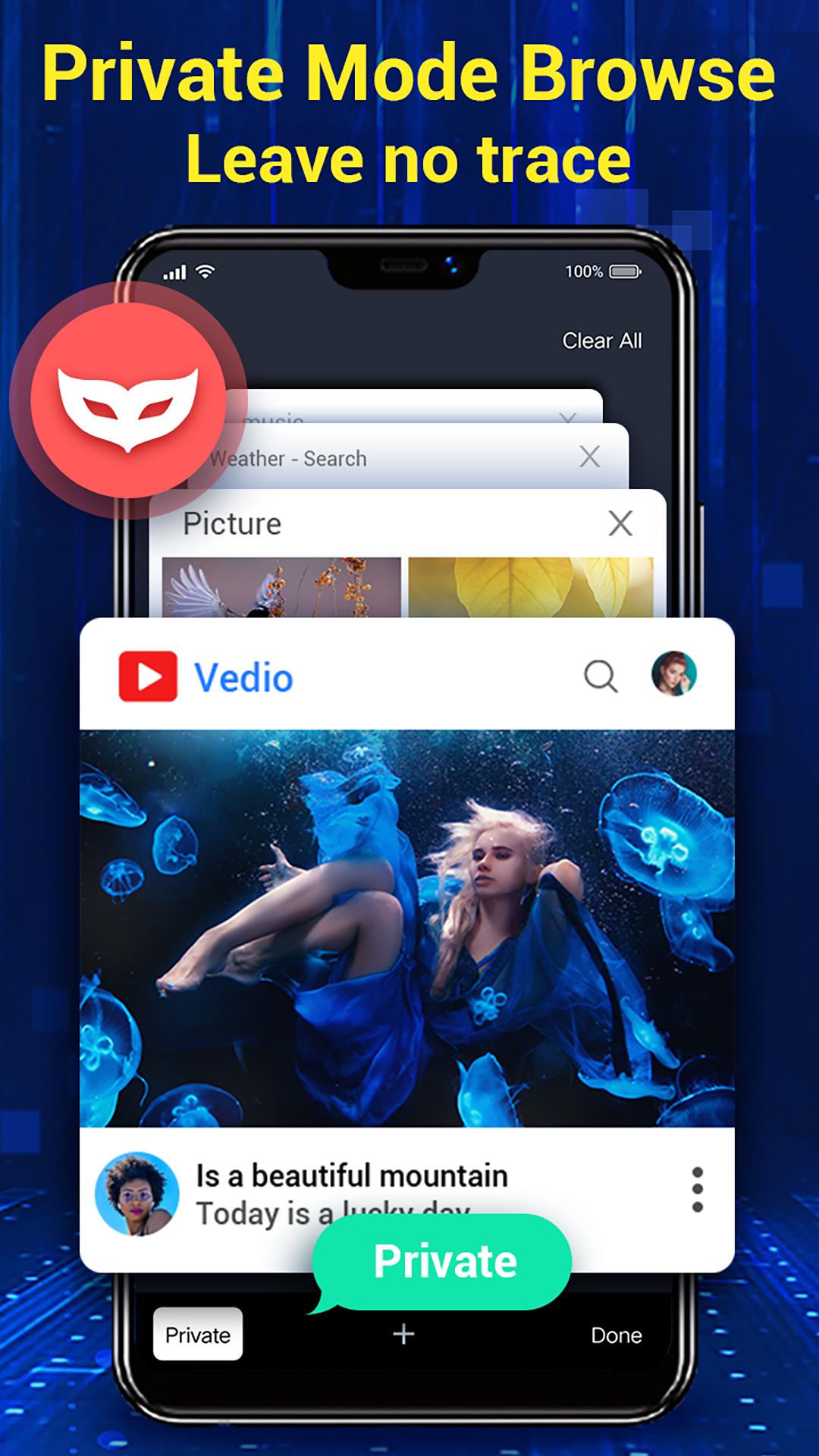


Browser for Android is a mobile web browser app that focuses on speed and privacy.
Browser for Android suits users who want quick page loads, straightforward controls, and strong privacy options on a phone. It is designed to keep browsing simple while helping you stay in control of what you share online. Whether you read articles, watch clips, or manage files, the layout keeps common actions within reach so you can move between tasks without friction. If you plan to download Browser for Android, the app supports everyday use patterns like searching, bookmarking, and saving files while staying mindful of data use.
Speed-first browsing
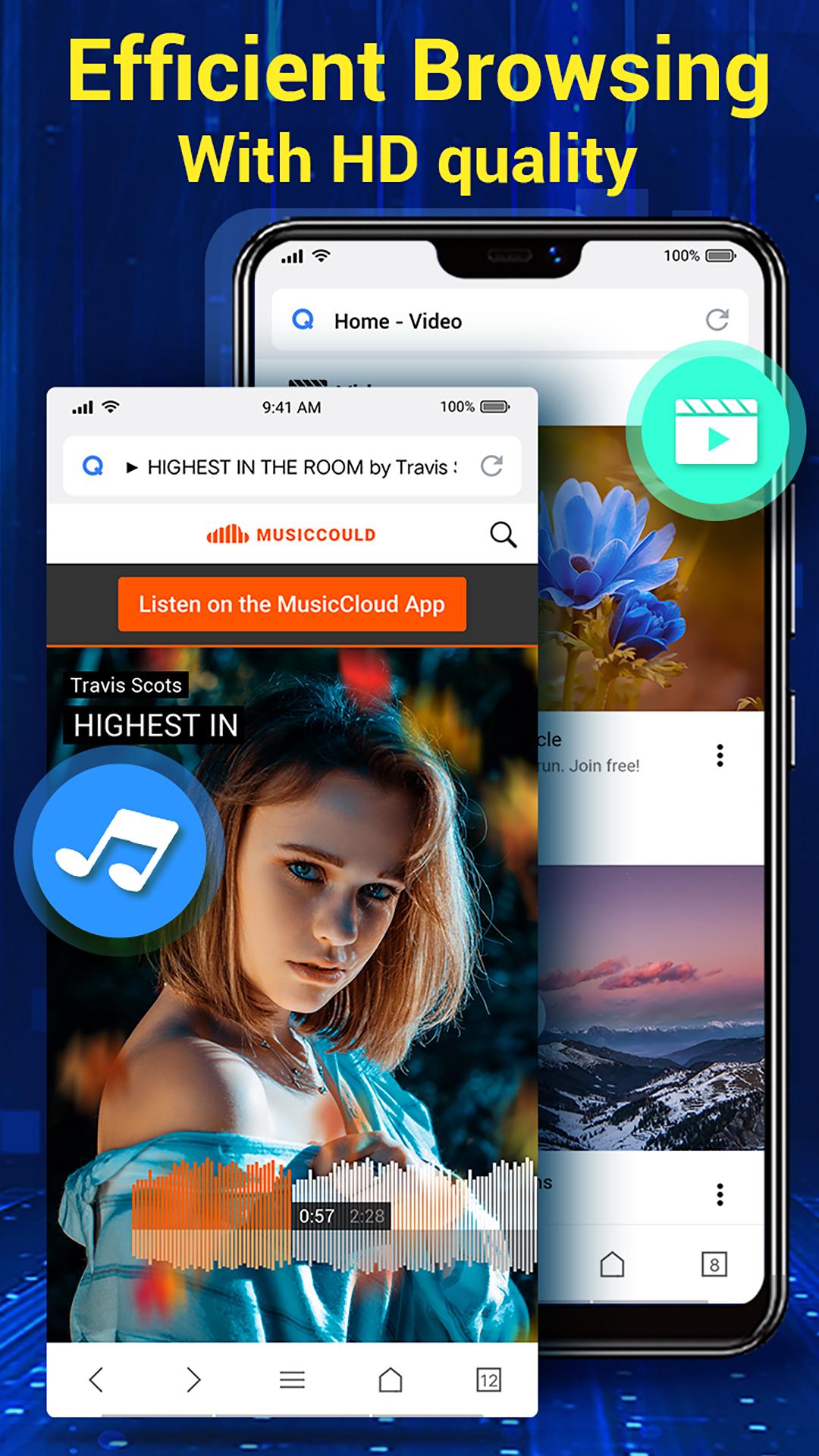
Browser for Android starts quickly and renders pages with smooth scrolling. It is tuned for common mobile networks including Wi‑Fi, 3G, and 4G so pages load reliably at home or on the go. The engine focuses on fast startup and responsive navigation, which helps when you open multiple links or move between tabs. This approach keeps reading and viewing consistent even on variable connections.
Privacy and safety controls
Privacy tools are built in so you can manage how sites track and use your data. Do Not Track can be enabled, and extensive security settings let you choose what gets stored on your device. You can also add compatible add-ons to reduce tracking across sites. These controls give you a clear set of options to adjust how your browsing behavior is handled.
Smart search and desktop-to-mobile sync
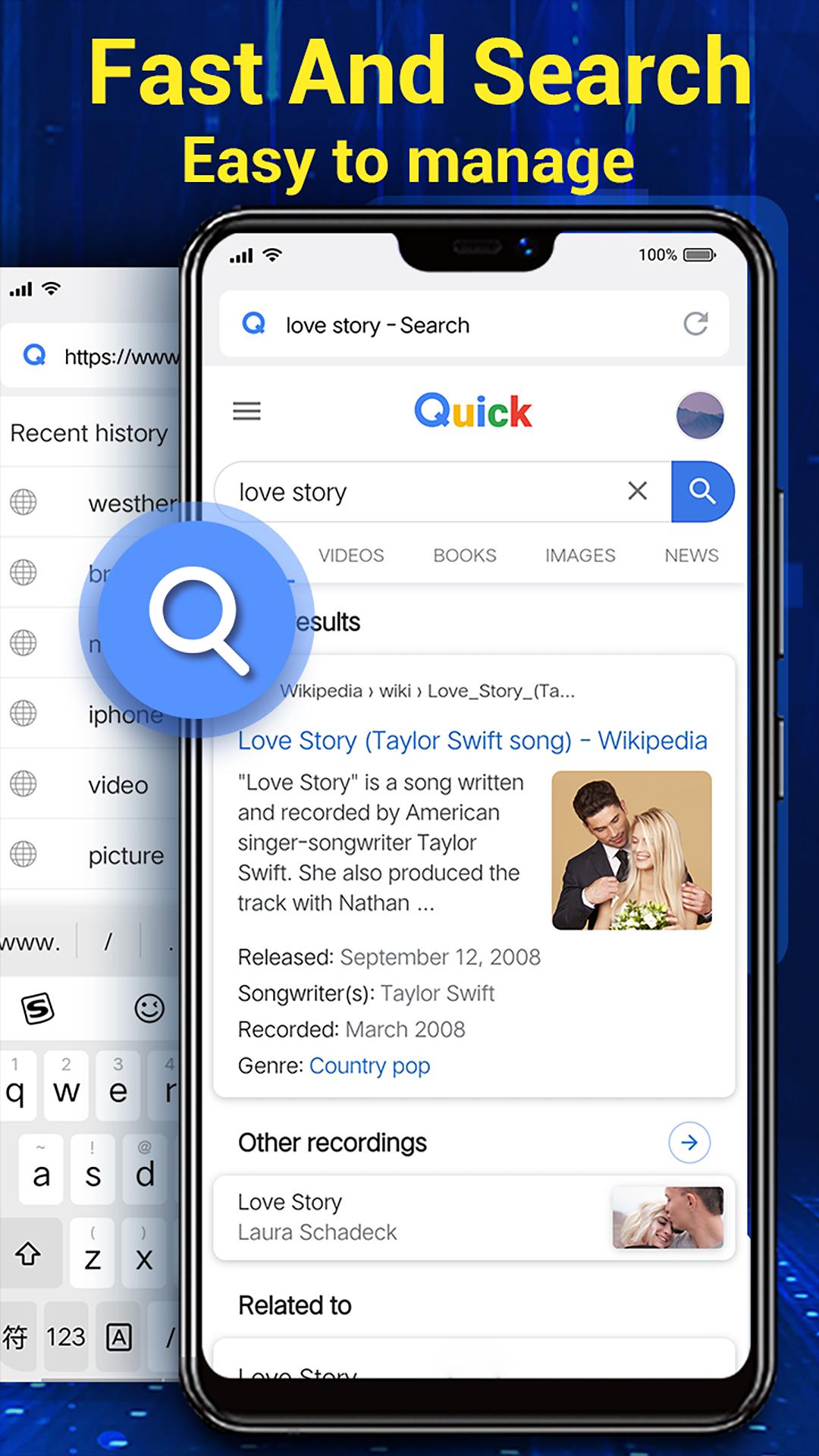
Finding content is straightforward with intelligent search that suggests relevant sites and videos as you type. When you use another browser on a computer, desktop-to-mobile Sync helps you continue on your phone by bringing your browsing data over. This setup reduces the need to retype long addresses or search for the same pages again. It fits users who move between devices during the day.
Clean, intuitive interface
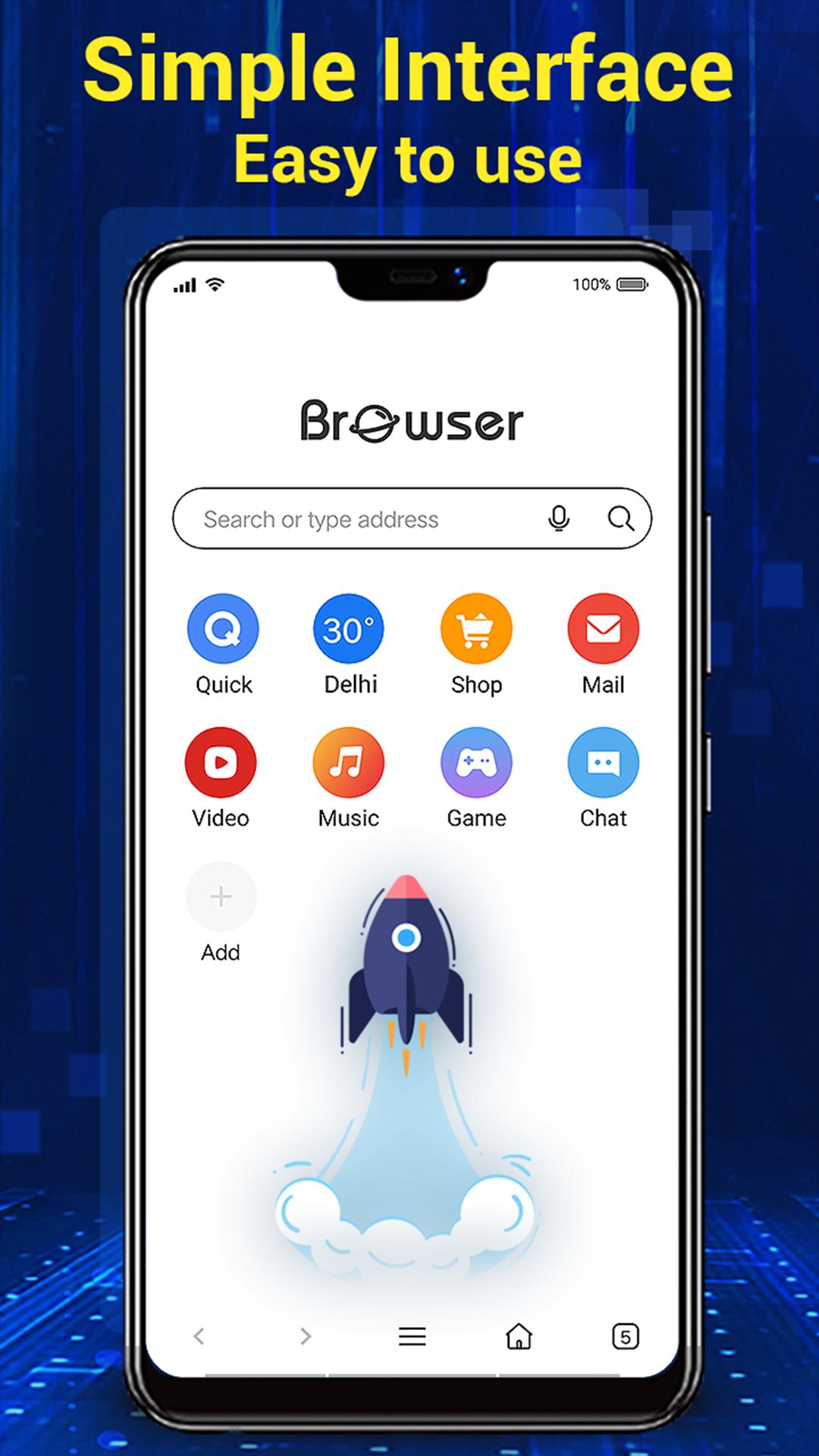
The interface keeps the screen focused on the page with controls that appear only when needed. You can use multi‑touch pinch zoom for closer views, switch to full‑screen mode for distraction-free reading, and hide zoom controls to keep the page clear. Tabs and menus are arranged to reduce clutter, so routine actions stay quick. This balance helps when viewing long articles or media content.
Built-in download manager and quick bookmarking
Files download directly within the app and are managed in a single place for easy access. You can pause, resume, and check download progress without leaving your current page. Adding bookmarks takes a tap, and a refreshed home screen can be personalized for faster entry to frequent sites. Together, these tools make it simple to save material and return to it later.
This app is free to install and use, and it is available as an APK for users who prefer manual installation. If you want the Browser for Android latest version, choose the release that matches your needs and keep an eye on updates to access new improvements. Using an APK can be useful when you install on multiple devices or need a manual setup.
Enabling Do Not Track sends a request to sites to limit tracking, and some sites may honor it differently. Security settings let you control cookies, saved data, and permissions, while add-ons can extend privacy functions. If you plan to use Sync across devices, make sure the same sync settings are enabled on each device so your data flows as intended. Reviewing these options first helps you pick a balance between convenience and privacy.
Getting up and running takes only a few minutes, and most settings are easy to find. To keep current features and fixes, install the Browser for Android latest version before you begin. After the first launch, you can adjust privacy, search, and homepage preferences to fit your routine.
Browser for Android provides fast loading, clear controls, and flexible privacy settings for everyday use on a phone. If you prefer manual setup, Browser for Android APK is available for direct installation. Pick the option that fits your routine and begin browsing with tools that keep your pages, files, and settings organized.
Last updated on Mar 24, 2026
V3.2.7
🌈Improve browser performance, better experience
🎈Fix some minor bugs, run more stable
V3.2.6
🎊Optimize page refresh function
🚀Fix some bugs, improve browsing efficiency
V3.2.5
❤️Some new UI design, improve visual experience
💝Fixed some issue, more stable
Latest Version
 3.2.7
3.2.7
Uploaded by
Quân Phạm
Requires Android
Android 6.0+
Available on

Category
Report

Discover what you want easier, faster and safer.
