



Use APKPure App
Get Back Button old version APK for Android


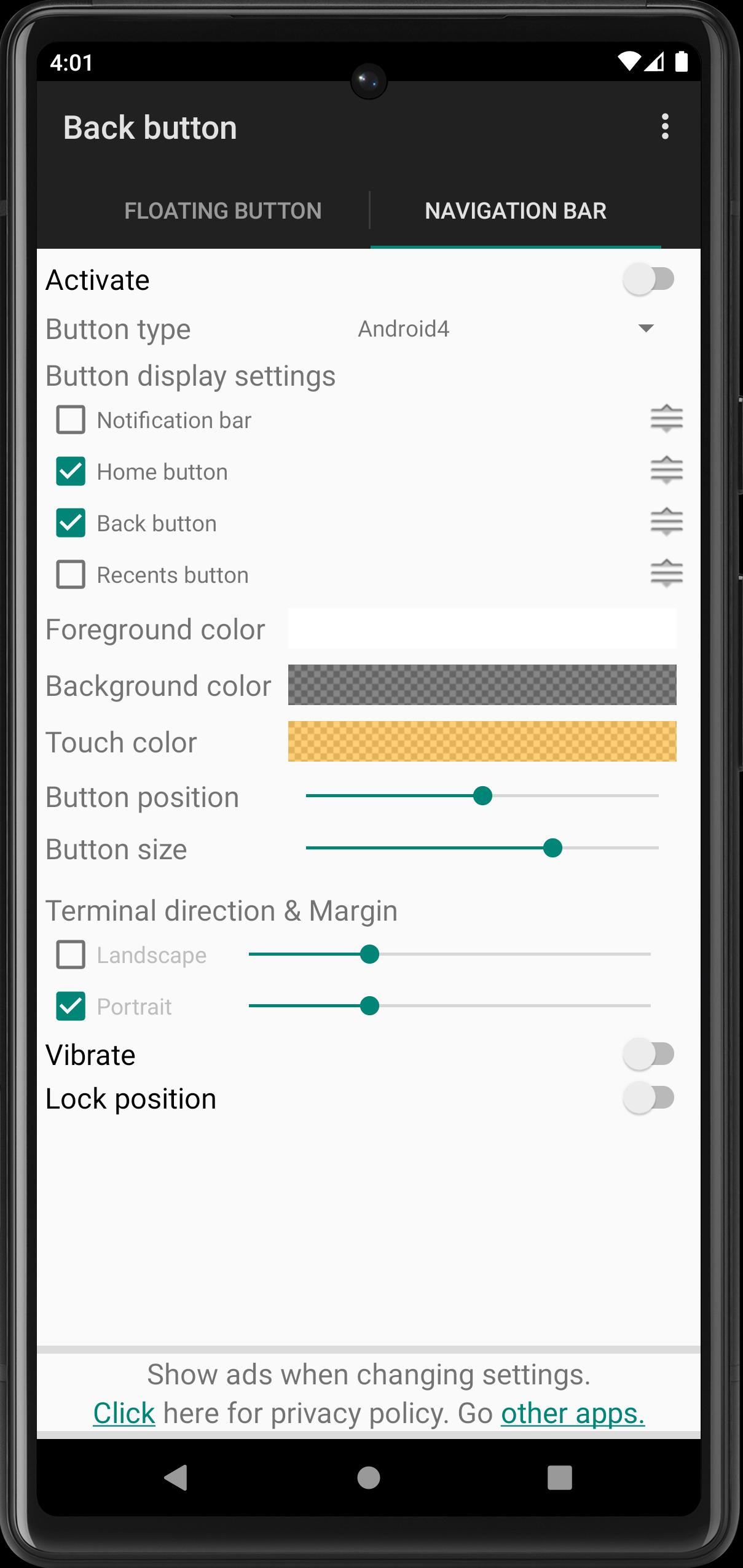
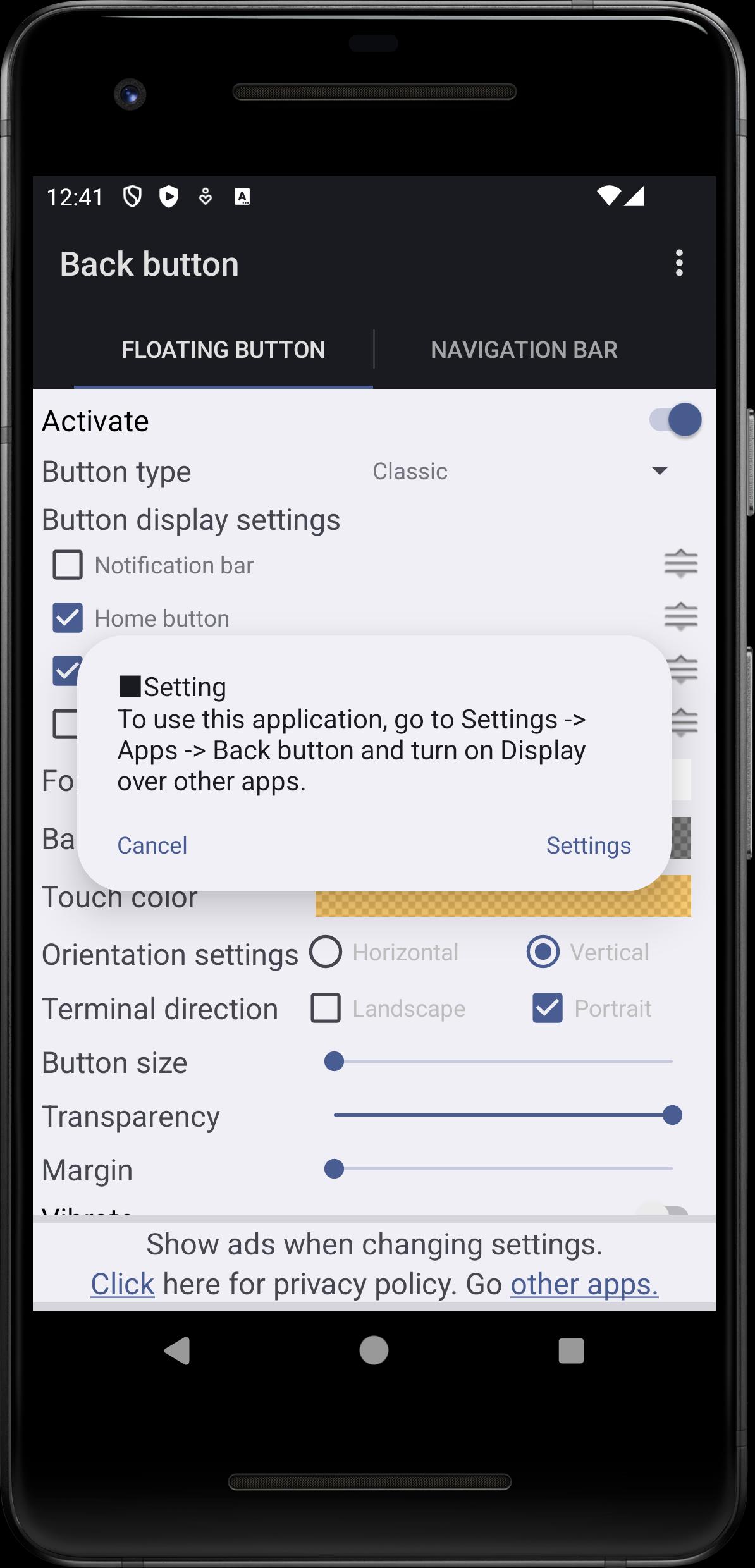

Back Button is a navigation utility app that adds on screen Back, Home, and Recent controls.
Back Button addresses common navigation problems on Android phones, such as broken controls or hard to reach buttons on large screens. It offers on screen navigation you can reach with one hand, and it does not require root access. For users who prefer traditional buttons over system gestures, it provides a familiar layout that stays available over apps. This app is also known as Back Button-No Root, and you can get Back Button APK when you need a simple, reliable alternative.
Back Button places Back, Home, and Recent controls on your screen for one tap navigation. Long press options add flexible behavior when you need more than a single tap. This keeps core actions within reach while you use other apps.
Gesture based show and hideYou can swipe up or down to show or hide the navigation bar. Back Button lets you adjust swipe sensitivity so it behaves the way you expect. As a result, the bar stays out of the way until you need it.
Flexible customization and feedbackBack Button lets you choose background and button colors and set the bar height and size. You can enable vibrate on touch for tactile confirmation of each press. These options help you align the bar with your screen and comfort.
Smart screen aware behaviorThe bar can auto hide when the keyboard appears to reduce visual clutter while typing. You can also fine tune its position in landscape mode for better reach when watching videos or playing games. This helps navigation stay consistent across orientations.
Lock bar and persistent overlayTo prevent accidental moves, you can lock the bar in place. Back Button runs as an overlay, so controls remain available across apps. This supports stable navigation while you switch tasks.
Back Button uses the Accessibility Service to enable floating controls and perform Back, Home, and Recent actions. It also needs permission to display over other apps so the bar stays visible while you use your phone. According to the app’s statement, no data is collected or shared through the Accessibility Service API. This privacy focused approach helps users who want a navigation tool without extra tracking.
This back button app for Android is useful if hardware keys are broken or respond inconsistently. It also suits large screen phones where reaching the bottom or edge controls with one hand is difficult. Users who prefer classic soft keys over gesture navigation can keep familiar controls visible without changing system settings. Compared with other navigation bar apps, Back Button focuses on customization and clear privacy notes.
Set up Back Button in a few minutes and keep navigation within reach. To start, download Back Button and open the app to grant required permissions. The steps below guide you through setup and basic adjustments.
Back Button adds accessible Back, Home, and Recent controls that you can customize to fit your phone and habits. If you need reliable soft keys without root, consider Back Button latest version to maintain consistent navigation across apps.
For support or more information, use the official channels below.
Last updated on Feb 14, 2026
Minor bug fixes and improvements. Install or update to the newest version to check it out!
Latest Version
 2.07
2.07
Uploaded by
ogapps
Requires Android
Android 5.0+
Available on

Category
Report

Discover what you want easier, faster and safer.
