


Use APKPure App
Get App Manager old version APK for Android

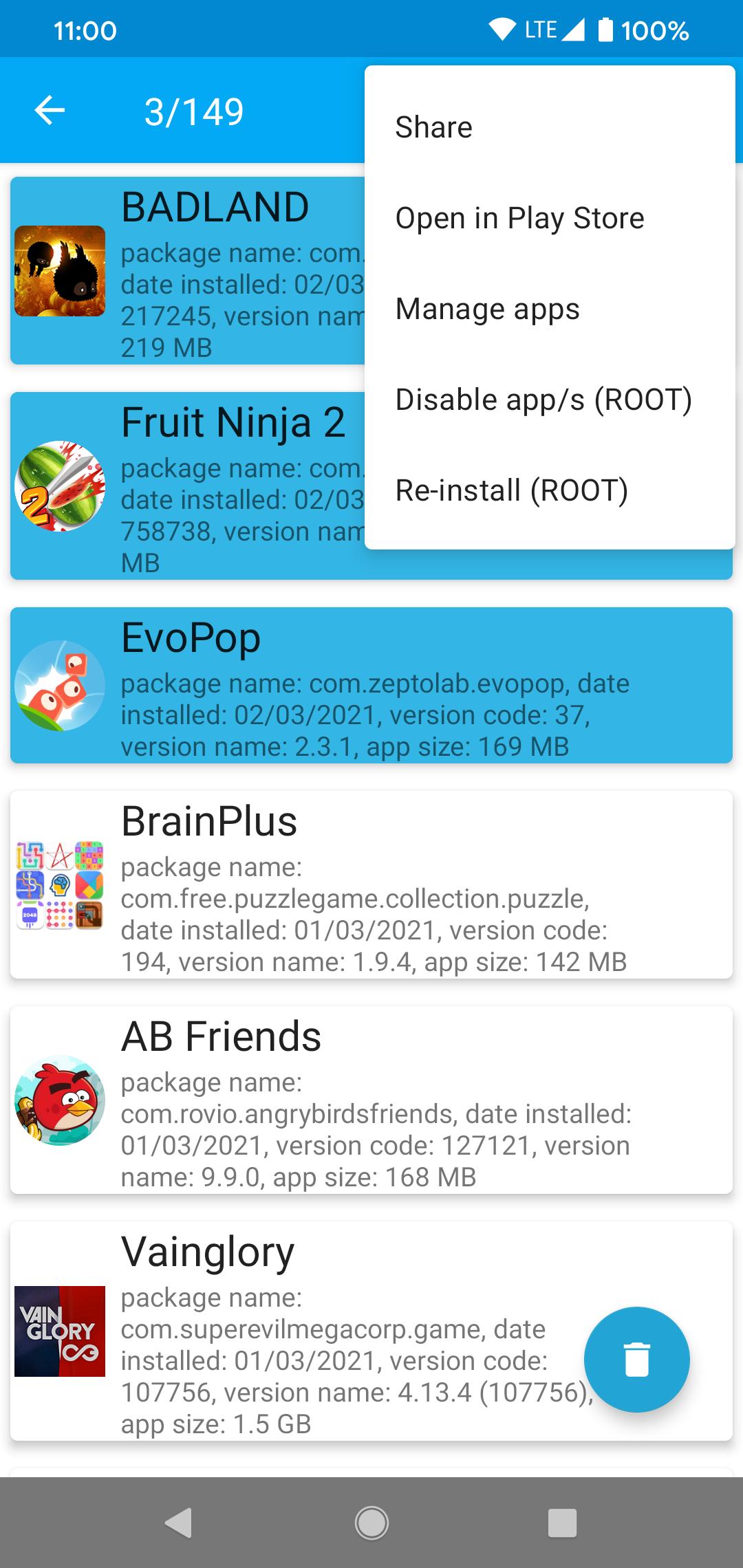

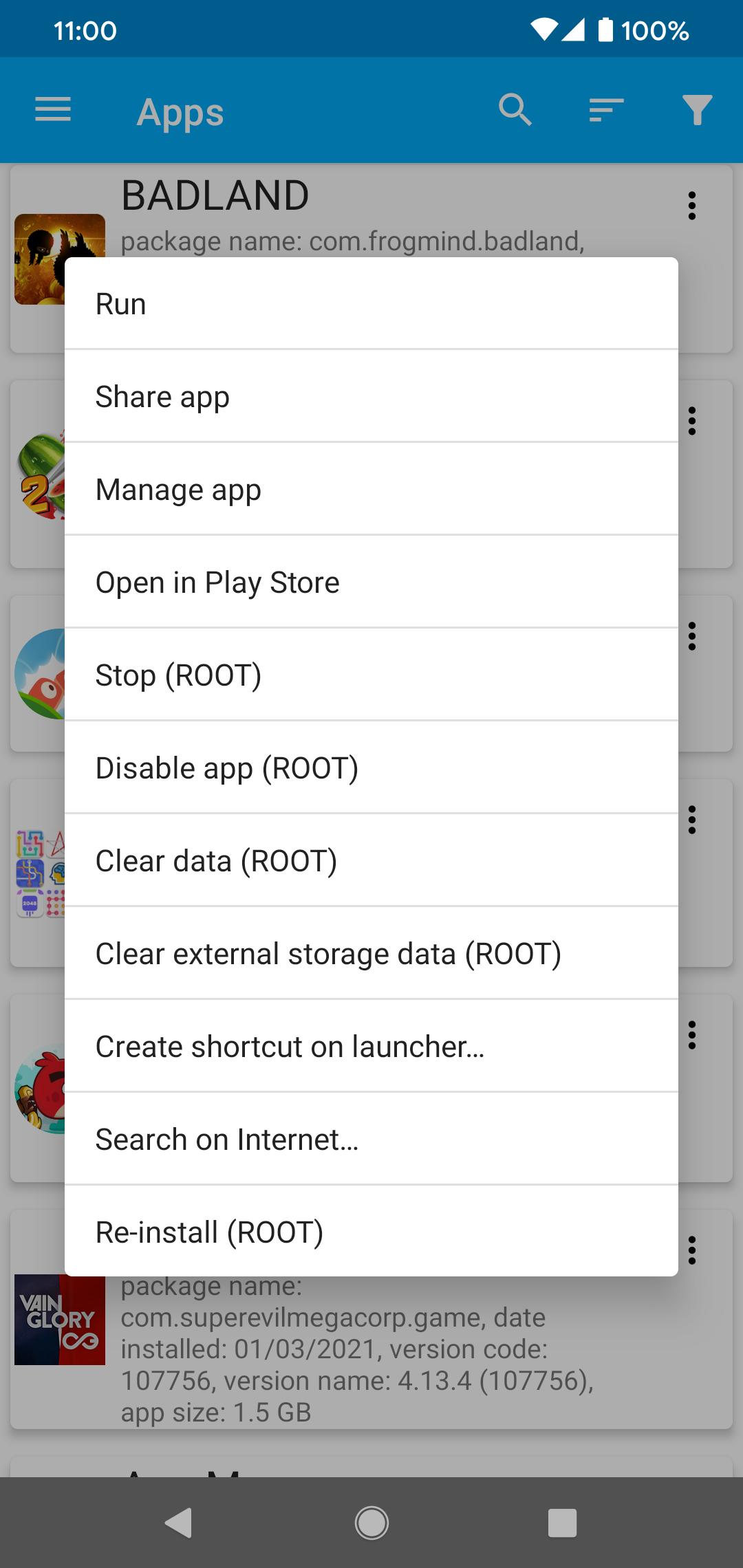


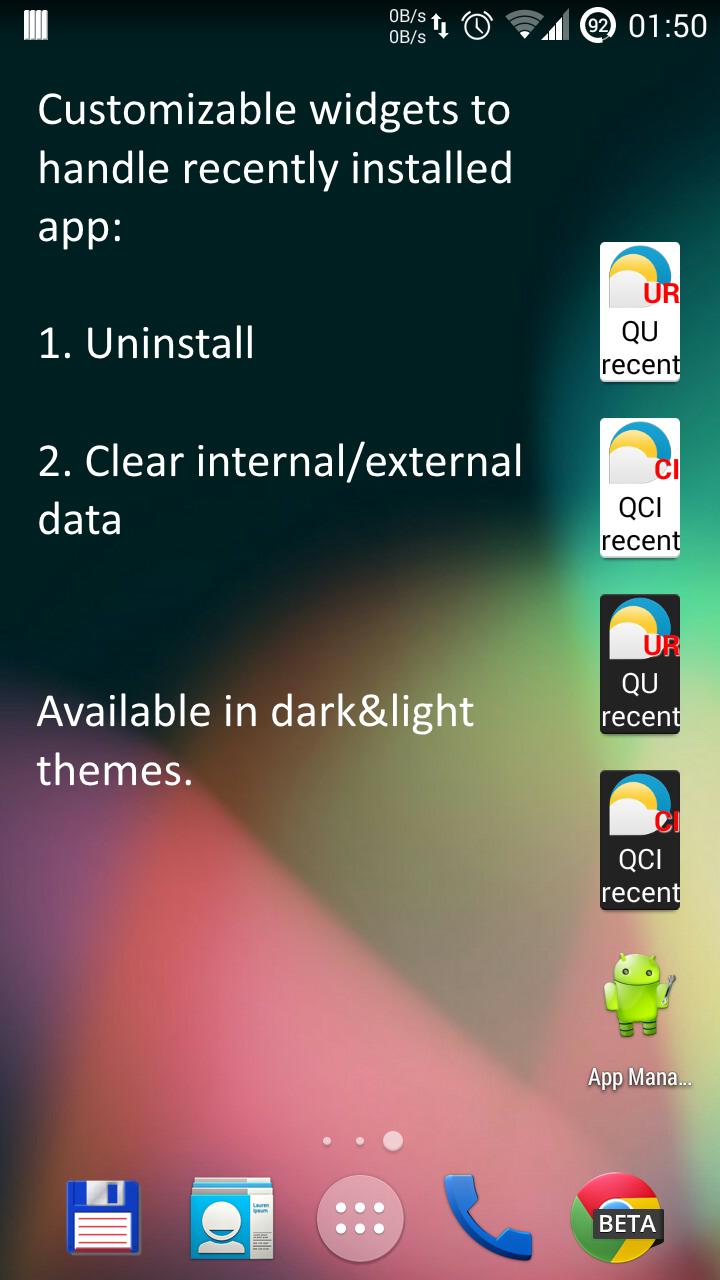
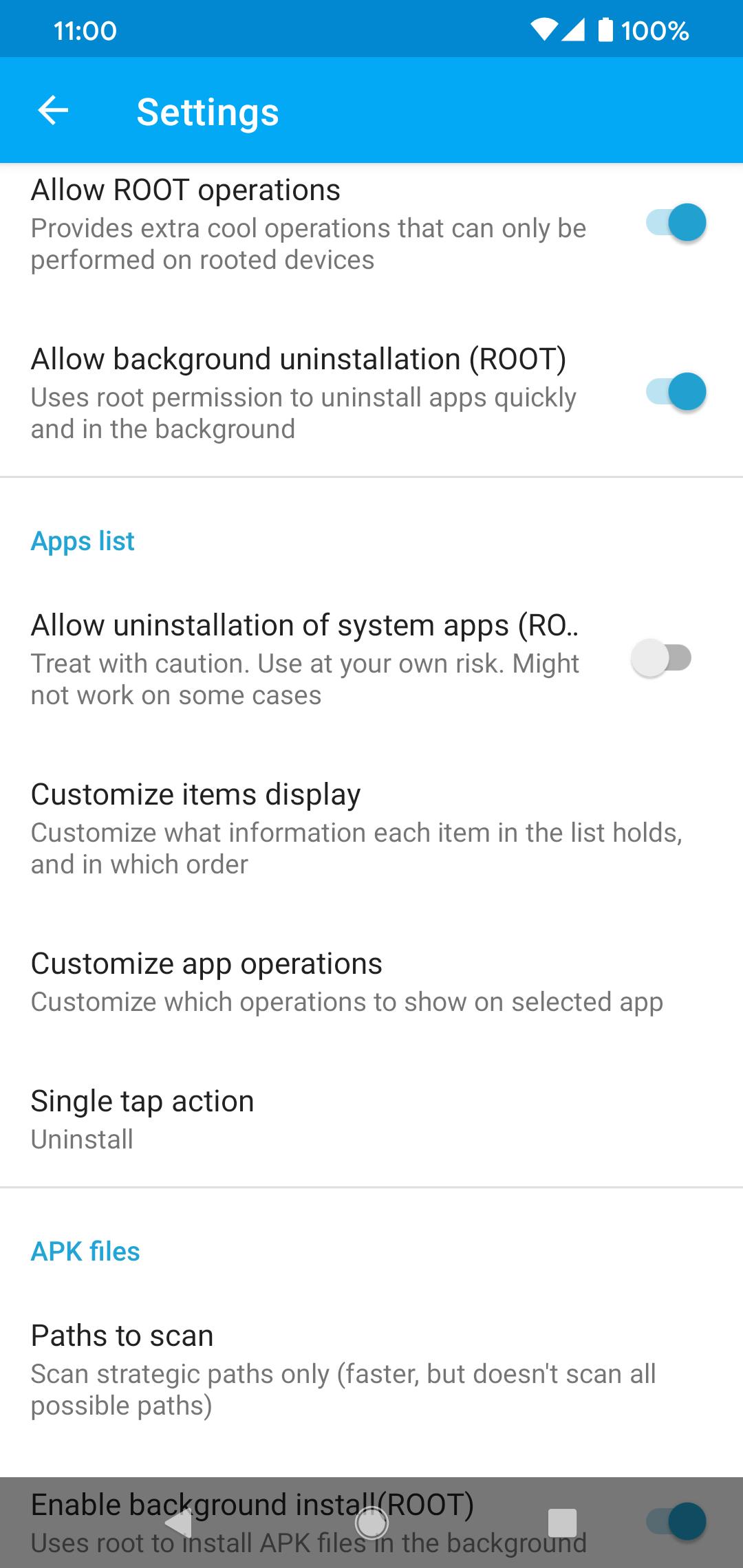
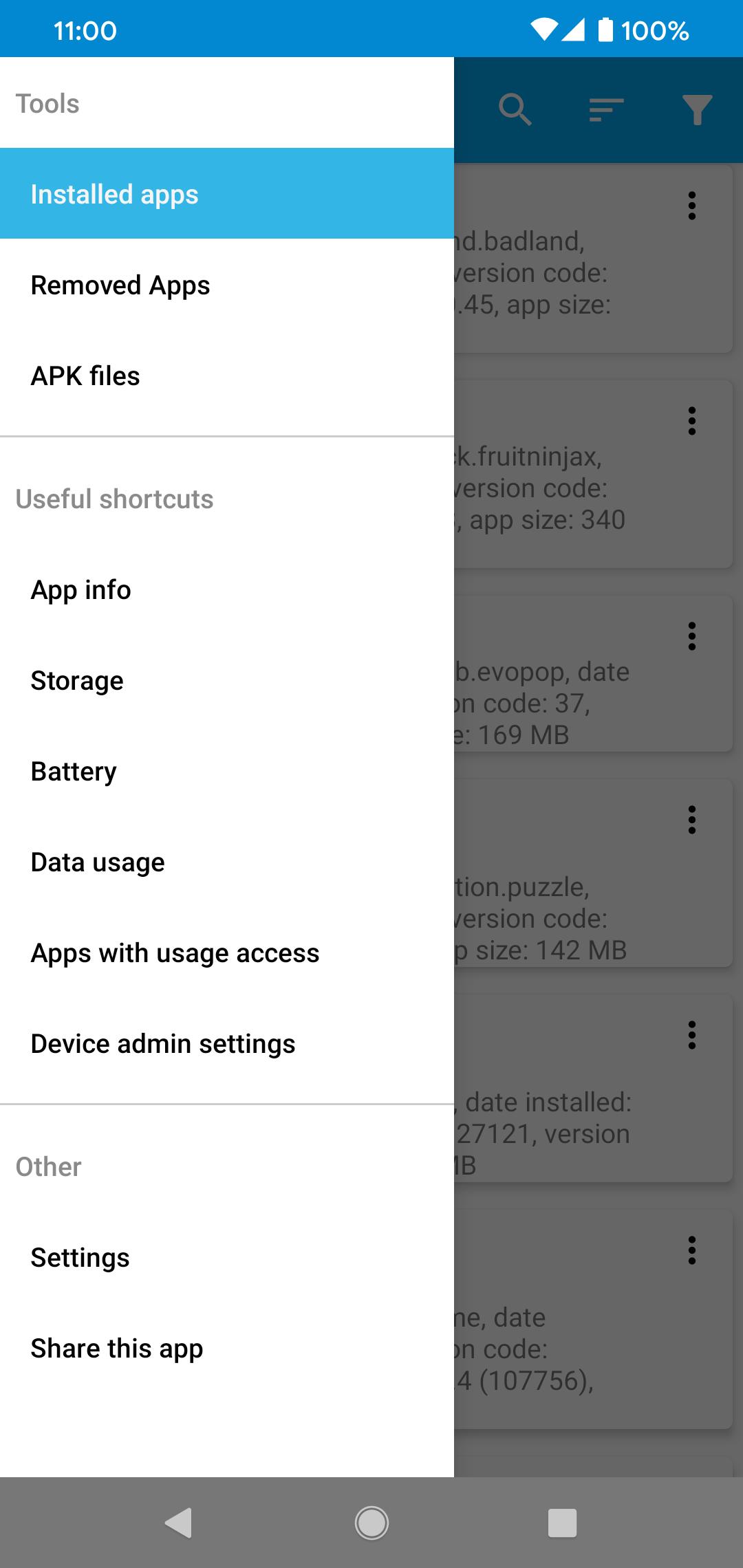
App Manager is a utility app that simplifies uninstalling and managing apps on Android.
App Manager addresses common situations where you install many apps to test and later need to remove the rest. It reduces the steps required to uninstall, reset, or disable apps, so routine cleanups feel quicker. It also suits users who install from outside built in sources and want new app shortcuts to appear correctly. For power users, it includes options for handling system apps with care. Users who often manage large app lists typically download App Manager for a straightforward workflow.
One tap uninstalls
App Manager lets you remove an app with a single tap. It can automatically handle apps with device admin permissions so you can revoke them before removal. This makes quick cleanups less tedious.
Batch actions for multiple apps
Install and manage package files
When installing from files, App Manager supports APK, APKS, APKM, and XAPK formats and includes tools for managing APKs. It can add shortcuts for newly installed apps and shows a history of removed apps. This support helps when you work with packages such as an App Manager APK.
Advanced tools and sorting
On rooted devices, you can stop apps, clear internal storage, disable or enable, and in some cases uninstall system apps, which is risky and may affect device stability. Filters show system or user apps, enabled or disabled apps, and storage location. Sorting by size, name, package, install date, update date, or launch time helps you find what matters quickly.
App Manager shortens uninstall steps and adds practical controls for installs, batches, and advanced tasks. Review settings carefully before removing system apps. For current fixes and improvements, check the App Manager latest version and use the tools that match your needs.
Last updated on Mar 24, 2026
Fixed crash on old Android versions, related to creating shortcuts.
Minor bug fixes.
Latest Version
 7.6
7.6
Uploaded by
Nitikon Sappakit
Requires Android
Android 6.0+
Available on

Category
Report

Discover what you want easier, faster and safer.
