


Use APKPure App
Get Android Switch old version APK for Android

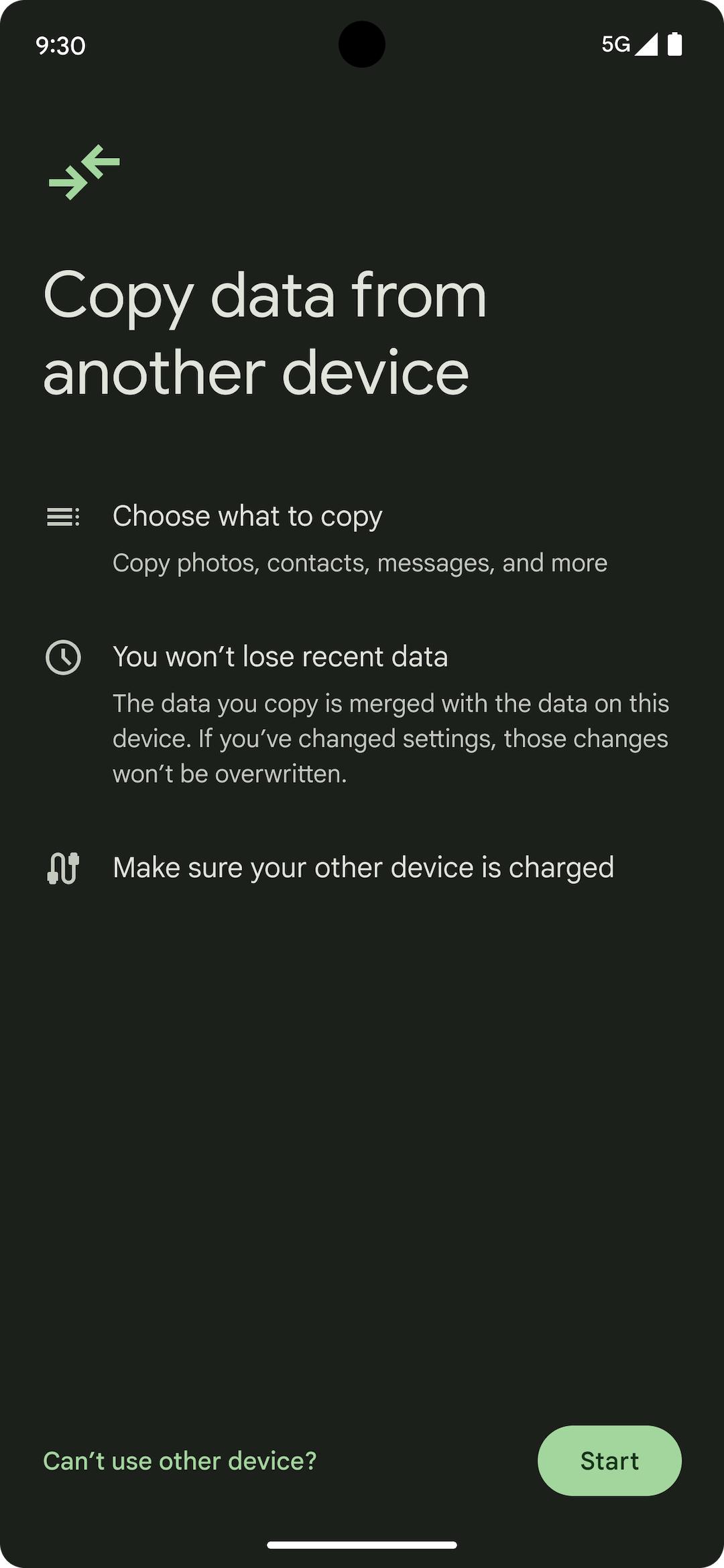


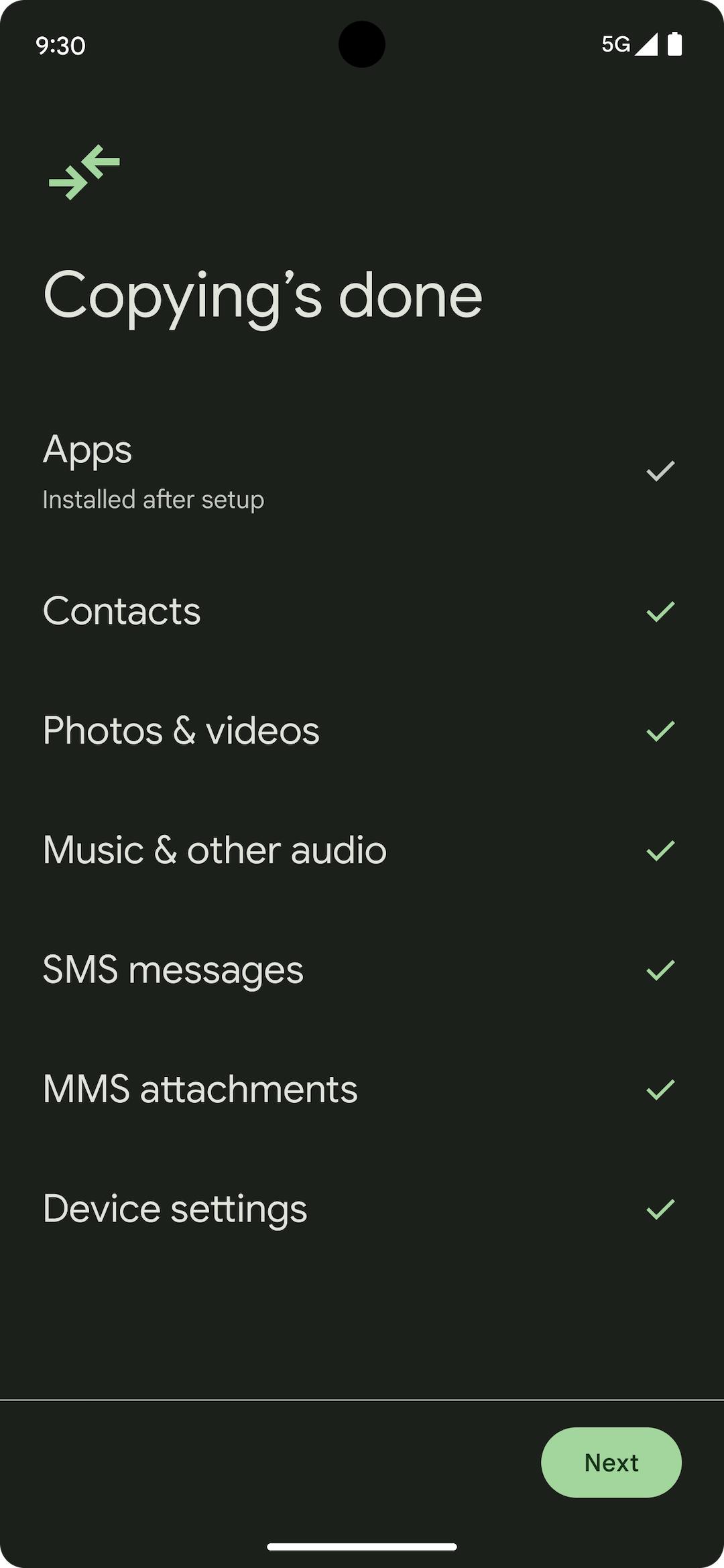
Android Switch is a phone transfer app that moves photos, messages, contacts, apps, and more to a new Android during setup.
Android Switch helps you bring your content from an old phone or tablet to a new Android with a clear, guided flow. You can connect with a cable for the broadest transfer from iPhone or Android, and you can also copy wirelessly when a cable is not available. The tool is preinstalled on most Android devices and appears during first-time setup. Moreover, on Pixel 9, Pixel 9 Pro, and Pixel 9 Pro Fold, you can run Android Switch after setup from Settings and restore without the old device using cloud backups. It works across popular brands and carriers so you can switch with confidence.
Wired or wireless options
Android Switch supports a cable connection for the most complete transfer, including many data types from iPhone. You can also transfer wirelessly using the companion iOS app when a cable is not available. This flexibility lets you start with what you have on hand and continue smoothly.
Move what matters
You can bring contacts, photos, videos, calendars, SMS or MMS, iMessage history where supported, WhatsApp chat history, and eligible apps. For WhatsApp from iPhone, a cable is required to move your chats. Therefore you can land on your new Android with your core content ready.
Guided flow with control
Android Switch walks you through each step so you choose exactly what to copy. You can monitor progress on screen while you explore your new phone. As a result, you always know what is moving and when the transfer completes.
Secure and built in
Android Switch is a preinstalled Google solution on most Android devices. There is no separate tool to manage during setup, and transfers happen on your devices. This approach helps keep your data in your control while you move.
Pixel 9 series advantages
On Pixel 9, Pixel 9 Pro, and Pixel 9 Pro Fold, you can start a transfer after setup from Settings. You can also restore data without the old device by using Google One backups. This gives you more ways to finish a move if your old phone is unavailable.
Works across brands and carriers
Android Switch is designed to help you move to virtually any Android device. You can bring your data whether you are coming from iPhone or Android and whether your new phone is from Google, Samsung, or other major brands. Therefore you can switch without changing carriers or accounts.
Using a cable from iPhone enables the broadest data transfer and is required for WhatsApp chat migration. When a cable is not available, you can start a wireless transfer with the iOS companion and copy core items like photos, contacts, and messages.
Before moving from iPhone, turn off iMessage and FaceTime, then deregister iMessage. This helps avoid missed texts on your new phone. Also, some messages may take up to 48 hours to appear as services update.
Keep both devices charged and unlocked, and leave them connected until the transfer completes. If you are switching to a Pixel 9 series device, you can also restore later from cloud backups without your old phone. In addition, staying on Wi-Fi helps with app downloads after the move.
Android Switch appears during the initial setup flow on most devices. On Pixel 9 series, you can also find the transfer option later in Settings. Therefore you can finish moving data even if you skipped something during setup.
The process is straightforward and takes only a few steps. A cable is recommended for the most complete transfer, especially when moving from iPhone. Follow this guide to copy your data with Android Switch.
Power on your new Android and start setup. When prompted, choose to copy your data and select Android Switch.
Prepare your old device. On iPhone, turn off iMessage and FaceTime, then connect both phones with a compatible cable.
After the connection, follow the on-screen instructions to sign in as needed and choose what to copy, such as photos, contacts, messages, and apps.
For WhatsApp from iPhone, keep the cable connected and follow the prompts to move your chat history.
Then wait while the transfer completes and keep both devices unlocked. When finished, check your new phone and continue setup.
Android Switch makes it easier to bring your content to a new device. If you need the installer outside of setup, get the Android Switch APK latest version on APKPure for a secure download and quick access.
For official guidance, see the website below.
Official website: https://www.android.com/intl/en_in/switch-to-android/
How do I download Android Switch APK?
To download Android Switch, get the Android Switch APK on APKPure and install it on your device. The app is preinstalled on most Android phones and appears during setup, and the APK on APKPure helps when you need the Android Switch APK latest version for manual installation or updates.
Is Android Switch safe to use for data transfer?
Yes, Android Switch is a Google-built, preinstalled transfer tool on most Android devices. Transfers run on your devices with a guided flow, and Android Switch does not require extra accounts. For manual installs, download Android Switch from APKPure to get the matching package for your device.
Can I run Android Switch after setup?
Android Switch can run after setup on Pixel 9, Pixel 9 Pro, and Pixel 9 Pro Fold from Settings. On many other devices, the tool is designed for first-time setup only. If you need to move later, you can reset the device or, on Pixel 9 series, restore from Google One backups without the old phone.
Does Android Switch transfer WhatsApp chats from iPhone?
Yes, Android Switch supports WhatsApp chat migration from iPhone when you use a cable. Keep both phones connected, follow the prompts during setup, and wait until the transfer finishes. Wireless transfers from iPhone do not include WhatsApp chats.
Does Android Switch work with Samsung and other brands?
Yes, Android Switch works across major Android brands and carriers, including Samsung devices. Use a cable for the broadest transfer, or start a wireless copy when a cable is not available. Signing in to the same Google account on your new phone helps restore eligible apps and purchases after the move.
Last updated on Mar 20, 2026
It's now easier to bring your data from another phone or tablet.
Latest Version
 1.0.882455745
Uploaded by
Rafael Trujillo
Requires Android
Available on

Category
Report

Discover what you want easier, faster and safer.
