


Use APKPure App
Get Android Auto old version APK for Android
Android Auto is a driver assistance app that mirrors Android on your car display for hands free control.
Android Auto helps when you need directions, messaging, and music while driving without taking your eyes off the road. It brings a driver focused layout to compatible car screens and responds to your voice, so everyday tasks feel simple. As a result, you stay focused while still getting things done from the driver’s seat. Android Auto latest version includes improved voice understanding and flexible task handling for common on the road needs.
Turn by turn navigation
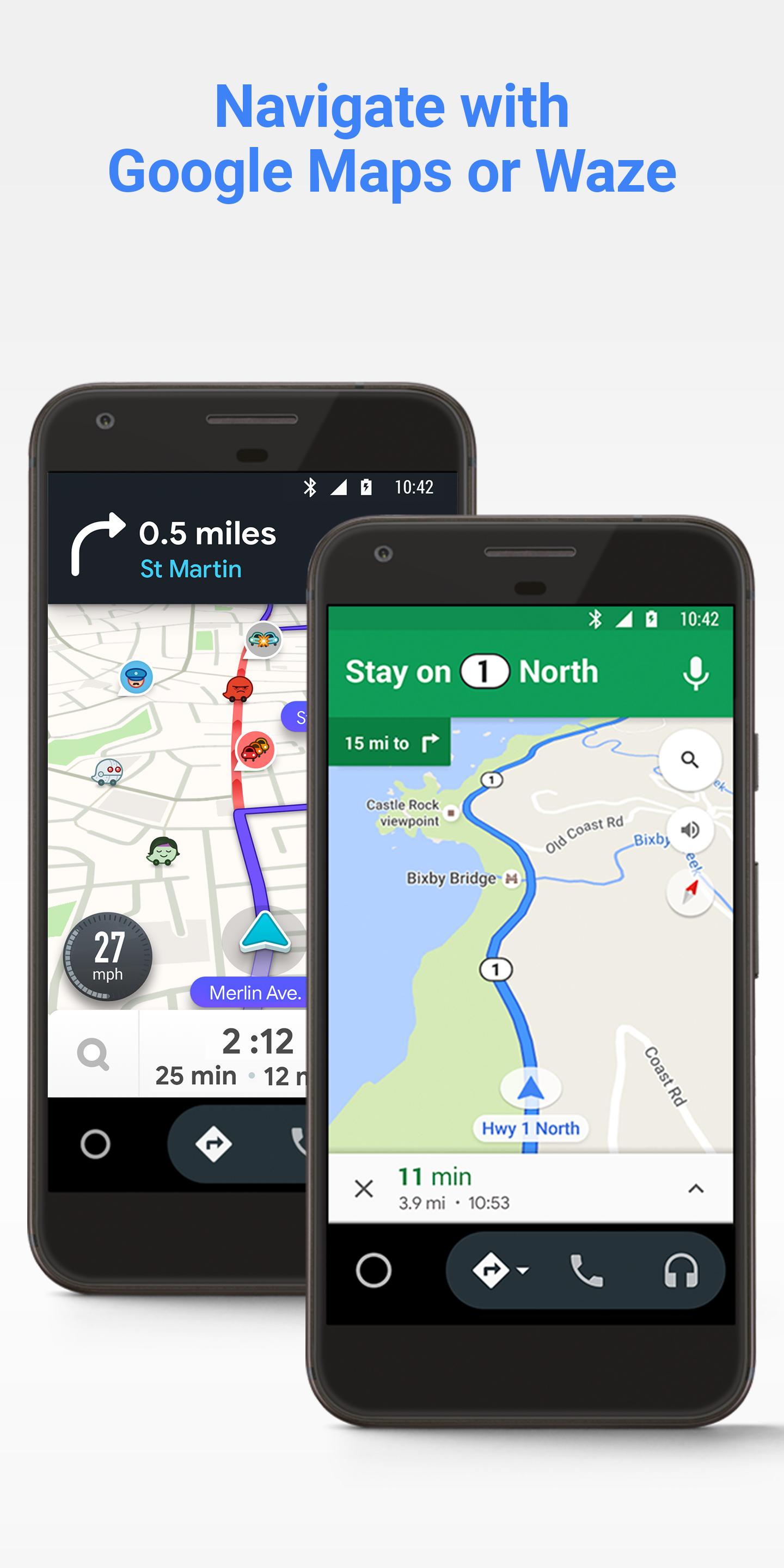
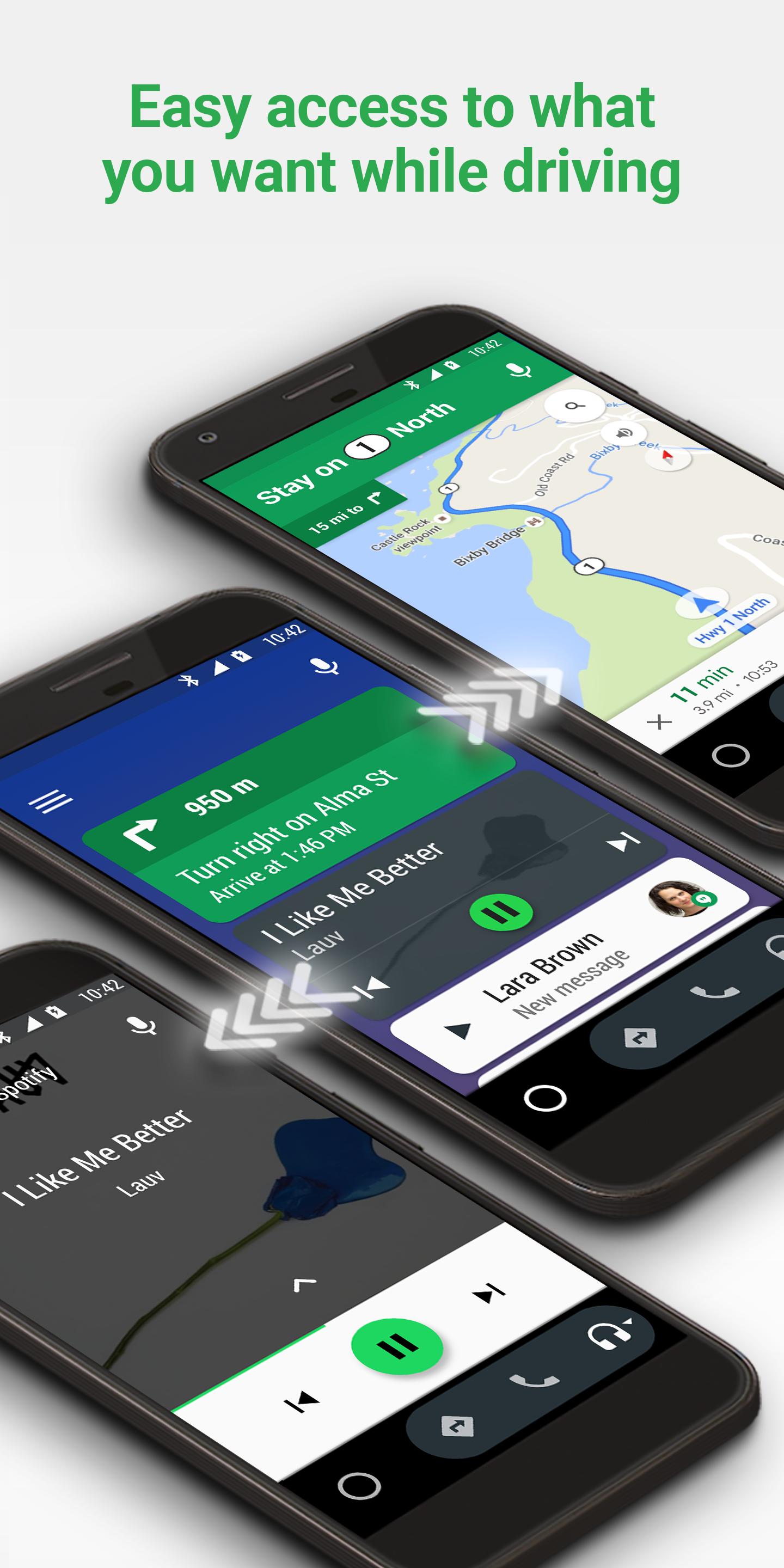
Android Auto shows clear routes and traffic details in Google Maps or Waze on your car display. You can ask for directions, see lane guidance, and hear hazard alerts as you drive. If traffic changes, you can reroute by voice without touching the screen.
Hands free communication
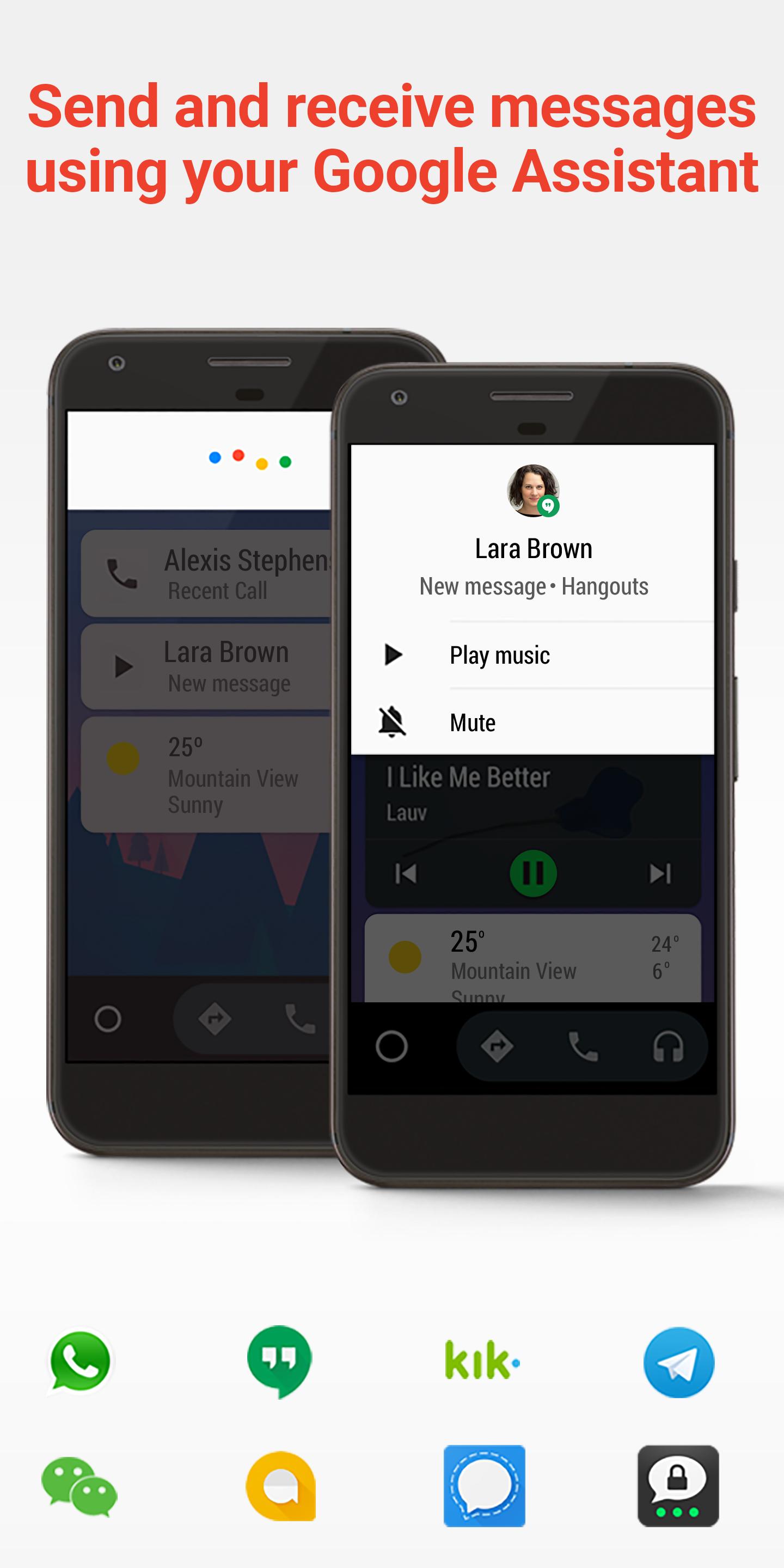
Android Auto reads new messages aloud, then helps you reply using your voice. You can use smart replies or ask for AI summaries to condense long group chats into a quick update. Calls can be placed and answered hands free, which keeps your attention on the road.
Entertainment control by voice
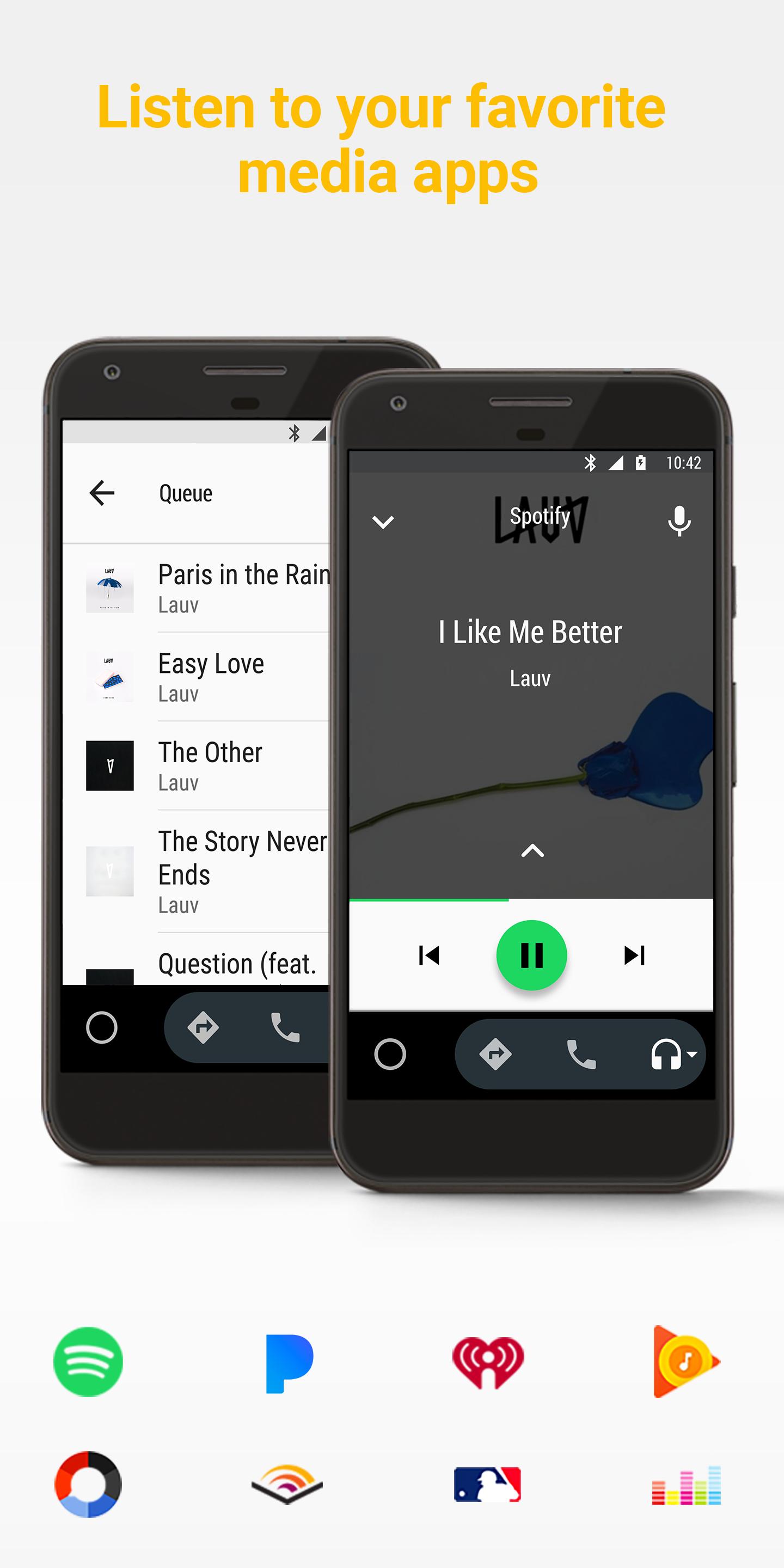
Android Auto lets you play music, radio, audiobooks, and podcasts from supported apps like Spotify, YouTube Music, and Audible. You can start, pause, or switch tracks using simple commands. While driving, album art and basic controls are sized for easy viewing on the car screen.
Gemini assistance for complex tasks
Android Auto includes Gemini for natural conversations that handle multi step requests. You can ask to find a coffee stop along your route, check specific details from your email, or create a message without typing. With Gemini Live, longer back and forth guidance is available when you need clarity during a trip.
Expanded capabilities for everyday driving
Android Auto supports EV features in Maps, such as battery estimates on arrival and nearby charging locations. You can toggle smart home devices like lights or thermostat before you reach your destination. When the car is in Park, you can join a meeting in apps like Zoom or play quick games suited for short breaks.
Android Auto requires a compatible vehicle or aftermarket head unit to show the app on the car display. You can connect with USB or use wireless in supported models, and setup may differ by brand. If you plan to install the Android Auto APK, confirm your car’s compatibility first to avoid setup issues.
Gemini availability can vary by country and language, and features may roll out over time. If Android Auto is disabled on your phone, app mirroring on the car display will stop, and you will use your phone’s apps directly instead.
Android Auto works with a curated set of navigation, messaging, entertainment, and productivity apps designed for driving. You can browse the compatible apps catalog to see options for maps, music, calls, messages, and meetings that suit your routine.
For a quick check, look up your vehicle model and supported head units on the official car list. This helps you decide which connection method to use and which apps are available in your region.
Use these steps to set up Android Auto on a compatible car display. If you install the Android Auto APK, the setup flow is the same.
First, confirm your car and stereo support Android Auto, then park safely. Choose USB or wireless based on your vehicle’s options.
Next, connect your phone with a quality USB cable or start wireless pairing as directed on the car screen. Accept permissions on both devices, including access to notifications.
Then select your preferred navigation app and allow messaging access. Arrange your app shortcuts in the launcher for faster access while driving.
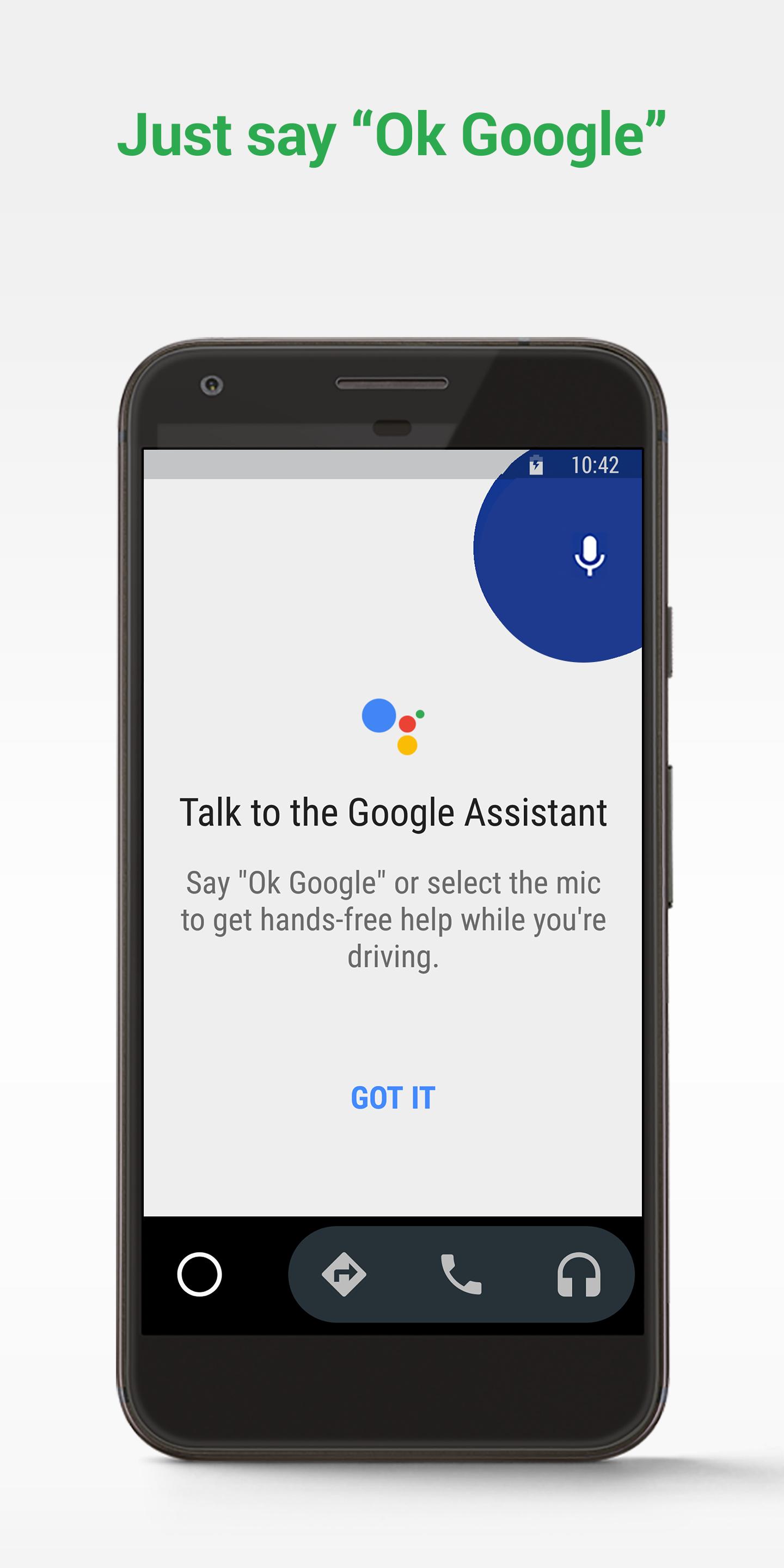
After that, use the steering wheel button or the mic icon to speak. Ask for directions, have messages read aloud, and play music using simple commands.
Finally, tailor trip features to your needs. EV drivers can plan charging stops, and you can adjust smart home devices before arrival or join meetings when parked.
Android Auto brings voice first navigation, calling, messaging, and entertainment to your car display. To get started, download Android Auto and follow the on screen prompts to connect your phone and vehicle.
For more details and help, see the official resources below.
Website: https://www.android.com/auto/
Compatible apps catalog: https://g.co/androidauto
Last updated on Mar 23, 2026
Minor bug fixes and improvements. Install or update to the newest version to check it out!
Latest Version
 16.5.661204-release
Uploaded by
Google LLC
Requires Android
Android 10.0+
Available on

Category
Report

Discover what you want easier, faster and safer.
