


Use APKPure App
Update NetherSX2 Automatically

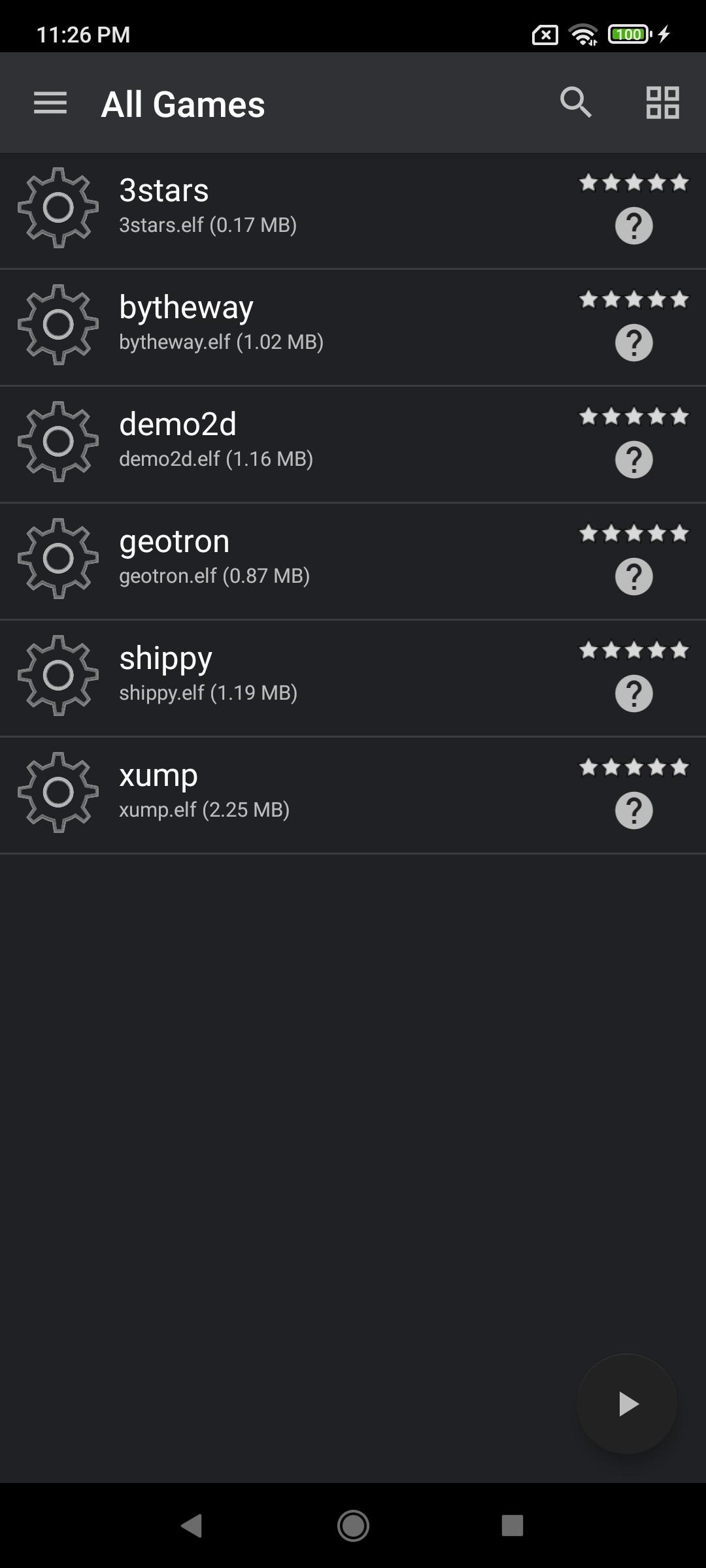
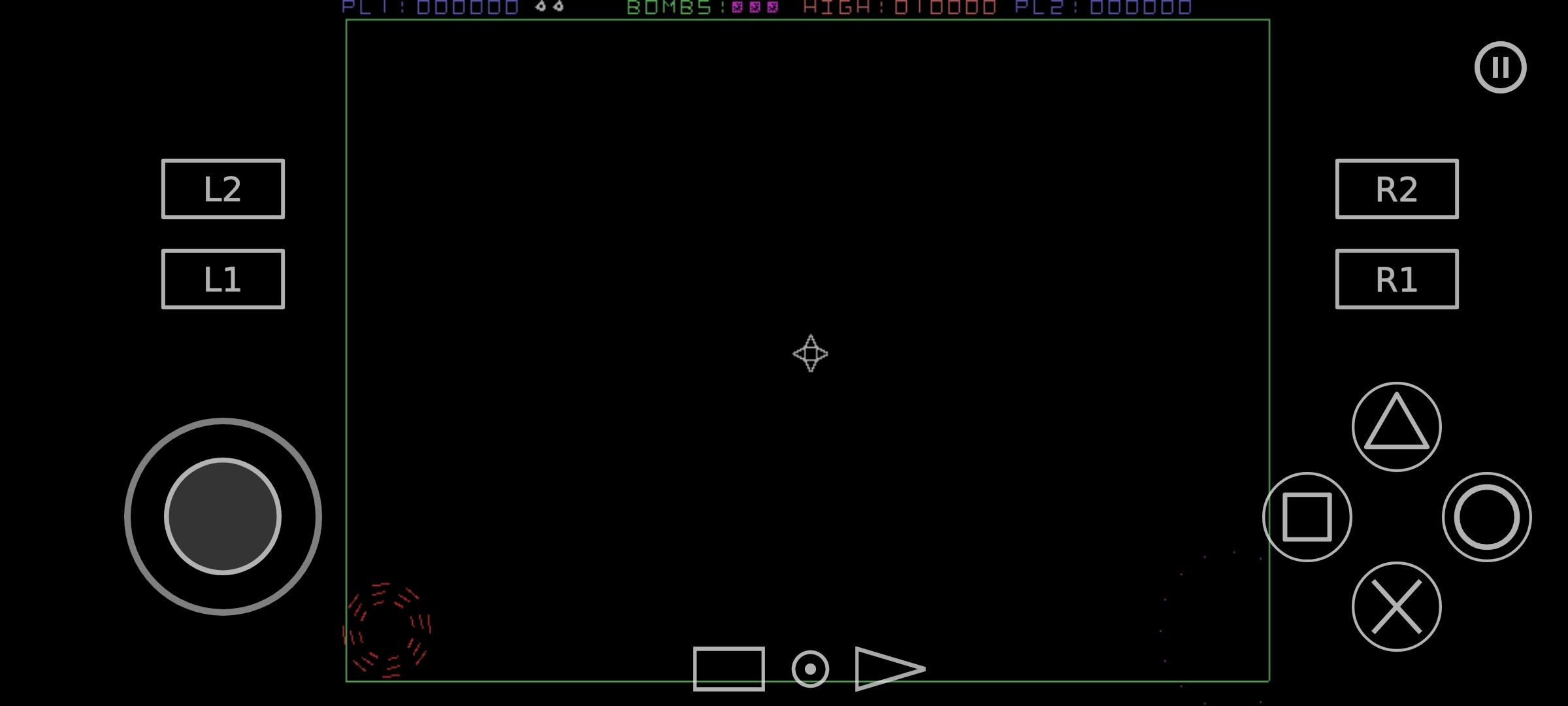
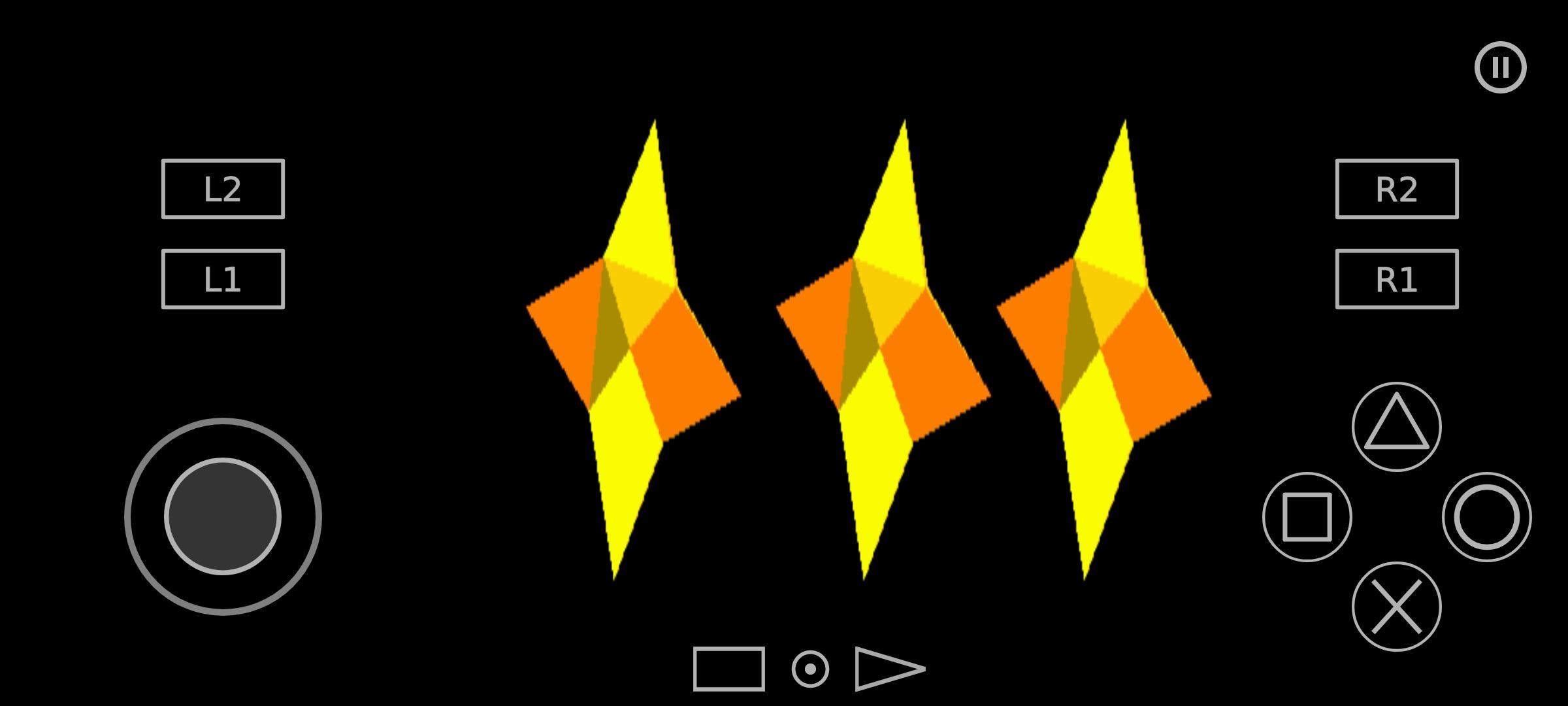
NetherSX2 is a PlayStation 2 emulator app that lets you play PS2 game files on Android with a clean, ad free interface.
NetherSX2 continues the familiar AetherSX2 experience on mobile while focusing on usability and a streamlined, distraction free design. It brings PlayStation 2 emulation to phones and tablets with a modern frontend that is easy to navigate. You can organize a personal library, launch titles quickly, and adjust visuals and input without digging through complex menus. The project builds on community knowledge and aims for reliable performance across many devices. Download NetherSX2 APK latest version on APKPure for secure download, and keep your setup organized for smooth gameplay and simple updates over time.
Ad-free, clean interface
NetherSX2 offers an uncluttered layout so you can browse your library, open recent games, and access settings without interruptions. This helps you focus on playing and adjusting only what you need.
Enhanced graphics with upscaling
You can increase internal resolution and apply visual tweaks to bring older PS2 titles closer to modern displays. This is useful if you want sharper images while keeping your NetherSX2 gameplay responsive.
Save states and per-game profiles
NetherSX2 lets you resume progress instantly and store settings for each title. This keeps demanding games optimized while simpler games use lighter configurations automatically.
Customizable controls and controller mapping
You can rearrange the touchscreen layout and map external gamepads for consistent input across games. This makes it easier to switch from handheld play to a controller when needed.
Launcher integration for easy game management
NetherSX2 integrates with Launchbox and DaiSho so your collection can be scanned, organized, and launched from one place. This helps you maintain a clean library as it grows.
Broad PS2 and BIOS support with community updates
The emulator reads common PS2 ROM and ISO formats and accepts a valid BIOS. Updates follow community improvements from AetherSX2 builds, and device performance may vary by hardware.
You can download NetherSX2 securely on APKPure. For extra assurance, verify the file before installing and avoid repacked or modified builds. This helps prevent signature conflicts and unwanted changes.
Download the NetherSX2 APK from APKPure and confirm the file size and version match the listing.
Check the APK’s checksum if provided and compare it to the value on the page.
Understand that VirusTotal can show heuristic flags for emulators. Look for consistent vendor results and cross-check the APK signature.
Avoid mirrored or tampered packages. Stay with the NetherSX2 APK latest version listed on APKPure.
NetherSX2 requires a PS2 BIOS file to boot games. You must dump the BIOS from your own console. This ensures legality and compatibility with your titles.
After you have your BIOS file, store it on your device in a known folder. Then open NetherSX2, select the BIOS path in settings, and confirm it is detected. You can keep multiple BIOS files if you own multiple consoles and switch as needed.
This quick guide helps you install, configure, and start playing. It covers downloading, BIOS setup, library organization, and optional launcher integration.
Download NetherSX2 APK from APKPure and install it. Open the app once installed to confirm it starts correctly.
Dump your own PS2 BIOS from your console and copy the file to your device. In NetherSX2, set the BIOS directory and verify detection.
After that, place your PS2 ROM or ISO files into a dedicated games folder on your device. In NetherSX2, add or scan that folder to build your library.
Then configure input and graphics. Map your controller or adjust the touchscreen layout, and set resolution scaling that fits your device performance.
So you can manage your library easily, optionally connect Launchbox or DaiSho. Point the launcher to your games folder and select NetherSX2 as the emulator for PS2 titles.
NetherSX2 brings PS2 emulation to Android with a practical interface, flexible controls, and convenient library management. Download NetherSX2 APK latest version on APKPure, set up your BIOS, and begin playing your own games.
Last updated on Mar 15, 2023
Minor bug fixes and improvements. Install or update to the newest version to check it out!
Latest Version
 v1.5-4248
Uploaded by
AetherSX2
Requires Android
Android 8.0+
Category
Report

Discover what you want easier, faster and safer.
